PC Components & Accessories


PC BUILDER
PC Components & Accessories
In need of a key CORSAIR accessory to finish your build, or looking for a replacement part to keep your PC running smoothly? Look no further.
What to look for in PC components and accessories
PC-building accessories have a lot of variability, so here’s what to look for.
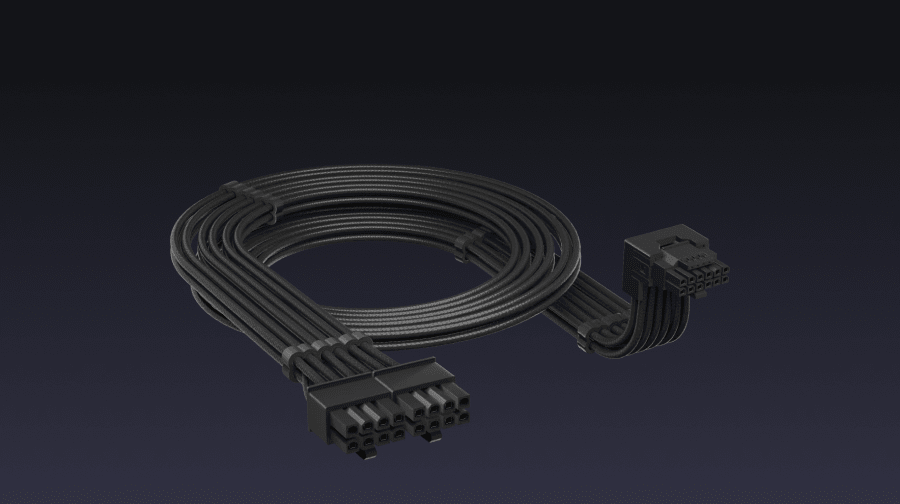
- Component category: It’s good to start with a checklist of all the types of materials you may need—connectors, controllers, lighting, etc.
- Compatibility: Whether it’s a connector or controller, be sure you’ve got the right match for your other components.
- Lighting formats: Check for external RGB panels/lights, internal string lights and everything in between.
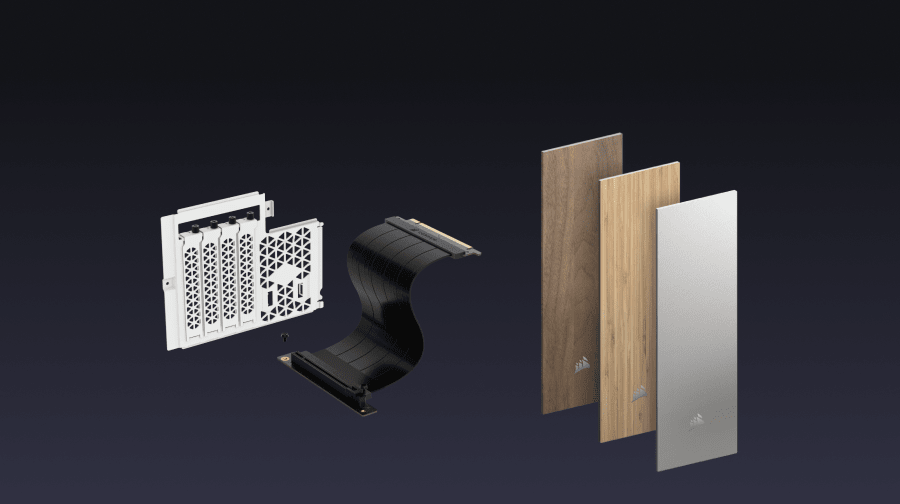
- Design and form factor: Even though many of these components sit inside your PC, check on how they look—particularly if you’ve got a tempered-glass window on your case.
What are the main components of a PC build?
Before you answer that question, it’s important to know that very few PC builds will contain the exact same components—which is part of what makes building your own feel so personal. But in general, a PC needs a motherboard, a CPU (with cooling if you want), GPU for more intensive game settings, RAM and file storage, a reliable power supply, and a case to put it all in. Once you have those components you can personalize the setup with colorful connectors, extra design elements, and monitors/peripherals to actually use your system.