Alongside our FRAME 4000D configurator, we've released an exciting batch of new accessories that don't just enhance your build's aesthetics - but also provide the option of functionality. This is the awesome part to our FRAME cases - the modularity for tinkering and customization. Plus, with our configurator, you're able to build up a case that tailors to exactly how you want it. With that said, let's dive into all of the accessories so we can help you choose.
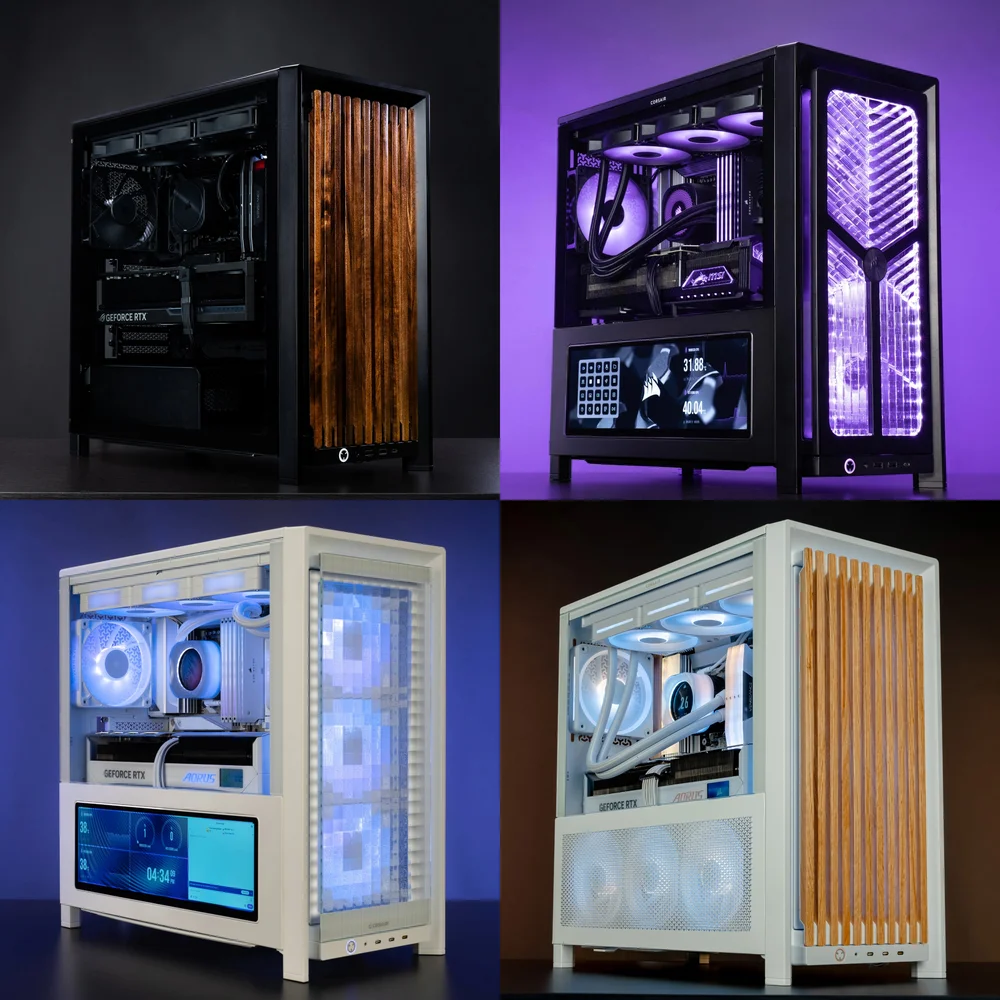
Check out our Build Showcase featuring full builds with FRAME 4000 accessories.
The front panel is probably the biggest choice to make in regard to your personalized FRAME 4000D, as the front provides the first impression and heavily influences airflow for your build.
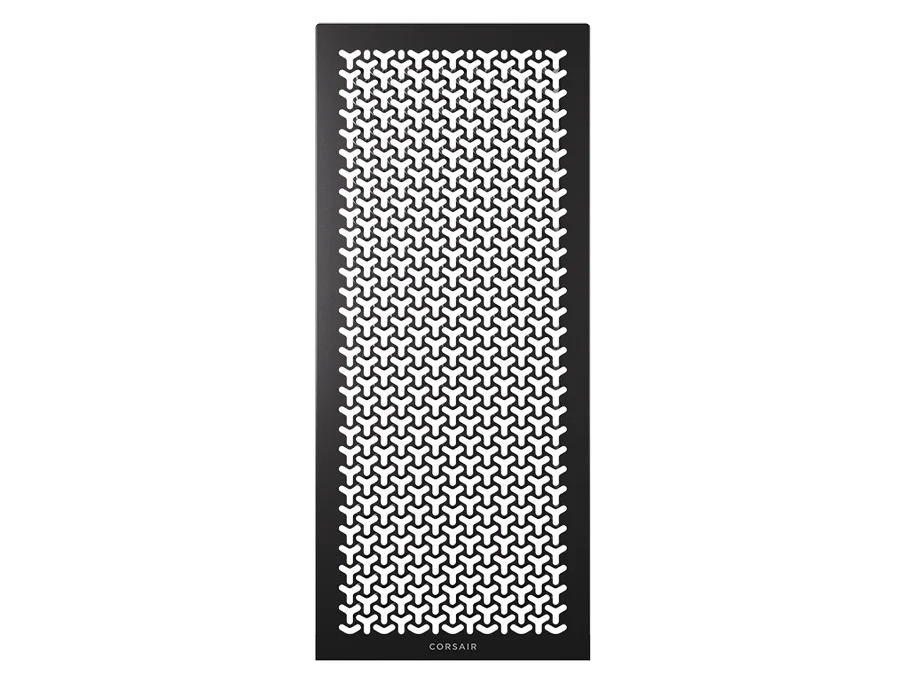
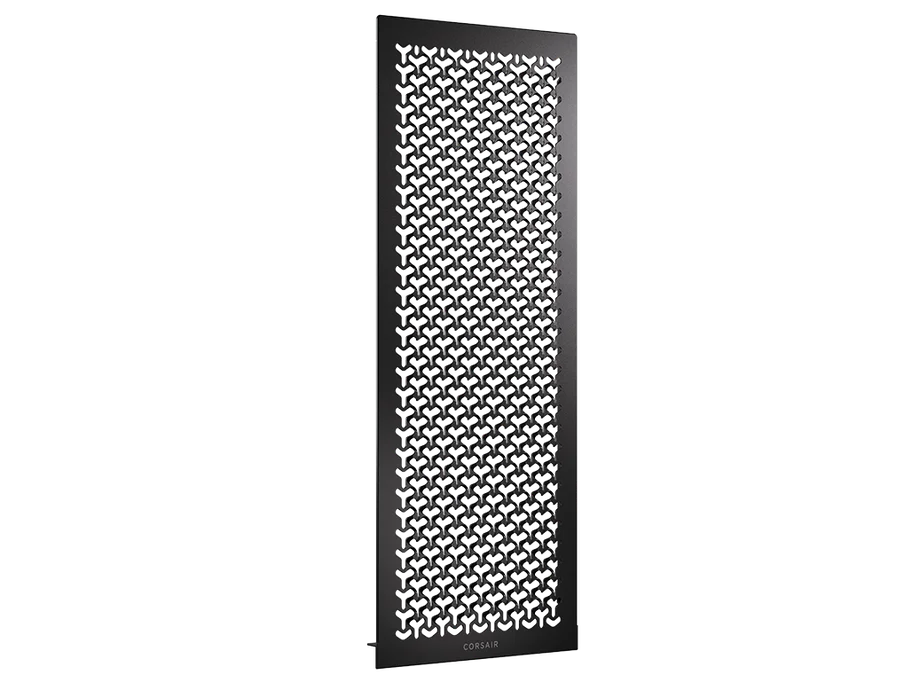
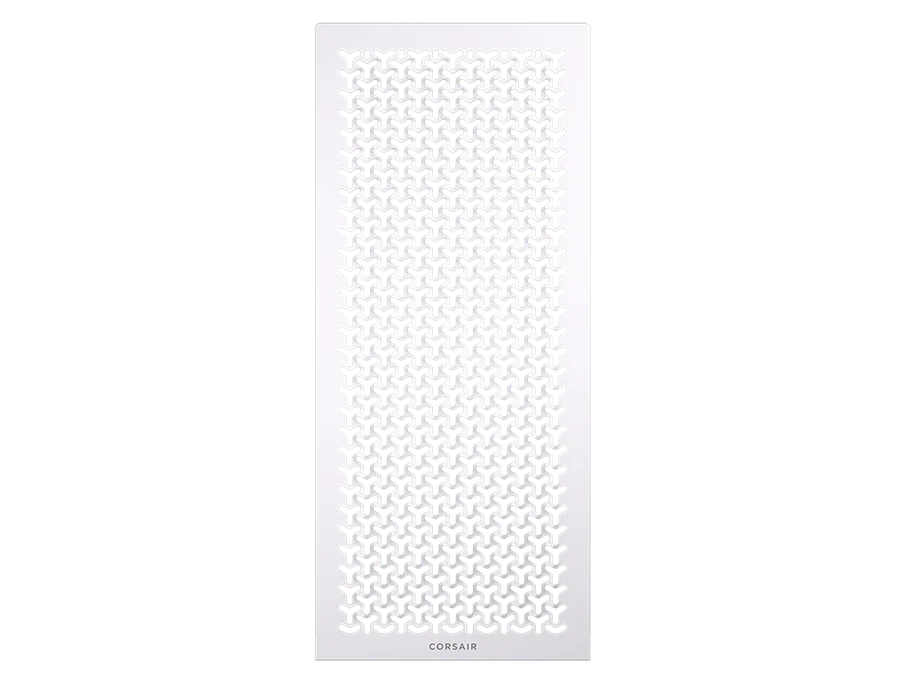
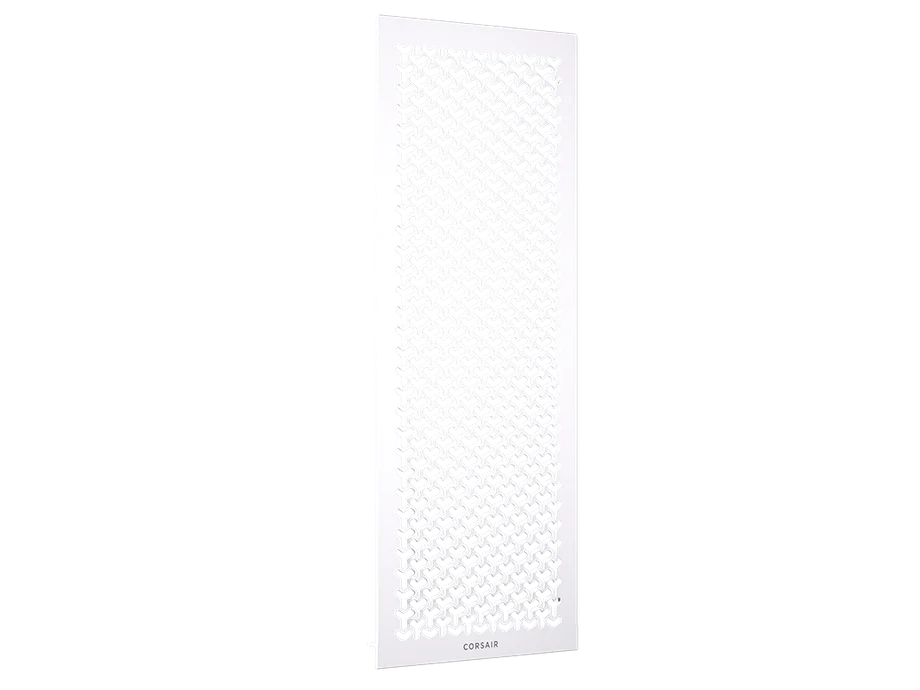
You can't go wrong with the standard 3D-Y Airflow front panel, as we engineered it to provide maximum airflow & minimal resistance. It marked 12% more airflow than the FRAME 4000D's predecessor.
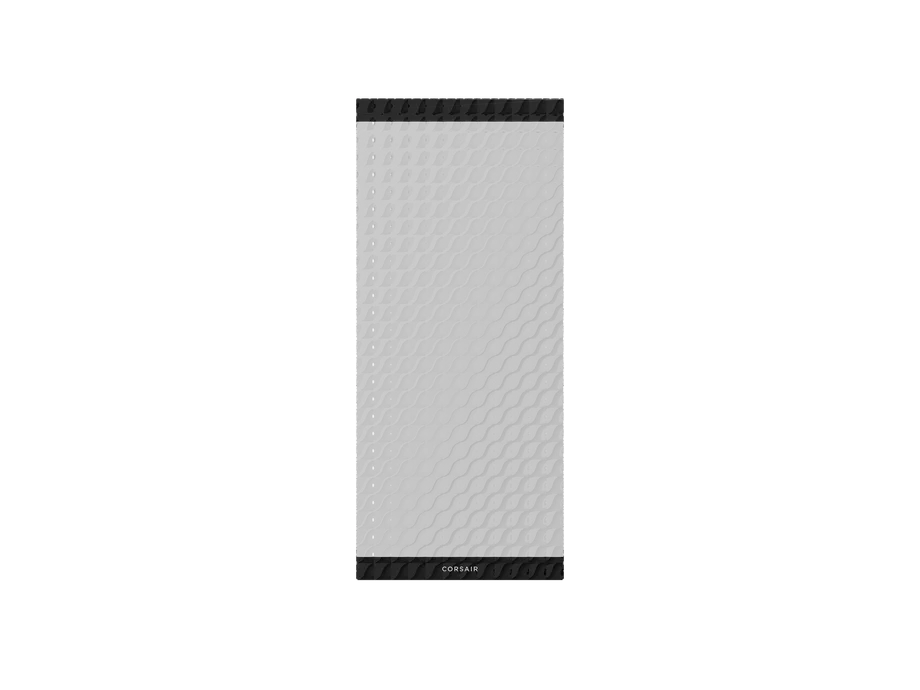
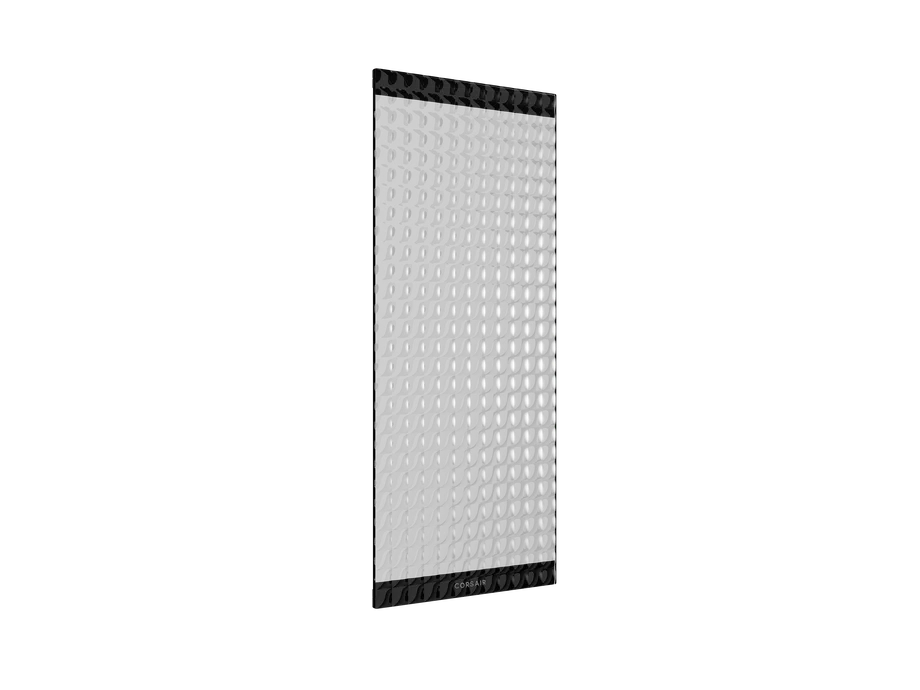
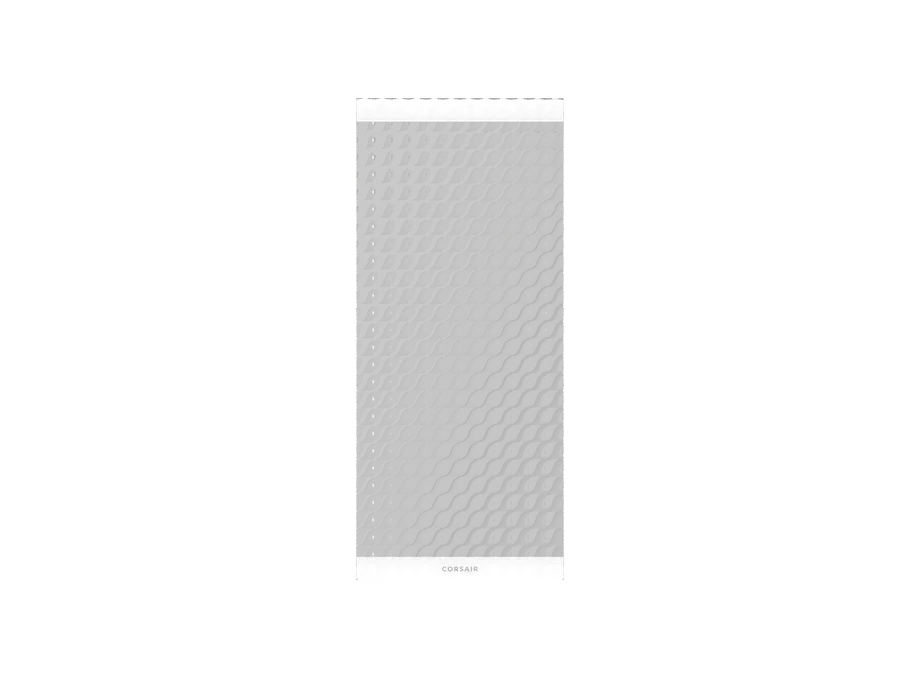
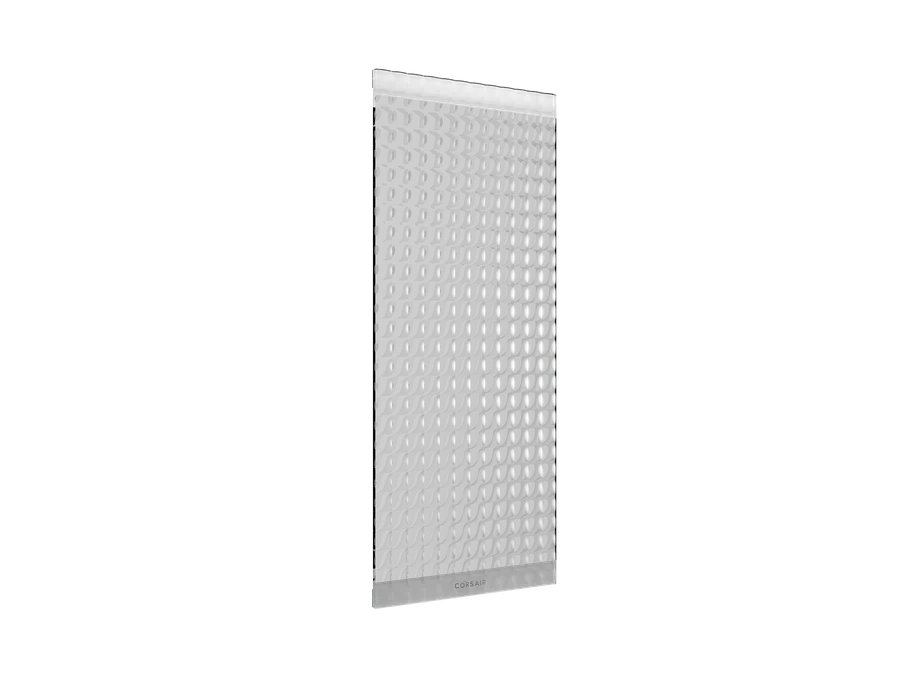
The Pixel Glass front panel takes inspiration from glass mosaic tiles. Ours in particular will allow your front fans' lighting to brightly shine through and mimic a pixelated design.
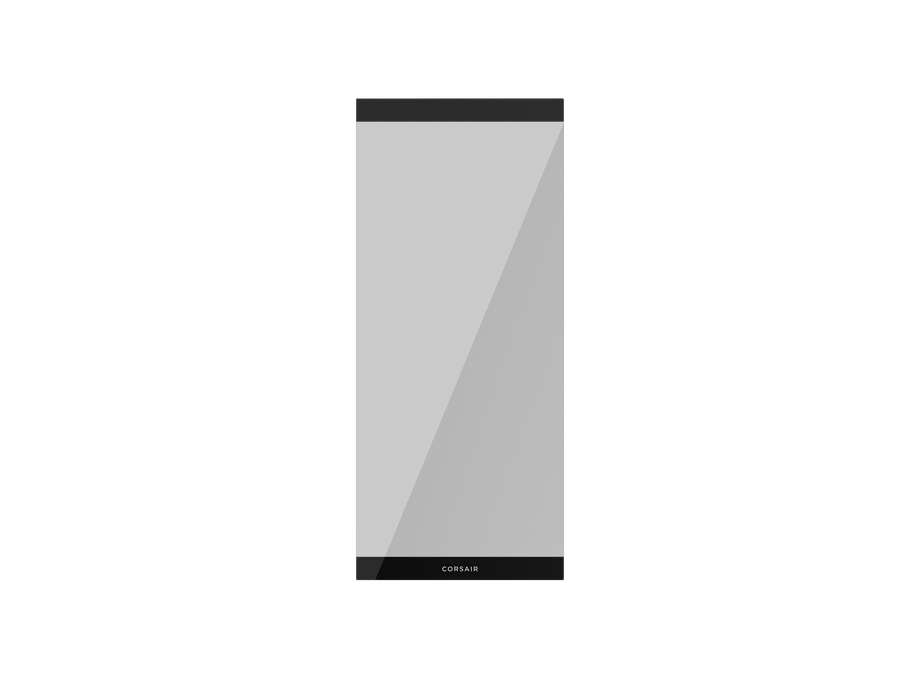
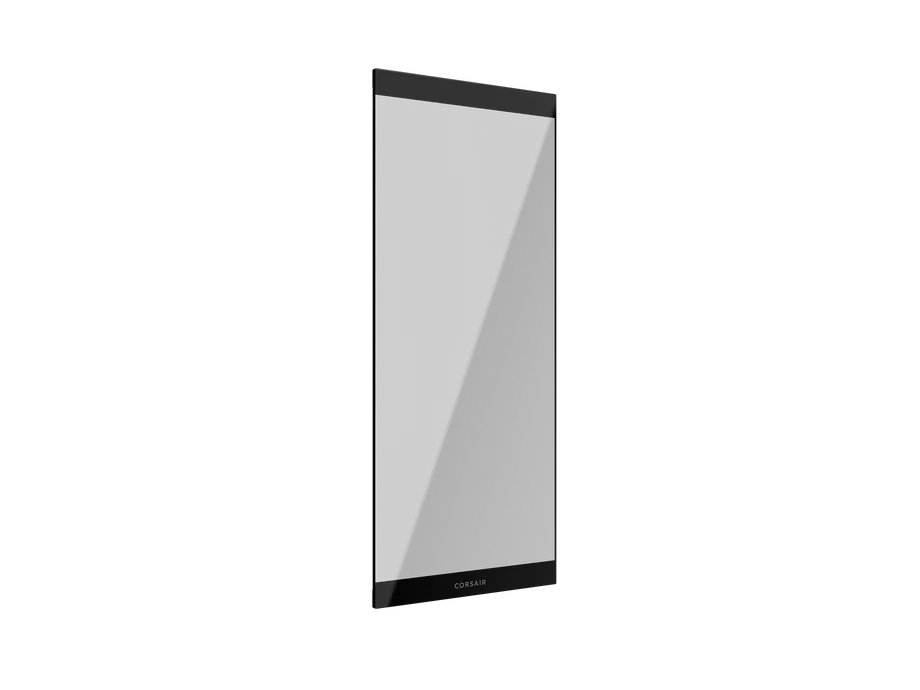
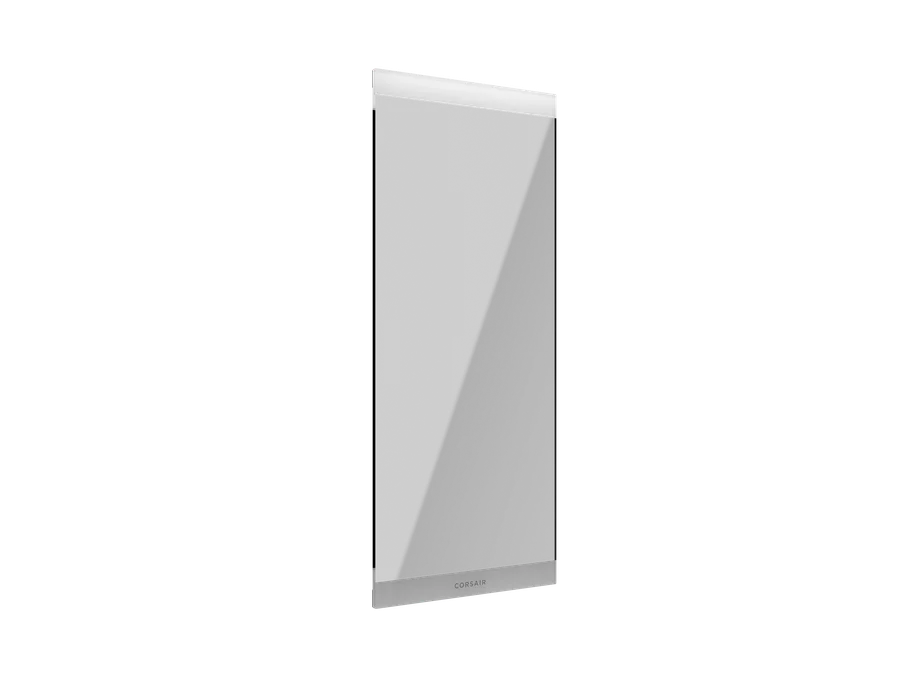
If you'd like to put your front fans' lighting on full display, then the Full Glass front panel is an easy choice. Additionally, you won't lose too much airflow as this panel retains large gaps either side for cold air ingress.
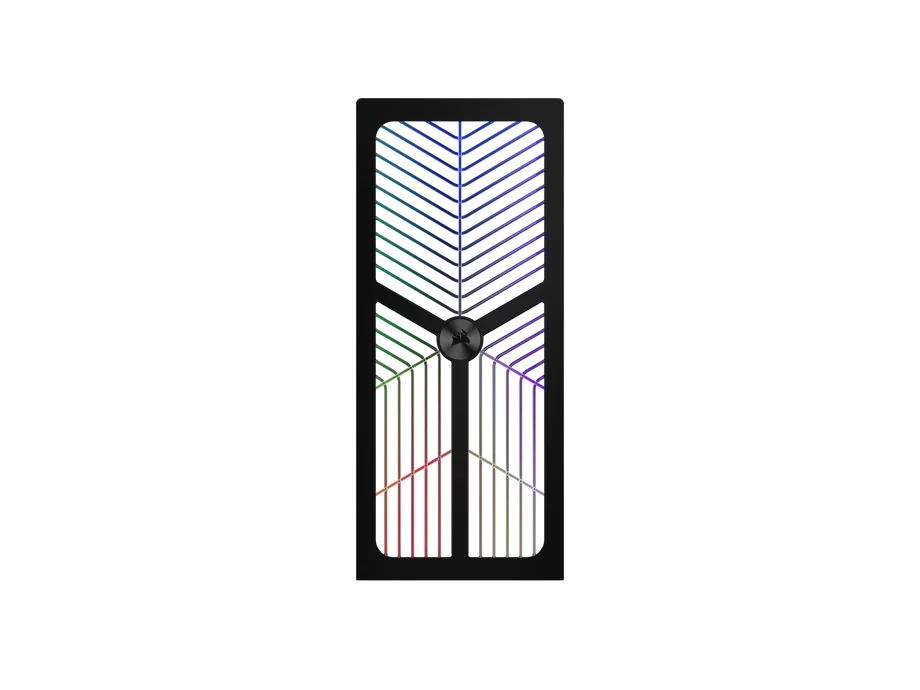
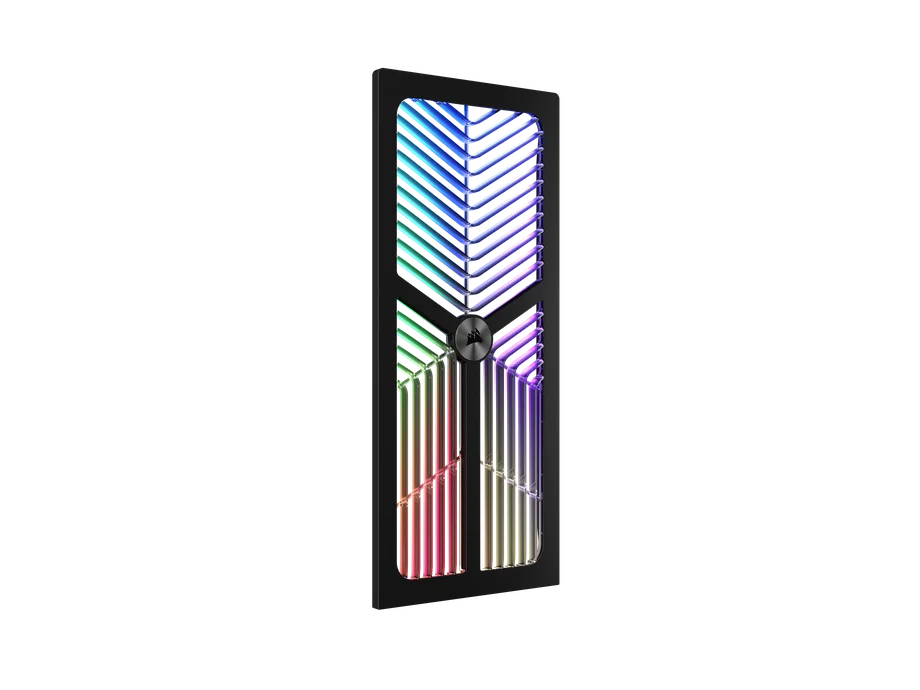
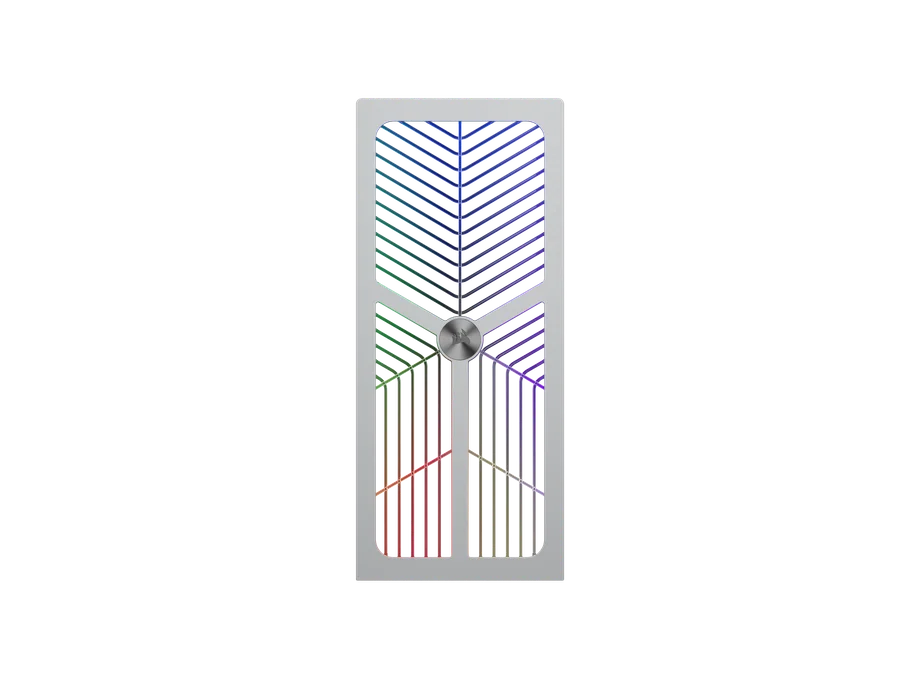
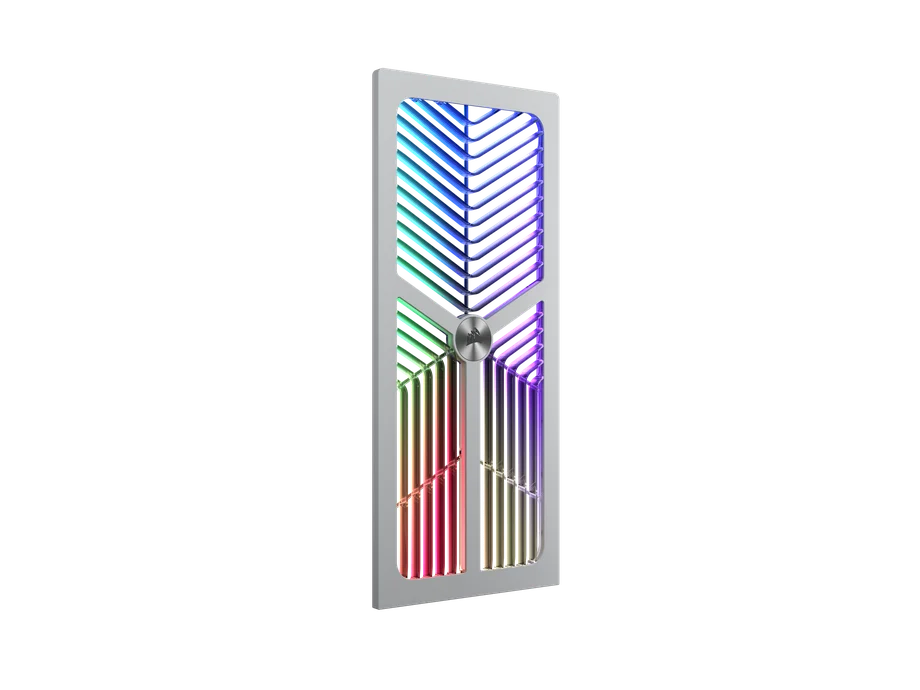

Featured on our FRAME 4000X cases, the RGB FLOW front panel provides the perfect balance of airflow and aesthetic. It has a striking design, RGB lighting, and allowance for high airflow. If you're someone who wants to maximize RGB lighting or the balance between airflow and aesthetics, the RGB FLOW front panel is the easy choice.
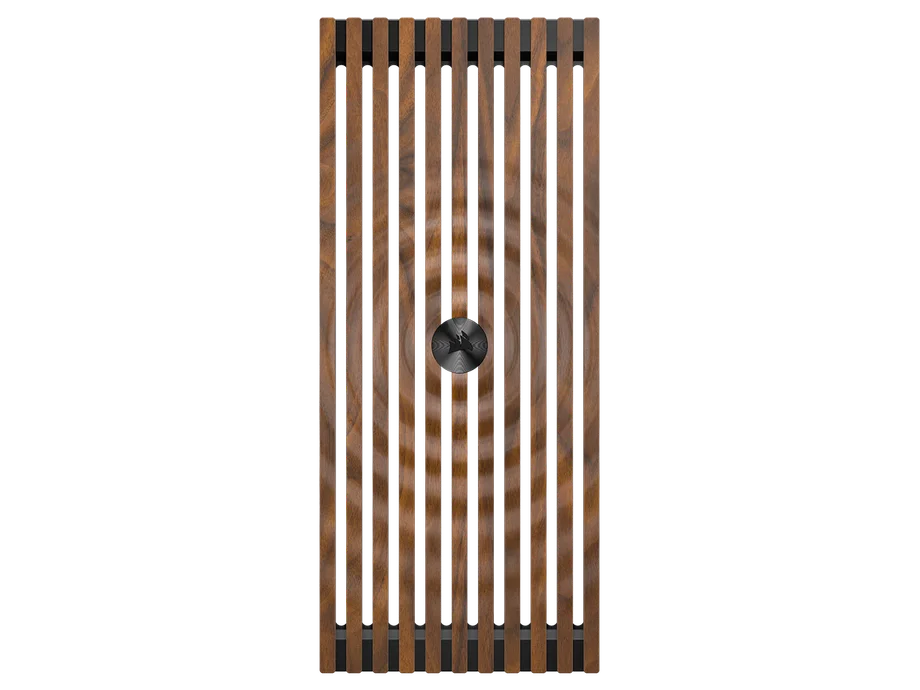
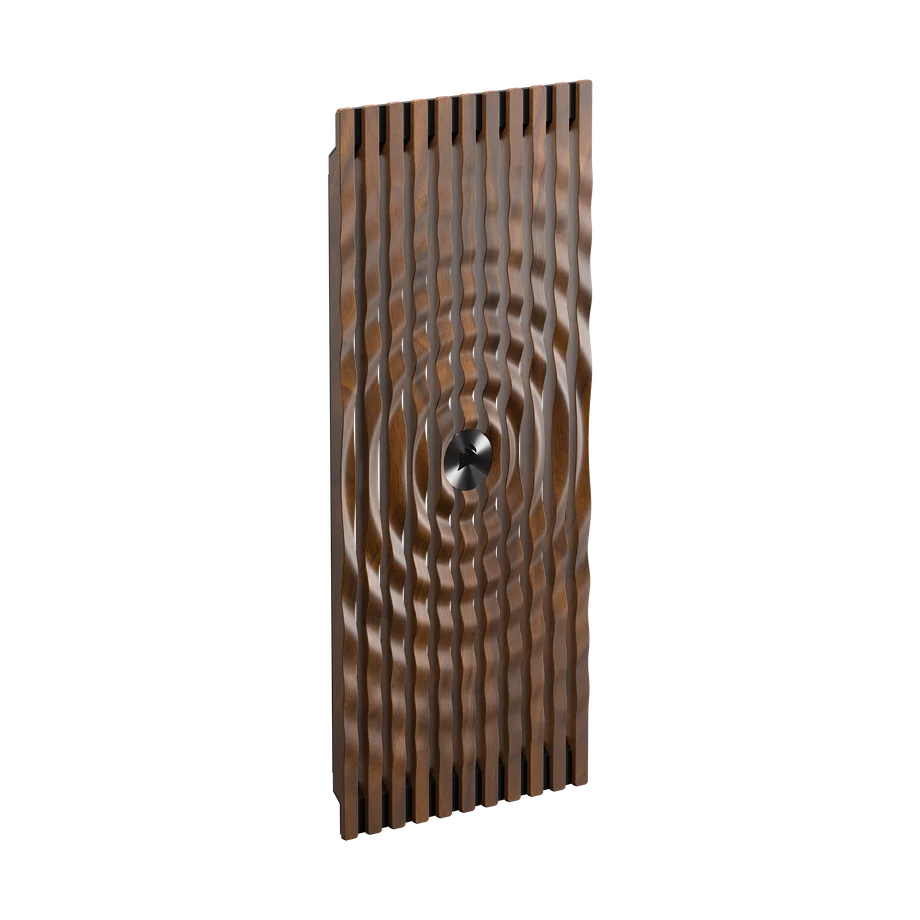
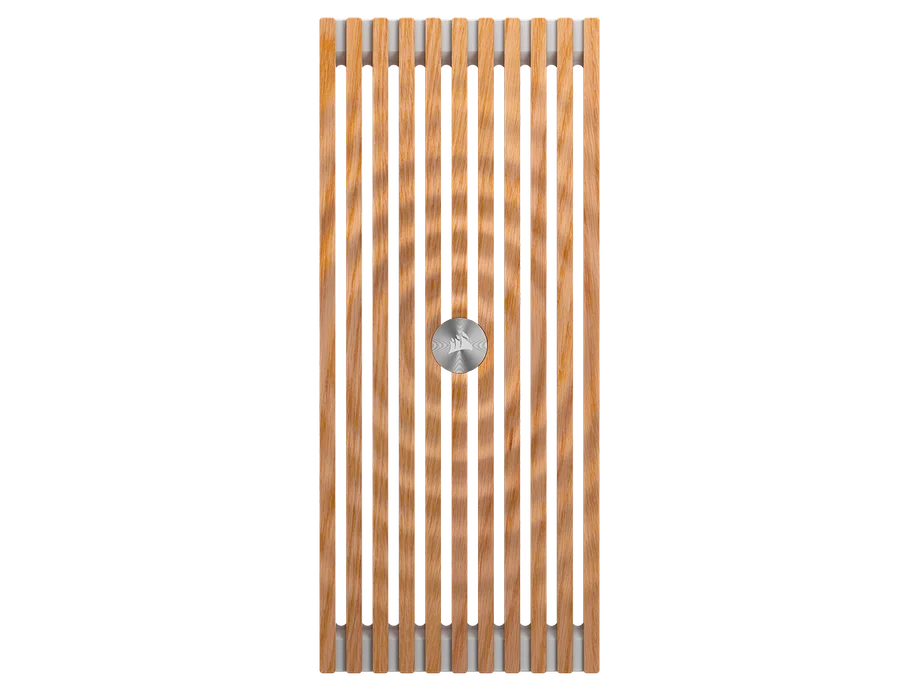
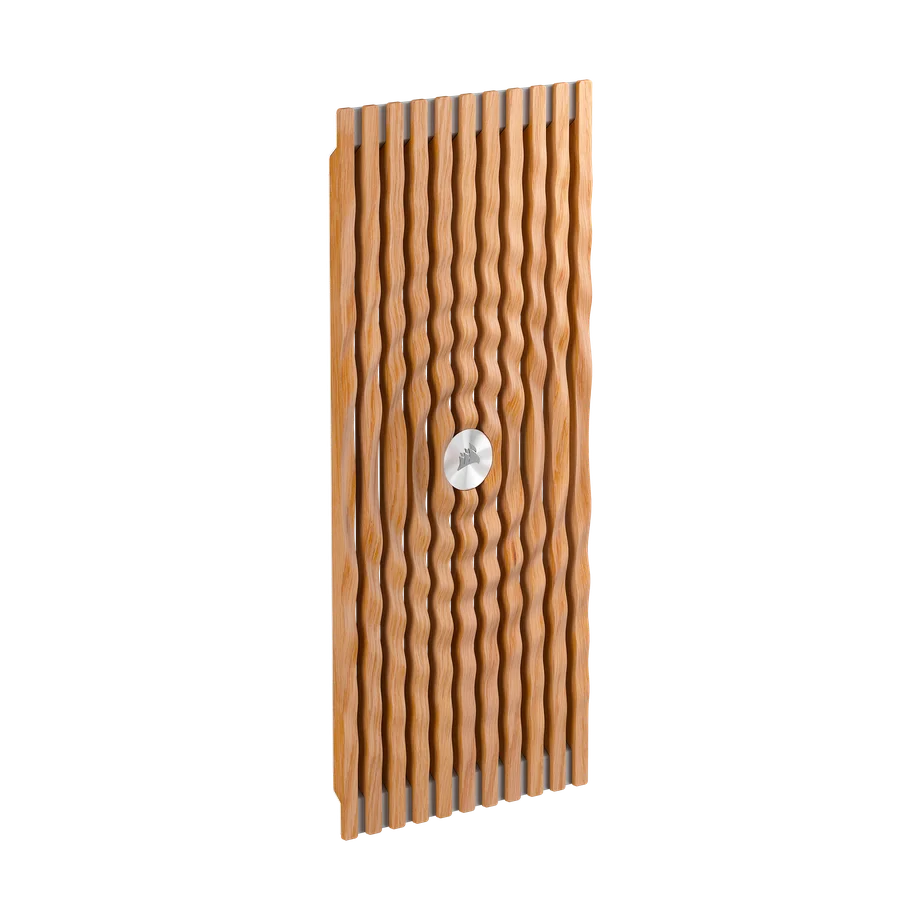
With wood grain being an established choice for PCs, we're continuing to provide the option to builders as we did with the preceding 4000D, 5000D, 2500X, and 6500X cases. The Elite Wood front panel is our own unique take with this wood front panel in particular, as it has a ripple design to it. Available in dark walnut and light oak.
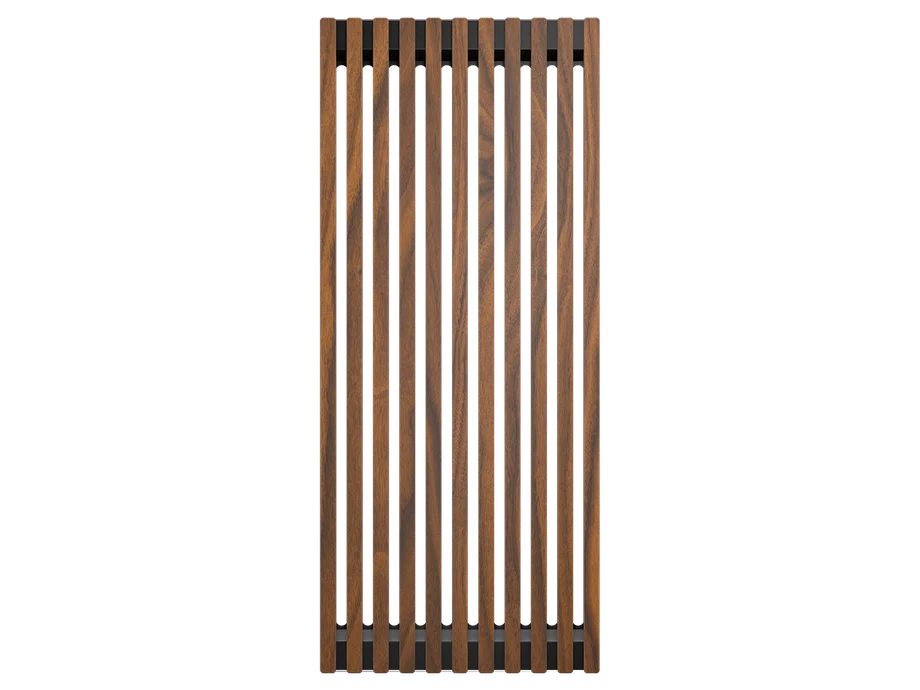
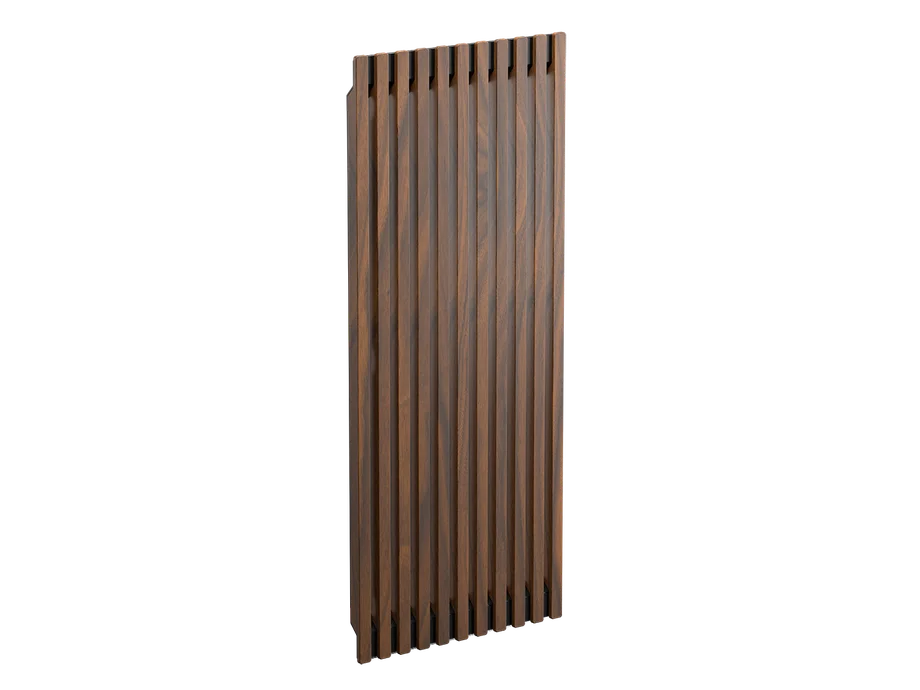
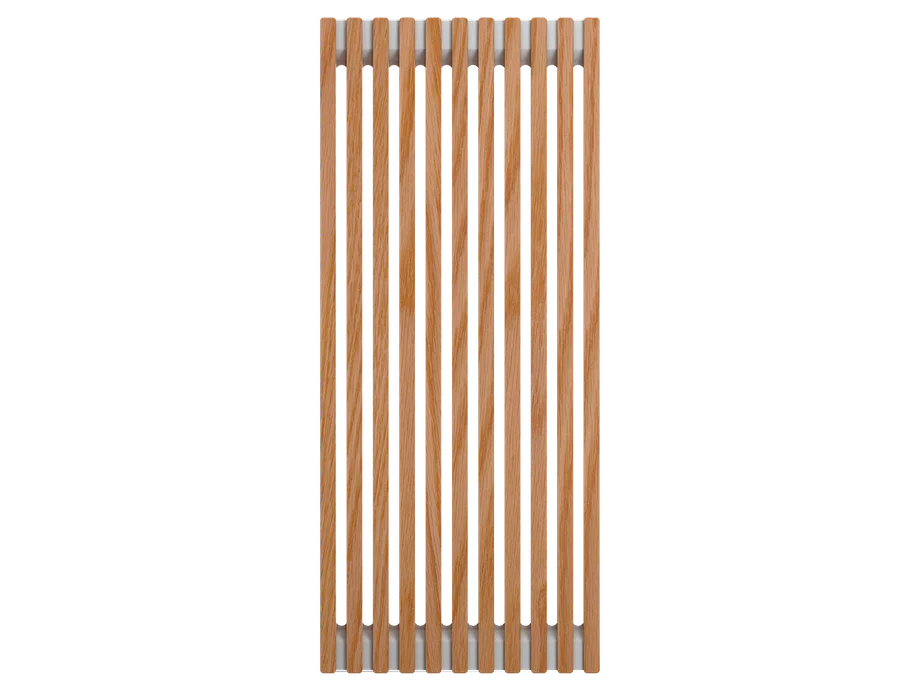
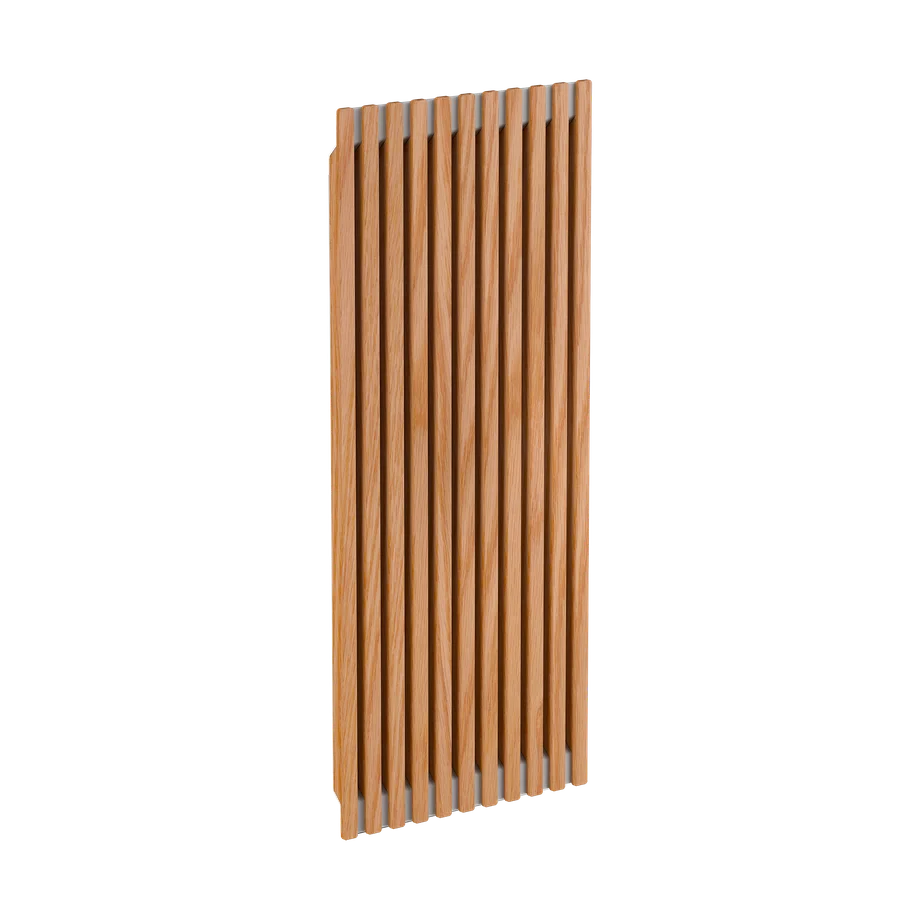
Continuing the options for wood accessories, if you'd prefer a more subtle look compared to our ripple design, then the regular Wood front panel is the correct way to go. The wood aesthetic is also available in dark walnut or light oak, plus you're still equipped with the capability for optimal airflow.
You can also purchase the FRAME 4000D WOOD, which comes with this panel pre-installed.
Depending on who you ask, the side panel may be the most important aspect of the case. One thing for sure is that it is definitely one of the more important parts, and this segment shows why with the options presented.
Depending which side panel you choose, you can boost the cooling performance of your build, focus on aesthetic with the glass, or enjoy the best of both worlds. Otherwise, the most interesting option here is the LCD Mounting Kit for our XENEON EDGE as you can fully customize it to display any wallpaper/widgets that tailor to you.
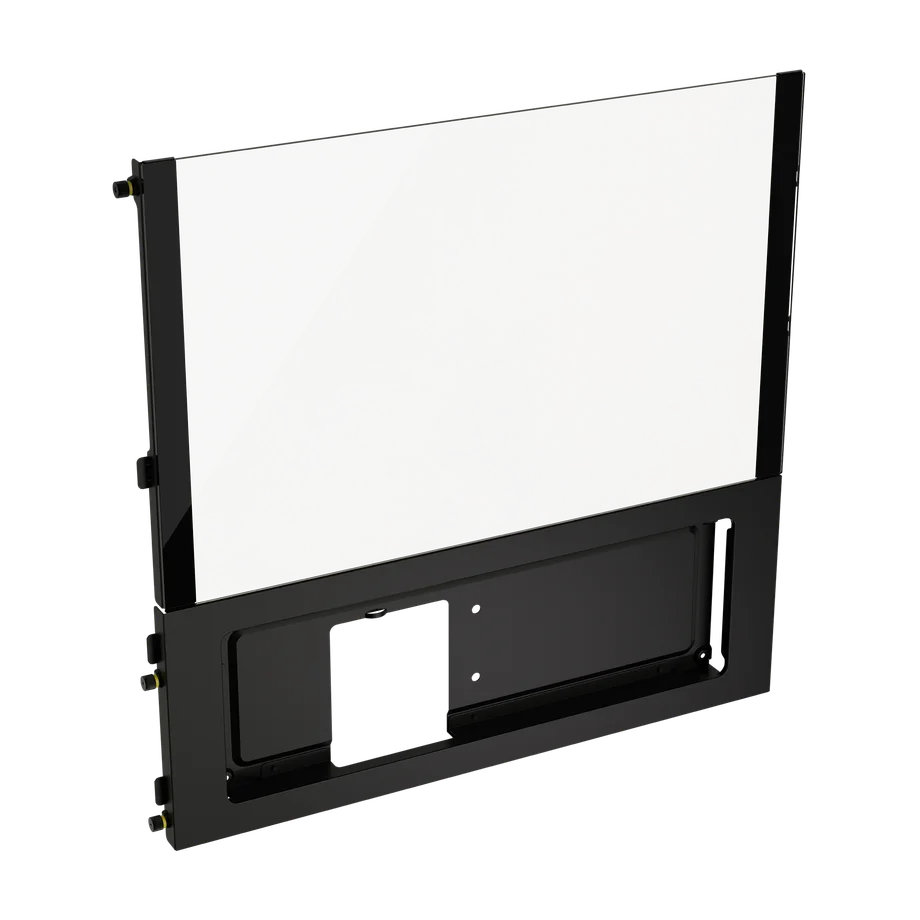
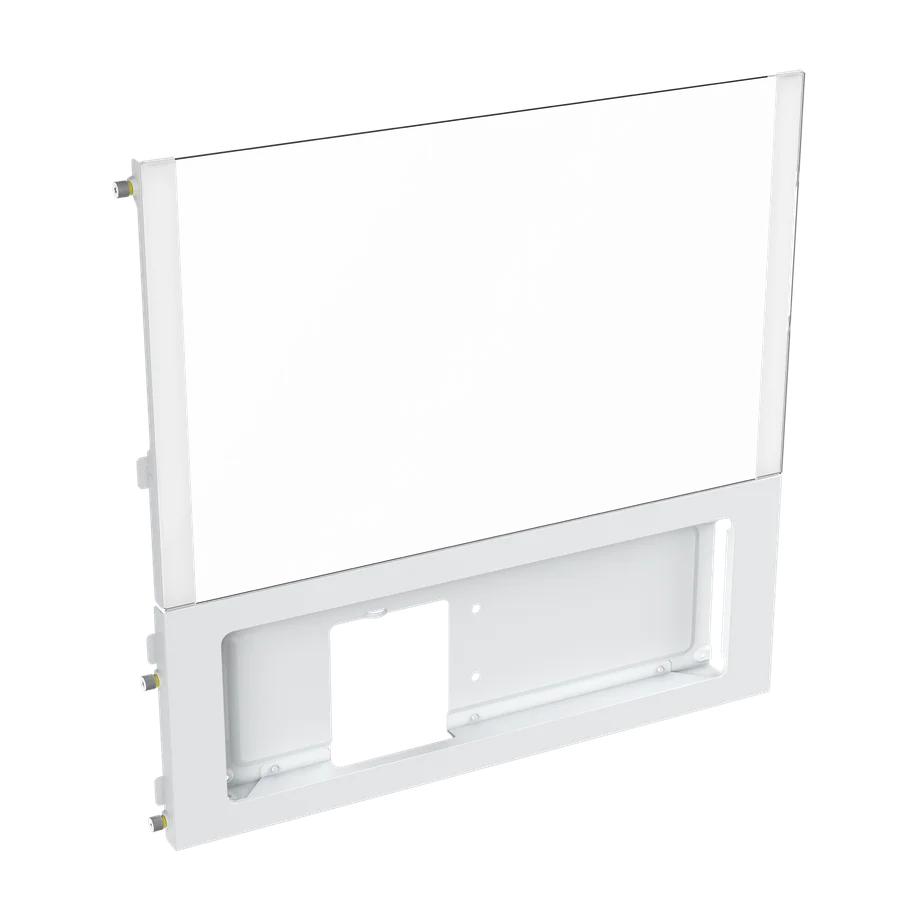
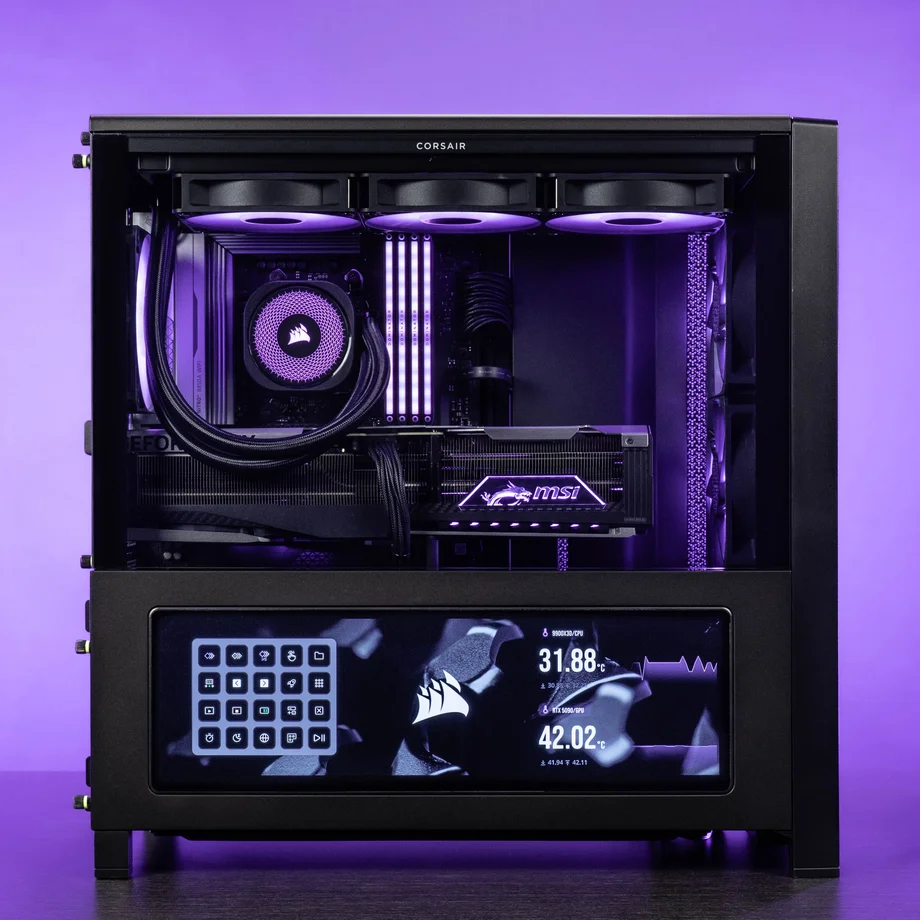
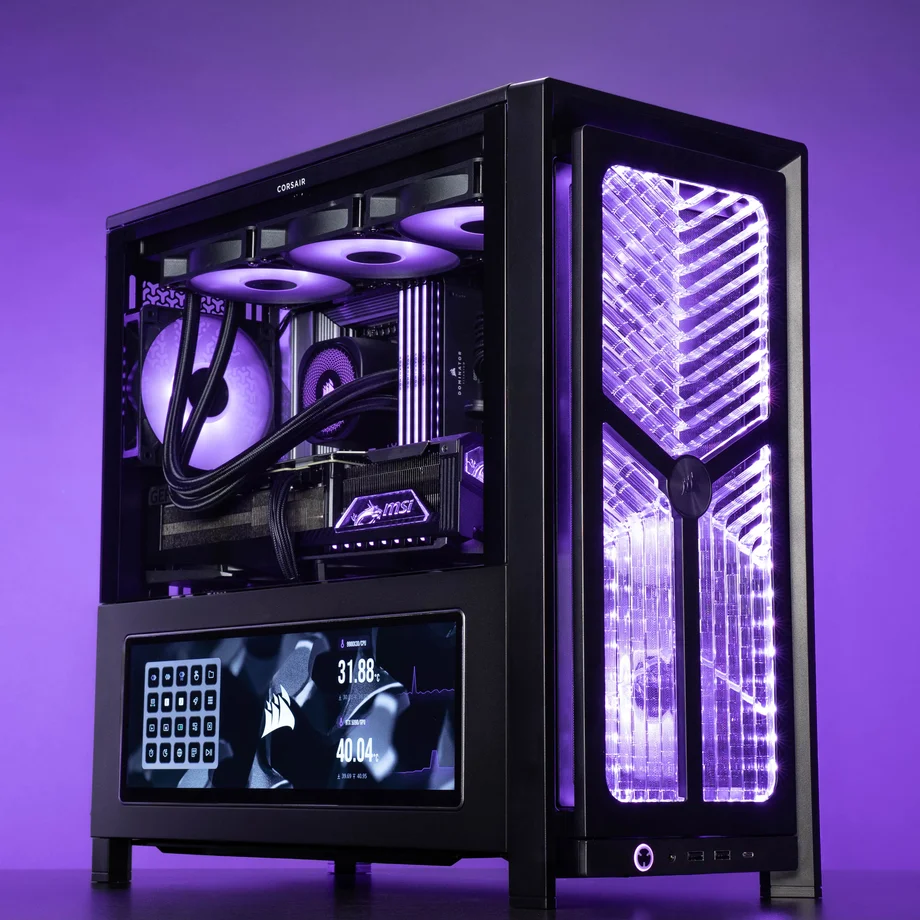
If you'd like a XENEON EDGE mounted onto your PC build, the LCD Mounting Kit side panel is what you want. It provides full accessibility for the XENEON EDGE's touch screen and visibility for any widgets you plan to display, like your system stats, Twitch chat, and many other options.
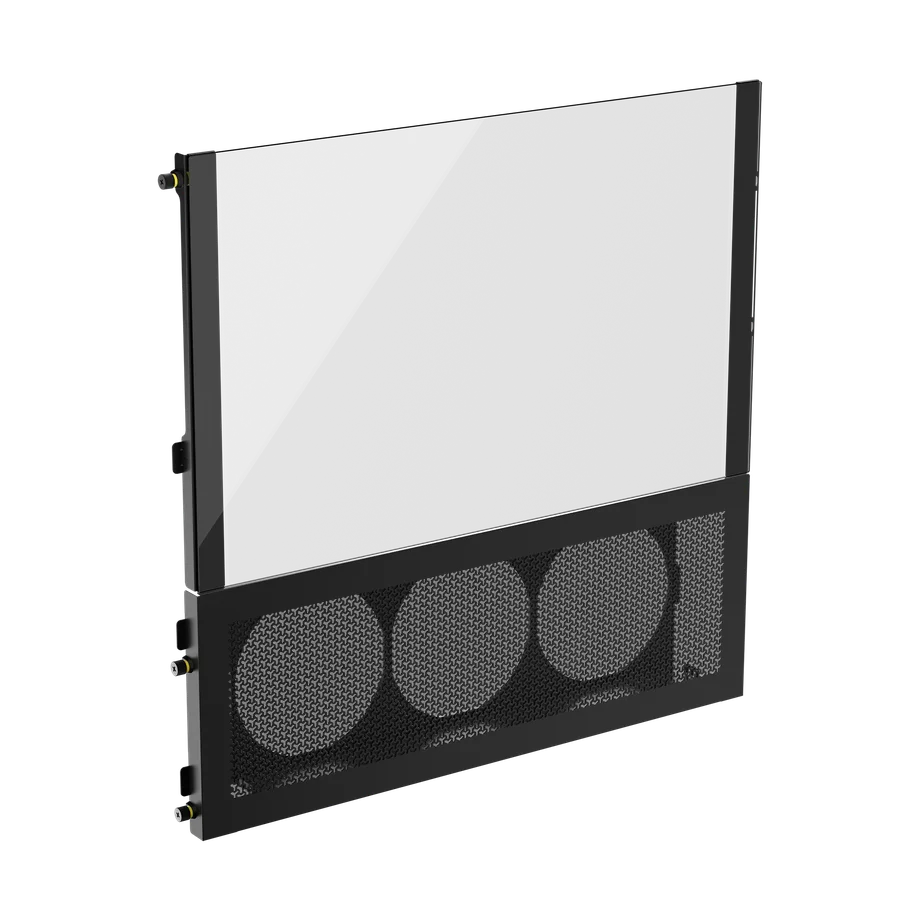
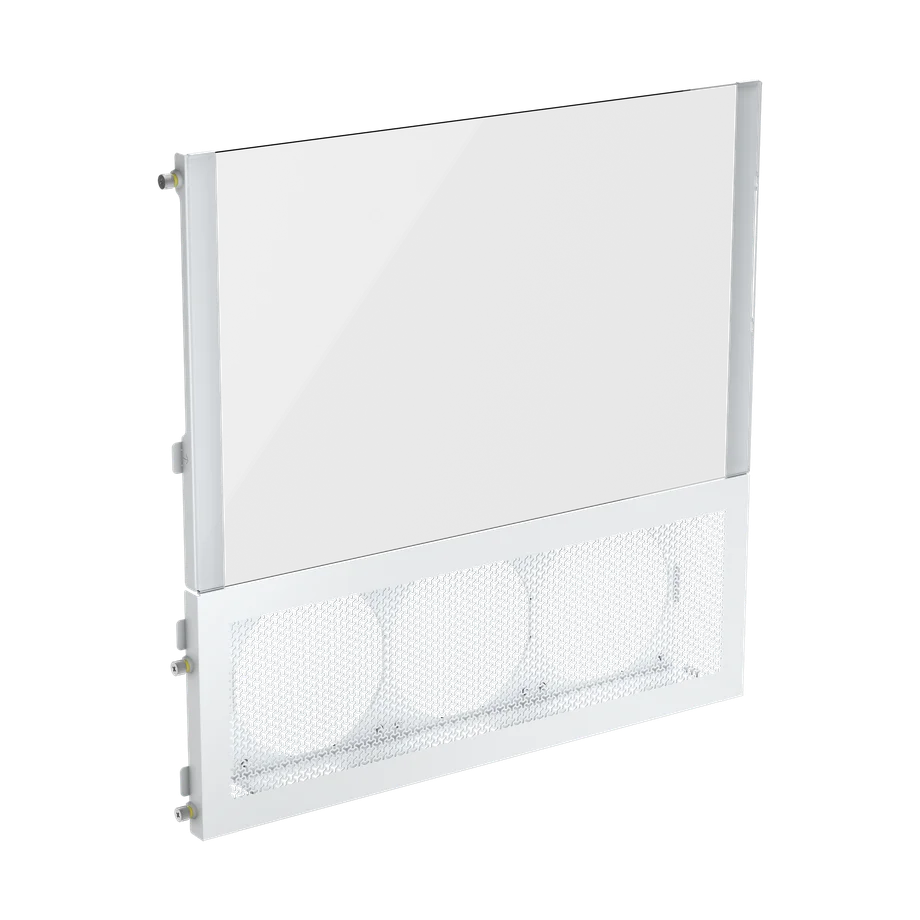
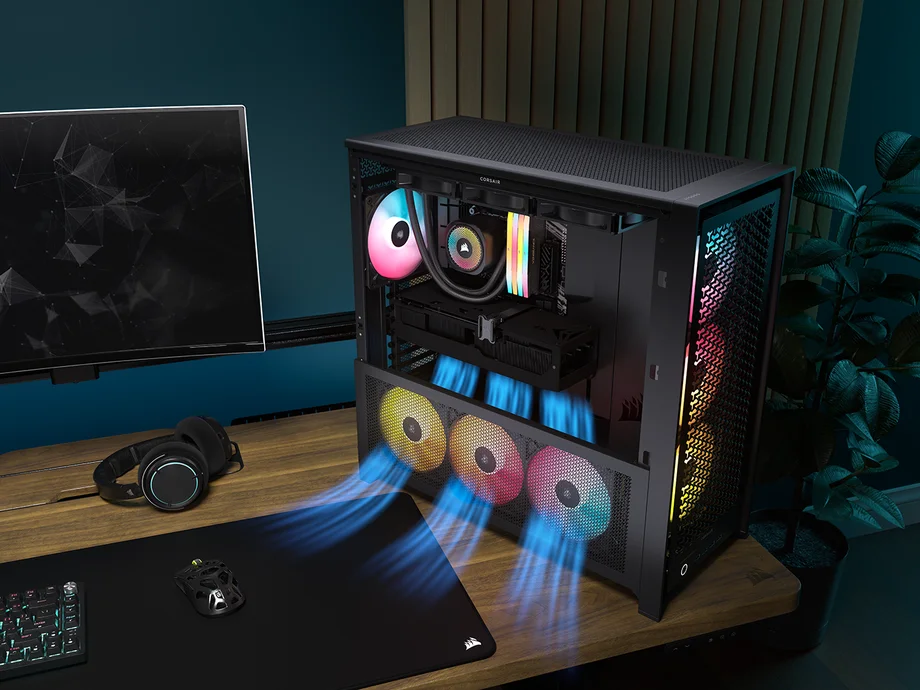
If you're the type of enthusiast that wants to push the boundaries of your PC and overclock, or just simply want your components to have the coolest temperatures possible to prolong their lifespan, then the Cold Air Intake side panel is the obvious choice. You're able to mount three additional 120mm fans, which will bring the max fans in a FRAME 4000D with this side panel to 13 total fans. Your components will thank you for this one.
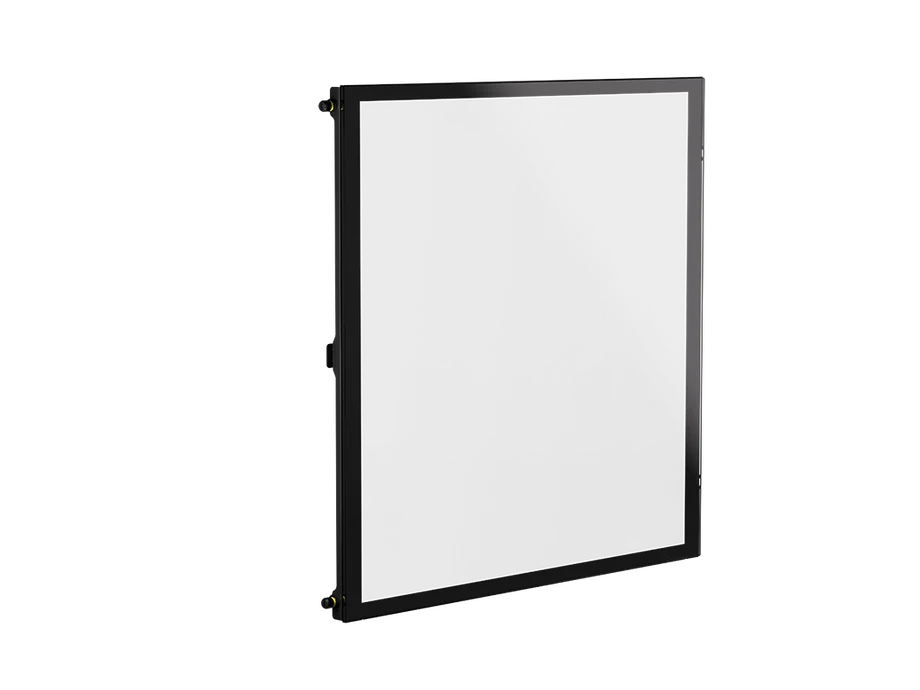
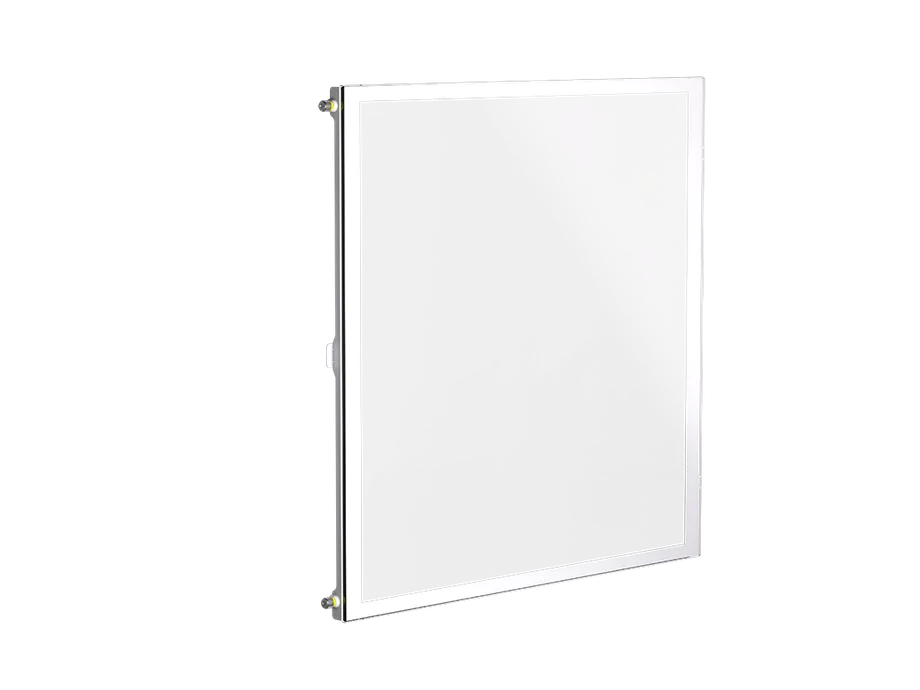
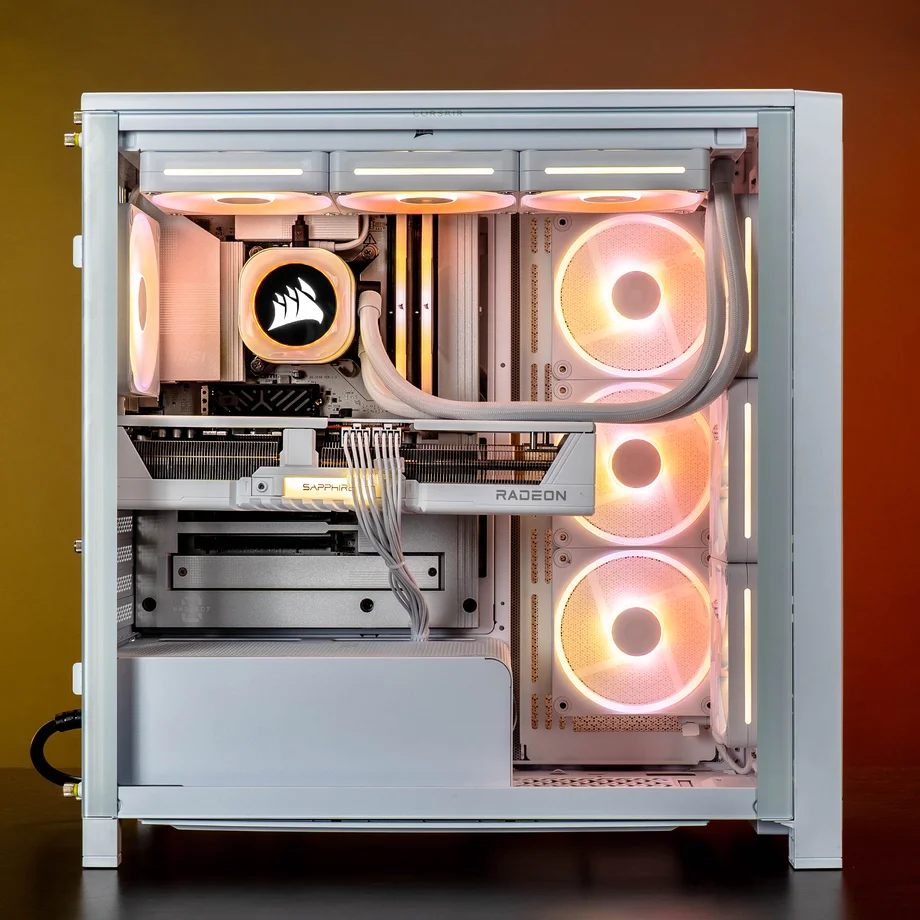
If you'd prefer the entirety of your side panel to be glass to have all your components on display, then you'll want to choose this Full-Tempered Glass side panel. Our FRAME 4000X also comes pre-equipped with it. This is also worth considering on both sides of the case if you decide to go with our Elite motherboard tray.
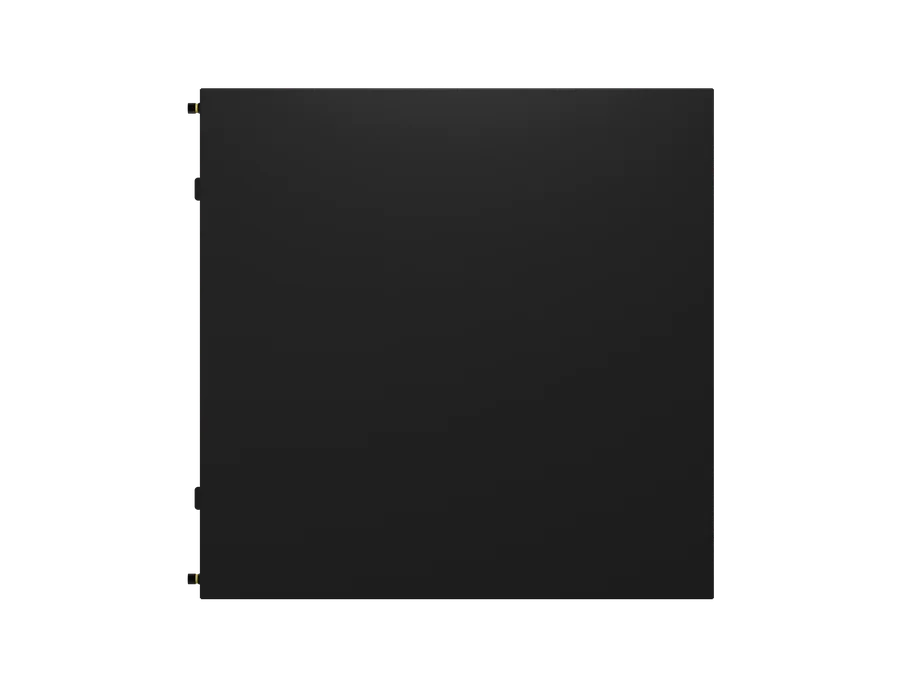
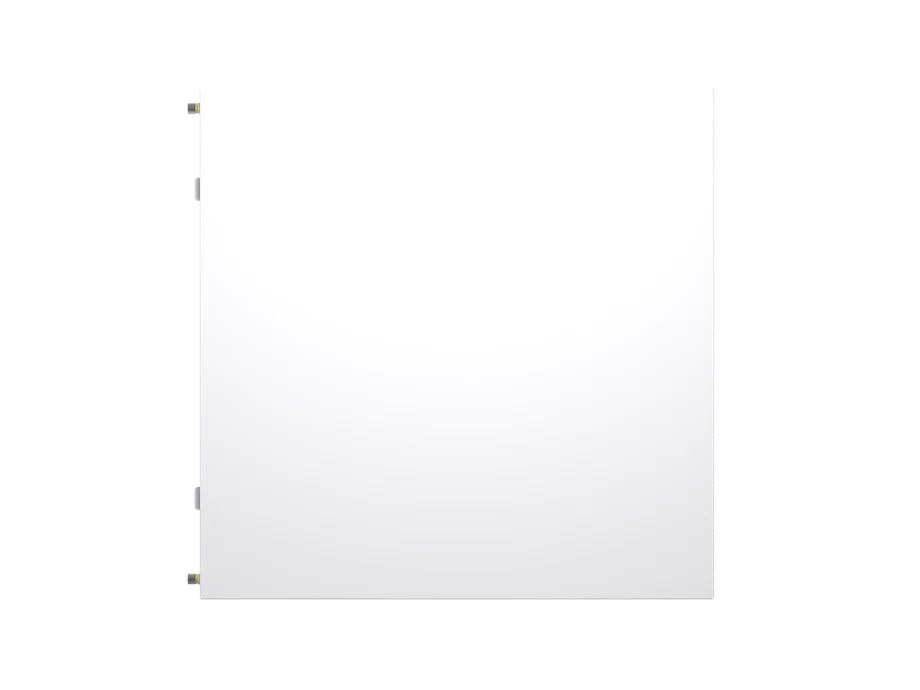
If you're someone who'd rather not have visibility of your components or are going for the workstation vibe, then this Flat Steel side panel is the perfect option.
Featured on our FRAME 5000D & AIR 5400 cases, the RapidRoute 2.0 motherboard tray is designed so you can freely move around the cable tie mounts for an easy solution to clean cable management.
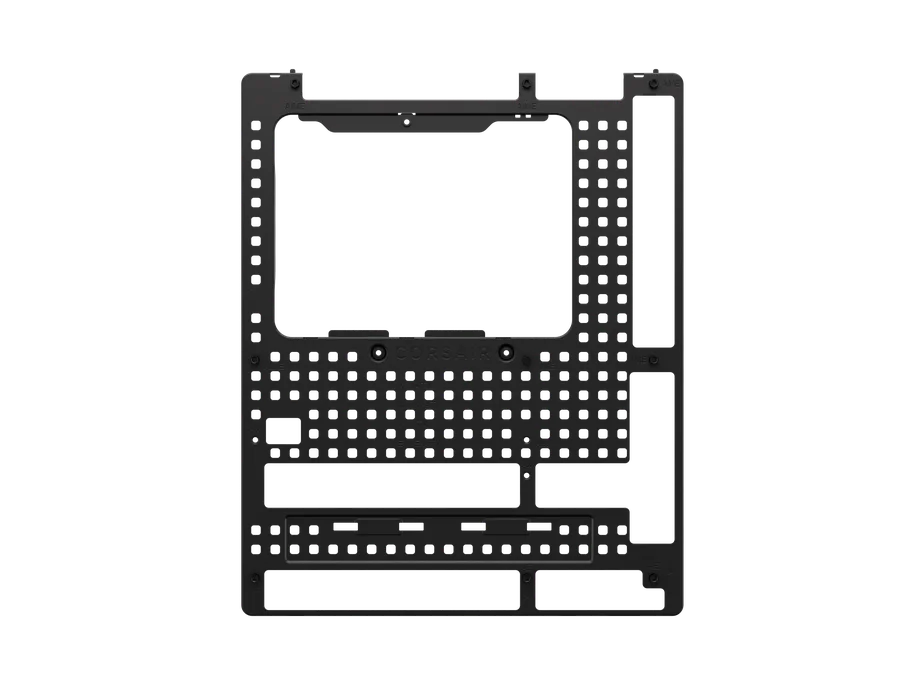
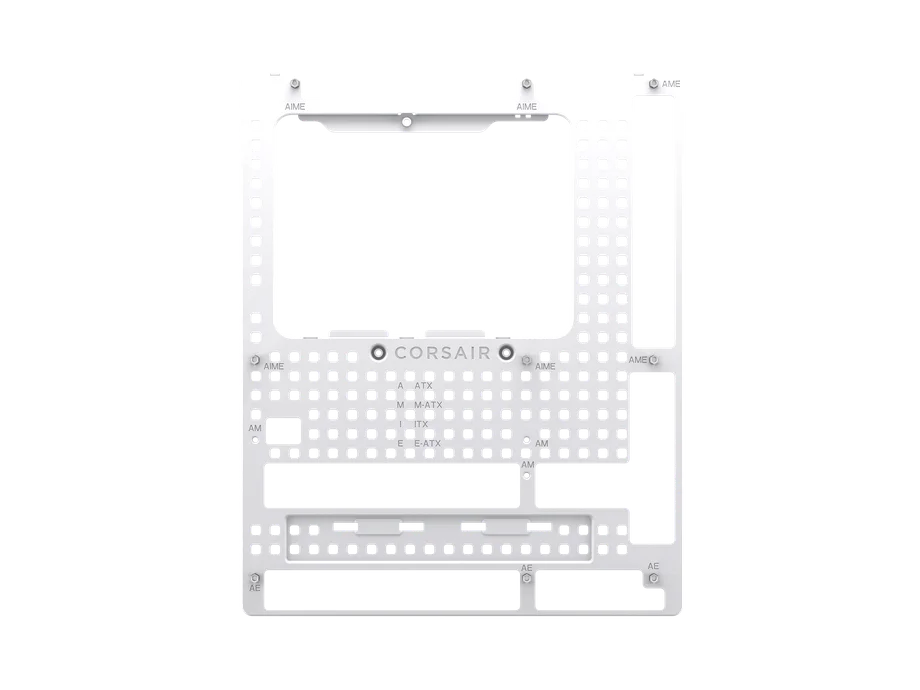
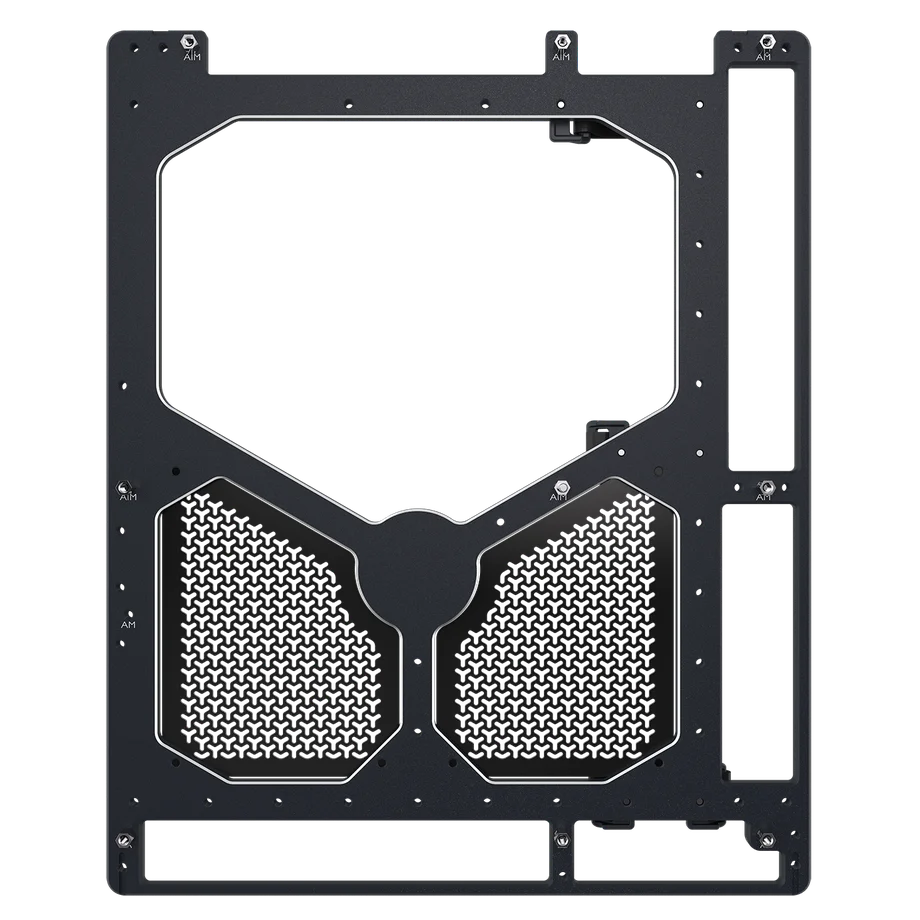
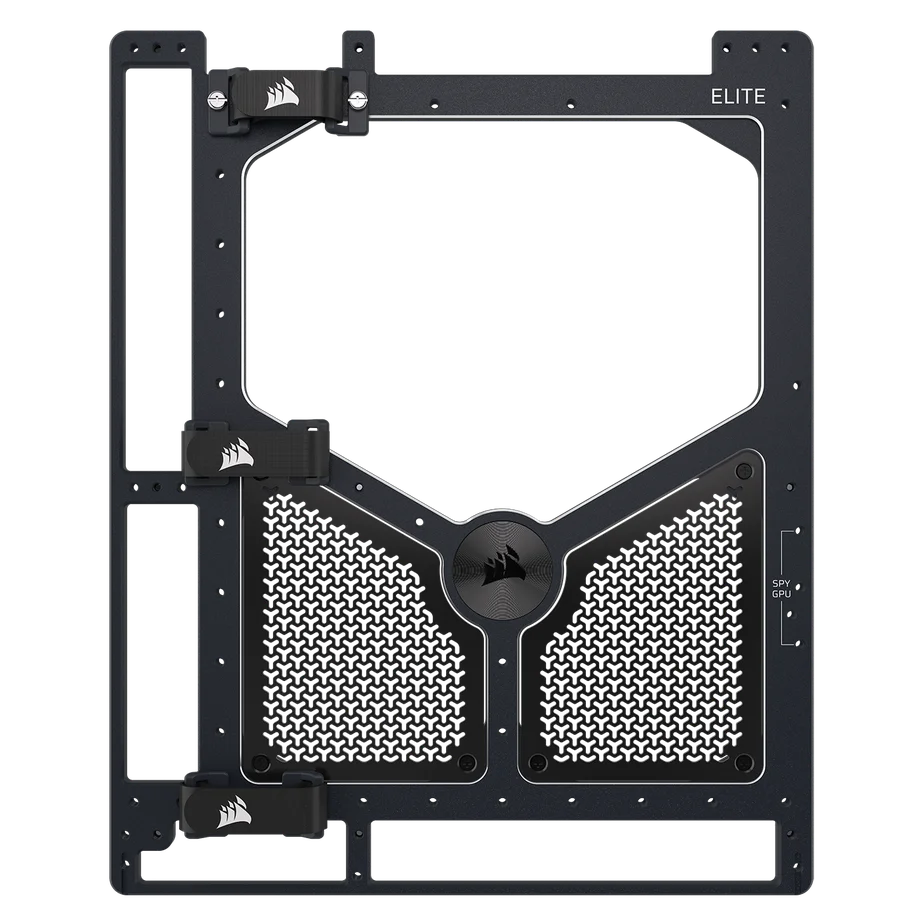
The ELITE motherboard tray provides a premium aspect to a usually dull segment of the case. This tray is provides the utmost rigidity as it's crafted from a single piece of aluminum and a highly admirable design with its meteorite coloring from anodizing and diamond-cut chamfered edges.
If you're quite the tinkerer, you may also turn the ELITE motherboard tray into a full test bench with our freely published 3D files.
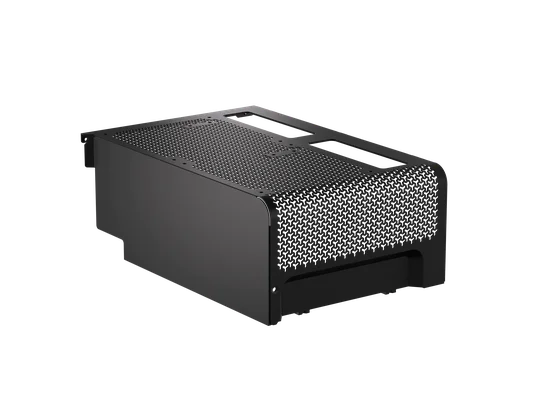
This is a simple choice - the full or compact PSU shroud. The base FRAME 4000D comes equipped with the full size as the compact one was a later design. Both can have two 120mm fans mounted to them for additional airflow to your GPU.
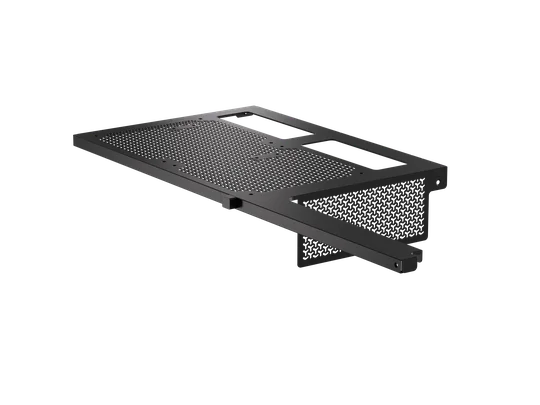
Full Size PSU Shroud
Compact PSU Shroud
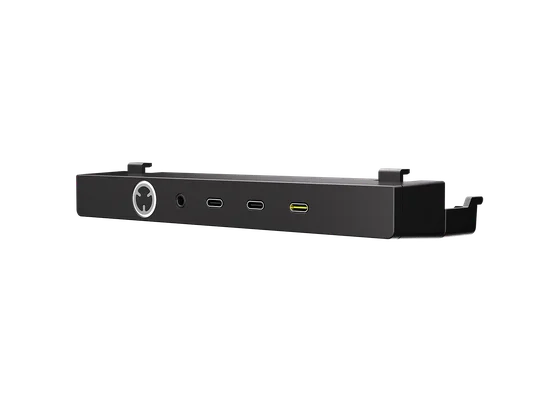
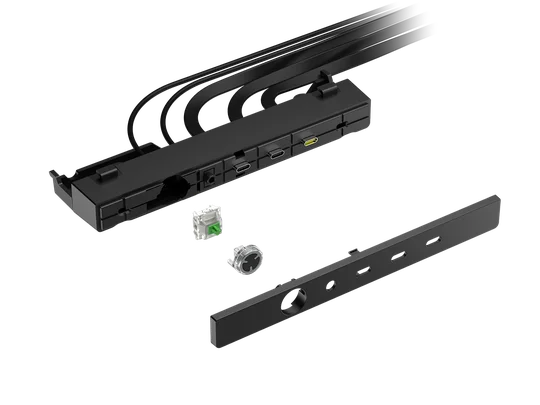
A subtle thing to customize, but provides you the choice to choose between whichever ports you'd like. This is the beauty of our FRAME cases and their modularity - customizing it to your preference.
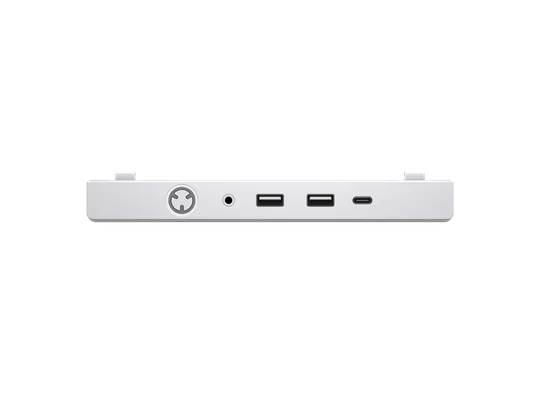
Standard Front I/O with two USB 3.2 (5Gb/s) type-A ports and one USB-C 3.2 (20Gb/s) port.
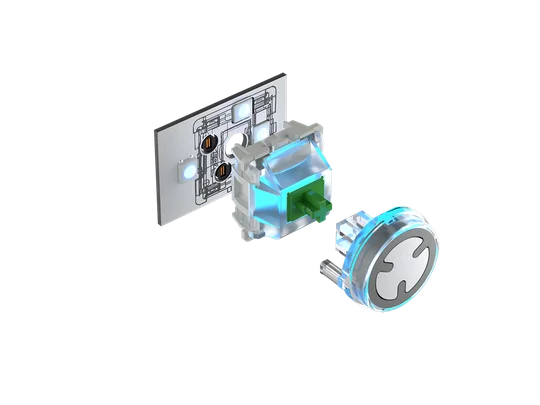
The Elite Front I/O with a total of three USB-C ports (two USB 3.2 5Gb/s, one USB 3.2 20Gb/s) and an ARGB power button with a swappable MX-style green mechanical switch.
ENREGISTREMENT DU PRODUIT
JOIN OUR OFFICIAL CORSAIR COMMUNITIES
Join our official CORSAIR Communities! Whether you're new or old to PC Building, have questions about our products, or want to chat about the latest PC, tech, and gaming trends, our community is the place for you.