While the PSU seems like a less exciting component to your PC build, it should never be overlooked due to its importance as the heart of your system. You want a reliable PSU to ensure your components smoothly operate to their maximum potential, as well as prevent any issues that could arise - especially the unpredictable ones like power surges. If you have a RTX 5090 or RTX 5080, you'll undoubtedly want to provide a trusted PSU to protect your investment.
If you're looking for the best of the best, the HX1200i SHIFT is the way to go. It's spec sheet is absolutely stacked: Cybenetics Platinum power efficiency, side-mounted SHIFT connectors for easy cable connections & cable management, and an integrated iCUE LINK hub for taking full advantage of iCUE LINK's cable minimization. The iCUE capability will also allow you to monitor your PSU's performance such as efficiency and power draw in real-time. The 10-year warranty will provide you with peace of mind for the entire duration of your PC build, or even two.
| Rail | +3.3V | +5V | +12V | +5VSB |
| Max Current | 25A | 25A | 100A | 3A |
| Max Combined Wattage | 150W | 1200W | 15W | |
| 1200W | ||||
| Cable Type | Length | Total Connectors |
| ATX Cable (24-pin) | 610mm (± 10mm) | 1 |
| EPS / ATX 12V 8-pin (4+4) | 650mm (± 10mm) | 2 |
| PCIe 8-pin (6+2) | 650mm (± 10mm) | 2 |
| 90° 12V-2x6 to 2x 8pin (6+2) pin | 650mm (± 10mm) | 2 |
| 90° 12V-2x6 to 600W 12V-2x6 (12+4) pin | 650mm (± 10mm) | 1 |
| SATA (4 SATA) | 800mm (± 10mm) | 8 |
| PATA (4-pin) | 750mm (± 10mm) | 8 |
| USB (TYPE C) To 10-1 Pin | 525mm (± 25mm) | 1 |
| iCUE LINK to 90° iCUE LINK | 200mm (± 25mm) | 1 |
| iCUE LINK to iCUE LINK | 600mm (± 25mm) | 1 |
If you don't need the capabilities from the HX1200i SHIFT or have a case that is more suitable for a traditional PSU connector layout, the RM1200e is the proper counterpart. You'll still have access to ATX 3.1-certification, PCIe 5.1 compliance, and a 7-year warranty. The Cybenetics Gold efficiency certification is also a great baseline for power efficiency.
| Rail | +3.3V | +5V | +12V | +5Vsb |
| Max Current | 20A | 20A | 100A | 3A |
| Max Combined Wattage | 150W | 1200W | 15W | |
| 1200W | ||||
| Cable Type | Length | Total Connectors |
| ATX Cable (24-pin) | 610mm (± 10mm) | 1 |
| EPS / ATX 12V 8-pin (4+4) | 650mm (± 10mm) | 2 |
| PCIe 8-pin (6+2) Single-Connector | 600mm (± 10mm) | 2 |
| PCIe 8-pin (6+2) Dual-Connector | 750mm (± 10mm) | 4 |
| 12VHPWR / 12V-2x6 PCIe Gen 5 | 650mm (± 10mm) | 1 |
| SATA (3 SATA connectors) | 800mm (± 10mm) | 3 |
| SATA (4 SATA connectors) | 700mm (± 10mm) | 4 |
| PATA (4-pin) | 750mm (± 10mm) | 4 |
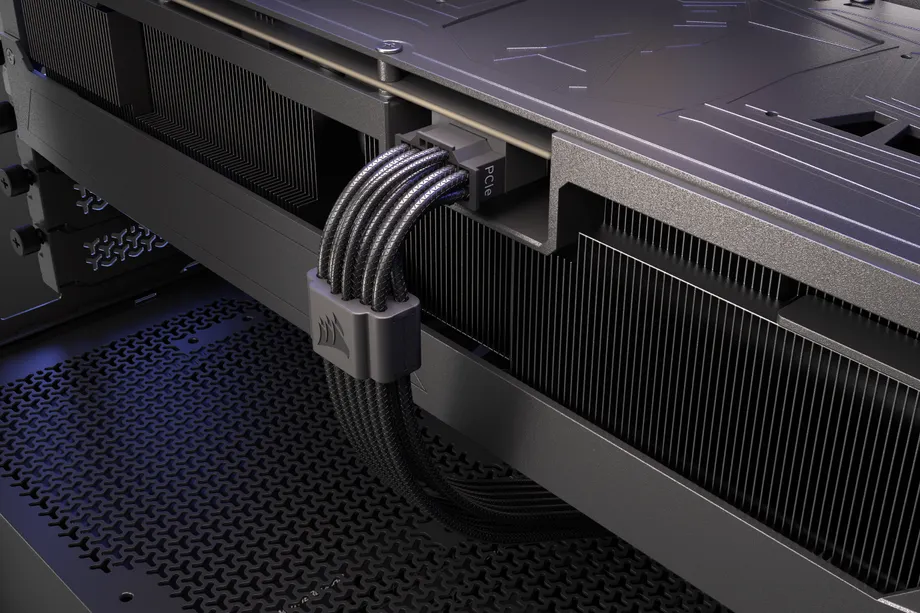
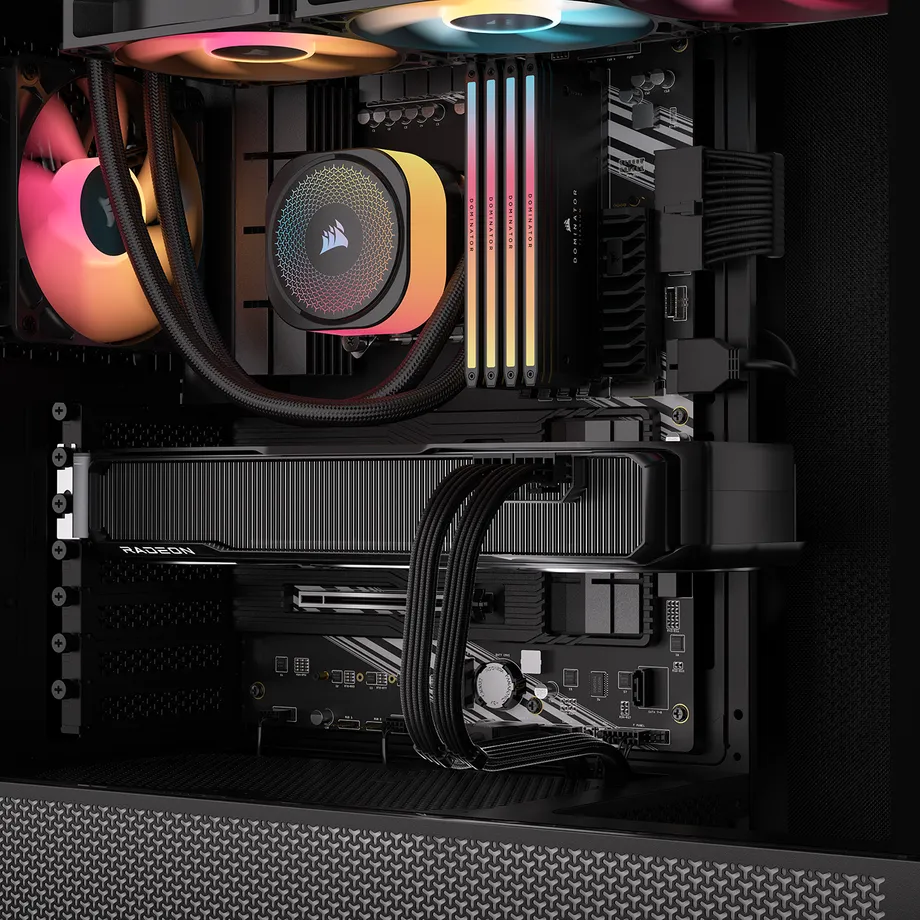
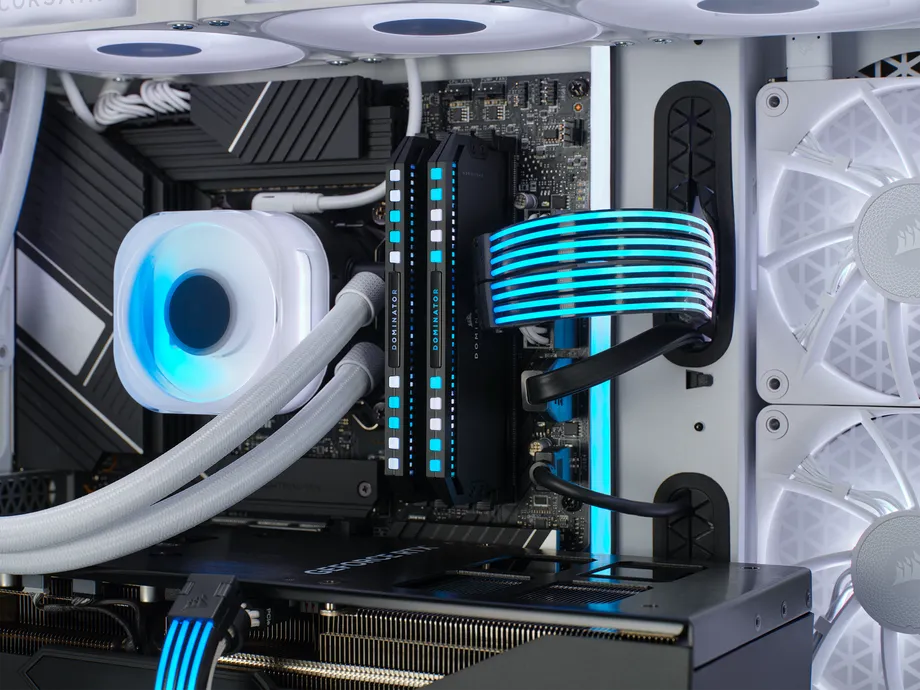
If you'd like an aesthetic or functional accessory to your 1200W PSU, then we've got a few options:
If you're still unsure what wattage PSU you need for your PC build, here's some useful tools to help you make the right decision:
PRODUCTS IN ARTICLE
Stay up to date with CORSAIR. Get our latest News, Guides, and Product Updates in your Google feeds.
Add CORSAIR as a preferred sourceThanks for helping us improve this article.
JOIN OUR OFFICIAL CORSAIR COMMUNITIES
Join our official CORSAIR Communities! Whether you're new or old to PC Building, have questions about our products, or want to chat about the latest PC, tech, and gaming trends, our community is the place for you.