Let's be real. At this point, everyone's heard of Minecraft. Even if you’ve never played it, you’ve probably seen it. There’s a movie about it, tons of merchandise, and there was even a Minecraft themed meal.
But here’s something that many might not know: there are actually two different versions of Minecraft. So, if you’re someone looking to download Minecraft for the first time or just overall curious, let's take a look at the differences between Minecraft Java and Bedrock.
Let’s break it down..one block at a time (get it?)
Java Edition is only available on PC (Windows, macOS, and Linux).
Bedrock Edition is available on Windows 10/11, Xbox, PlayStation, Switch, and mobile (iOS/ Android).

In short, Minecraft has two different versions because they’re built using different code. Java Edition is coded in Java script and is a PC-only version. On the other hand, Bedrock Edition is written in C++ which opens the door to more versatile cross-platform support and overall runs smoother.
Before Bedrock, it went by the name Minecraft: Pocket Edition. It was originally made for just mobile devices, but over time, merged with console and Windows versions.
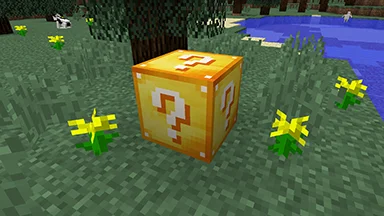
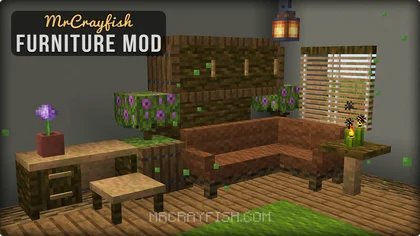
Mods are a big part of what makes Minecraft so fun. If you’ve ever wanted to gamble your luck with Lucky Blocks, create a beautiful house filled with furniture, or enter into an entirely new dimension, Java’s modding community has it all. Players are able to change basically everything about the game. And if they know some coding? Users can even make their own mods completely from scratch.
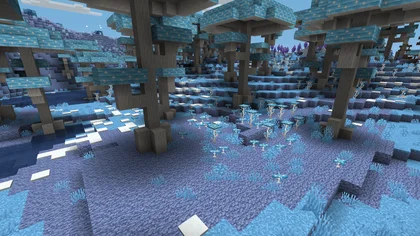
Overall, Java gives users full freedom to tweak the game however they want, which is perfect for those looking for a more personalized experience. Just keep in mind that third-party content is not regulated, so it’s important to double-check the mod pack thoroughly before downloading.
In addition to mods, players can customize skins in Java Edition, but are limited to 2D designs. Skins are user-created but have no built-in customization tools or animated cosmetics.
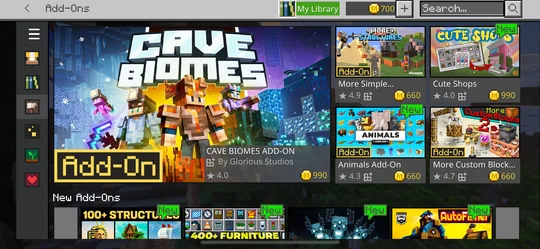
Minecraft Marketplace
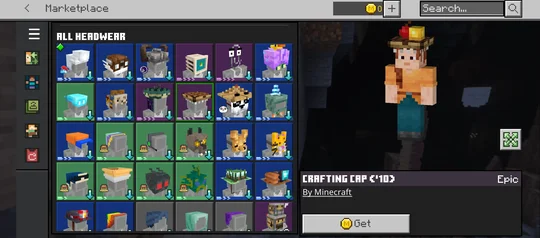
Bedrock Skin Customization
On the other hand, Bedrock Edition approaches customization a bit differently. Bedrock does not support traditional mods and, rather, has curated add-ons available through the Minecraft Marketplace.
Minecraft Marketplace allows users to find curated mod packs, texture packs, adventure maps, and skins. Additionally, Bedrock supports 3D skins, layered outfits, and animated accessories.
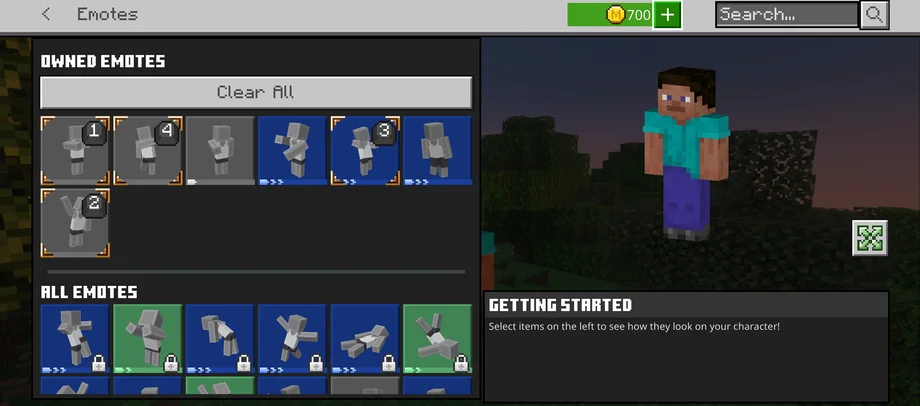
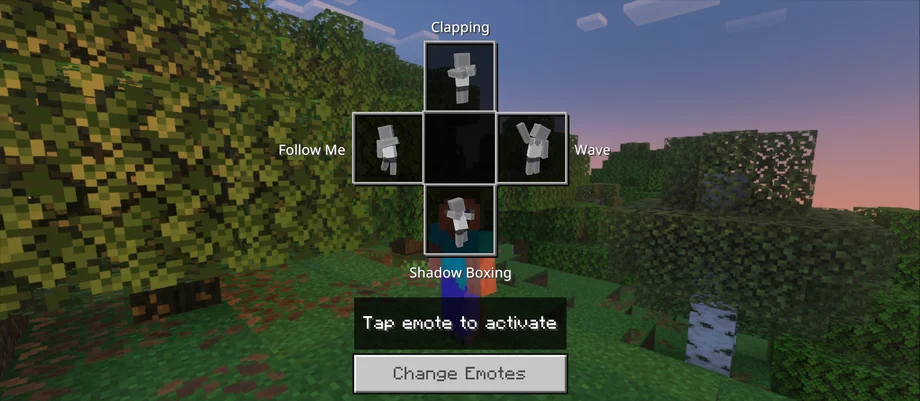
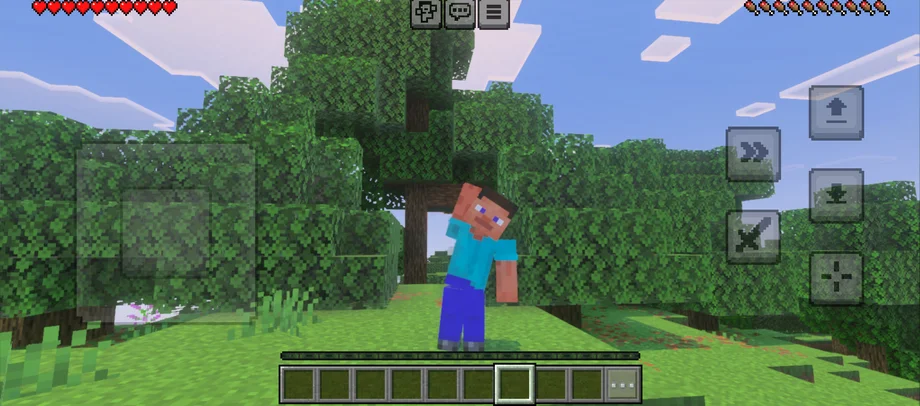
Not only that, Bedrock users can express themselves in-game with emote actions like waving, clapping, or dancing.
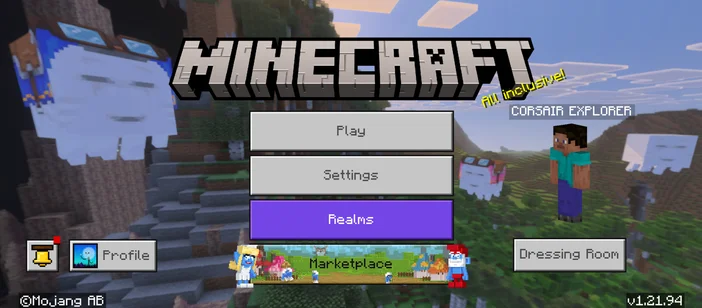
The look and feel of the game also differ a bit between the two. Below are the UI designs of Java vs. Bedrock.
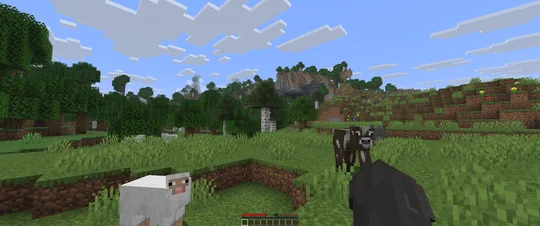
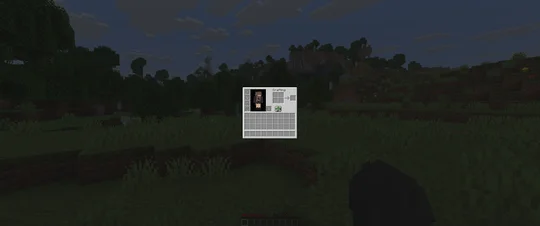
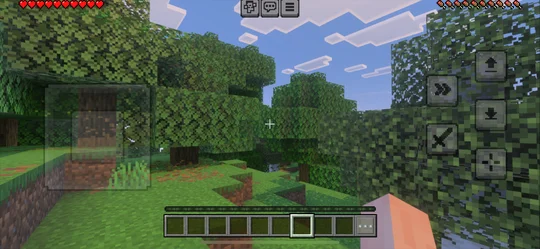
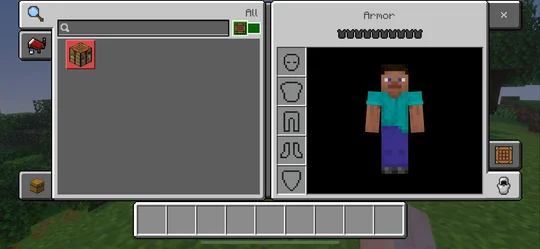
The UI design doesn't change any of the gameplay whatsoever, and is really only changing the look and feel. That being said, Java's interface is minimalistic but is a bit more technical. Bedrock's interface clearly maps out each button and is a bit more user friendly to navigate.
At the end of the day, both versions are still Minecraft. One is not better than the other -- it just comes down to how someone wants to play. Java Edition is great for players that enjoy limitless customization and love making the game their own.
Bedrock Edition is ideal for those who want to play with friends across different devices or want greater control over character customization.
JOIN OUR OFFICIAL CORSAIR COMMUNITIES
Join our official CORSAIR Communities! Whether you're new or old to PC Building, have questions about our products, or want to chat about the latest PC, tech, and gaming trends, our community is the place for you.