GLOSSARY
What is a Riser Cable?
In recent years, you see more PC gamers and builders alike mounting GPUs vertically. From standard PC builds to custom water-cooled to even space-saving, compact builds, mounting the GPU in a non-traditional way has gained popularity more than ever for several reasons, primarily aesthetics and performance.
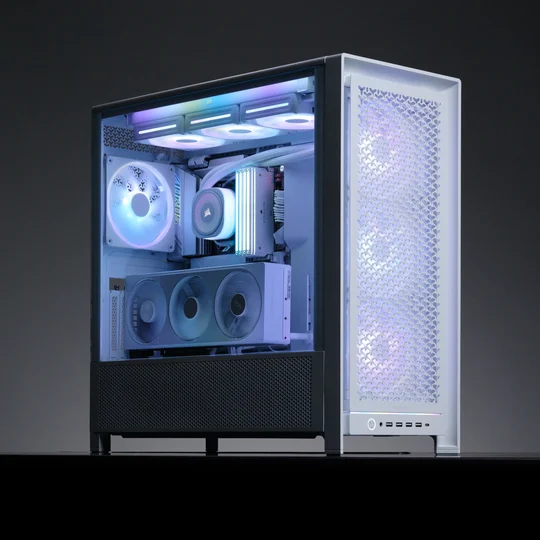
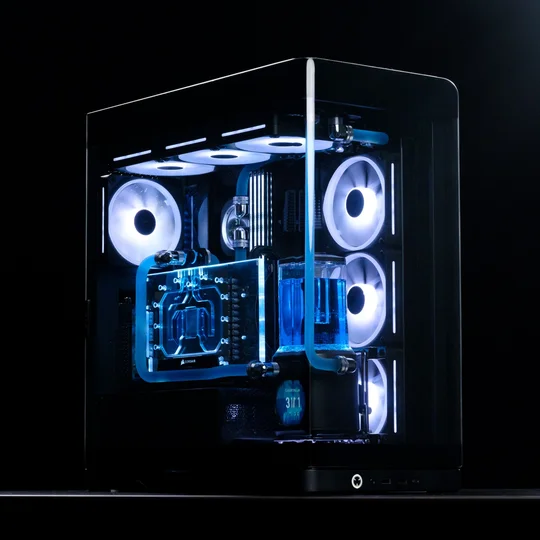
Although vertical GPU mounting is a trend on the rise, note that not all PC builds can support this configuration. Several factors must be considered to mount your GPU vertically. First, your case must accommodate a vertical GPU setup. Many modern cases include dedicated vertical mounting slots or a rotatable PCIe bracket to support the configuration. Make sure your case supports the necessary PCIe riser cable, which connects the GPU to the motherboard while allowing it to be positioned vertically. Also, check that your PC case has enough space to avoid blocking airflow or other components, maintaining effective cooling.
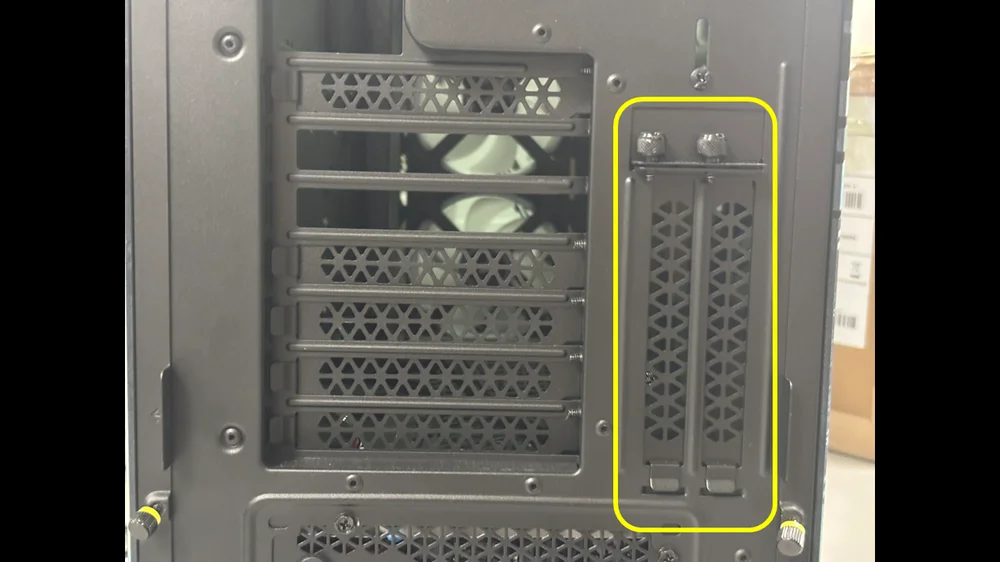
This is an example of a PC case with dedicated PCIe slots for mounting a GPU vertically.
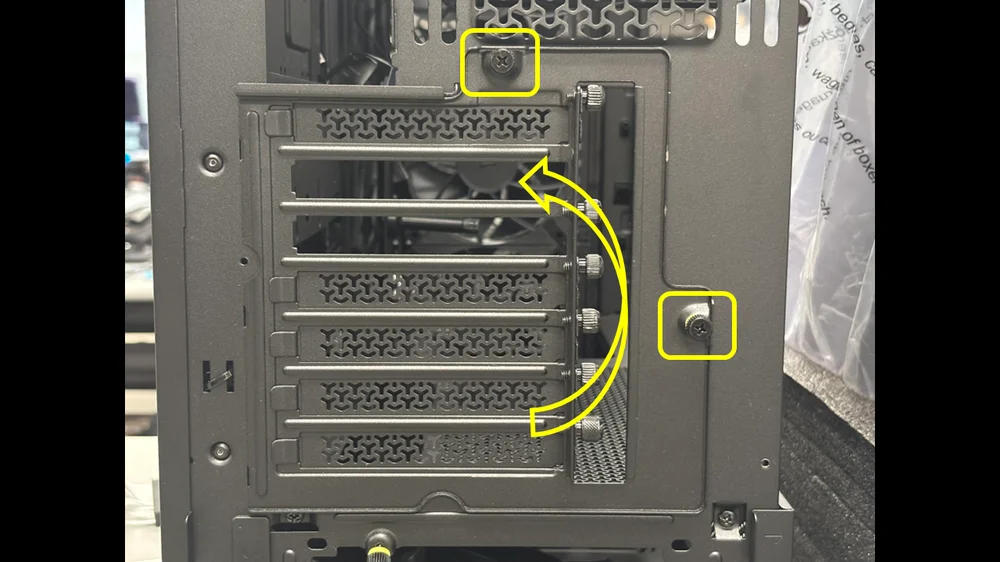
This PC case has rotatable PCIe slots. You will just need to unscrew the two screws holding the PCIe bracket, then position it vertically to support vertical mounting.
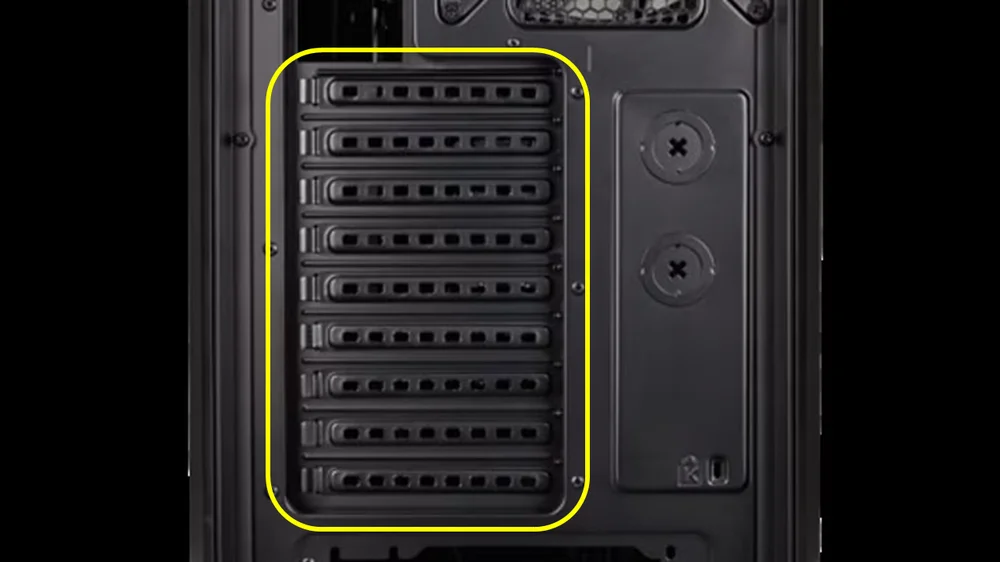
This is what a PC case’s PCIe slots look like that do not support GPU vertical mounting. The PCIe bracket is fixed in place; it cannot be rotated or adjusted.
Once you have confirmed that your PC case supports vertical GPU mounting, you will need a Rise Cable. What is a Rise Cable? It is a special type of cable that connects your GPU to the motherboard’s PCIe slot. It essentially extends your video card, allowing you to mount your GPU vertically to optimize your PC’s internal layout, enhancing both aesthetics and airflow.
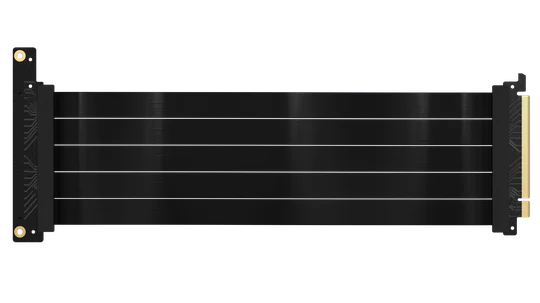
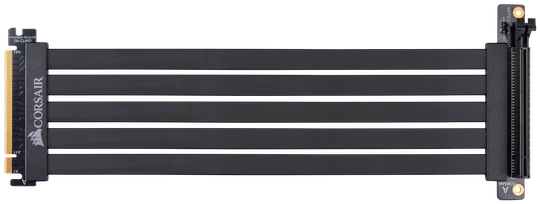
There are different types of Riser Cables, ranging from different generations to different measurements, so be sure to check your GPU’s PCIe Gen and the required length to reach your motherboard’s PCIe slot.
It is also worth noting that when you mount your GPU vertically, make sure to check the clearance between the GPU and the side panel. Positioning the GPU too close to the side panel defeats the purpose of vertical mounting. You want adequate space between the GPU's intake fans and the side panel to allow fresh air to enter and cool the GPU components. This can lead to better thermal performance, potentially reducing the risk of overheating during intense gaming sessions or demanding workloads.
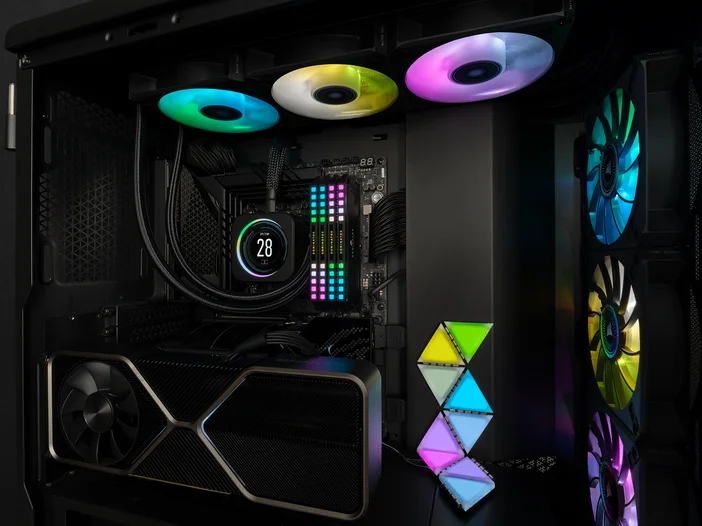
Sure, vertically mounting your GPU helps optimize airflow in your PC. But many PC builders do it because it is the perfect way to flex and highlight their GPU, especially in custom water-cooled PC builds. It adds a layer of complexity to the PC, elevating its aesthetics and allowing for a more visually striking display of the graphics card, showcasing its design and RGB lighting.
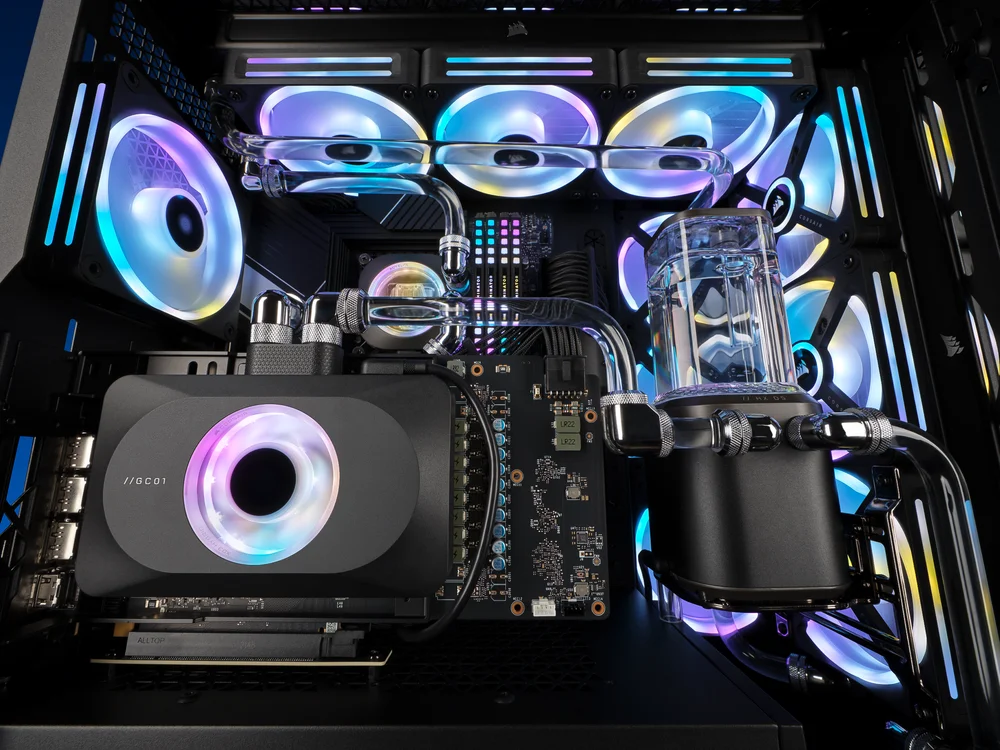
Many people overlook that mounting a GPU vertically can improve access to its ports and connections. When mounted horizontally, reaching the port, such as HDMI, DisplayPort, and power connectors can be difficult, particularly in smaller cases. A vertical mount offers easier access, making it simpler to connect multiple displays or peripherals. This functional benefit, along with aesthetic and cooling advantages, makes vertical GPU mounting an attractive option for many PC builders.