GLOSSARY
What is Overclocking?
CPUs were the first to become highly popular for overclocking within the PC enthusiast communities. In the late 1990s and early 2000s, overclocking gained significant traction as more users recognized its potential benefits. The introduction of unlocked multipliers on certain CPU models, such as the Intel Celeron and AMD Athlon series, made it easier for users to experiment with overclocking.
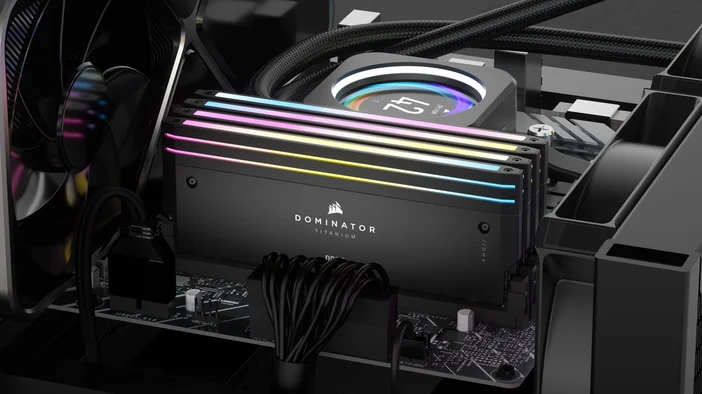
DRAM overclocking really gained momentum later on because their speed was closely linked to CPU speed, and in the early days, DRAM technologies were too slow and unstable to handle higher clocks. It wasn't until the early 2000s that we saw DRAM become a big part of the overclocking scene, especially with DDR and DDR2. During this time, BIOS options started improving, offering more detailed control over timings (like CL, tRAS, tRP, and tRAS) and voltages, making overclocking more accessible and manageable.
In the mid-2000s, CPU and DRAM technology really advanced, with overclocking becoming popular. Mainstream PC builders learned that many CPUs and DRAM modules could run beyond their factory settings. This sparked a growing community of overclockers who shared their discoveries and techniques.
What is Overclocking?
Initially, overclocking was a manual, trial-and-error process where users adjusted CPU or DRAM clock speeds and voltages to improve performance without needing high-end PC hardware. In other words, if you want to achieve better performance from your system without the expense of premium components, overclocking is a viable solution.
This practice gained significant popularity among enthusiasts looking to maximize their system's capabilities for gaming, content creation, or other demanding applications. However, overclocking also carries risks, including increased heat output and potential instability, which necessitate adequate cooling solutions and thorough testing.
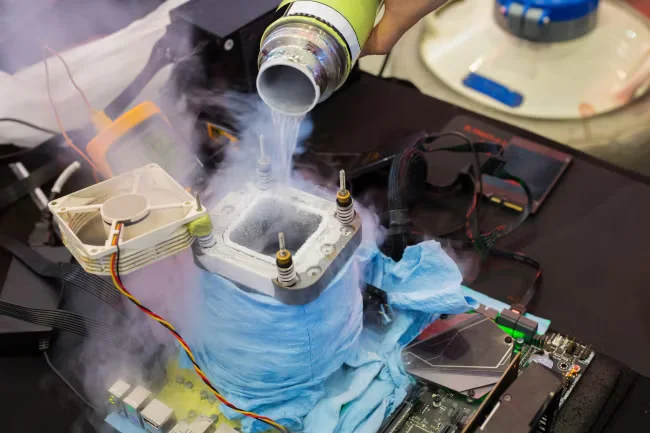
Image credit to HowToGeek
CPU Overlocking
When overclocking a CPU, it’s important to note that the CPU’s temperature will be higher than its standard operating range. Therefore, closely monitoring its temperatures is crucial, as excessive heat can cause thermal throttling or permanent damage. Many modern CPUs have built-in thermal fail-safe features, but relying solely on these can be risky.
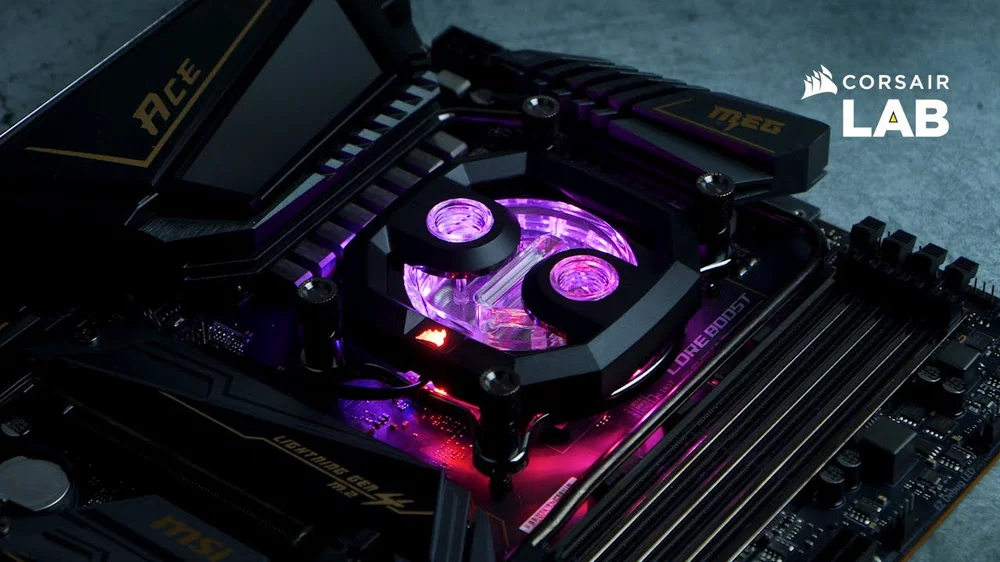
It’s recommended to use high-performance cooling systems, such as custom liquid cooling or premium AIO liquid CPU coolers like the CORSAIR iCUE LINK TITAN 360 RX, to keep temperatures in check when overclocking. After overclocking your CPU, ensuring system stability during normal use is essential, which makes stress testing software a necessary tool to verify that your system remains reliable under load.
DRAM Overclocking
Like CPU overclocking, DRAM overclocking involves increasing the memory’s frequency and adjusting timings to boost overall system performance. By raising the memory speed and tightening the timings, it can significantly improve applications that depend heavily on memory bandwidth, such as video editing and gaming.
Users can use tools like XMP (Extreme Memory Profile) from Intel and EXPO (Extended Profiles for Overclocking) from AMD to make the overclocking process easier, allowing them to apply preset settings that optimize performance.
However, similar to CPU overclocking, it is essential to test the memory's stability after making adjustments, as unstable memory can cause system crashes and data loss. With careful tuning and monitoring, users can achieve substantial performance improvements through both CPU and DRAM overclocking.
CORSAIR, as it happens, broke the world record for DDR5 speed in 2025, so we can say with certainty that CORSAIR RAM is capable of being pushed far past the limit.
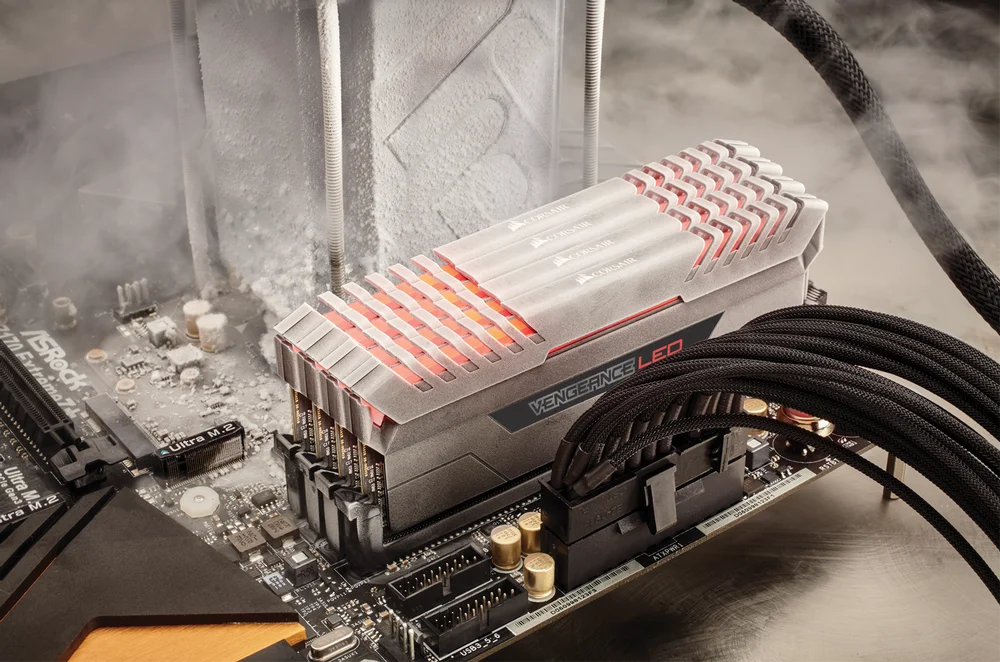
Memory overclocking also generates more heat due to increased voltage, but it usually doesn't require extreme cooling. If you plan to overclock your memory, it's recommended to choose a high-performance DRAM kit with tightly screened ICs and heat sinks designed for effective heat dissipation, such as the CORSAIR Dominator Titanium DDR5.
This model features DHX technology and a custom PCB that cools both the front and rear of the DRAM chips, as well as the PCB itself, ensuring optimal performance even if its overclocked.
Is Overclocking Worth it?
Ultimately, overclocking isn't just about pushing your hardware to its limits; it's about finding that sweet spot where performance and longevity come together. Every adjustment you make is a chance to learn more about your system, giving you valuable insights that can guide your future upgrades and setups. This knowledge helps you make smarter choices, keeping your system strong and efficient for years to come.