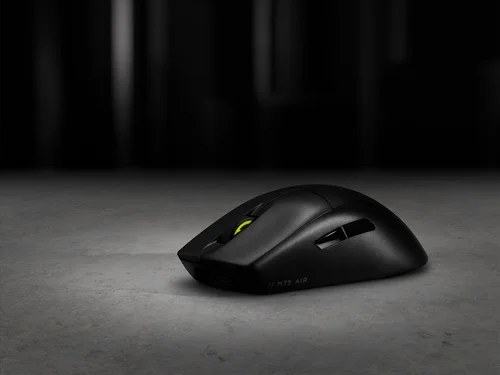
Mouse gaming MMO SCIMITAR ELITE WIRELESS SE – Grigio metallico
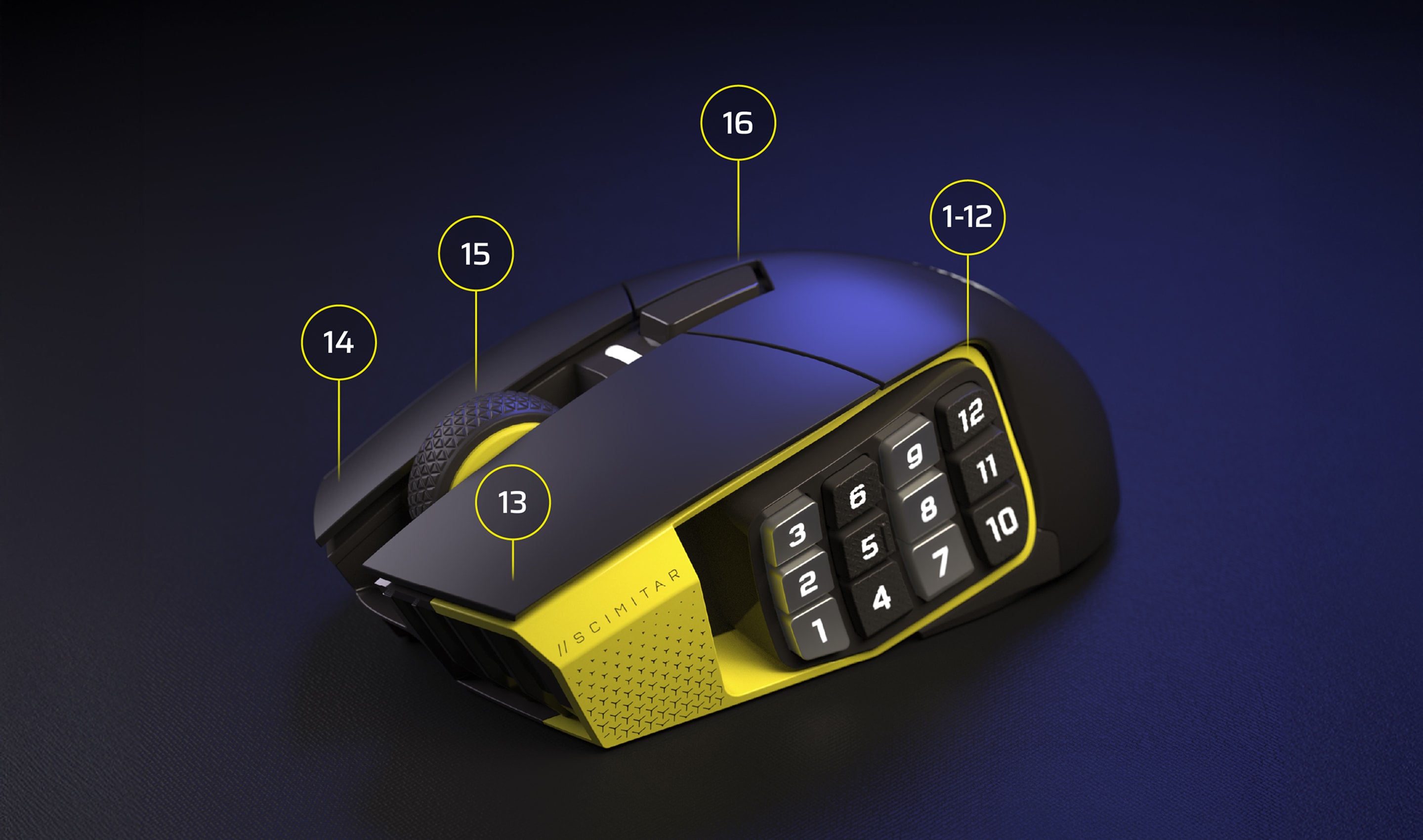
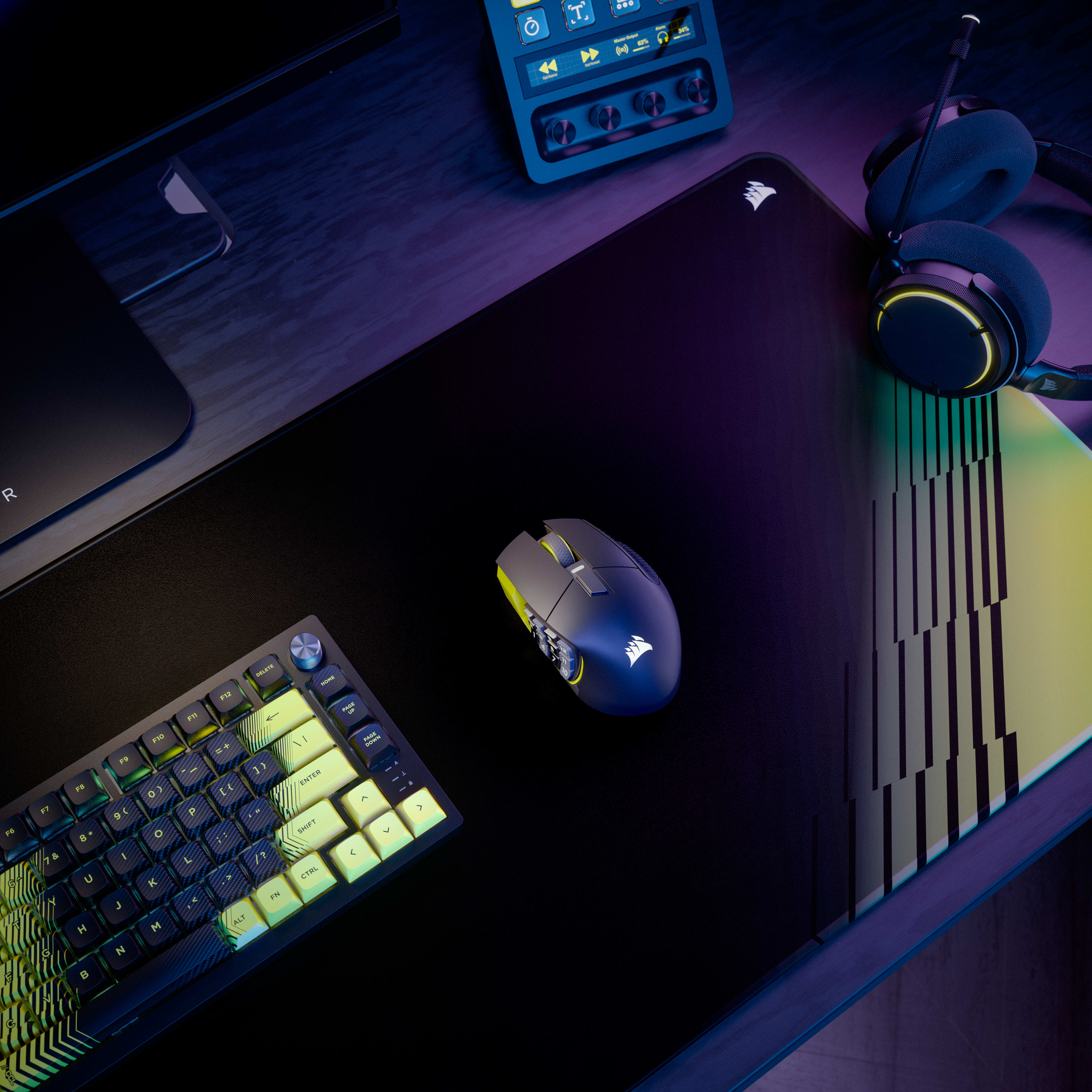
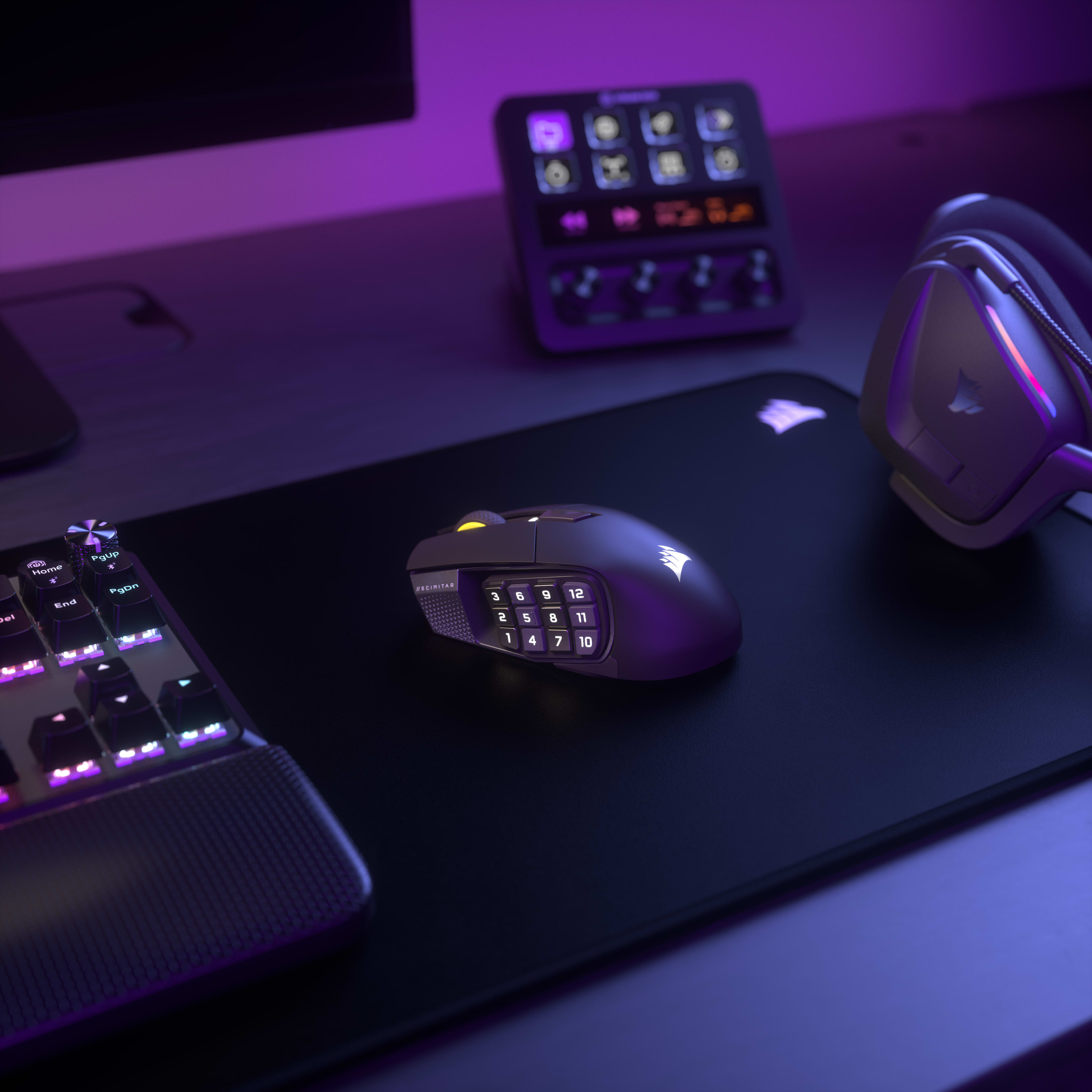
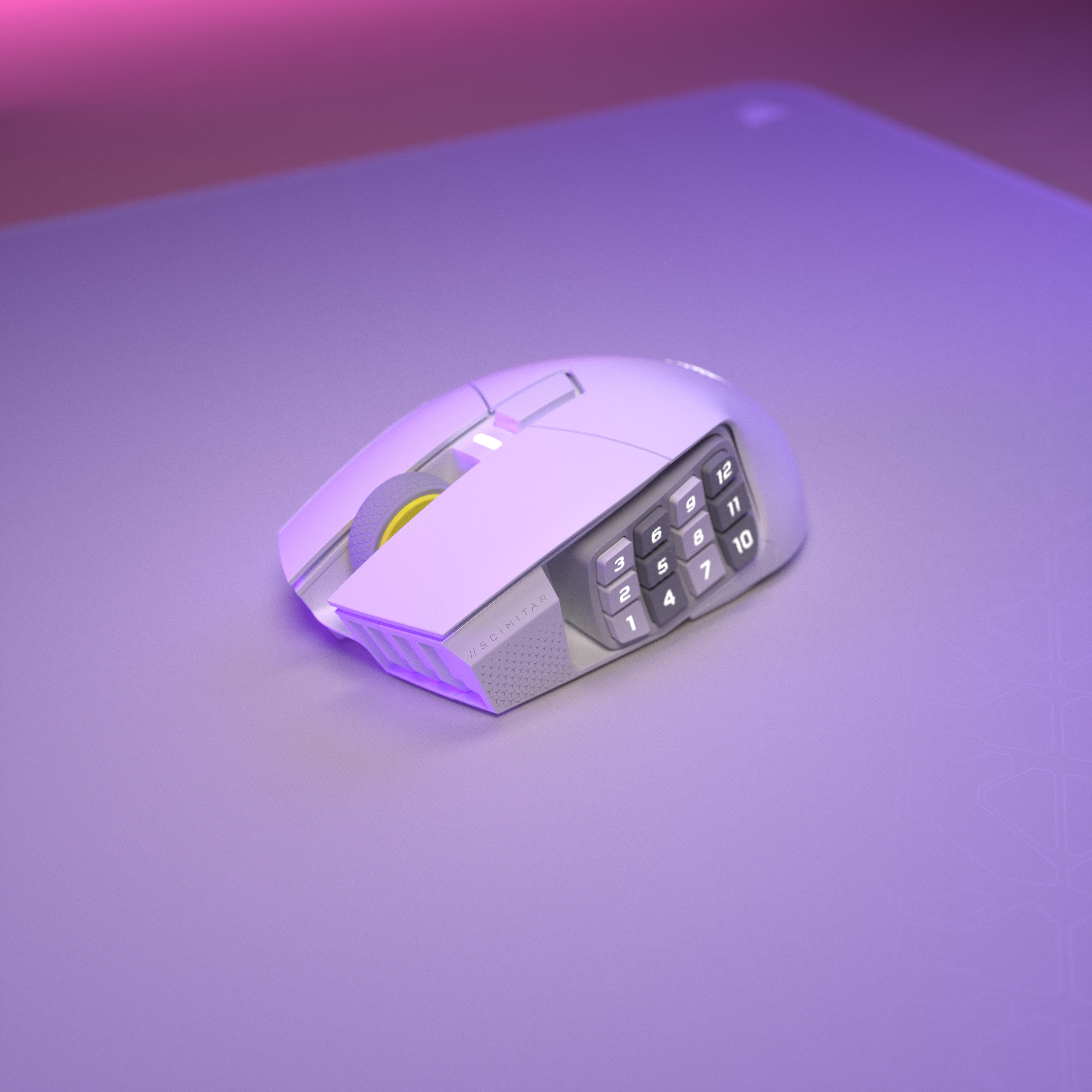
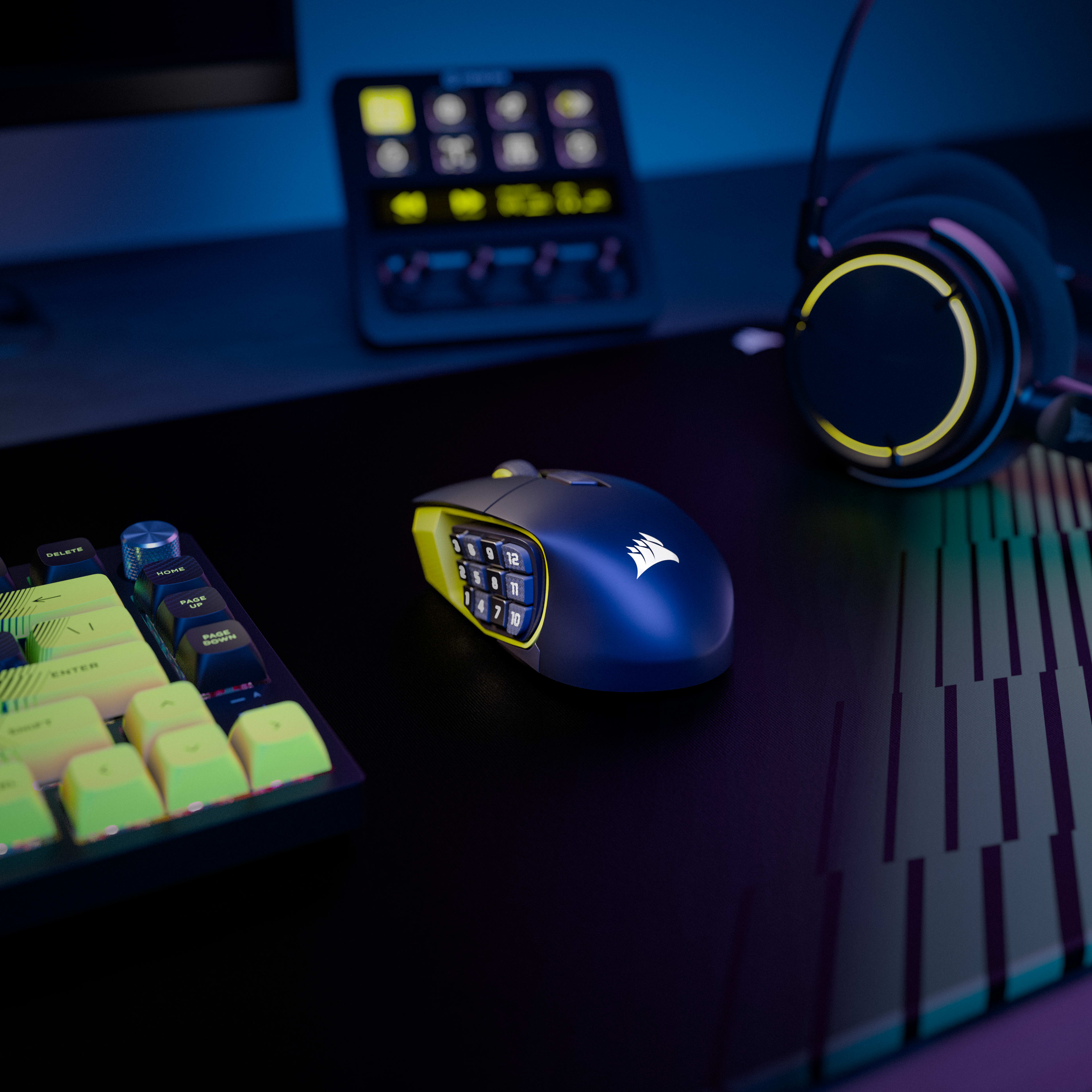
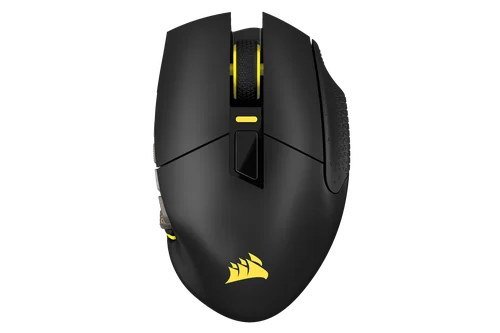
Con 16 pulsanti personalizzabili, un Key Slider regolabile, un sensore MARKSMAN S da 33.000 DPI sorprendentemente preciso e la tecnologia SLIPSTREAM WIRELESS a bassissima latenza, il mouse gaming MMO CORSAIR SCIMITAR ELITE WIRELESS SE è un componente MMO semplicemente leggendario.
Current price: 139,99 CA$ - Original price: 199,99 CA$ - Sconto: 60,00 CA$$139,99$199,99Risparmia $60,00
Ordina oggi per la consegna prevista entro 06/03/2026-06/04/2026
Current price: 274,99 CA$ - Original price: 334,99 CA$ - Sconto: 60,00 CA$$274,99$334,99
Risparmia60,00 CA$
SKU: CH-9314014-WW
Current price: 139,99 CA$ - Original price: 199,99 CA$ - Sconto: 60,00 CA$$139,99$199,99Risparmia $60,00
Ordina oggi per la consegna prevista entro 06/03/2026-06/04/2026
Reso sicuro e gratuito entro 60 giorni
Panoramica
Specifiche tecniche
Download
Guide
Domande frequenti
CREA IL TUO STILE PERSONALE
SCIMITAR ELITE WIRELESS SE
IL CONNUBIO PERFETTO TRA FORMA E FUNZIONALITÀ
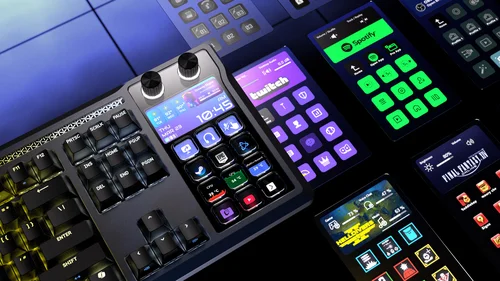
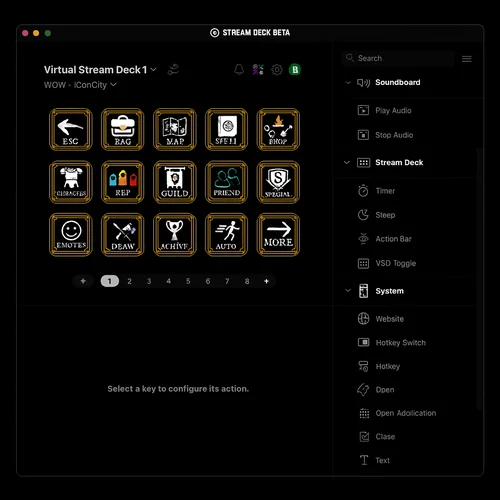
Utilizzando la potenza di Elgato Virtual Stream Deck, puoi creare più deck virtuali, per assegnare a ciascuno dei 12 pulsanti l'accesso a più funzioni che mai.
Grazie all'integrazione nativa Elgato Stream Deck, le funzioni di Stream Deck possono essere mappate direttamente su SCIMITAR ELITE WIRELESS SE dall'app Stream Deck.
Lancia attacchi critici, esplora le mappe e invia segnali ai compagni di squadra, il tutto con una precisione sorprendente grazie al sensore ottico MARKSMAN S da 33.000 DPI. Può raggiungere velocità di 750 IPS e accelerazione fino a 50 G, consumando meno energia rispetto ai modelli della generazione precedente.
FINO A
50 G
DI ACCELERAZIONE
750 IPS
VELOCITÀ DI TRACCIAMENTO
33.000 DPI
SENSORE OTTICO
REAZIONE IMMEDIATA
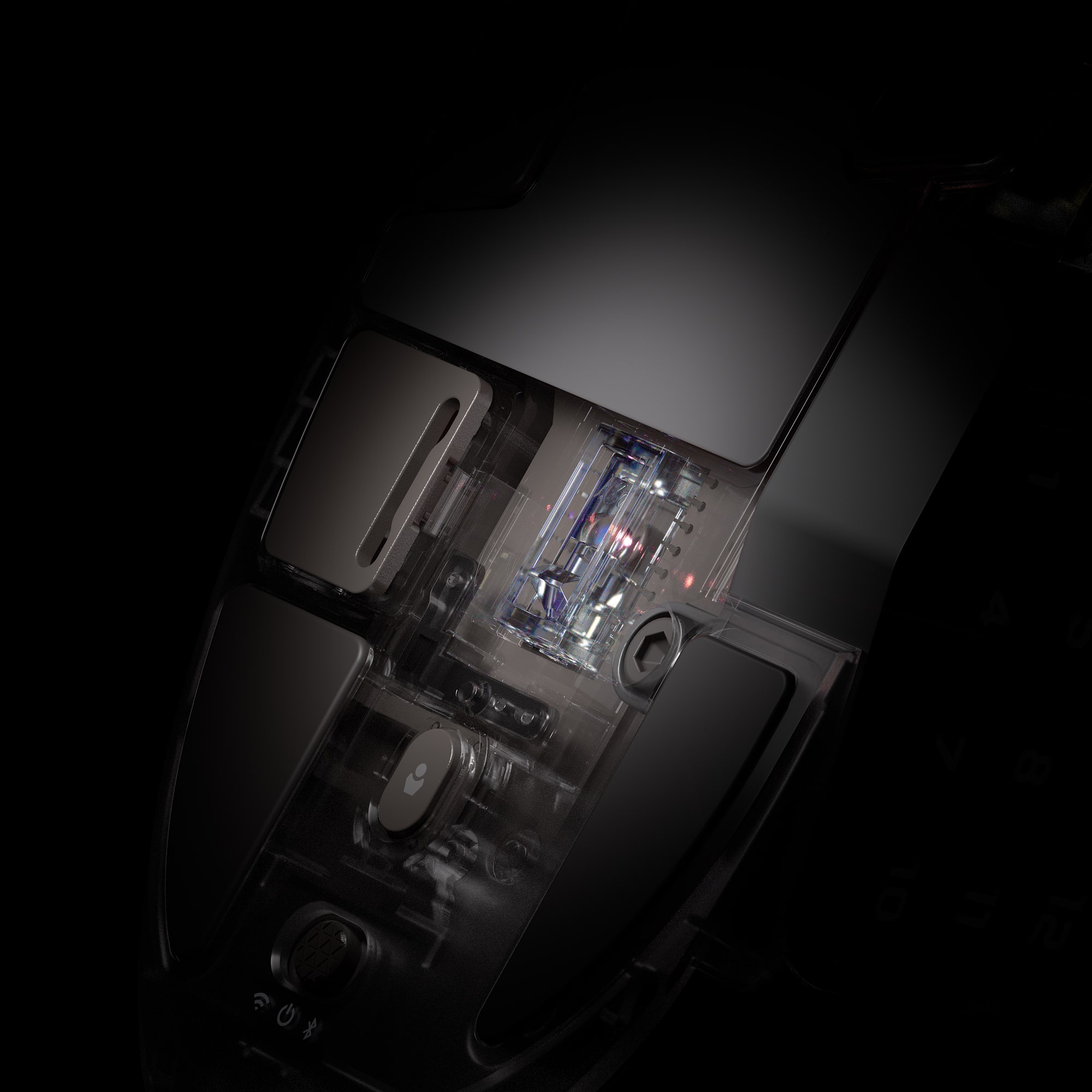
Gli switch ottici eliminano il ritardo di debounce, permettendoti di attaccare con una velocità inaudita e fino a di 100 milioni di clic.
INNOVAZIONE CON iCUE
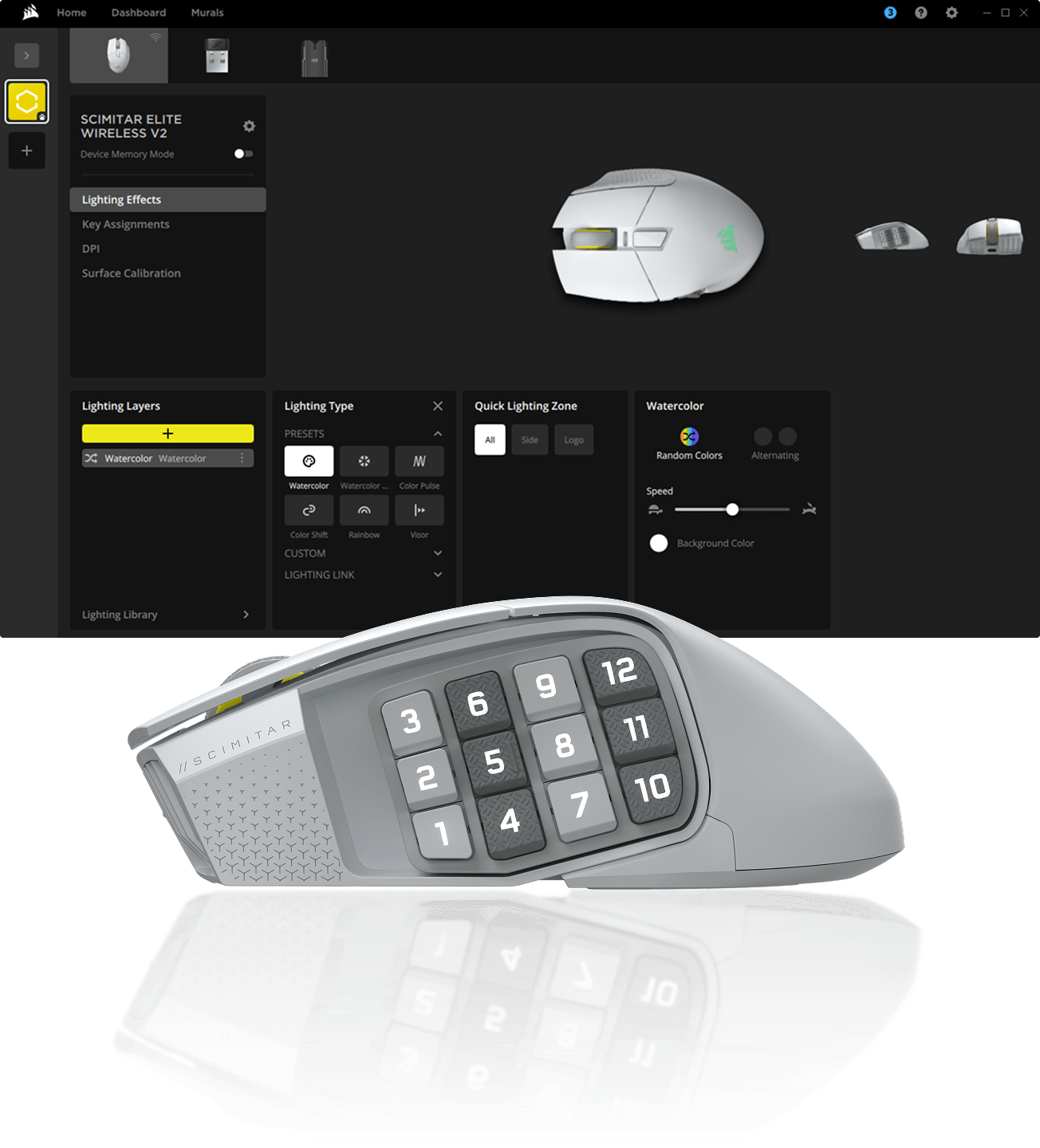
Con il software CORSAIR iCUE puoi programmare macro, rimappare i pulsanti, personalizzare l’illuminazione RGB e molto altro ancora.
SCOPRI SCIMITAR ELITE WIRELESS SE
SWITCH WIRELESS E BLUETOOTH
Passa facilmente dalla modalità wireless alla tecnologia Bluetooth o alla modalità standby
SWITCH OTTICI
Azioni di gioco istantanee, con garanzia fino a 100 milioni di clic
PULSANTI CORSAIR QUICKSTRIKE
Gap nullo tra i pulsanti principali, per azioni ultrarapide
PULSANTI PROGRAMMABILI
Programma qualsiasi azione che riesci a immaginare
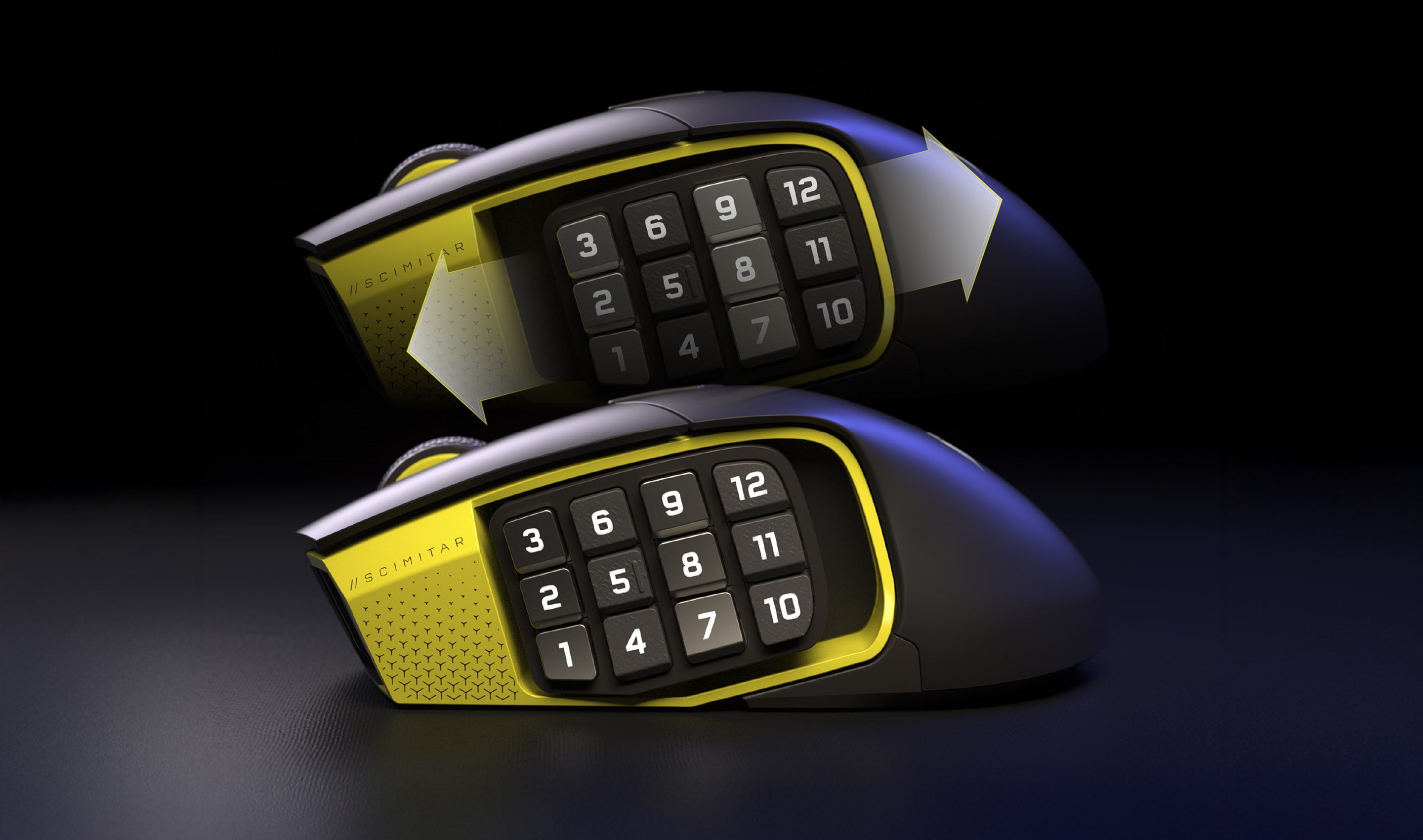
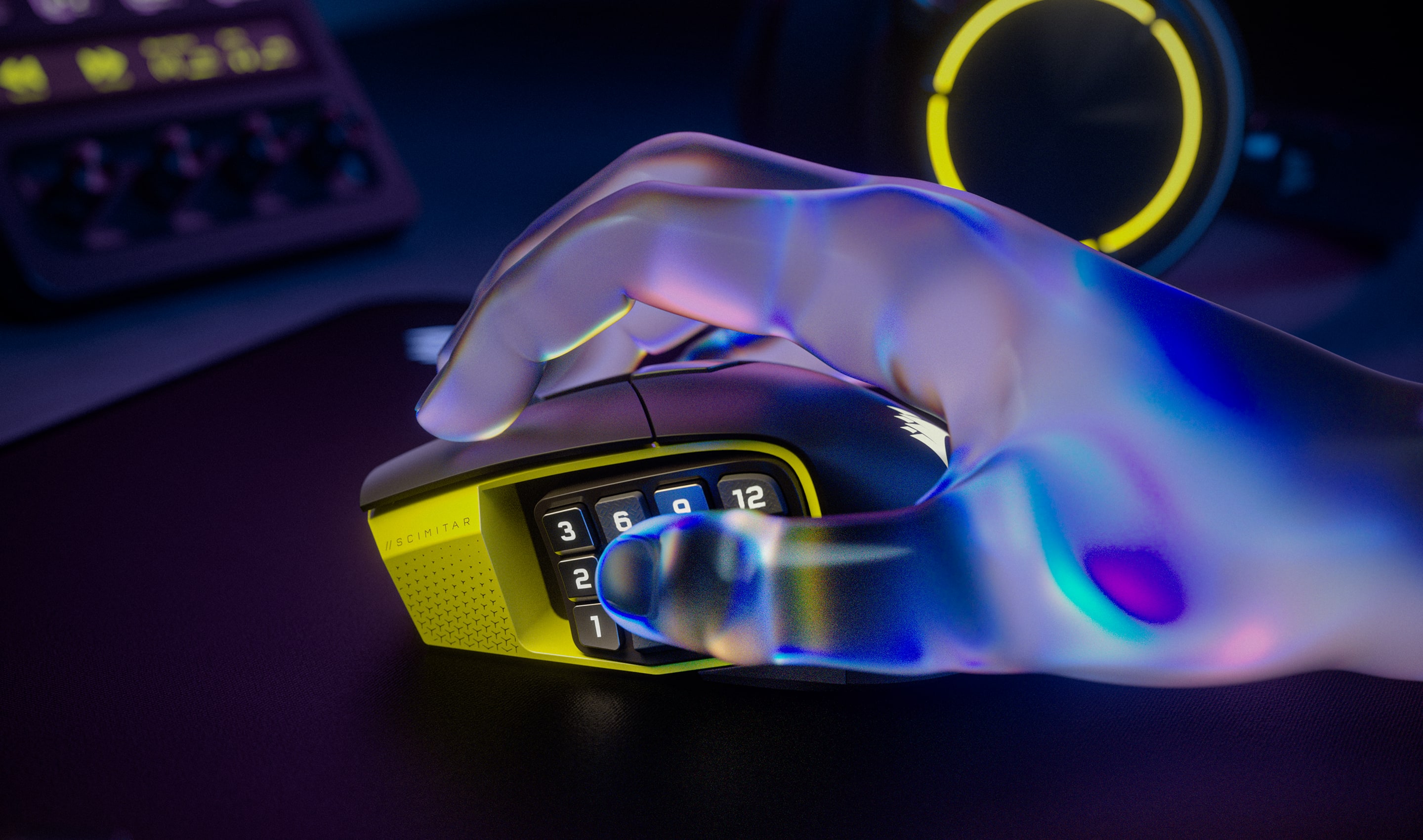
PANNELLO KEY SLIDER REGOLABILE CON 12 PULSANTI
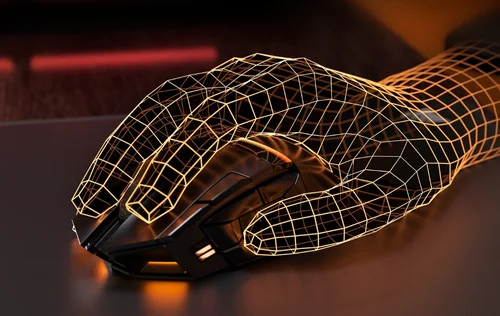
Riposizionabile per adattarsi a qualsiasi impugnatura
ILLUMINAZIONE RGB A DUE ZONE
Personalizza la vivida illuminazione RGB con iCUE
MEMORIZZAZIONE DI PROFILI INTEGRATA NEL DISPOSITIVO
Salva e porta con te fino a tre profili personalizzati
PIEDINI IN 100% PTFE
Scopri come muovere il mouse con un bassissimo attrito
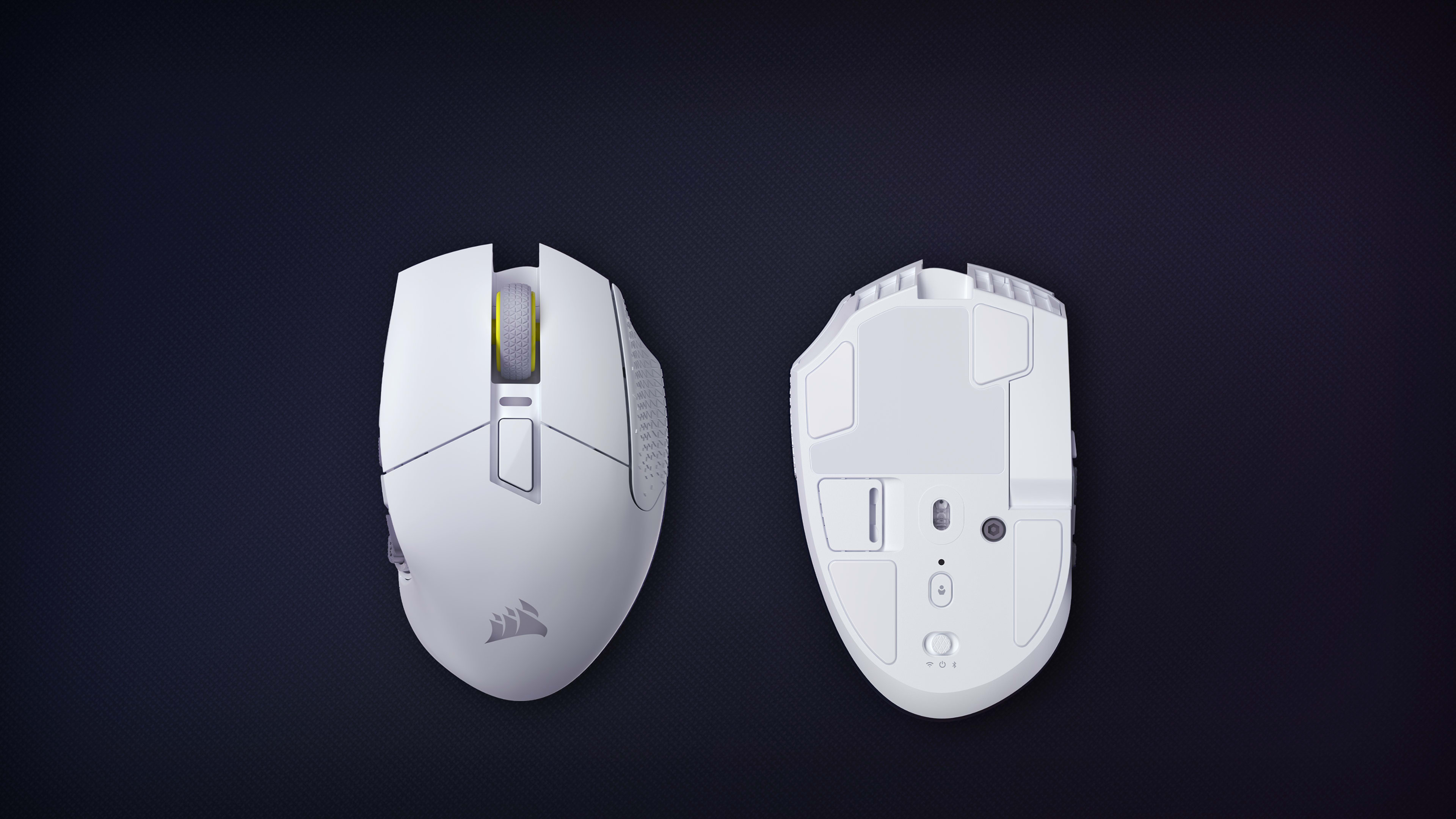
VANO PER RICEVITORE USB
Comodo scomparto dedicato al ricevitore USB sotto il mouse
SENSORE OTTICO CORSAIR MARKSMAN S DA 33.000 DPI
Registra ogni mossa con precisione assoluta
SLIPTREAM WIRELESS E BLUETOOTH
Hyper-polling da 1.000 Hz e batteria con autonomia fino a 150 ore con Bluetooth
SWITCH WIRELESS E BLUETOOTH
Passa facilmente dalla modalità wireless alla tecnologia Bluetooth o alla modalità standby
SWITCH OTTICI
Azioni di gioco istantanee, con garanzia fino a 100 milioni di clic
PULSANTI CORSAIR QUICKSTRIKE
Gap nullo tra i pulsanti principali, per azioni ultrarapide
PULSANTI PROGRAMMABILI
Programma qualsiasi azione che riesci a immaginare
PANNELLO KEY SLIDER REGOLABILE CON 12 PULSANTI
Riposizionabile per adattarsi a qualsiasi impugnatura
ILLUMINAZIONE RGB A DUE ZONE
Personalizza la vivida illuminazione RGB con iCUE
MEMORIZZAZIONE DI PROFILI INTEGRATA NEL DISPOSITIVO
Salva e porta con te fino a tre profili personalizzati
PIEDINI IN 100% PTFE
Scopri come muovere il mouse con un bassissimo attrito
VANO PER RICEVITORE USB
Comodo scomparto dedicato al ricevitore USB sotto il mouse
SENSORE OTTICO CORSAIR MARKSMAN S DA 33.000 DPI
Registra ogni mossa con precisione assoluta
SLIPTREAM WIRELESS E BLUETOOTH
Hyper-polling da 1.000 Hz e batteria con autonomia fino a 150 ore con Bluetooth
SWITCH WIRELESS E BLUETOOTH
Passa facilmente dalla modalità wireless alla tecnologia Bluetooth o alla modalità standby
COMPLETA IL TUO SISTEMA
Il software CORSAIR iCUE consente di collegare tutti i componenti del tuo PC per un ecosistema coeso e coinvolgente dotato di controlli intuitivi.
The MARKSMAN S 33K optical sensor supports up to 33,000 DPI, adjustable in 1 DPI resolution steps, with a tracking speed of 750 IPS and up to 50G of acceleration. The mouse reports at 1,000Hz (1ms) polling over 2.4GHz SLIPSTREAM wireless. The previous-generation MARKSMAN sensor topped out at 26,000 DPI at 650 IPS — the MARKSMAN S represents a 26% DPI increase and a 25% speed increase over its predecessor, while also using less energy.
The Scimitar Elite Wireless SE delivers up to 150 hours of battery life via 2.4GHz SLIPSTREAM wireless with RGB lighting off, and up to 500 hours via Bluetooth with RGB lighting off. Activating RGB lighting will reduce these figures. The Scimitar Elite Wireless offers up to 120 hours on 2.4GHz and up to 150 hours using Bluetooth, making the SE a significant improvement on both counts.
A full recharge of the SCIMITAR ELITE WIRELESS SE will take 60 minutes or less. The mouse charges via the included USB-C to USB-A cable connected to any USB 2.0 or 3.0 port. SCIMITAR ELITE WIRELESS SE’s multi-purpose LED indicator pulses green while it is charging and changes to a solid green when it is fully charged.
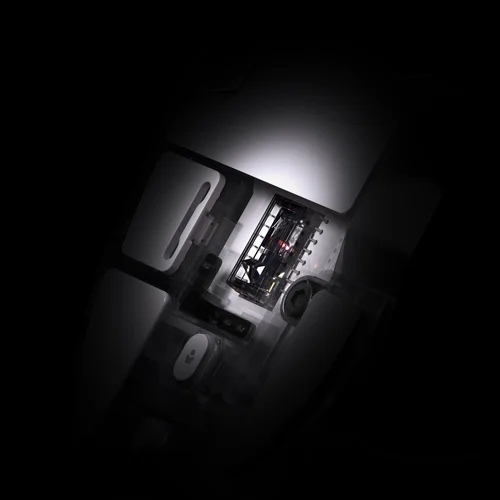
The Key Slider™ is a patented repositionable side-button cluster that holds all 12 side-panel buttons. Using the included Allen key (2.5mm hex), you loosen the screw on the underside, slide the cluster to your preferred position along 8mm of total travel range (with no predefined increments), then retighten to lock it in place. This lets players of any hand size position the buttons exactly where their thumb naturally rests, without changing grip.
Out of the box, the five DPI stages are: 400 (Red LED), 800 (White LED), 1200 (Green LED), 1600 (Purple LED), and 3200 DPI (Capri LED). Each stage is indicated by the color of the multi-purpose LED indicator when you press the DPI Toggle Button. All five stages can be fully reconfigured to any value within the 1–33,000 DPI range using iCUE software and saved to one of three onboard profiles.
The mouse stores three onboard profile slots — identified by Red, Green, and Blue indicator colors — each holding their own DPI settings, button assignments, and lighting effects. You cycle through profiles by pressing the Profile Button on the underside of the mouse. The default profile assignments map the 12 side buttons to keyboard keys 1–0 and minus/equals. All three profiles work without iCUE installed once they've been configured; iCUE is only required to customize them.
Yes. The mouse supports Bluetooth 4.0 or higher for use with laptops, tablets, or any Bluetooth-enabled device. To pair, hold the DPI Toggle Button while toggling the Power/Wireless Mode switch to the "BT" position — the LED turns solid blue when connected. Corsair notes that Bluetooth mode is best suited for everyday computing tasks and productivity, while 2.4GHz SLIPSTREAM wireless is recommended for optimal gaming performance.
Yes. SLIPSTREAM Multipoint allows up to three compatible devices to share one USB dongle simultaneously. Supported pairings (2:1) include Mouse + Keyboard, Mouse + Headset, and Keyboard + Headset. For 3:1 pairing, all three device types can connect together. Setup is handled through iCUE version 4.10.273 or newer. Note: you cannot pair two devices of the same type (e.g., two mice) on the same receiver.
CORSAIR QUICKSTRIKE buttons are designed with zero gap between the primary click buttons and their switches, eliminating the tiny travel distance required to engage a standard mechanical switch. This means the click registers the instant your finger makes contact with the button, enabling faster reaction times. The Scimitar Elite Wireless SE uses optical switches (not mechanical) for the primary buttons, which are rated for up to 100 million clicks and eliminate debounce delay.
The Scimitar Elite Wireless SE is part of the Stream Deck ecosystem, meaning that it can unlock Elgato's Virtual Stream Deck functionality. This software-based feature allows users to create on-screen panels of shortcuts for triggering actions, launching apps, and automating tasks — without owning a physical Elgato Stream Deck hardware device. Simply connect the mouse and install Stream Deck 7.0 software (available from Elgato's website) and the Virtual Stream Deck is automatically enabled. Mouse buttons can then be mapped directly to Virtual Stream Deck actions from within the Stream Deck app. The Virtual Stream Deck requires the mouse to have been connected at least once within the past 30 days to remain active.
The SE (Special Edition) upgrades the sensor from the MARKSMAN (26,000 DPI, 650 IPS) to the newer MARKSMAN S (33,000 DPI, 750 IPS), and dramatically improves battery life — from 120 hours on 2.4GHz to 150 hours, and from 150 hours on Bluetooth to 500 hours. The SE version is also available in a unique Yellow/Black colorway. The SE also adds the Elgato Virtual Stream Deck integration and Elgato Stream Deck native button mapping, which the original Scimitar Elite Wireless does not have. Both share the same Key Slider™ side panel, 16 programmable buttons, optical switches, SLIPSTREAM wireless, and overall design.
Both mice share SLIPSTREAM wireless connectivity, Bluetooth 4.2, 100% PTFE feet, and optical switches, but differ in key areas. The Scimitar Elite Wireless SE (SE version) has the newer MARKSMAN S 33K sensor and superior battery life (150 hrs / 500 hrs), while the DARKSTAR uses the previous MARKSMAN sensor at 26,000 DPI and lasts up to 65 hours on 2.4GHz. The Scimitar Elite Wireless SE has 16 programmable buttons in a traditional 3x4 grid with the KeySlider™, making it ideal for dedicated MMO players; the DARKSTAR has 15 programmable buttons in a more multipurpose layout and weighs less at 96g vs 114g. Corsair recommends the Scimitar Elite Wireless SE for dedicated MMO/MOBA players and the DARKSTAR for those who want one versatile mouse for all game types.
Yes. Corsair's iCUE software includes a Surface Calibration Utility that can be used with the Scimitar Elite Wireless SE to optimize the sensor's precision and responsiveness for your specific mousepad or desk surface. This involves moving the mouse in a spiral pattern until calibration completes. Corsair notes this ensures optimal tracking accuracy regardless of the surface used.
The Scimitar Elite Wireless SE is backed by Corsair's 2-year limited warranty. This warranty covers defects in materials and workmanship and is supported by Corsair's worldwide customer service and technical support network. To initiate a warranty claim, contact Corsair support at help.corsair.com to create an RMA ticket; you will need your original proof of purchase and a photo of the product's serial number. Corsair does not accept returns without prior RMA authorization.
The Scimitar Elite Wireless SE measures 119.23mm (L) x 73.48mm (W) x 42.17mm (H) and weighs 114g without cable or accessories. It features a right-hand ergonomic contoured shape designed primarily for a palm grip, though the relatively low weight also makes it comfortable for claw and fingertip grip users. The broad, long profile is specifically designed to reduce wrist strain during extended MMO gaming sessions.