BLOG
What Are Shadow Maps in Games?
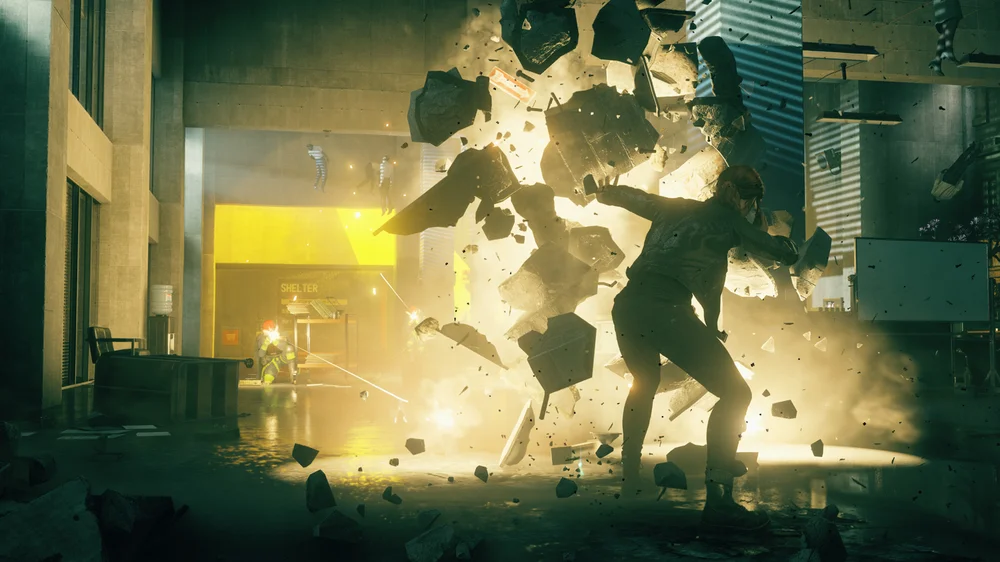
Shadows aren’t just for visual flair. They make game worlds feel real, and without them even the most detailed environments look flat and lifeless. Like Ambient Occlusion and Global Illumination, Shadow Maps are all about making your games look more realistic. One of the most common techniques for rendering shadows in real time is shadow mapping, a method that lets game developers add depth and realism without utterly tanking performance.
Shadow mapping operates using a two-pass process. The first creates a shadow map texture from the perspective of the light source. This map stores depth information, recording how far objects are from the light. The second pass is rendered from the player’s point of view, where the game compares each pixel to the shadow map. If a pixel is farther away than what the light recorded, it falls into shadow. If it matches or is closer, it stays lit. This approach is efficient and works well with dynamic lighting, which is why it has been a staple in real-time gaming graphics for years.
Shadow maps do have their limitations though. Because they rely on a texture, resolution matters. Low-resolution shadow maps can result in visibly jagged edges or obvious shimmering when moving around. Unfortunately, simply pumping up the resolution isn’t an easy answer, as high-resolution shadow maps demand more memory and processing power. Developers often use techniques such as cascaded shadow maps or filtering to smooth these artifacts.
Shadow Settings You’ll See in Games
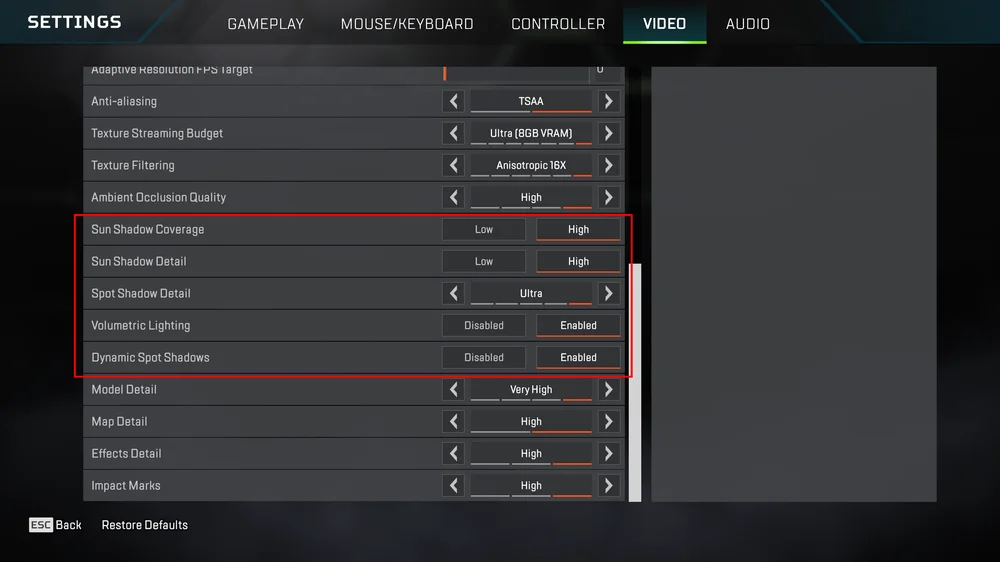
Most games let you tweak shadow quality in the graphics settings. Common options include:
- Shadow Quality – Adjusts resolution and filtering. Higher settings give sharper, more accurate shadows but require more GPU power.
- Soft Shadows – Adds smoother edges for a more natural look.
- Dynamic Shadows – Enables shadows that move and update with objects and lights.
- Contact Shadows – Improves realism by adding subtle shadows where objects touch surfaces.
- Shadow Distance – Controls how far shadows are rendered from the camera. Increasing this improves detail at long range but impacts performance.
As with most game settings, it’s worth experimenting to find the sweet spot where visual fidelity looks great without crippling your frame rate.
Ray Traced Shadows
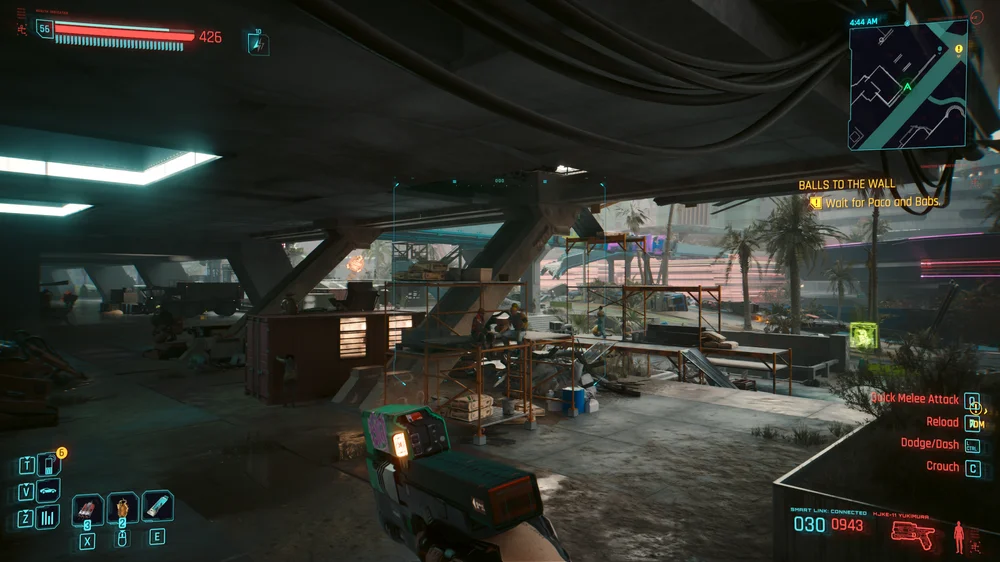
Ray tracing takes a different approach. Instead of relying on a precomputed map, it simulates the actual paths of light rays as they bounce through a scene. This produces shadows that are more accurate, softer, and more natural, especially for complex lighting scenarios. The trade-off is performance. Ray tracing is computationally expensive, which is why it has only recently become viable for real-time rendering thanks to modern GPUs and technologies like DLSS.
Shadow maps remain far less demanding on hardware, making them the default choice for most games. Even at high-quality settings, shadow maps typically cost a fraction of the performance hit compared to ray-traced shadows. Enabling ray tracing can reduce frame rates significantly, so players often need to balance visual fidelity with smooth gameplay. For many, shadow maps offer the best compromise between realism and performance.
JOIN OUR OFFICIAL CORSAIR COMMUNITIES
Join our official CORSAIR Communities! Whether you're new or old to PC Building, have questions about our products, or want to chat the latest PC, tech, and gaming trends, our community is the place for you.