BUYER'S GUIDES
CORSAIR RS-R ARGB vs LX-R Reverse Fans: What's the Difference?
Reverse fans are a handy addition in modern PC builds, as they allow you to retain the front-side aesthetics, without compromising airflow.
Just to be clear: reverse fans do not spin in the opposite direction to standard fans. They spin normally, but the blades are inverted, so air is pulled in through the “back” and exhausted out the “front.” We’ve already written a page explaining what reverse fans are and how they work, so head there if you're looking for the technical engineering stuff.
Right here, though, we’re comparing our two options in the reverse fan category: LX-R fans and RS-R fans, starting as ever, with the specs.

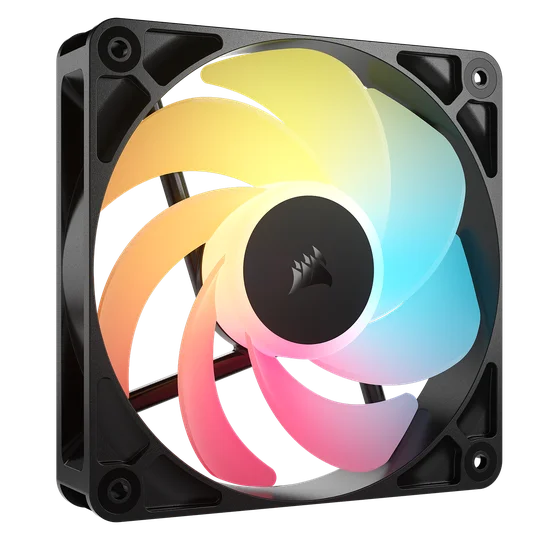
iCUE LINK LX120 RGB 120mm (Black)
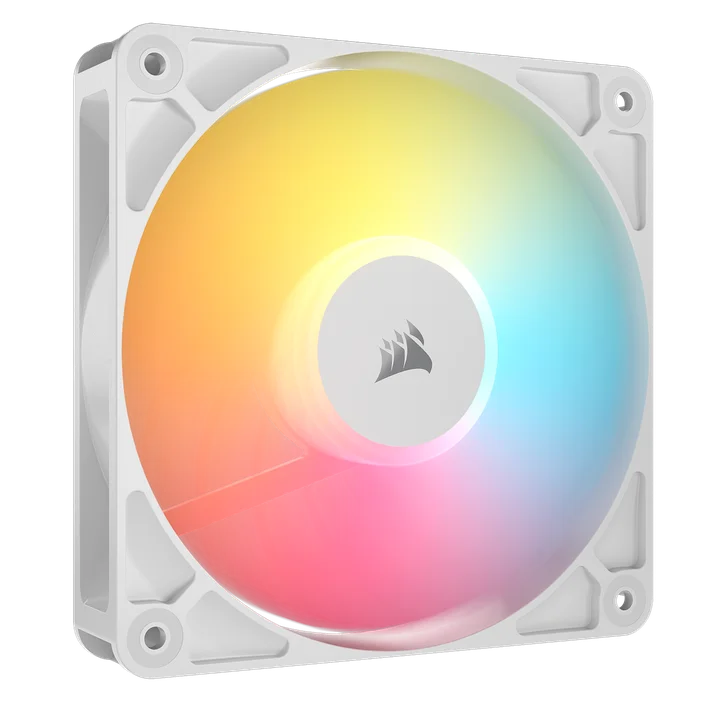
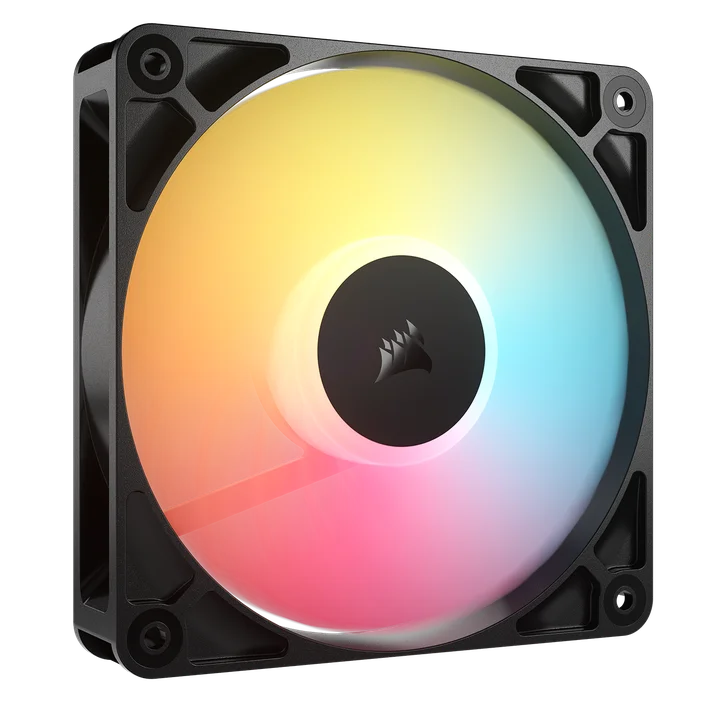
RS120-R ARGB 120mm (Black)
CORSAIR RS-R ARGB vs LX-R Specs Compared
| LX-R 120mm | LX-R 140mm | RS-R ARGB 120mm | |
| Dimensions | 120 mm x 120 mm x 25 mm | 140 mm x 140 mm x 25 mm | 120 mm x 120 mm x 25 mm |
| Rated Current | ≤0.35 A | ≤0.35 A | 0.2 A |
| Speed | 2400 RPM ±10% | 2000 RPM ±10% | 2100 RPM ±10% |
| Airflow | 11.5–66.7 CFM | 13.1–90.6 CFM | 13.3–65.8 CFM |
| Static Presure | 0.14–4.72 mmH2O | 0.11–4.22 mmH2O | 0.14–2.81 mmH2O |
| PWM Control | 0%, 20–100% | 0%, 20–100% | 0%, 20%–100% |
| Sound Level | 10–37.7 dBA | 10–38.3 dBA | 10–34.6 dBA |
| Connection Type | iCUE LINK | iCUE LINK | ARGB |
| Bearing Type | Magnetic Dome | Magnetic Dome | Magnetic Dome |
| Available Colors | Black, White | Black, White | Black, White |
| Warranty | 5 Years | 5 Years | 5 Years |
iCUE LINK vs ARGB and PWM
Aside from the performance differences that we’ll cover next, the most important thing to note is that these fans are controlled and installed in different ways.
LX-R fans are part of the iCUE LINK ecosystem, meaning they clip together and eventually connect through a single cable to a System Hub. This makes life easier when it comes to cable management and installation, but it does make LX-R fans more expensive.
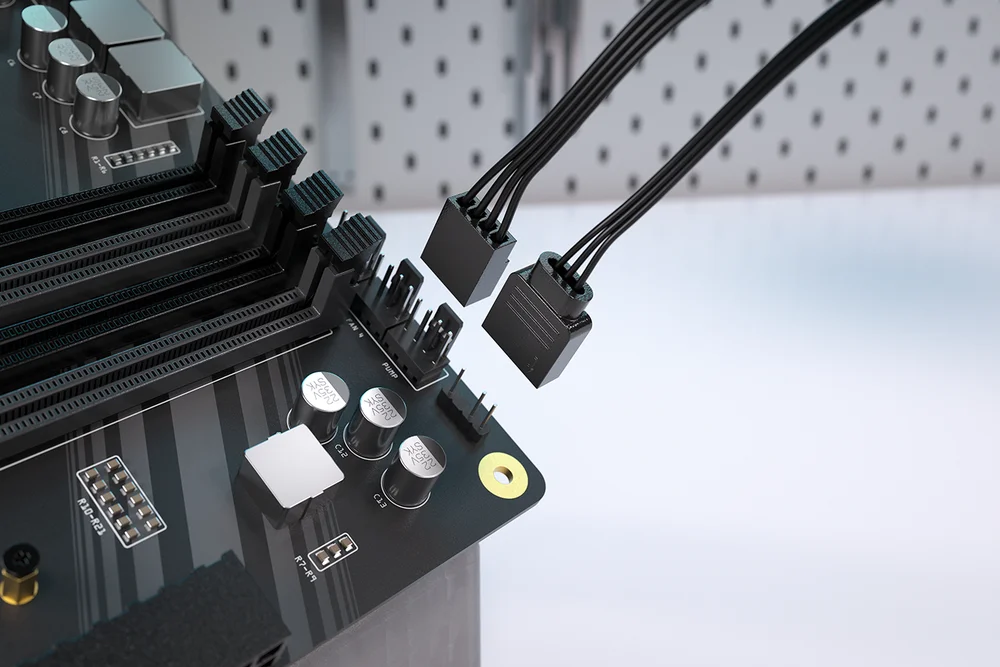
RS-R fans are daisy-chained together, meaning you only need to connect one PWM and one ARGB cable to the motherboard.
RS-R ARGB fans, by comparison, use a more traditional system of daisy-chained 4-Pin PWM and +5V ARGB connections. This means they still connect together, but they can't be controlled individually. Each one will always spin at the same speed as their interconnected brethren. They connect back to either the motherboard fan headers, or a fan hub like the COMMANDER CORE XT. This setup requires more cable management, but RS-R ARGB fans are less expensive.
For more info, we've written a page explaining all the differences between ARGB and iCUE LINK, so check that out to fully understand the pros and cons of each connection method.
RS-R ARGB vs LX-R Performance Compared
Given that RS-R ARGB fans do not have a 140mm variant, this performance comparison specifically refers to LX120-Rs and RS120-Rs.
These fans offer similar performance, but there are a few differences worth noting. LX-R fans have higher static pressure, which means they can push air more forcefully. This makes them more effective when mounted on radiators and dense fan filters. They also offer slightly higher airflow, although not enough to make a significant difference in most setups.
Static pressure and airflow tend to be trade-offs when it comes to PC fans, and you can find more information about it in our Static Pressure vs Airflow article. LX-R fans can also spin about 300 RPM faster than RS-R fans, but as a consequence of that additional speed, they can get louder by about 3 dBA.
Basically, the performance is close enough that the connection method, the visuals, and the pricing should be the deciding factors here.
120mm vs 140mm
We mentioned this earlier, but it bears repeating, as this could easily make the decision for you depending on your case. RS-R ARGB fans do not come in a 140mm size. They are only available in 120mm. So if your case has space for 140mm dans and you've committed to using them throughout, you'll need to go with LX140-Rs.
CORSAIR RS-R ARGB vs LX-R: Visuals
Of course, we’d be kidding ourselves if we said that performance was the only thing that mattered when it comes to case fans. We must also consider the aesthetic side of things.
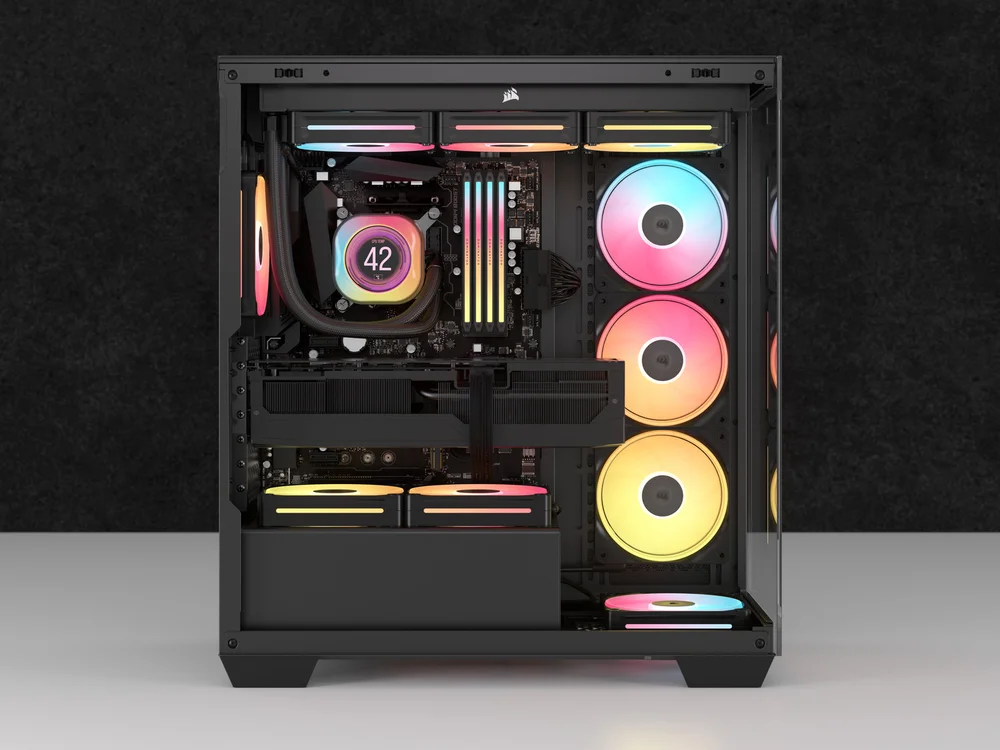
A CORSAIR 3500X equipped with a mixture of LX and LX-R fans. Notice how the addition of LX-R fans in the intake spots make it so you never see the uglier "exhaust" side of the fans.
Both RS-R and LX-R fans are bright enough and capable of some seriously dazzling lighting animations. However, If you're after the brightest reverse-rotor fans, LX-R models are the ones to go for. They feature 18 LEDs per fan, compared to just eight LEDs in RS-R ARGB units.
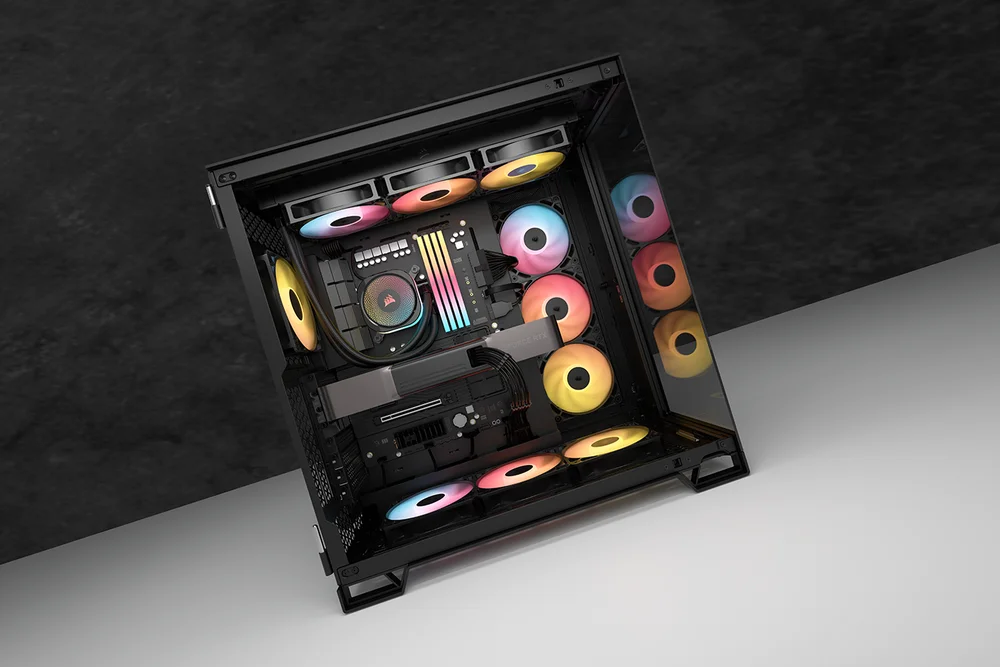
A CORSAIR 6500X case using a mixture of RS ARGB and RS-R ARGB fans. As with the LX example above, regardless of airflow direction, you're always seeing the pretty side of the fans.
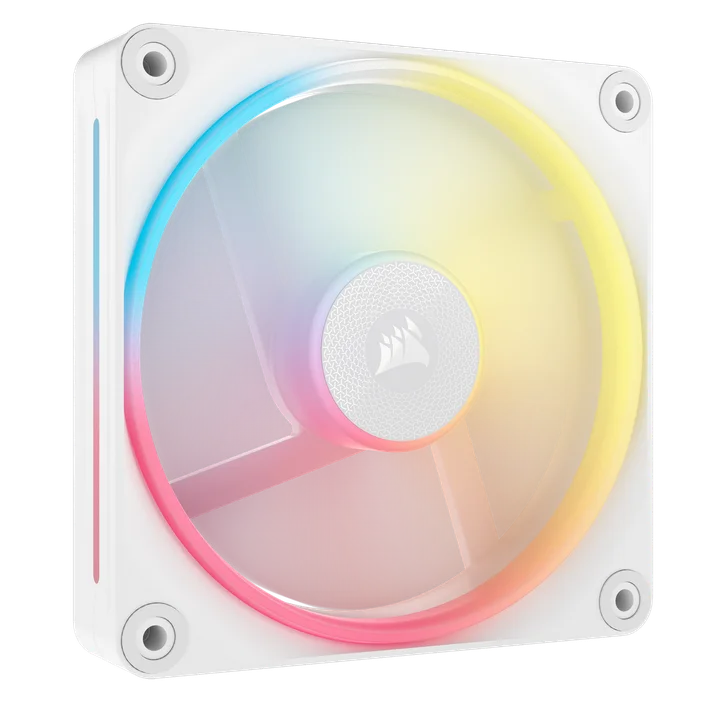
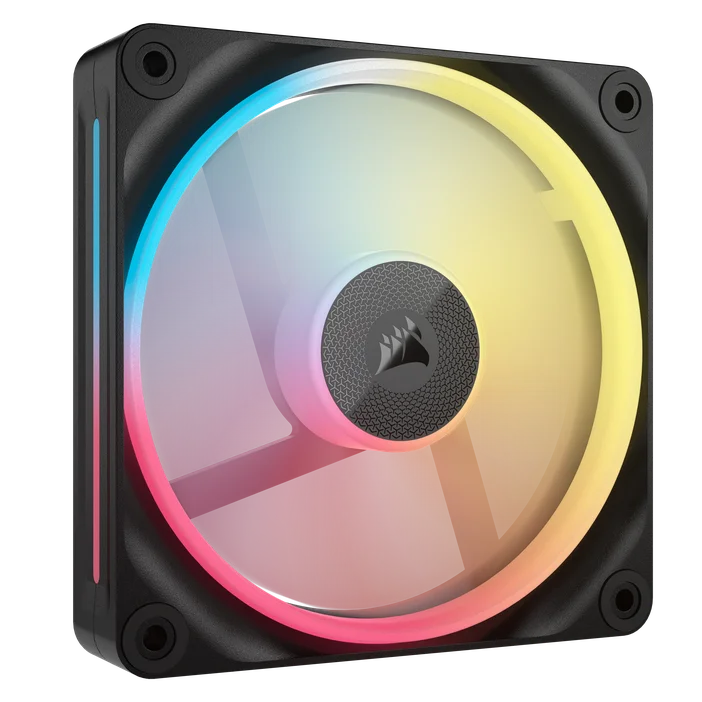
Those who like some lighting yet enjoy tempering the brightness with some restraint might prefer RS-R fans as the lighting is not present through the side of the frames. This is a notable difference, since LX-R fans have a slot running almost the entire length of each side, making the lighting visible from all angles.
So, Which Should You Get?
If performance is your top priority, then LX-R fans are the ones to go for. Even though the performance differences are minor, these do perform better overall.
If you’re all about the visuals, then we can’t answer that as it’s a subjective call. However, since reverse fans only make sense in certain spots within a PC case, it’s worth remembering that whichever model you choose, you should also get the corresponding regular fans. Otherwise, your build could end up with a mismatched mix of fan designs.
It’s also important to highlight that the method of connecting and controlling these fans is quite different. If you really dislike cable management, you'll likely find iCUE LINK LX-R fans far more appealing in that regard.
產品註冊