BLOG
Quiet Gaming Keyboards and Setups for Shared Living and Working Spaces
Whether you’re dorming, sharing an apartment, renting out a room, or trying to do solid office work, chances are you’ve come across a coworker or co-habitant that has an unfortunately loud keyboard, mouse, or gaming setup.

Unfortunately, one of the frustrating things about a loud setup is not realizing that you have a loud setup. If you’ve only ever used the gear you’re used to, you might not know that there are much, much quieter options available to you.
Let’s take a look at some sound solutions you might have overlooked, and make sure we’re all being considerate and courteous computer users.
Small Switches, Big Sound
Other than your own voice, the part of your setup is most likely to be the loudest is your mechanical gaming keyboard. If you’re running thocky, hi-fi switches, chances are everyone in your shared space has a pretty good estimation of how many words per minute you type.
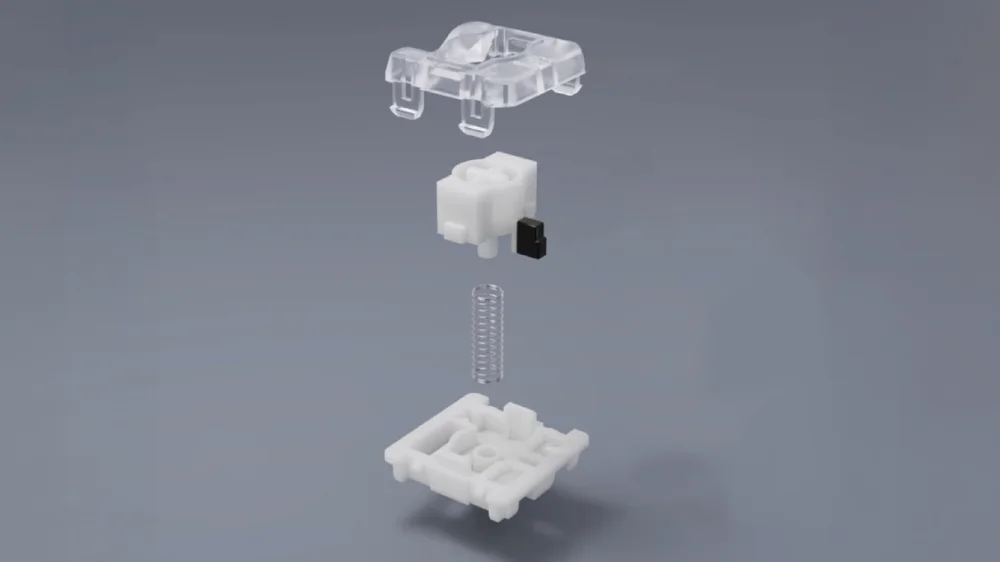
But mechanical keyboards don’t have to sound like that every time you press a key. In fact, some of them don’t even have to make much of a sound at all. If you’re trying to put together a quiet mechanical keyboard, the switches are going to be at the core of that project. Optical and Magnetic switches tend to be on the quieter side due to the fact that their actuation methods don’t physically close a switch. Even among mechanical switches, there is a spectrum of sound. In general, linear switches are the quietest of the mechanicals, tactile switches are a bit louder, and thocky/clicky/hi-fi are the loudest.
Low-profile switches, like the CORSAIR OPX optical switches on the VANGUARD AIR 99 WIRELESS are also another way you can lessen the audio impact of each keypress. With a shorter total travel distance before they bottom out, your finger and the keycap will have accelerated less before the keycaps hit the keyboard, making for a softer resonance.
Sound Dampening
Once you’ve got quieter switches installed, the next aspect to look at would be sound dampening. Most new mechanical keyboards on the market will feature some level of sound-dampening foam in their keyboards that is designed to mute unwanted harsh sounds from keypresses. For example, the VANGUARD 96 and VANGUARD PRO 96 have 4 layers of sound dampening material. They also feature gasket mounting, which is another feature that can have an impact on keypress acoustics. As a rule of thumb, the more layers of sound dampening a keyboard has, the quieter each keypress will sound.
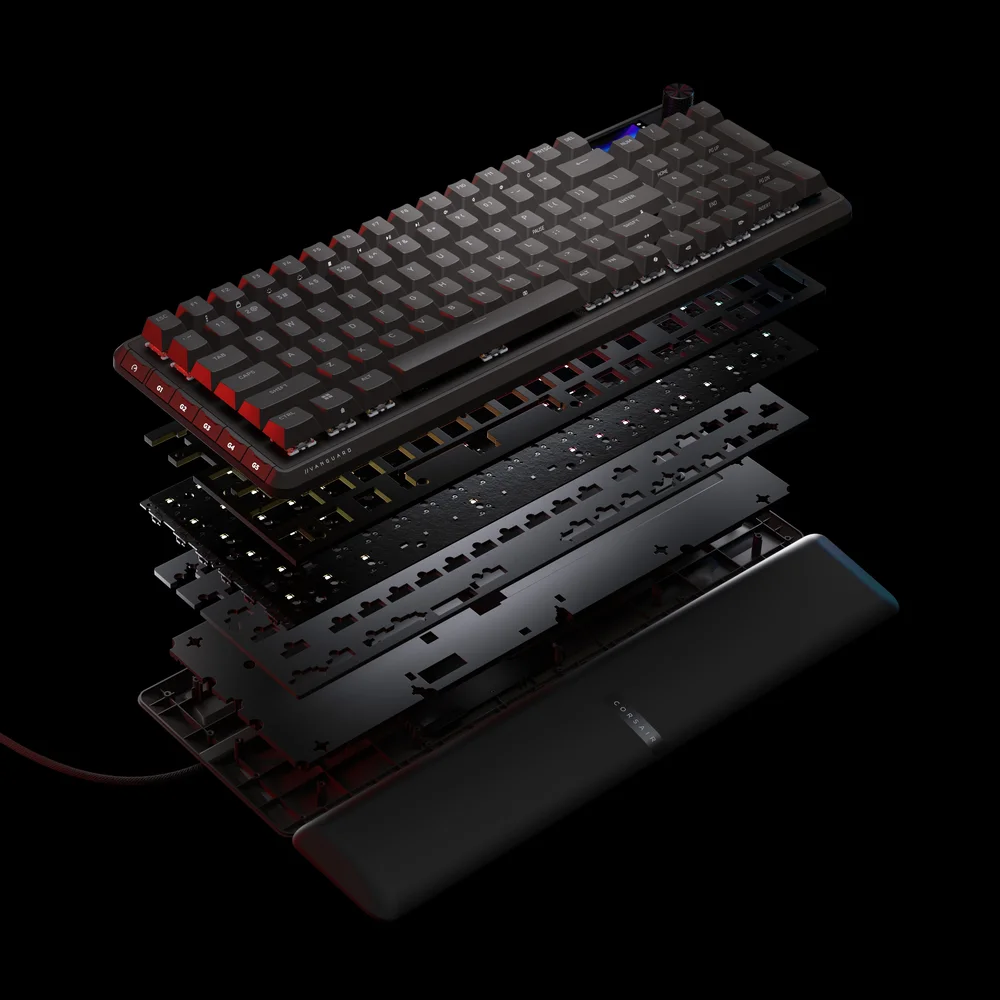
Other aspects, like build quality, the quality of the keyboard frame, and the material the keyboard frame is made out of will also have an impact on keyboard sound.
The Silent Assassin
Now it’s time to take a look at the mouse side of the equation. Much like the keyboard, switches are an easy way to cut some decibels out of your daily gaming. Optical switches will mute some of the unwanted audio from your clicks, though some players might prefer the sound of those clicks.
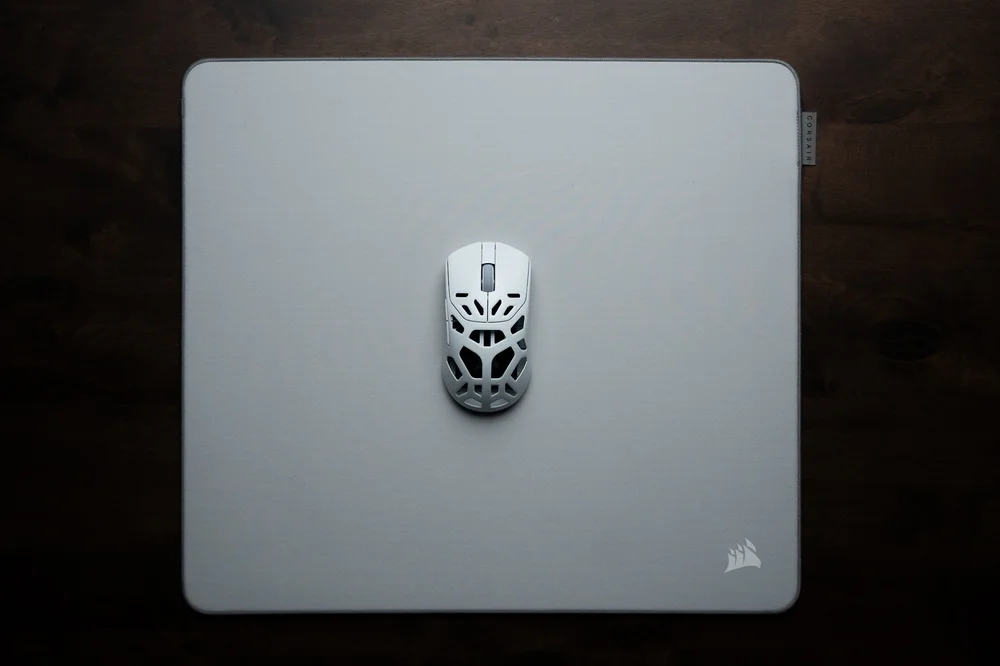
You can also take some of the edge off of your sweeping mouse movements with a lighter mouse. Switching to an ultralight mouse like the SABRE V2 PRO can reduce the thumping reverberations that come from trying to click heads with an 100g mouse.
Another piece of gear you can upgrade to keep your shared spaces quiet is your mouse pad. Just as the thick cushioning of the MM PRO CONTROL family of mouse pads helps with comfort and mouse stopping power, it also absorbs some of the sound waves that your mouse movements generate.
Productivity Without Percussion
If you’re tasked with getting your office outfitted with proper productivity gear, you’ll definitely want to pay special attention to the noise levels of peripherals. The cheap mice and keyboards that come bundled with most office PCs are an onslaught on the ears. A loud, clunky sounding mouse or keyboard can disrupt the concentration of your office mates, and some of the louder ones can even be heard during phone calls or video meetings. This can be a problem if you’re the type of person that likes to multitask in those big conference calls!
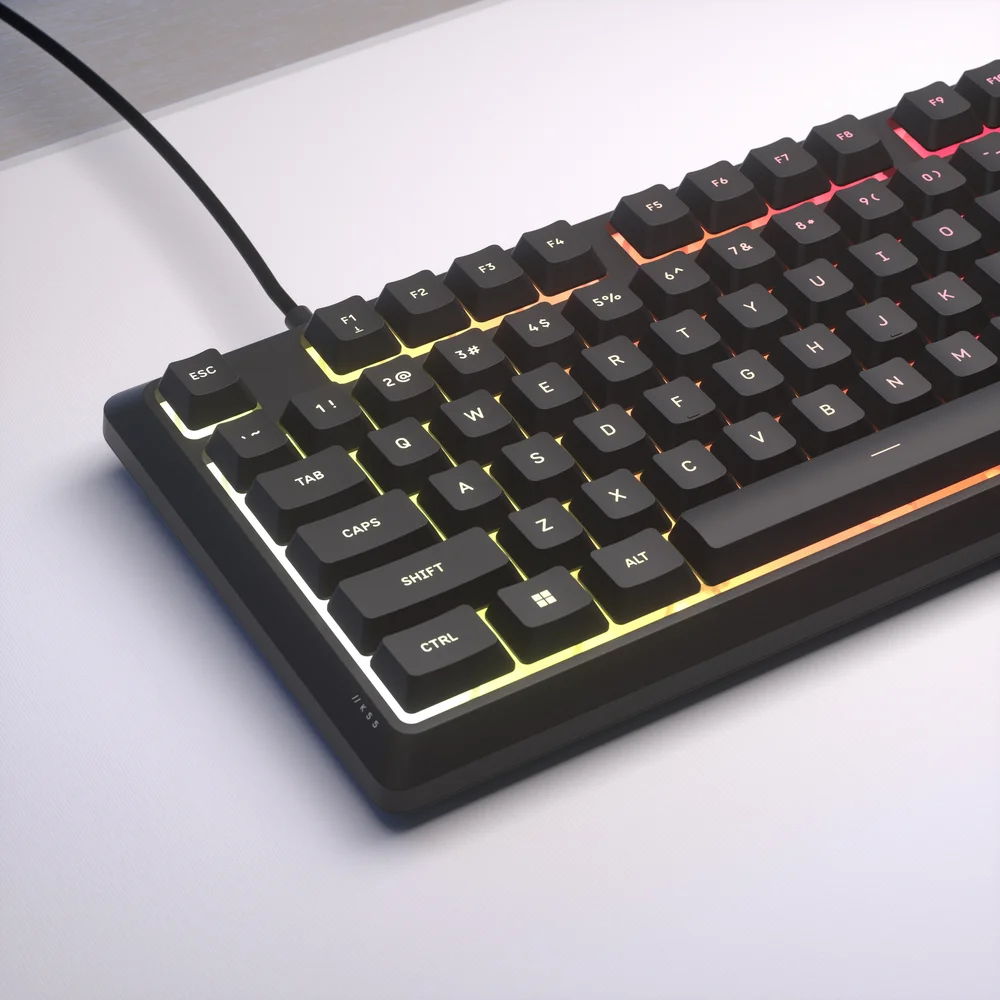
For corporate use cases, we’d suggest checking out modern membrane keyboards that made quietness a point of emphasis. The CORSAIR K55 CORE TKL is a notable example. You’ll get your coworkers set up with keyboards that they don’t have to yell over, and in most work situations, you’re not going to fret about not having 8,000kHz polling. As an added benefit, these keyboards are also spill-resistant, which is a blessing in any office. Round out the set up with a modern lightweight mouse and mouse pad, and you’ll also be ridding the office of those thocky mouse clicks and other disruptive mouse noises.
Embrace the Sounds of Silence
There are other things that you can do to ensure that your gaming rig is keeping noise to a minimum. A quiet case fan and PSU can get your PC’s ambient sound levels down low enough you might not even realize it’s on. Of course, nothing’s going to be able to mute out the sounds of you frantically yelling for a medic or for backup on the point, so be sure to take a moment to be mindful of your own personal noise levels to keep things chill in co-habitation spaces.
产品注册
JOIN OUR OFFICIAL CORSAIR COMMUNITIES
Join our official CORSAIR Communities! Whether you're new or old to PC Building, have questions about our products, or want to chat the latest PC, tech, and gaming trends, our community is the place for you.