Finding the best PC case for a new build is arguably the most important step in the process of building a gaming PC. It determines what kind of motherboard you can use, how big a GPU you can install, and how large a CPU cooler you can fit.
Additionally, it defines how the finished product will look and, depending on the size, where the PC will live at the end of it all. So, after giving you the best options from the considerable broad range of CORSAIR PC cases, we’ll go over some things to keep in mind, regardless of which brand you’re considering.
Before we get into the detailed write-ups of all the best cases of 2026, here are our selections at a glance. If you're curious about the specs and details for each of these cases, scroll down and you'll find a dedicated section for each one.
-
Best Mid-Tower ATX Case
The FRAME 4000D occupies a great spot in the line-up with a competitive price and a visual style that fits into any setup.
-
Best Fishbowl-style Case
The CORSAIR FRAME 4500X provides a panoramic view, an easy building experience, and ample capacity for AIO Coolers and large GPUs.
-
Best Case Overall
The AIR 5400 Case provides an innovative triple-chamber layout, great aesthetics, and competitive cooling.
-
Best Budget Case
The 3200D RS takes a utilitarian approach to case design, concentrating on airflow and value. Nothing more, nothing less.
-
Best Large Mid-Tower Case
The WARTHOG resembles its predecessor, the C70, but with a modern look and feature set for modern systems
-
Best SFF Case
The 2500 retains the dual chamber layout of the 6500 Series, but compresses it into a small form factor.
Ok, now let's get into detail about each one of these cases. Below you'll find the specs, different variants, and a gallery for each of the best PC cases of 2026 from CORSAIR. Enjoy. If none of these tickle your fancy, check out the entire CORSAIR PC case range on our website to see everything we offer.
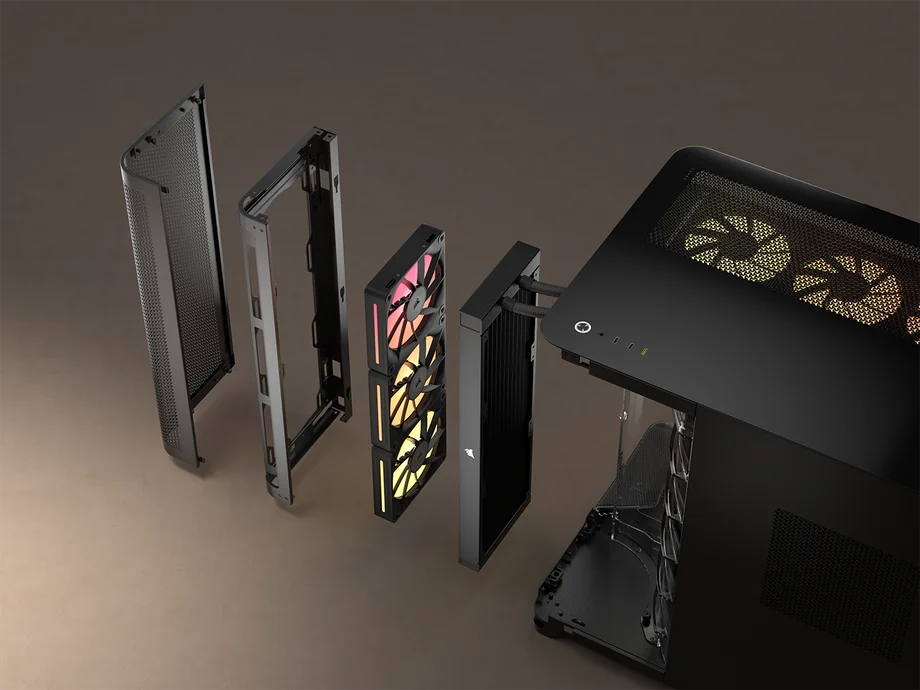
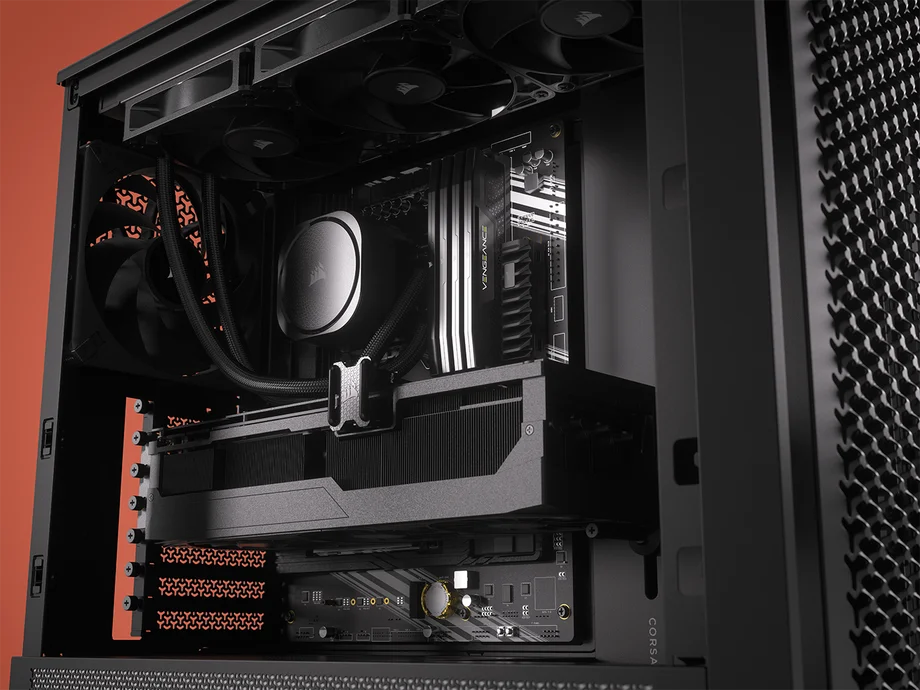
The AIR 5400 is the most advanced design of our lineup. By keeping the AIO entirely isolated from the main chamber, we improve performance for the GPU and the CPU. It’s a natural step forward from the dual chamber category. If performance is paramount then there is no other choice.
| Dimensions (L x W x H) | 470 x 340 x 467 mm |
| Max GPU Length | 360 mm |
| Max Radiator Size | 360 mm |
| Motherboard Size | Mini-ITX, Micro-ATX, ATX, E-ATX (305 x 277 mm) |
| Reverse Motherboard Compatible? | Yes: ASUS BTF, MSI Project Zero, and Gigabyte Project Stealth |
| Fan Support | 9x 120 mm |
| Front I/O | 2x USB Type-C (5GGbps), 1x USB Type-C (10Gbps) Power. |
| Storage | 2x 2.5" SSDs, 1x 3.5" HDDs |
| PSU Compatibility | ATX |
The AIR 5400 should be paired with a 360mm AIO for the best results and we recommend the TITAN 360 RX. You can get the AIR 5400 in white or black, with color-matched LX-R 120mm or RS-R 120mm fans included.
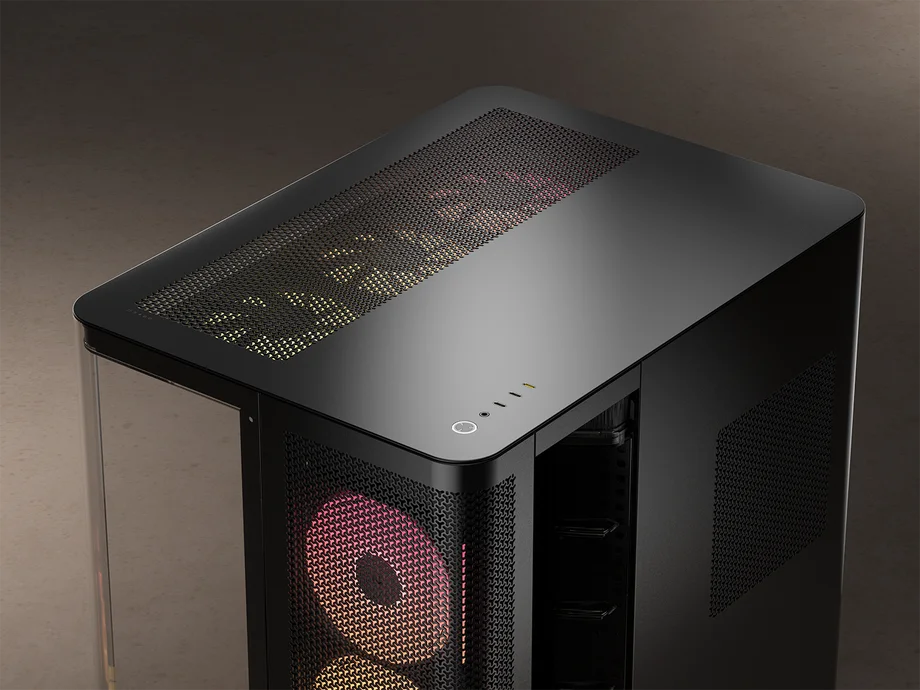
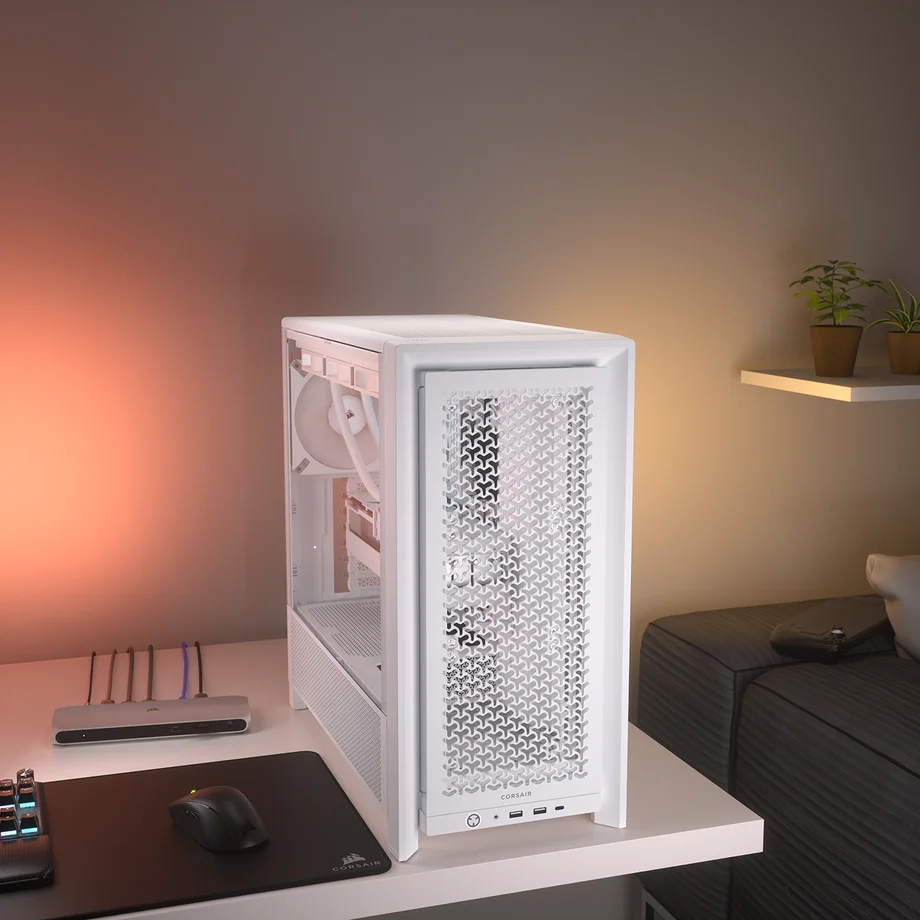
The FRAME 4000D provides an open and easy building process courtesy of its innovative modularity and accessible size. Despite the sensible dimensions, it can fit a full 360mm AIO up top and can quite easily house almost any modern GPU. Additionally, the modular design allows for future customization, via alternate parts from CORSAIR, or 3D-printed creations of your own.
| Dimensions (L x W x H) | 487 x 239 x 486 mm |
| Max GPU Length | 430 mm |
| Max Radiator Size | 360 mm |
| Motherboard Size | Mini-ITX, Micro-ATX, ATX, E-ATX (305 x 277 mm) |
| Reverse Motherboard Compatible? | Yes: ASUS BTF, MSI Project Zero, and Gigabyte Project Stealth |
| Fan Support | 12x 120 mm, or 10x 140 mm |
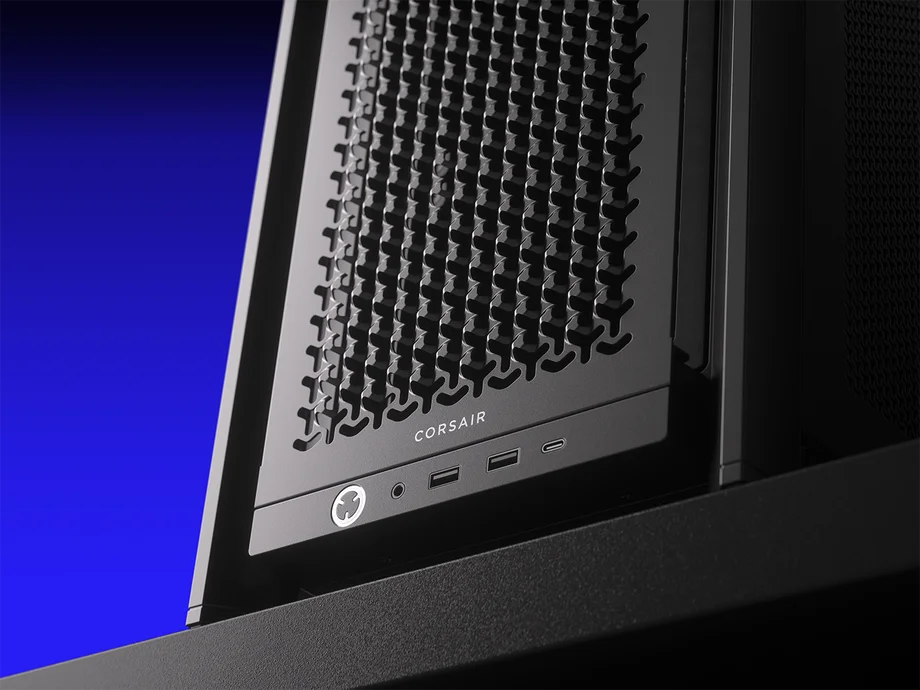
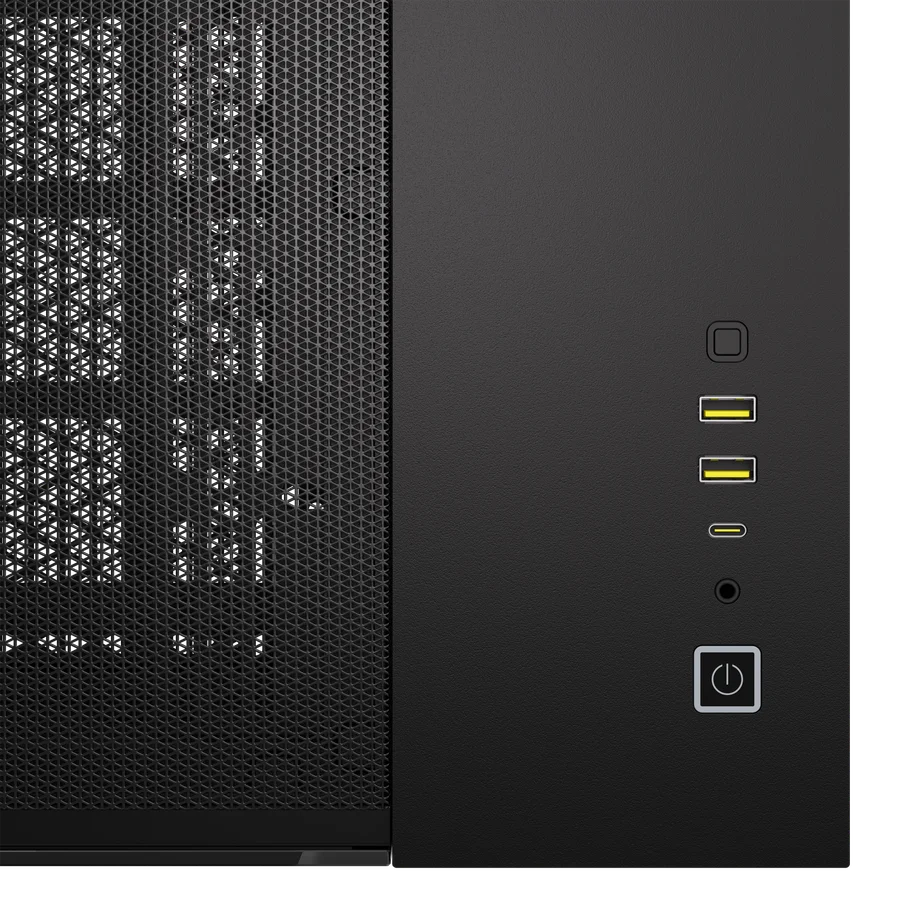
| Front I/O | 2x USB 3.2 Type-A, 1x USB 3.2 Type-C, Power, Reset, 3.5mm Combo audio jack |
| Storage | 4x 2.5" SSDs, 2x 3.5" HDDs |
| PSU Compatibility | ATX |
The FRAME 4000D is available in white and black colorways, with both options coming with RS120, or RS120 ARGB fans. There’s also a version that comes entirely without fans for those who want to pick their own.
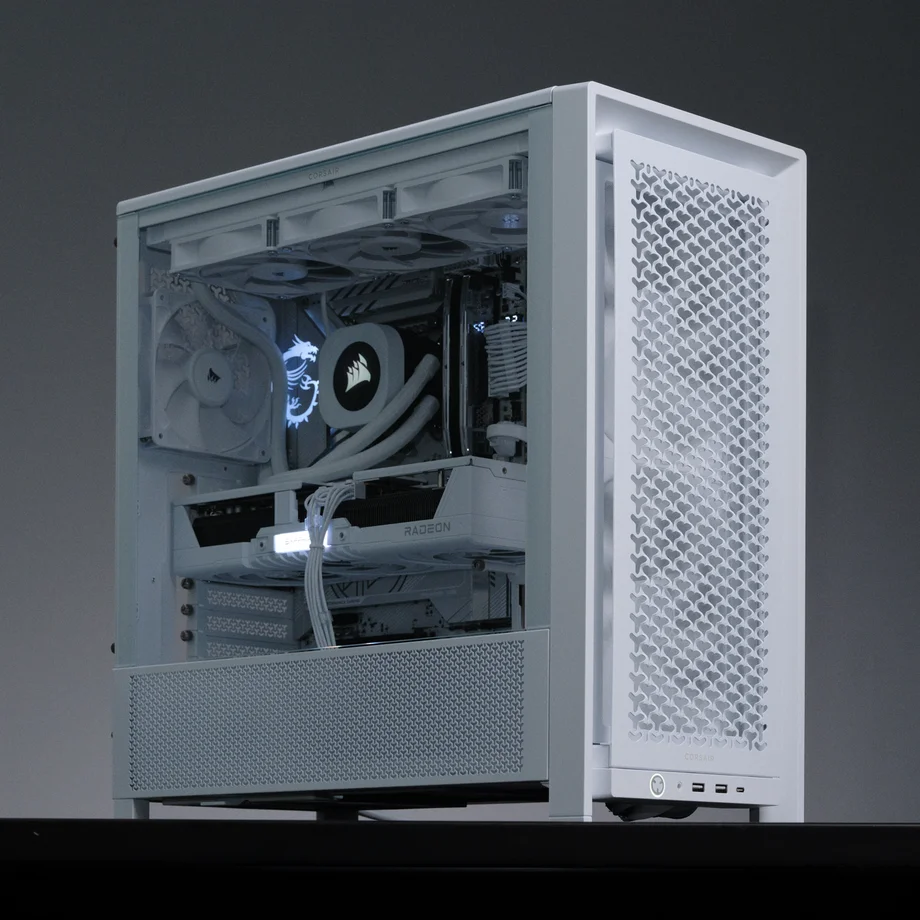
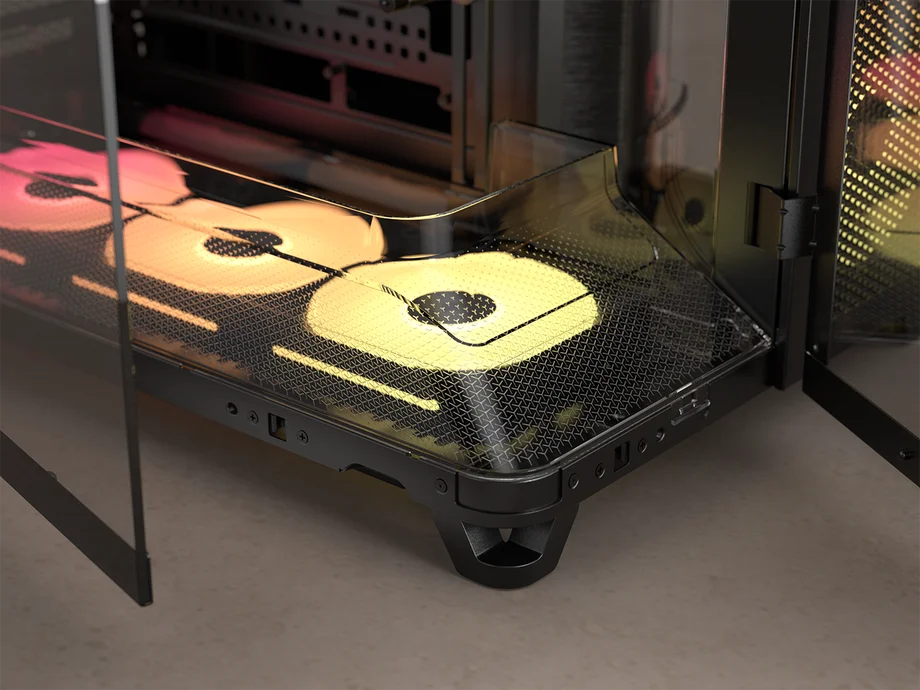
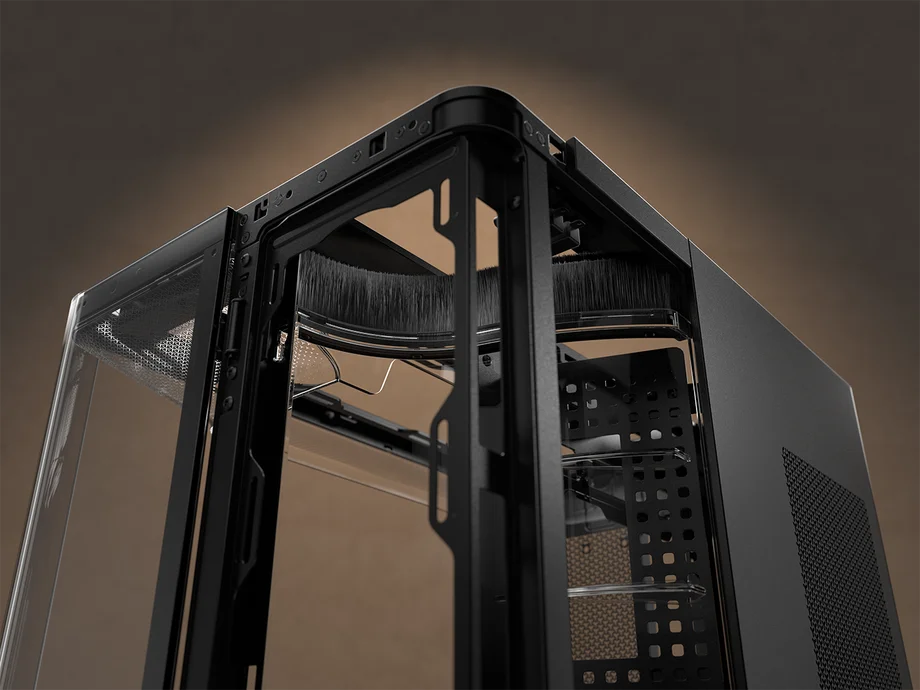
Those who value a tidy aesthetic will likely be drawn to the panoramic computing vista provided by the FRAME 4500X. With the side and front panel being a single uninterpreted piece of glass, this is a case for those who take pride in their building skills. A nice benefit here is that when removed, this makes for perhaps the easiest building process CORSAIR has provided to date.
| Dimensions (L x W x H) | 499 x 246 x 478 mm |
| Max GPU Length | 460 mm |
| Max Radiator Size | 360 mm |
| Motherboard Size | Mini-ITX, Micro-ATX, ATX, E-ATX (305 x 277 mm) |
| Reverse Motherboard Compatible? | Yes: ASUS BTF, MSI Project Zero, and Gigabyte Project Stealth |
| Fan Support | 10x 120 mm, or 6x 140 mm |
| Front I/O | 1x USB 3.2 Gen 2x2 Type-C, 2x USB 3.2 Gen 1 Type-A, 1x Audio in/out |
| Storage | 2x 2.5" SSDs, 1x 3.5" HDDs |
| PSU Compatibility | ATX |
The CORSAIR 4500X comes in white or black, and each is available with RS120-R or LX120-R fans.
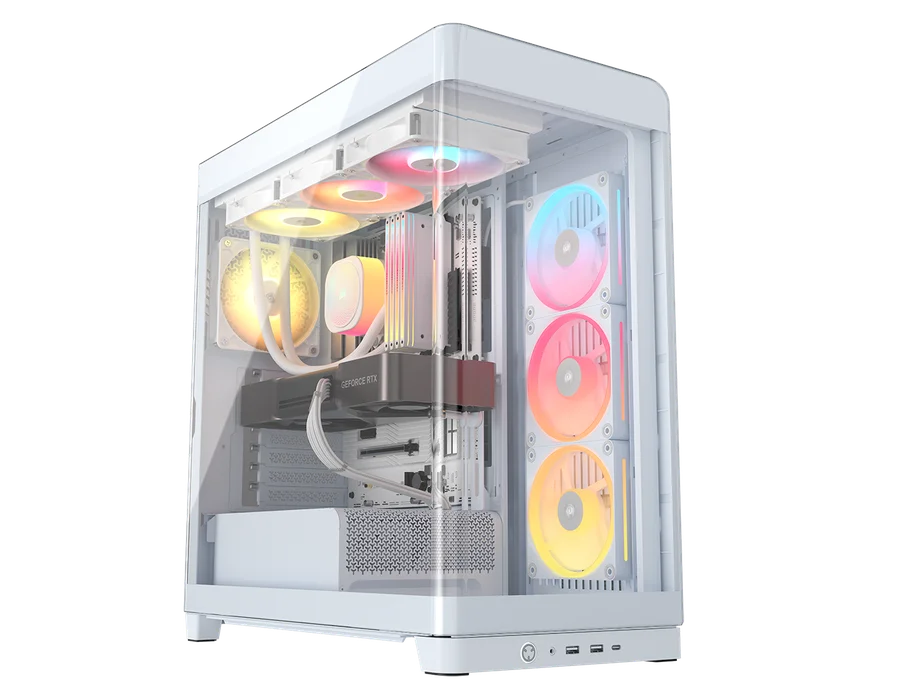
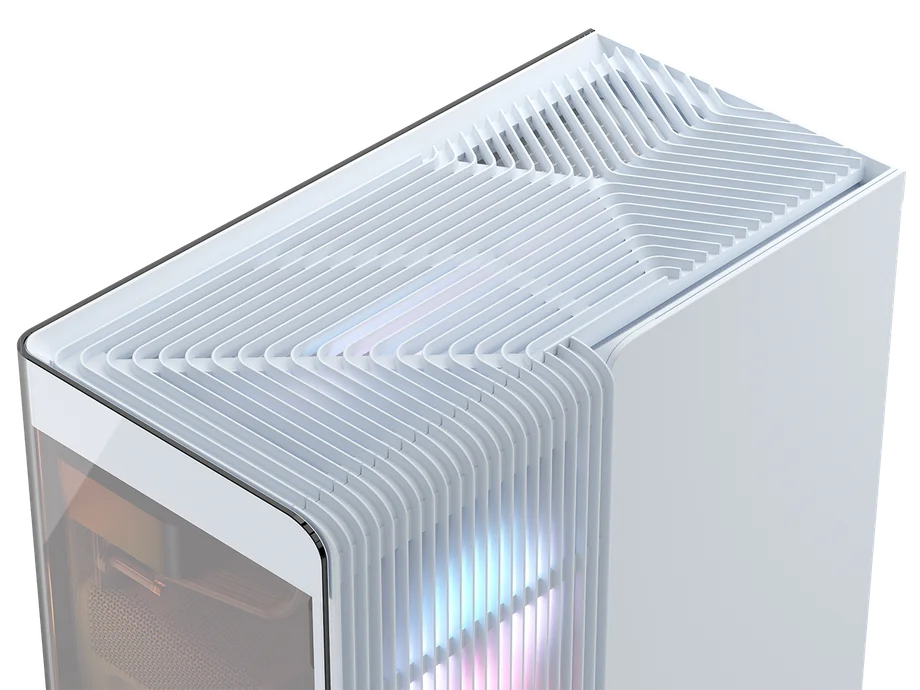
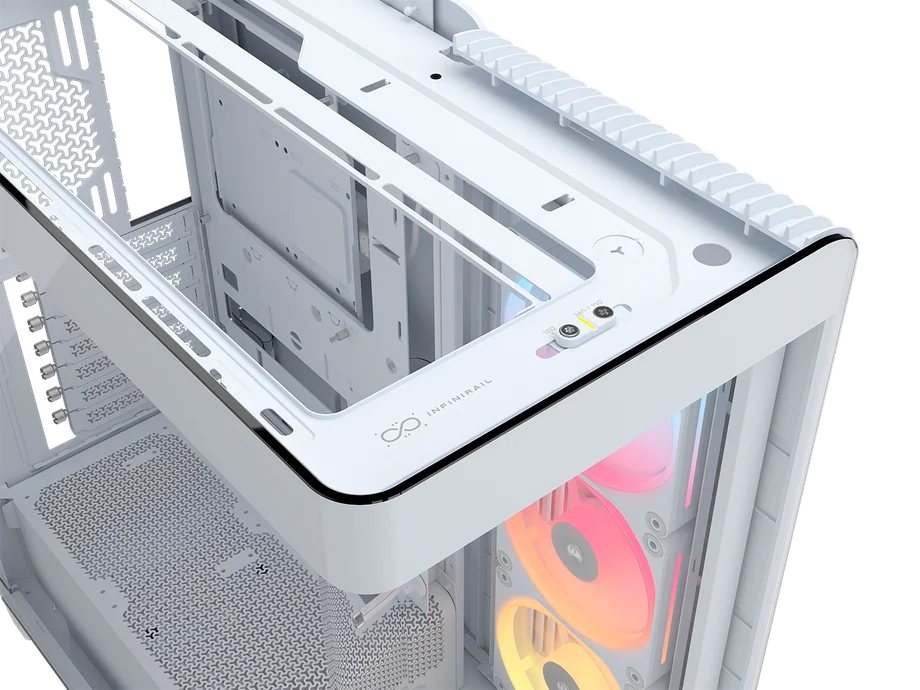
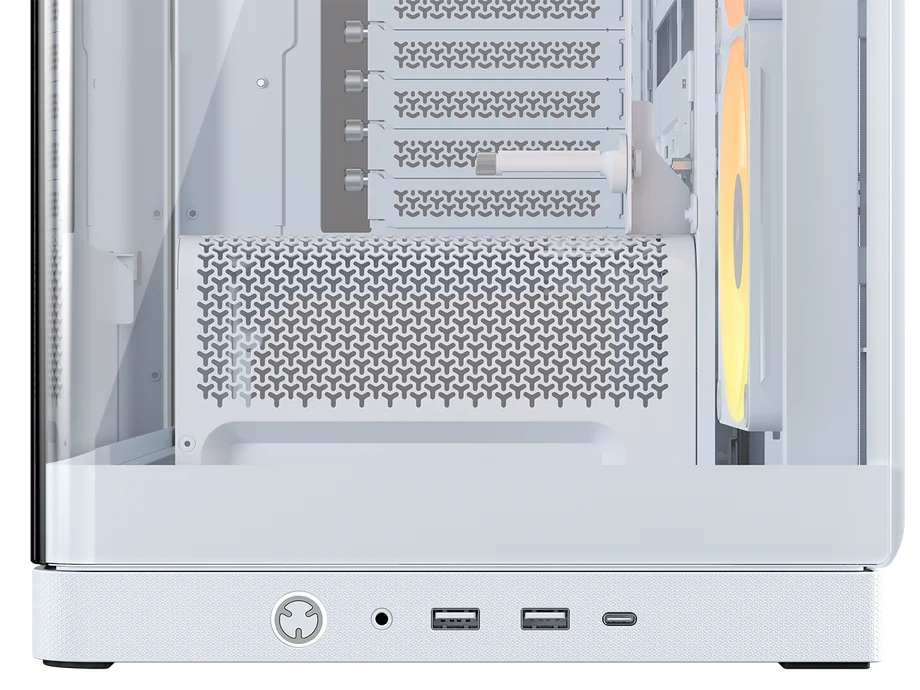
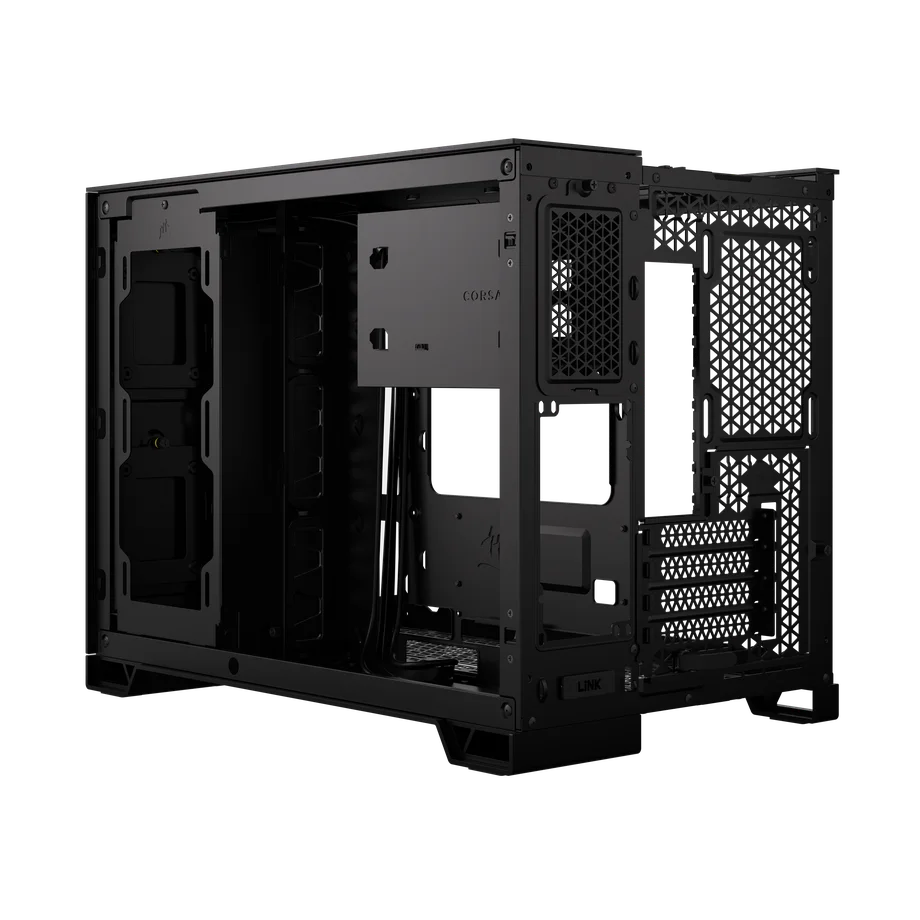
The CORSAIR 6500 is a dual-chamber case. This means the chassis is split in two lengthways, moving the storage and power supply directly behind the motherboard tray, which creates some advantages. It greatly simplifies cable management and provides more options for cooling, which appeals to the performance-oriented.
Now that the bottom of the case doesn’t have to house a PSU, you can go wild with fans. Additionally, with the motherboard tray pushed forward, an All-in-One CPU Cooler can be positioned in the side intake, so the radiator doesn’t eat into the functional space above the motherboard.
| Dimensions (L x W x H) | 496 x 328 x 481 mm |
| Max GPU Length | 400 mm |
| Max Radiator Size | 360 mm |
| Motherboard Size | Mini-ITX, Micro-ATX, ATX, E-ATX (305 x 277 mm) |
| Reverse Motherboard Compatible? | Yes: ASUS BTF and MSI Project Zero |
| Fan Support | 10x 120 mm, or 7x 140 mm |
| Front I/O | 4x USB 3.2 Type-A, 1x USB 3.2 Type-C, Power, Reset, 3.5mm Combo audio jack |
| Storage | 2x 2.5" SSDs, 2x 3.5" HDDs |
| PSU Compatibility | ATX |
The CORSAIR 6500 Series is available as the 6500X (glass front panel) or the 6500D (airflow front panel). You can also buy it with various material finishes like walnut, brushed aluminum, or bamboo.
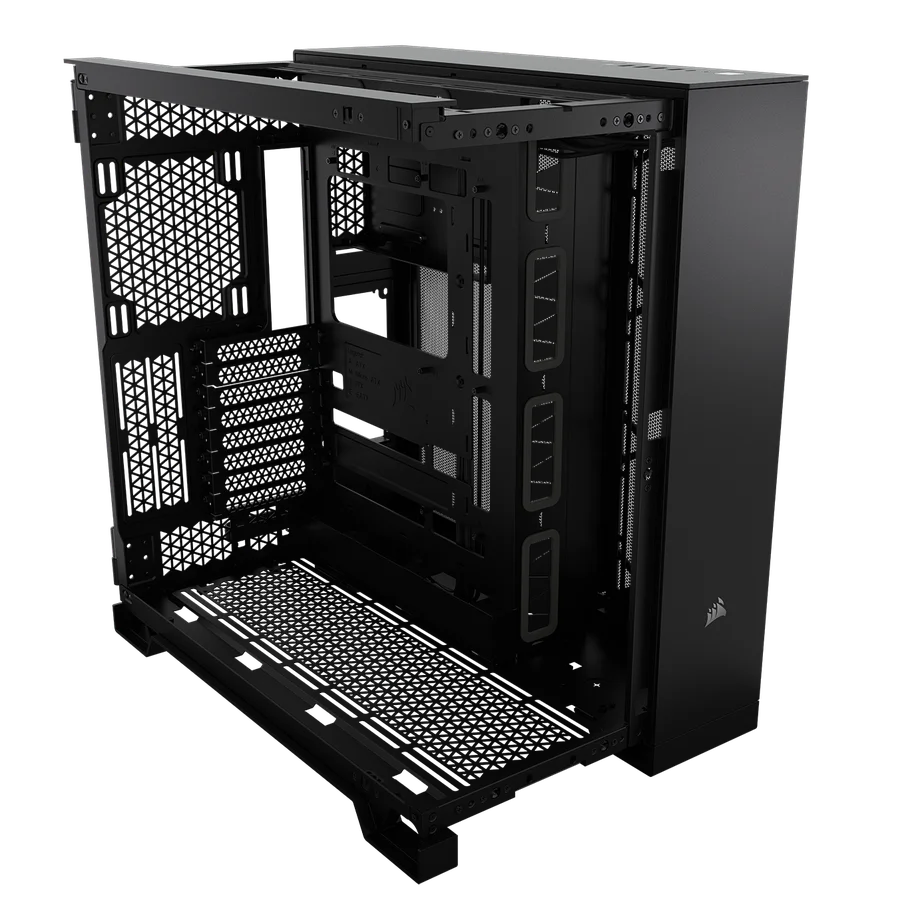
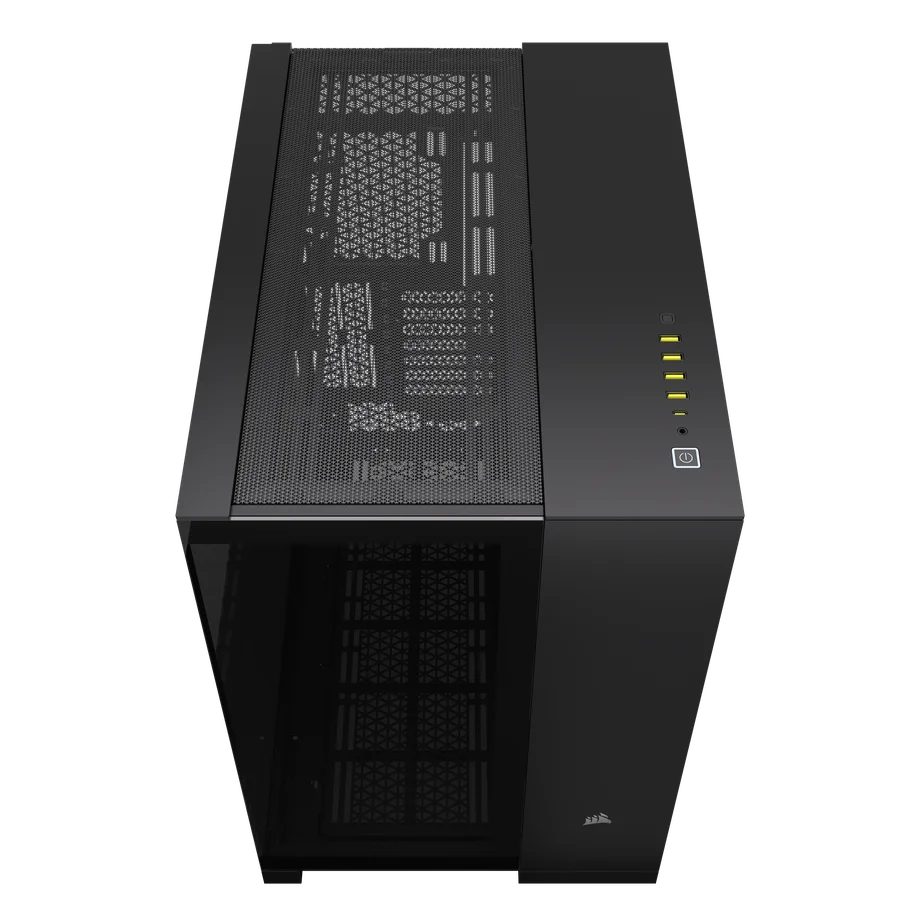
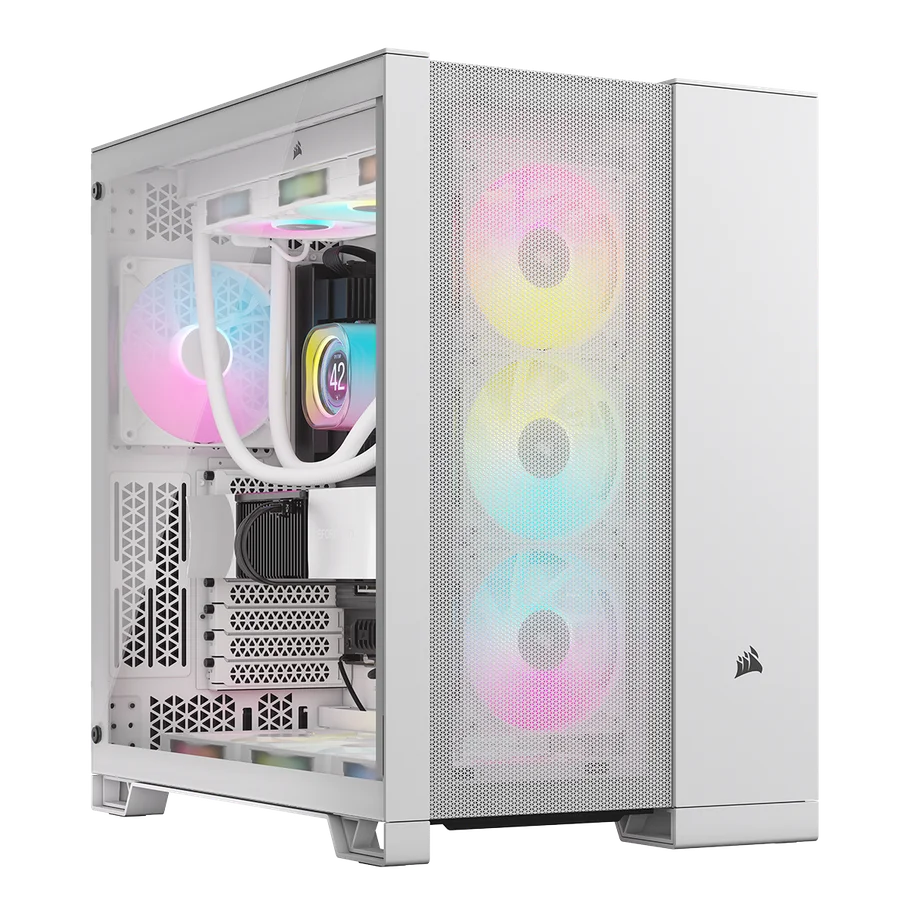
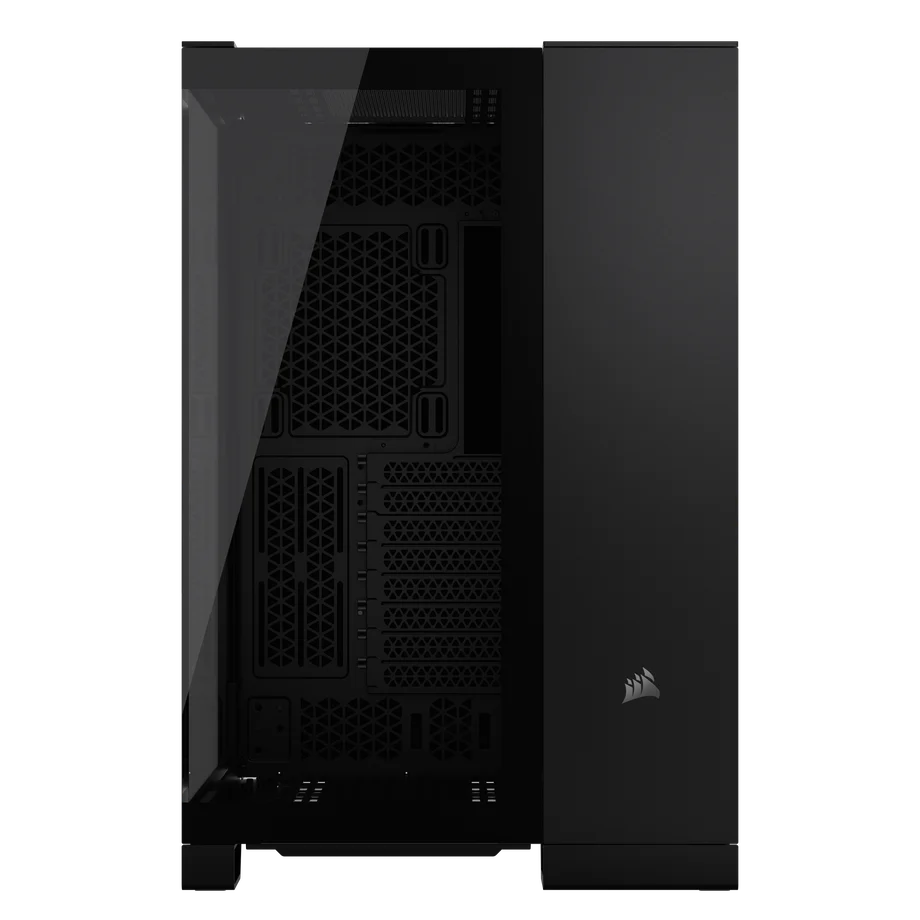
If you prefer to allocate less of your budget on your case, and pump it all into the core components, then the CORSAIR 3200D RS is the right choice for you. It lacks some of the premium features of the other cases in this list, but it’s optimized for airflow and value, which is what really counts when it comes down to it.
| Dimensions (L x W x H) | 458 x 219 x 495 mm |
| Max GPU Length | 400 mm |
| Max Radiator Size | 360 mm |
| Motherboard Size | Mini-ITX, Micro-ATX, ATX |
| Reverse Motherboard Compatible? | Yes |
| Fan Support | 9x 120 mm, or 4x 140 mm |
| Front I/O | 1x USB-3.2 Gen2x2 Type-C, 1x USB 2.0 Type-A, 1x Headphone / Mic Combo Jack |
| Storage | 2x 2.5" SSDs, 1x 3.5" HDDs |
| PSU Compatibility | ATX |
The CORSAIR 3200D RS is available in black, white, and smoke colorways, and they all come with either 3x RS120 fans (non-ARGB variants) or 3x RS120 ARGB (ARGB variants) for those who wants RGB lighting out of the box.
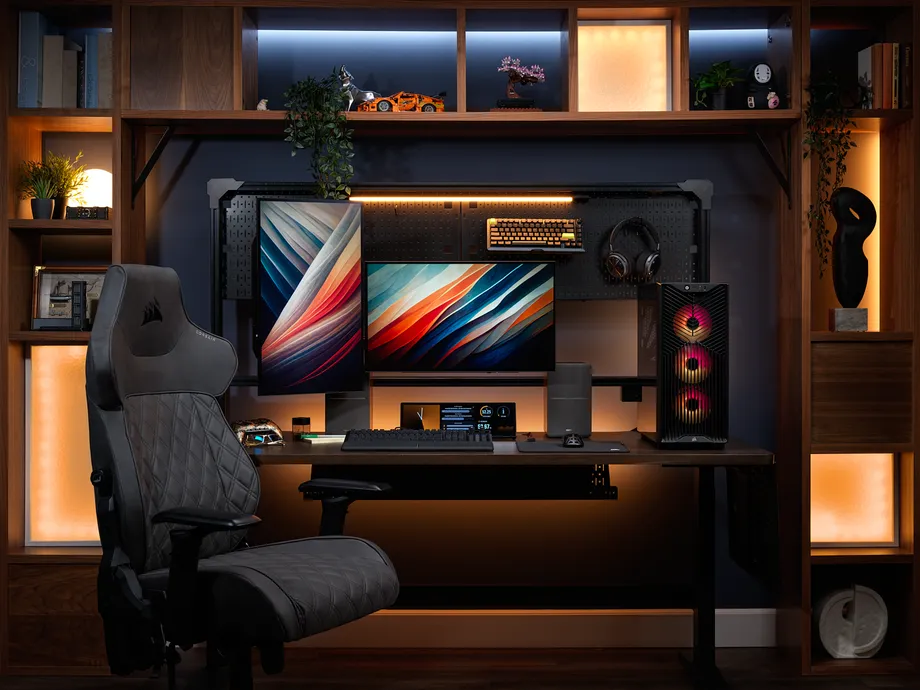
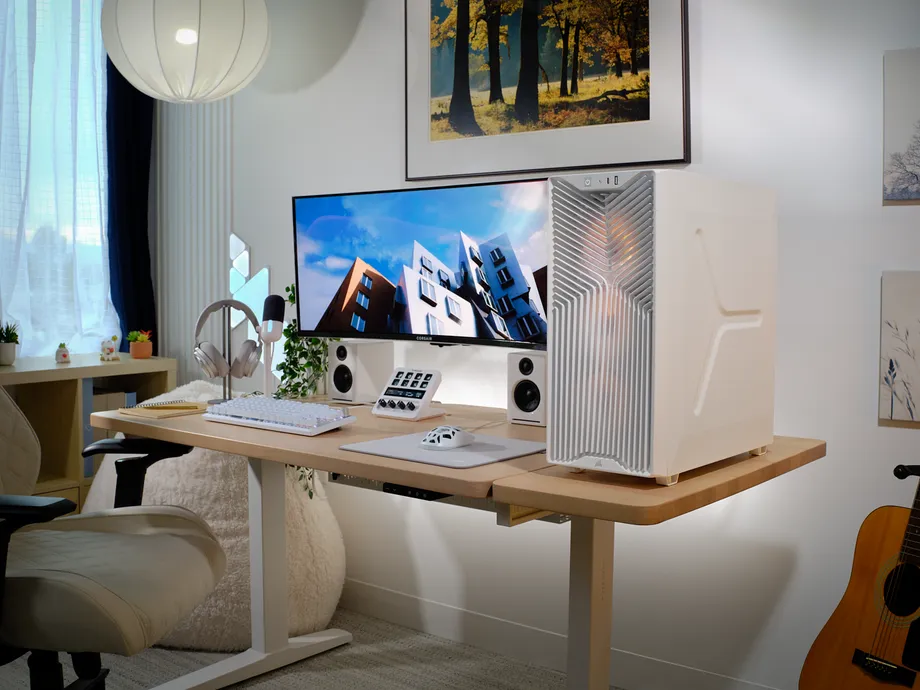
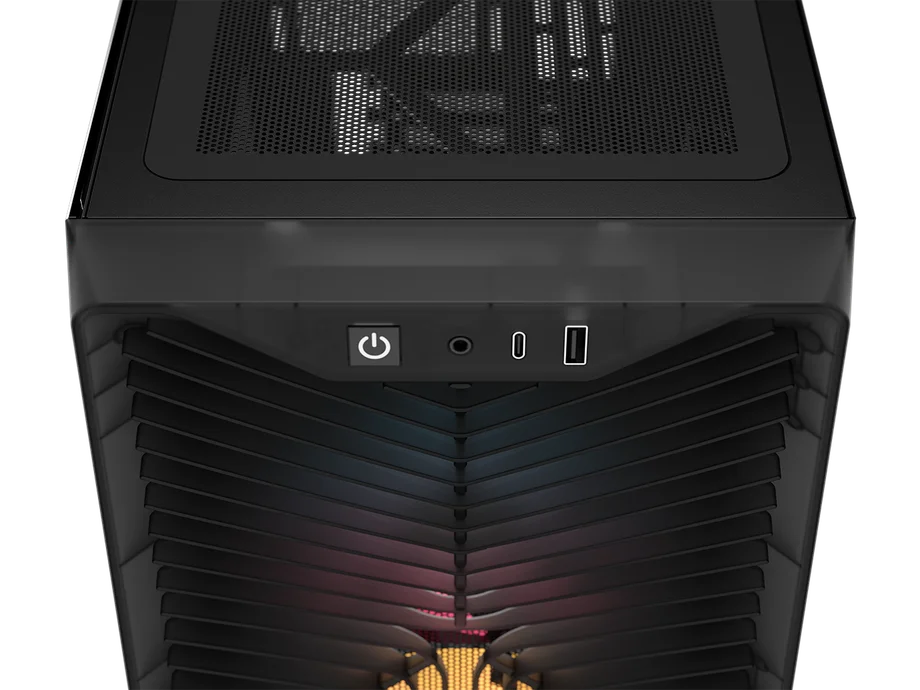
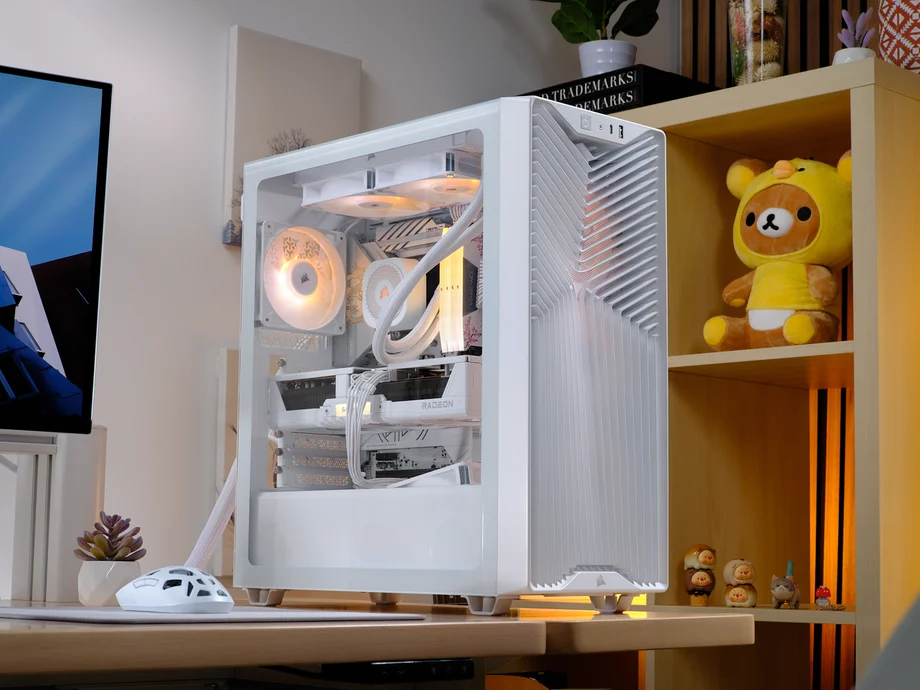
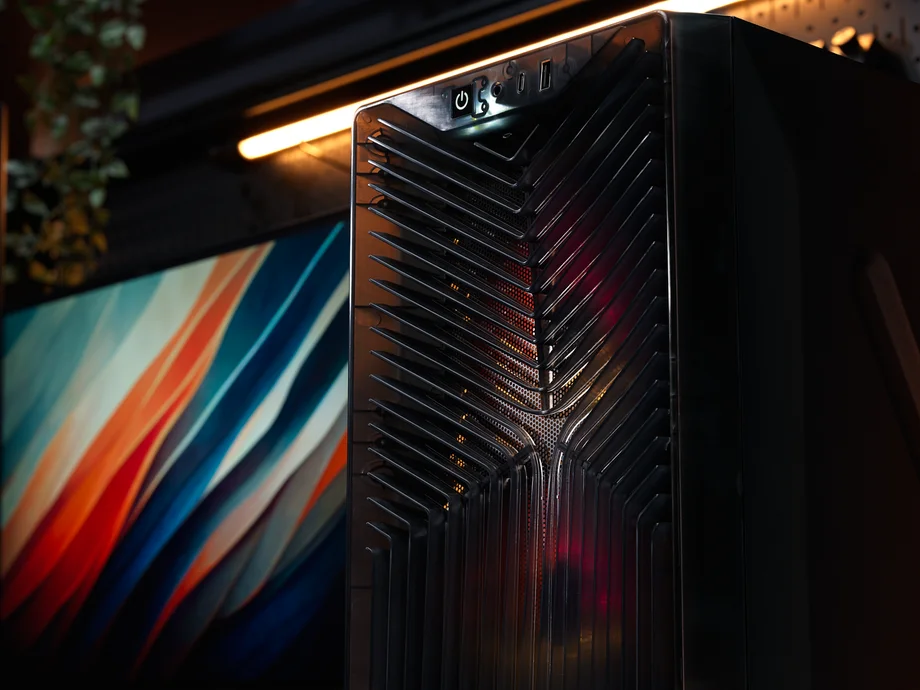
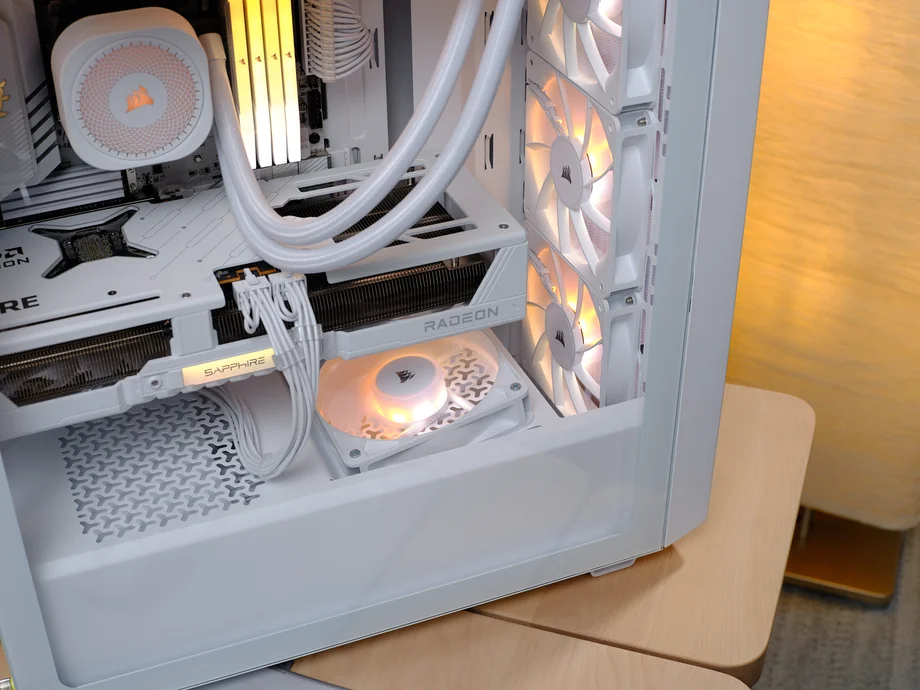
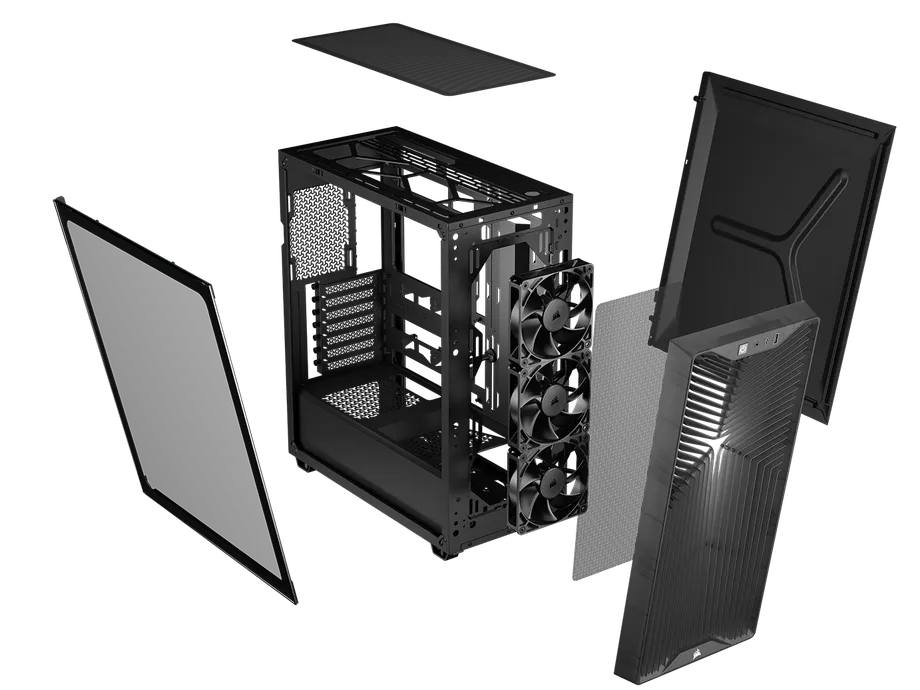
The CORSAIR WARTHOG incorporates some really useful features from the FRAME 4000D case, mainly its internal structure and functionality. It also showcases a design inspired by the iconic CORSAIR C70 ammo box case, updated for 2026 with a more rugged, aggressive exterior look. It also offers enhanced expansion options and a strong emphasis on maximizing airflow throughout the chassis.
| Dimensions (L x W x H) | 534 x 283.6 x 546 mm |
| Max GPU Length | 430 mm (w/o front fan) / 405mm (w/ front fan) |
| Max Radiator Size | 360 mm |
| Motherboard Size | Mini-ITX, Micro-ATX, ATX, E-ATX |
| Reverse Motherboard Compatible? | Yes: ASUS BTF, MSI Project Zero, and Gigabyte Project Stealth |
| Fan Support | 13x 120 mm, or 7x 140 mm |
| Front I/O | 1x USB 3.2 Gen 2x2 Type-C, 2x USB 3.2 Gen 1 Type-A, 1x Audio In/Out |
| Storage | 2x 2.5" SSDs, 1x 3.5" HDDs |
| PSU Compatibility | ATX |
It comes in two versions: the standard WARTHOG and the WARTHOG RS, and two colorways each, Black and Olive Drab. If you choose the standard version, it doesn’t include any fans, allowing you to customize your cooling setup with your own options. On the other hand, the WARTHOG RS features two CORSAIR RS200 fans at the front, providing dual 200mm fans that draw in fresh air from outside the case, right out of the box.
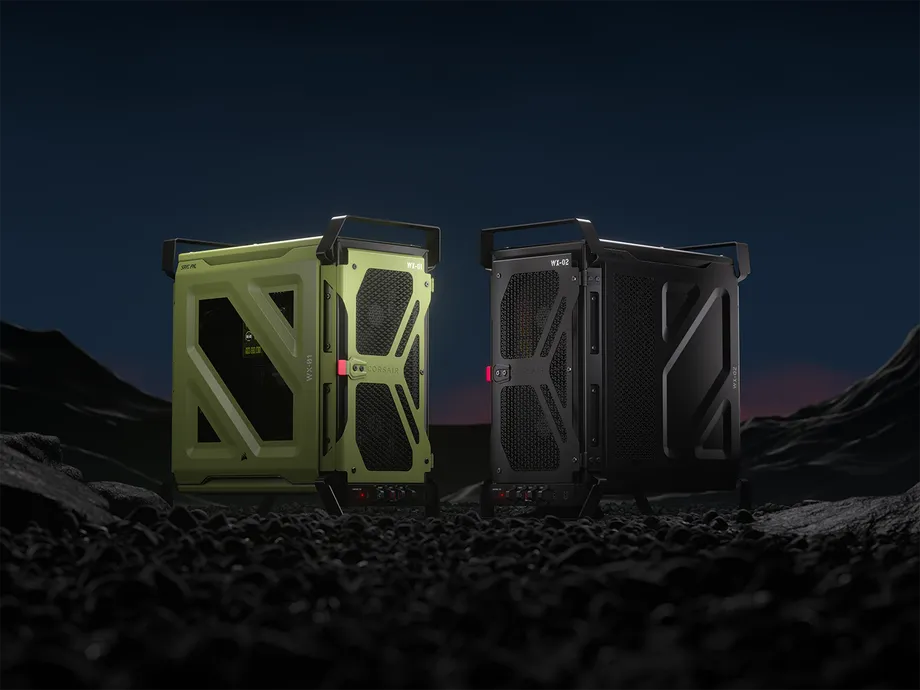
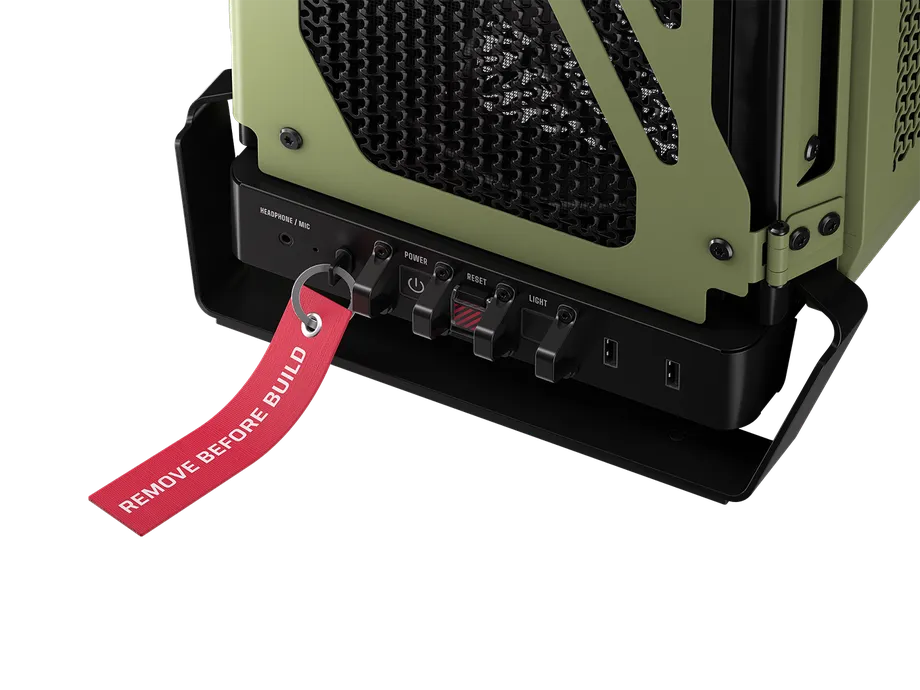
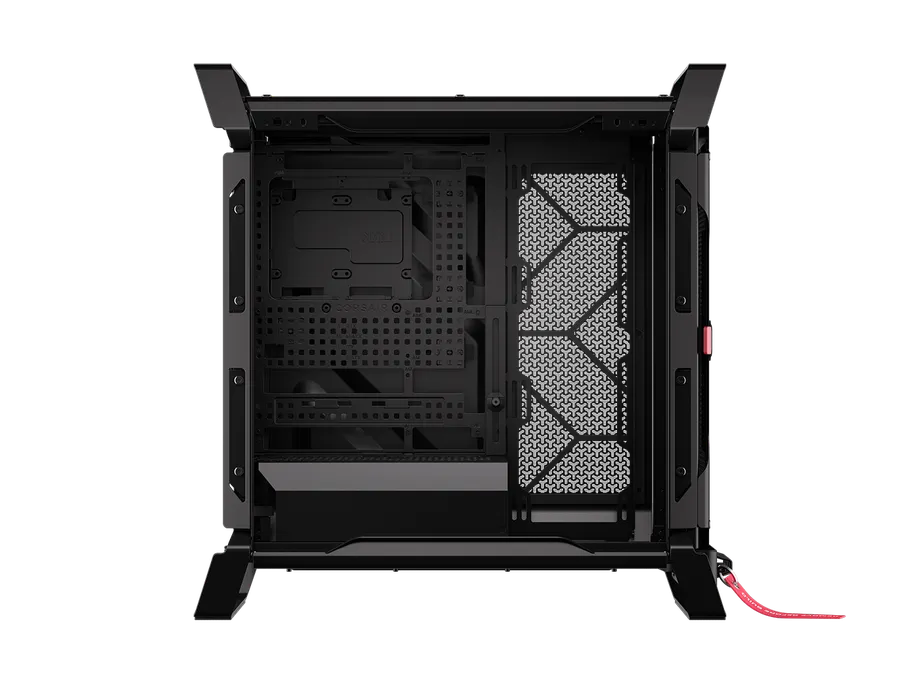
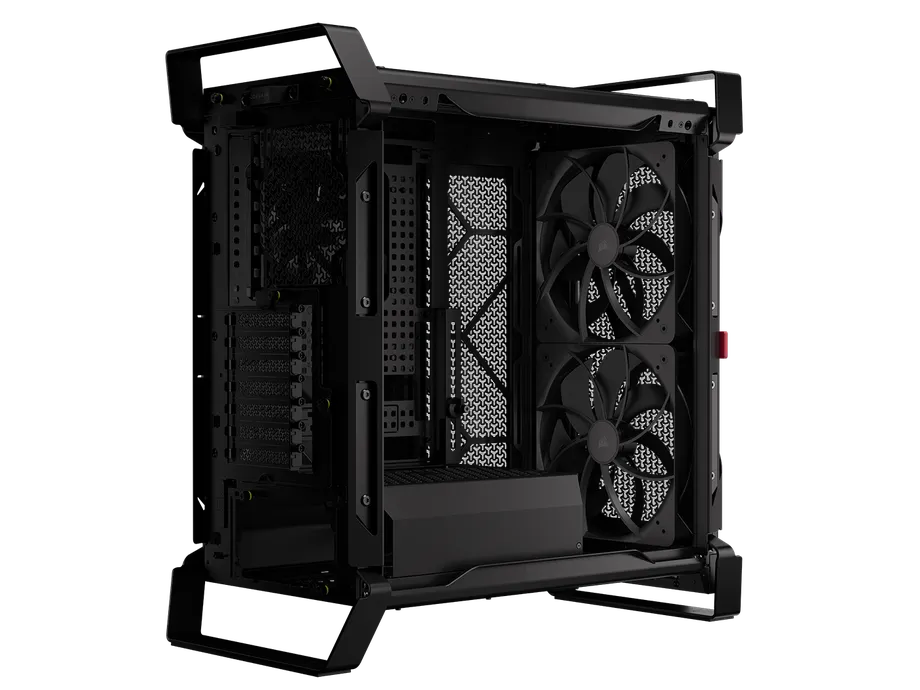
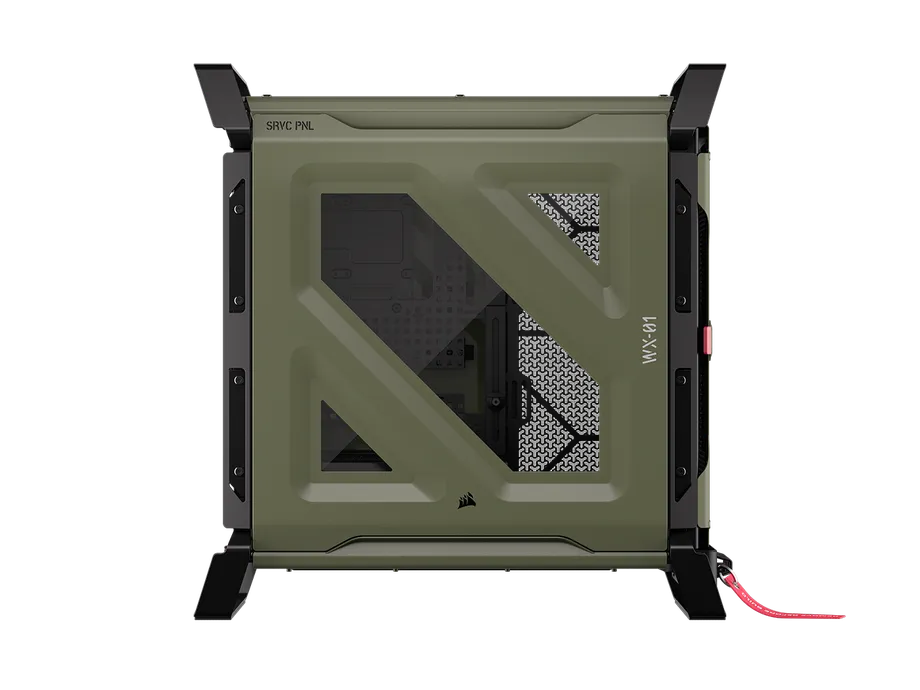
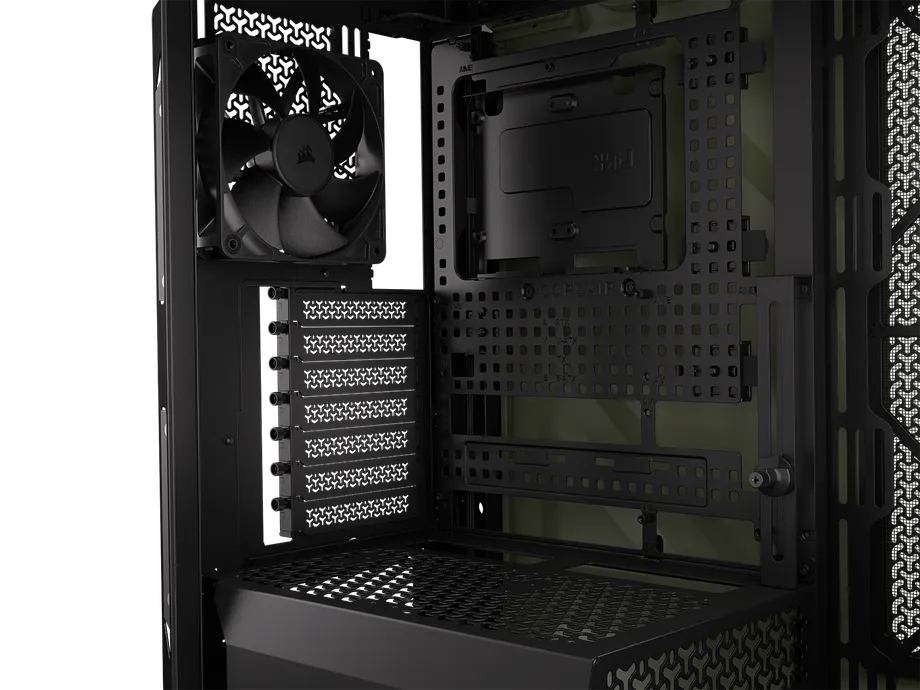
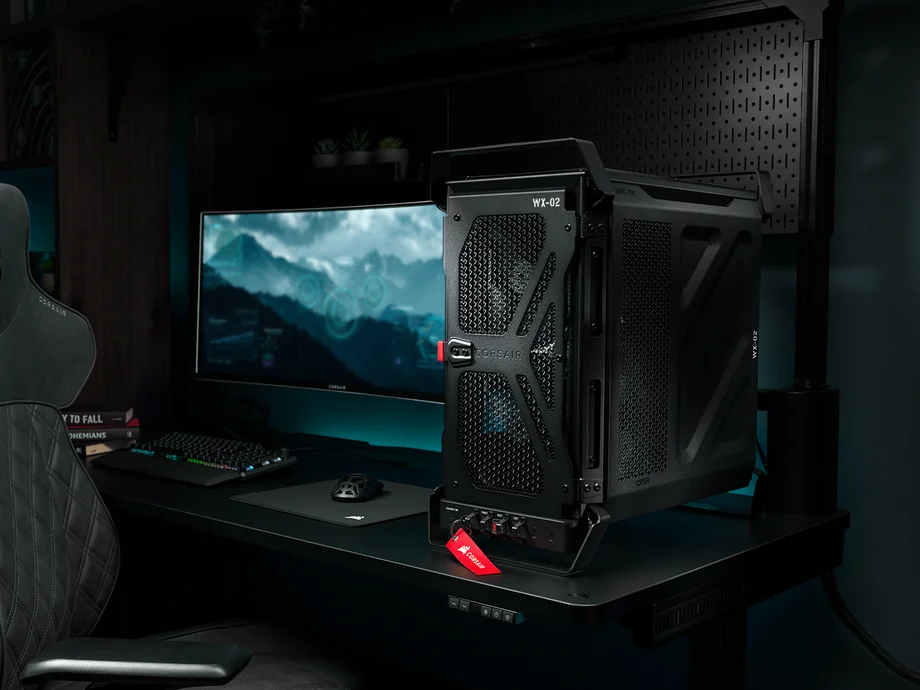
Despite the ever-growing size of GPUs, Small Form Factor (SFF) cases are, paradoxically, increasing in popularity. And the 2500X is a great choice. Retaining the dual-chamber layout of the 6500, this case compresses it down to a compact size for those who like a small case, and don't mind, or indeed embrace the additional efforts required to build in an SFF case.
| Dimensions (L x W x H) | 479 x 304 x 376 mm |
| Max GPU Length | 400 mm |
| Max Radiator Size | 360 mm |
| Motherboard Size | Mini-ITX, Micro-ATX |
| Reverse Motherboard Compatible? | Yes: ASUS BTF, MSI Project Zero |
| Fan Support | 9x 120 mm, or 4x 140 mm |
| Front I/O | 2x USB 3.2 Type-A, Power, 1x USB 3.2 Type-C, Power, 3.5mm Combo audio jack |
| Storage | 2x 2.5" SSDs, 2x 3.5" HDDs |
| PSU Compatibility | SFX or ATX |
As with the 6500X, there are far too many variants of this case to list, but you can get it with a glass front panel or a perforated airflow front panel, in black or white, with RX120 RGB fans, or without. And the 2500 cases have the same options in terms of aftermarket materials for the panels.
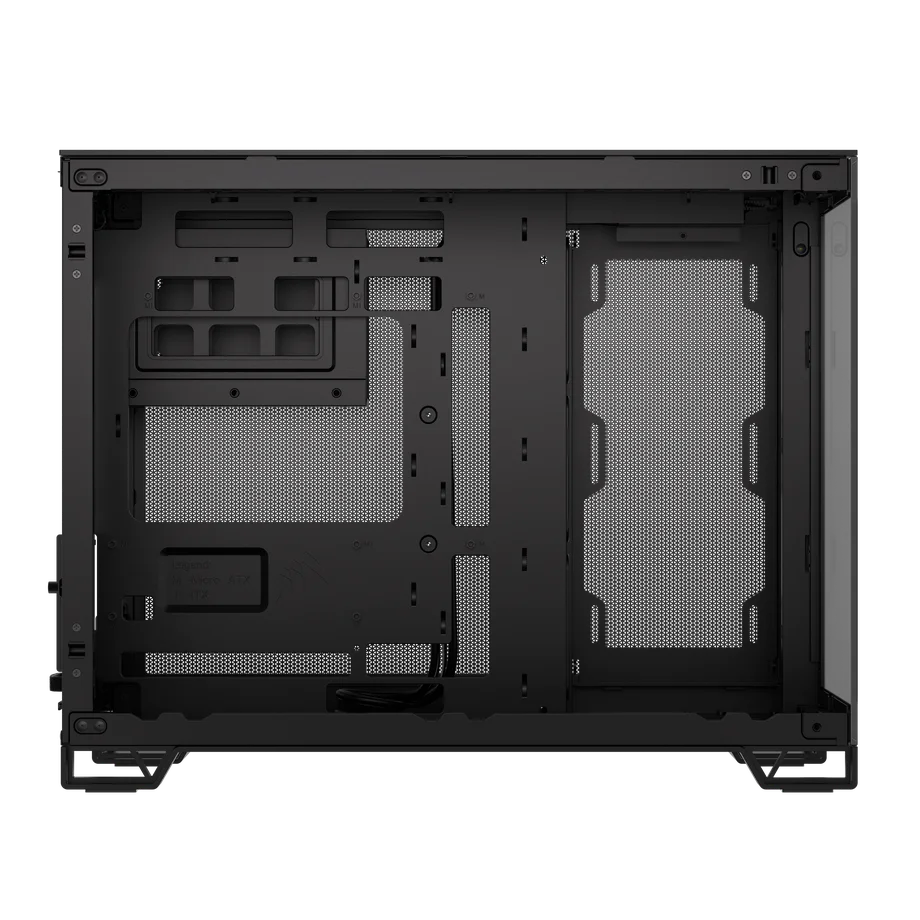
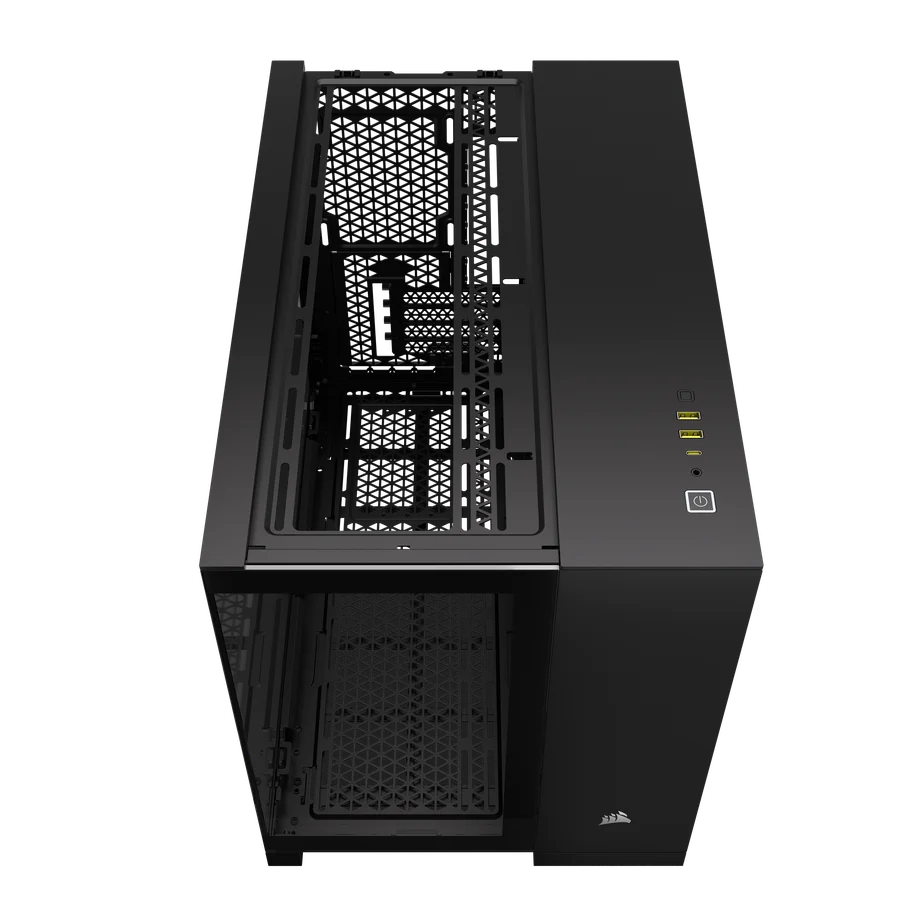
So, with our favorite CORSAIR cases out of the way, let’s take a moment to talk about what you should consider when browsing for a new case, regardless of which brand you’re looking at.
To be clear, when we say "size", we’re specifically referring to the exterior dimensions of the case. If you keep your computer on your desk like you should, then the size, especially the width, is of utmost importance. Getting a new case and building a full system in it, only to find out it doesn’t fit where you need it to is heartbreaking stuff.
It’s funny, because this wasn’t always an issue. Indeed, just a few short years ago you could be pretty damned cavalier when it came to picking a case regardless of your GPU because the cards just weren’t that big.
This is no longer true, and it’s now surprisingly easy for even a regular mid-tower ATX case to be too small for some graphics cards. We make sure to validate the maximum GPU length on all our cases so you can be sure before buying. Remember to check the length of your GPU against the specs of the case you’re looking at.
When it comes to cooling, more is better. This is not to say that you need to max out the case right off the bat, but it needs to have enough space for a decent number of fans. At minimum, you should look for at least two intake fans and two exhaust fans. All the cases on this page are capable of fitting more than that, but that’s a baseline you’d want to hit.
Additionally, where fans can fit, radiators can fit too. Usually. This is not a hard and fast rule, as a radiator, in addition to the necessary fans to run air through it, can combine to be thick enough to interfere with nearby components.
If you’re opting for an AIO (all-in-one) cooler instead of an air cooler, we recommend a 240mm AIO as a minimum, but a 360mm unit will perform noticeably better. So, look for a case with 3x 120mm fan mounts all next to each other. If you can find this in your case, chances are a 360mm AIO will fit there just fine.
We aren’t going to waste time getting prescriptive with this one, because it’s definitionally subjective. However, be aware that you’ll have this case in your office, bedroom, study, etc. for a long time. So even if you like the look of any given case in a vacuum, take a moment to consider if it works for the environment you’re going to put it in.
Again, this is difficult to write about with any sense of authority, because it’s your money and therefore your concern and your concern alone. So, instead of talking in terms of Dollars, Pounds, Euros, or Dirhams, we suggest thinking about it as a percentage of your total build budget.
There is no real upper limit to how much a PC case can cost these days, but if the price of the case constitutes more than about 15–20% of the overall cost you’ve allocated to building a new PC, then take a step back and think. Perhaps that share of the budget could stand to be reduced so that another component or components could be upgraded?
If you've already decided on your dream PC case, but have doubts about the complex and frankly tedious process of verifying compatibility with everything, check out the CORSAIR PC Builder tool.
This allows you to create your PC build step by step and checks compatibility for you. It's not just limited to CORSAIR parts either, so you can try it out even if you've got some non-CORSAIR stuff in your list.
PRODUKTY V ČLÁNKU
Stay up to date with CORSAIR. Get our latest News, Guides, and Product Updates in your Google feeds.
Add CORSAIR as a preferred sourceThanks for helping us improve this article.
JOIN OUR OFFICIAL CORSAIR COMMUNITIES
Join our official CORSAIR Communities! Whether you're new or old to PC Building, have questions about our products, or want to chat about the latest PC, tech, and gaming trends, our community is the place for you.