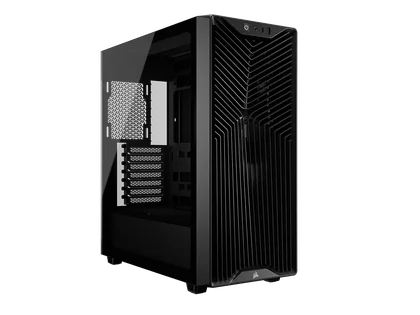
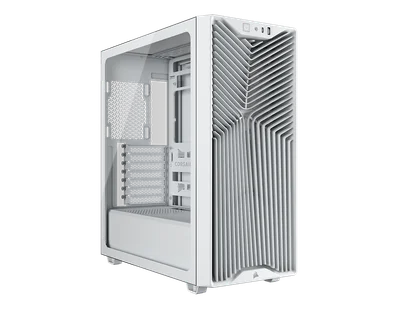
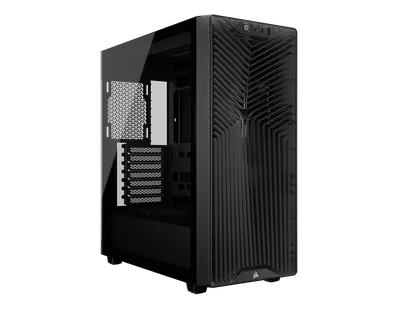
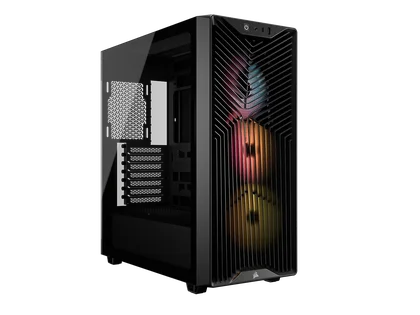
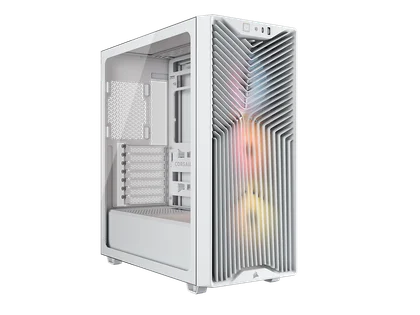
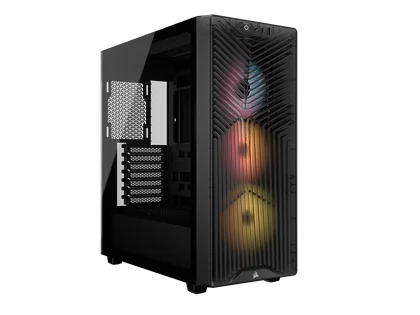
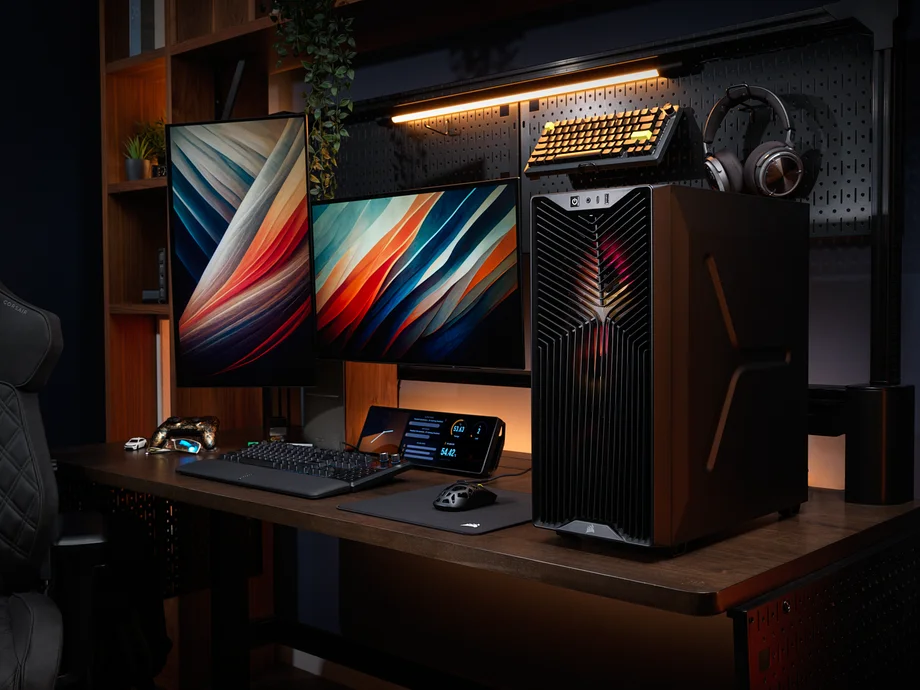
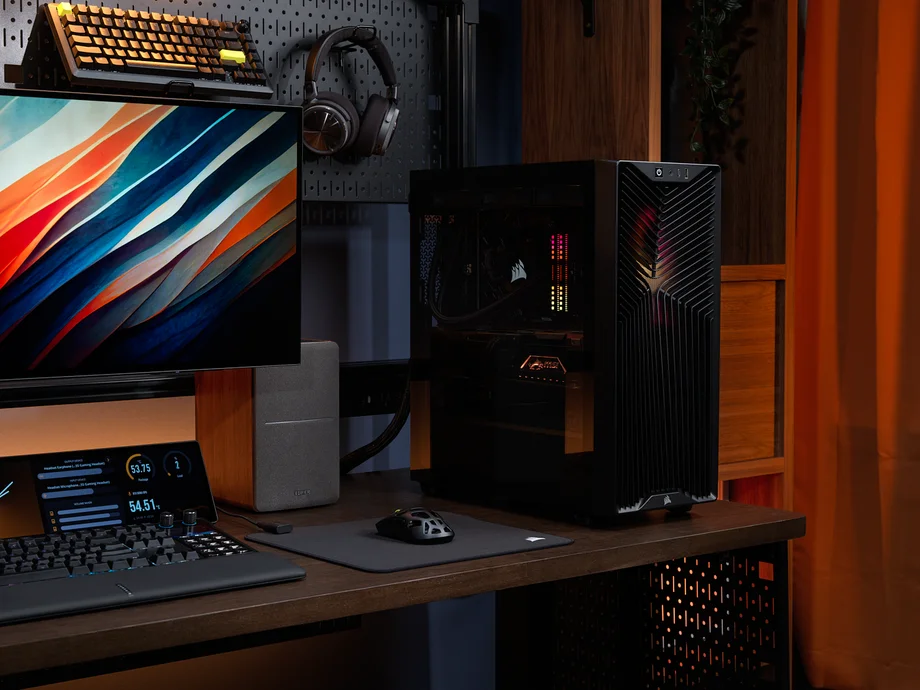
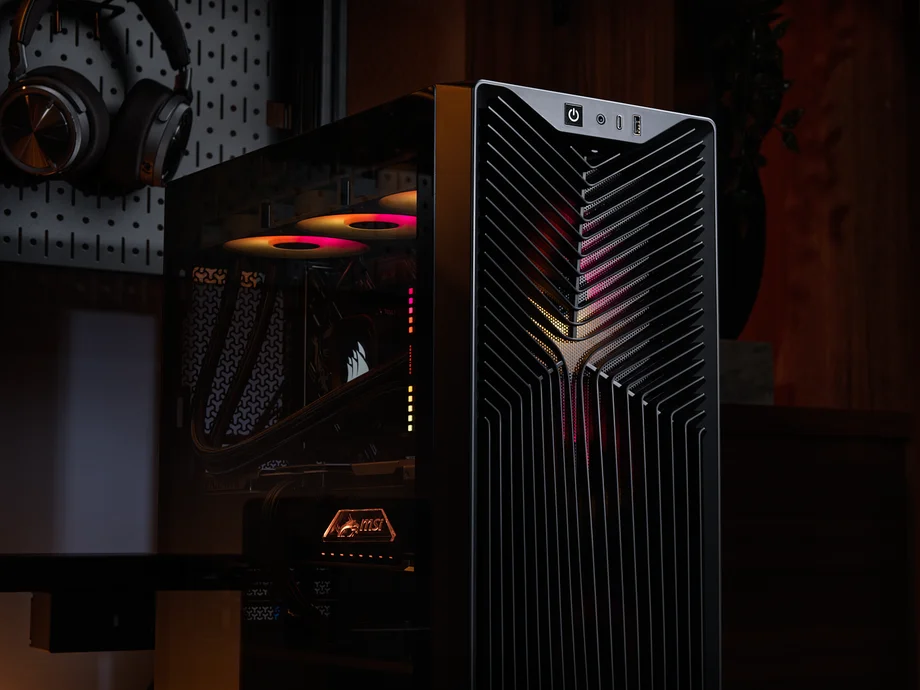
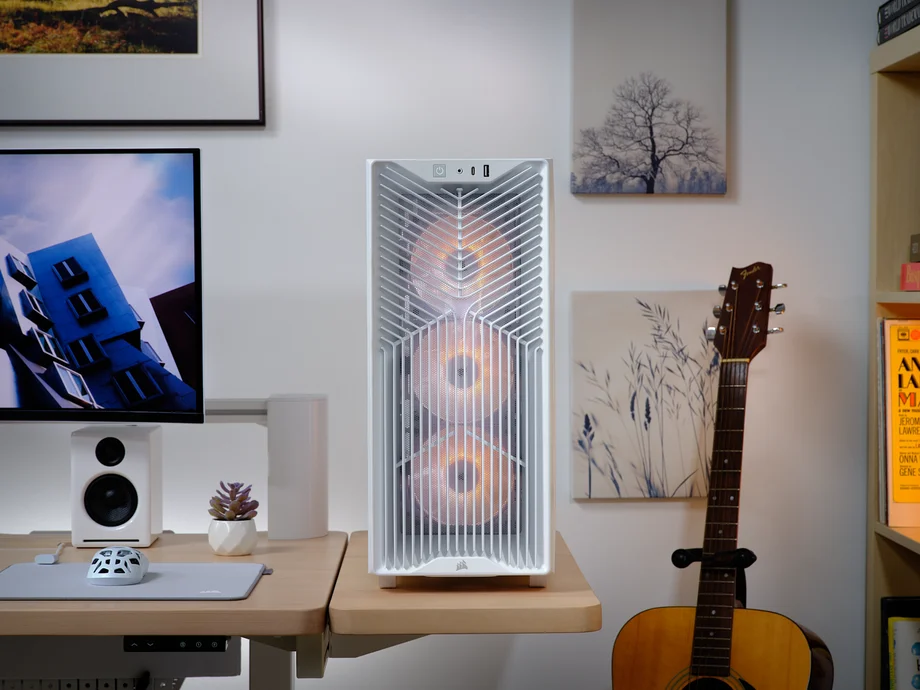
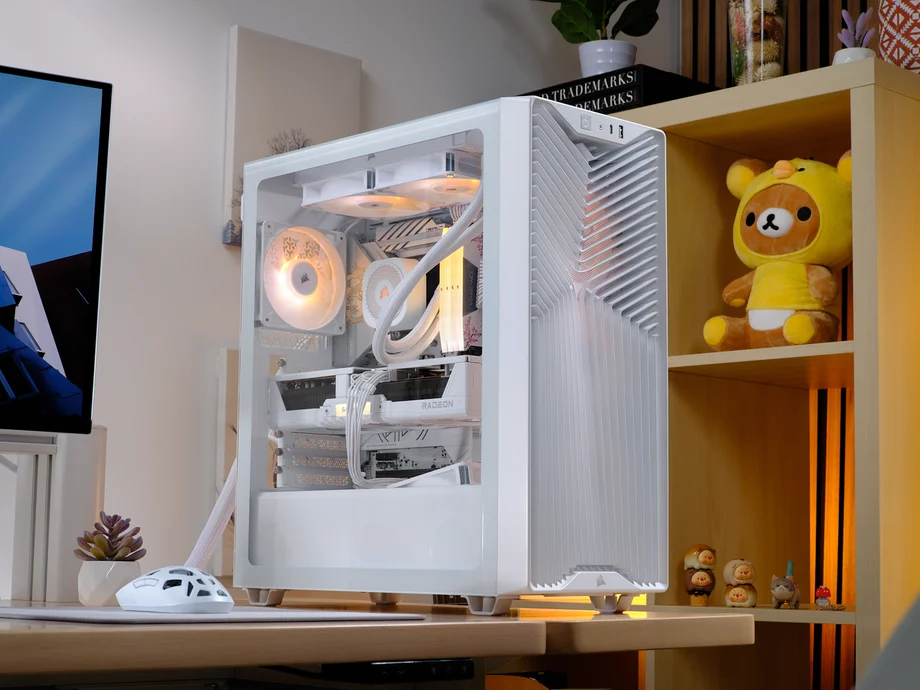
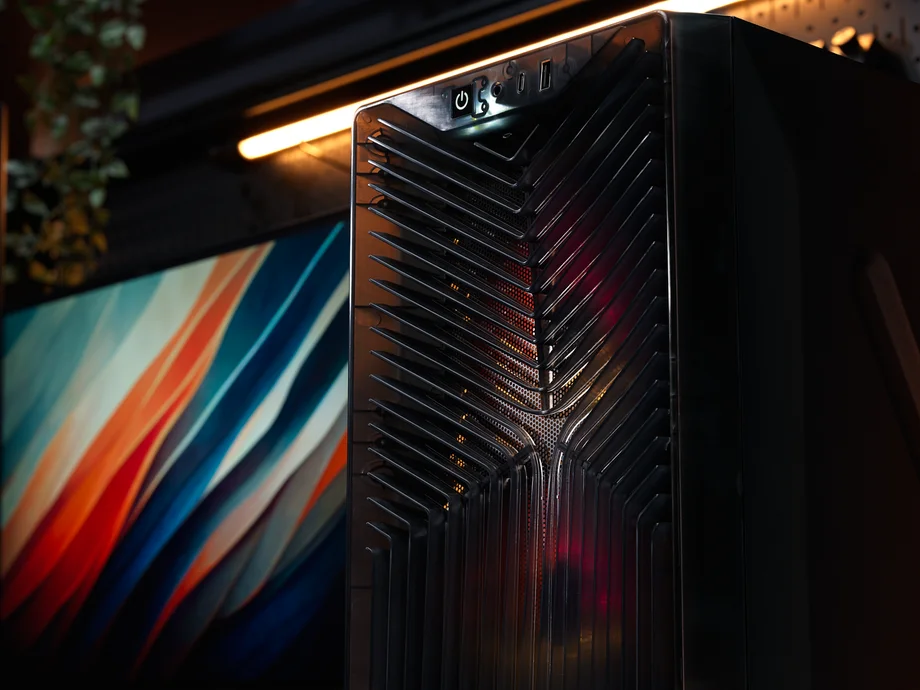
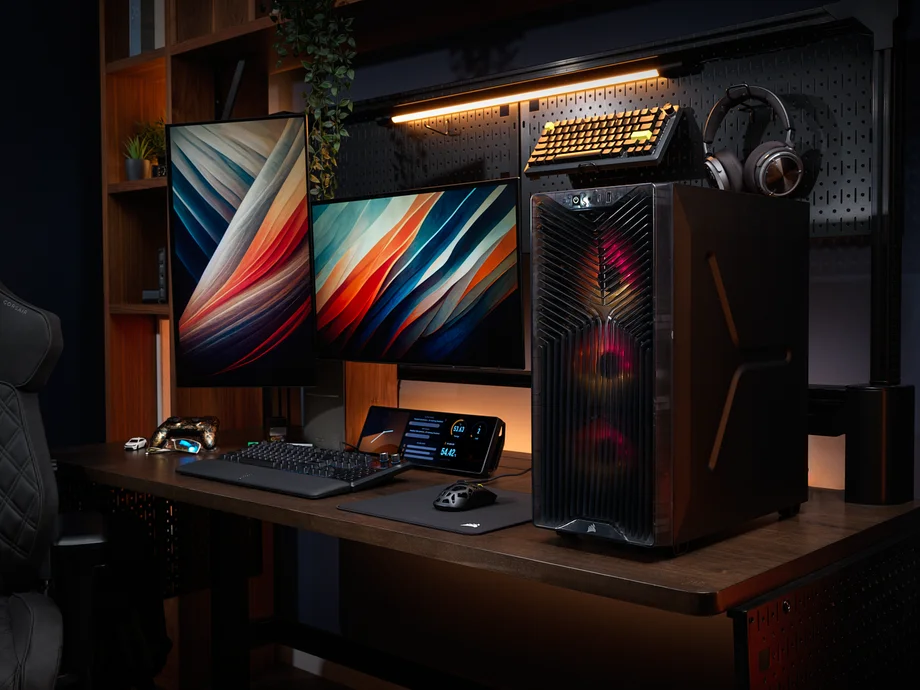
PC building is becoming an expensive hobby. Not everyone has the means to spend $200+ on a case, which means that high-airflow, budget-conscious PC cases are needed more than ever, hence the CORSAIR 3200D.
The 3200D is built to optimize airflow, support the latest PC parts, and provide user-friendly features that make building high-performance PC systems enjoyable for a wide variety of PC builders.
| Dimensions | 495mm (H) x 219mm (W) x 458mm (L) |
| Max GPU Length | 370mm |
| Max CPU Cooler Height | 165mm |
| Max PSU Length | 180mm |
| Fan Mounts (Front) | 3x 120mm, 2x 140mm |
| Fan Mounts (Top) | 3x 120mm, 2x 140mm |
| Fan Mounts (Rear) | 1x 120mm |
| Fan Mounts (PSU Shroud) | 2x 120mm |
| Fan Mounts (Bottom) | None |
| Motherboard Compatibility | Mini-ITX, Micro-ATX, ATX |
| Revers Motherboard Compatible? | Yes |
| Storage Compatibility | 1x 3.5" HDD and 2x 2.5" SSDs, or 3x 2.5" SSDs |
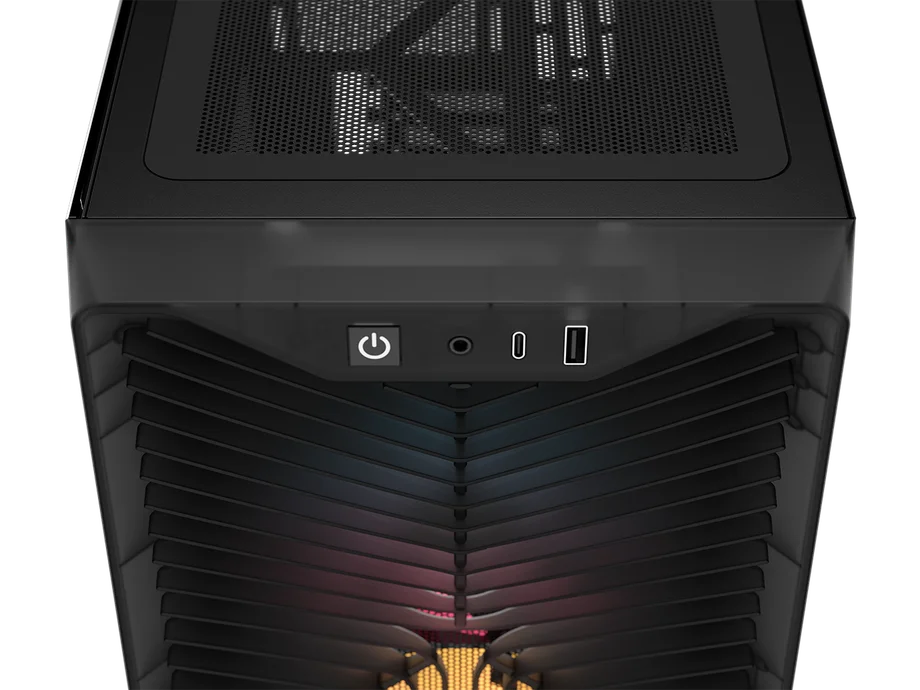
| Front Panel I/O | 1x USB 3.2 Gen 2x2 Type-C (20 Gbps), 1x USB 2.0 Type-A, Combo Mic/Headphone Jack |
| PCIe Slots | 7 |
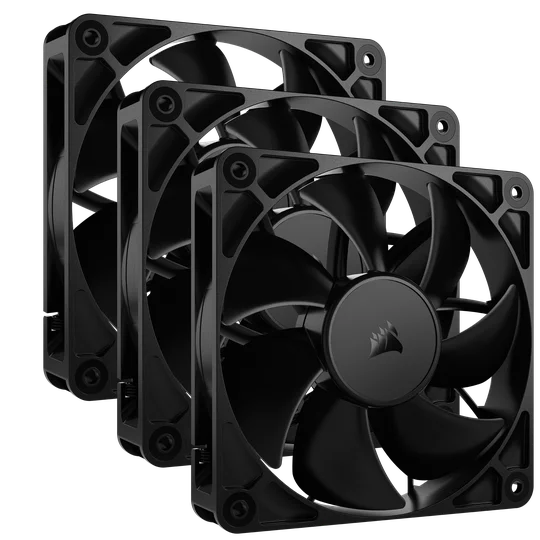
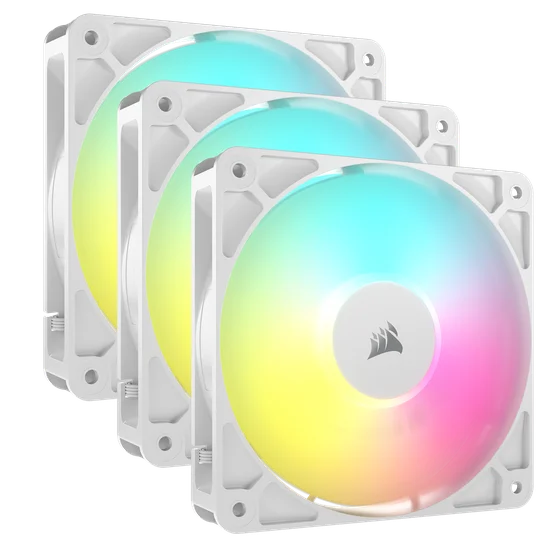
The 3200D offers you a choice between 3x RS120 PWM fans or 3x RS120 ARGB fans, accommodating different builder preferences. Both fan options connect easily to the motherboard for intuitive control and provide excellent airflow to keep everything nice and cool inside your chassis.
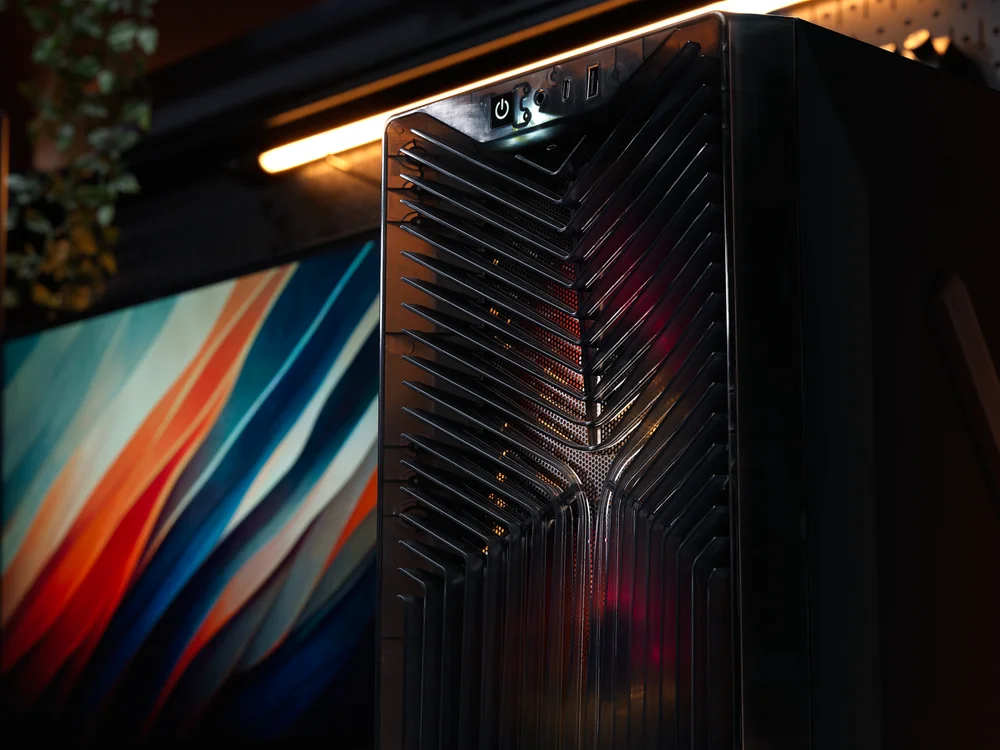
The Smoke colorway is most visually appealing when paired with RGB fans and RGB lighting, due to its translucent front panel.
The included 3x RS120 PWM or 3x RS120 ARGB fans make it simple to control fan speeds through your motherboard, and the ARGB version adds vibrant lighting to brighten up your setup. Both fan models feature AirGuide technology, which delivers quiet, focused airflow thanks to Magnetic Dome bearings. All three fans are pre-installed in the ventilated front panel as intake fans, saving you time when building your PC.
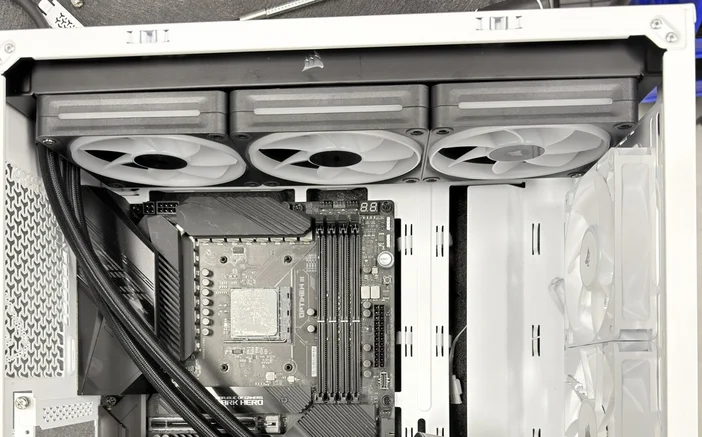
The 3200D is designed to deliver optimal airflow and cooling, which are very important for gaming setups and high-performance builds, without breaking the bank. Its interior can accommodate up to 9 x 120mm fans to keep air moving throughout the case. It can support a top-mounted 360mm radiator, enabling you to install 360mm AIO Liquid CPU coolers for high-performance CPUs, such as Intel Core Ultra 9 and AMD Ryzen 9 processors.
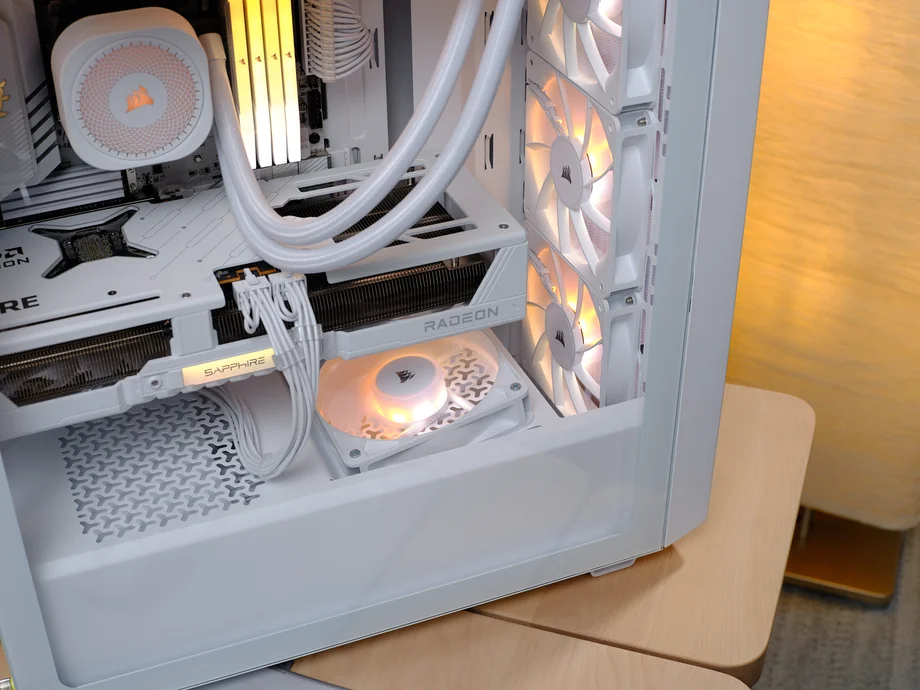
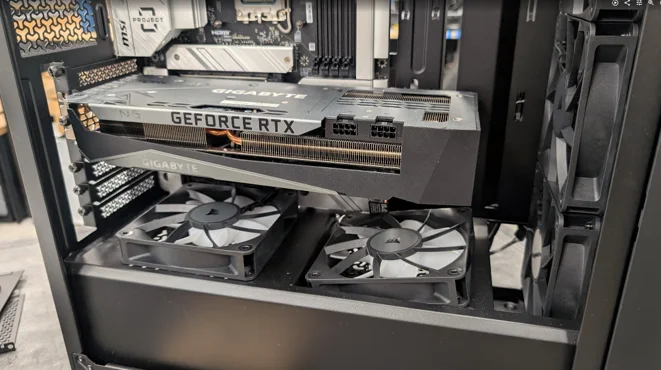
A very distinctive feature of the 3200D case, which is a first for our cases, is two 120mm fan mounts on top of the PSU shroud, with one at the front angled directly toward the GPU, improving airflow in that area to boost heat dissipation, which a lot of people will find great value since gaming and many productivity apps heavily rely on video cards nowadays.
While it’s not a new feature for CORSAIR cases, it’s still important and necessary, especially if you’re planning to use high-end motherboards in your build. Unlike traditional motherboards, a Reverse Connection Motherboard brings new connection standards and layouts, giving you more flexibility and ease when building and setting up your PC.
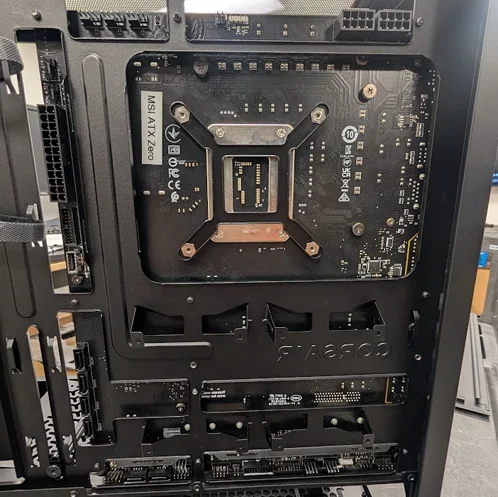
As shown, the connections are located at the back of the motherboard. This means the cables are not visible in front of the motherboard, where you would usually find the CPU, memory, and other components.
One of the most obvious advantages of a Reverse Connection Motherboard is the ability to separate and hide all the cabling, resulting in a more visually appealing look and easier cable management.
Are you considering using one of those latest GPUs that are bulky and heavy? Not a problem with a 3200D build. Just because it’s an affordable case doesn’t mean it sacrifices premium features.
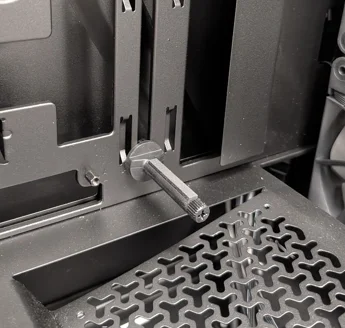
This compact mid-tower is surprisingly capable of supporting even the heaviest, next-generation GPUs, thanks to its adjustable anti-sag stabilization arm. It can comfortably fit GPUs up to 375mm in length, even with fans installed in the front panel. It’s designed to be widely compatible with modern graphics cards, making it a wise investment for many users.
When it comes to CORSAIR cases, every detail counts. We care about the little things just as much as performance, like the built-in cable shrouds. While some might see them as a simple feature, they really offer a lot of benefits that enhance both the style and functionality of your PC case.
Effectively concealing cables from various components in your PC build creates a cleaner, more organized interior that not only improves the PC build’s overall visual appeal but also enhances airflow.
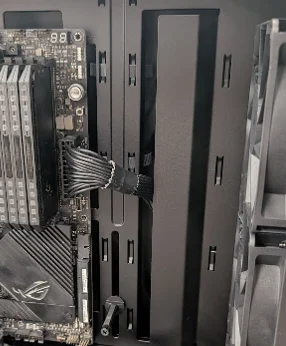
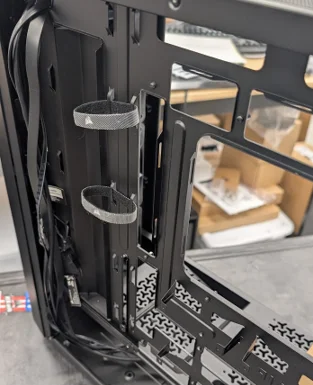
In addition to the built-in cable shroud on the front side of the case. On the opposite side, there are plenty of cable tie points to secure your cables at the back of your PC, which is always a plus, especially for neat freaks when it comes to cable management. The more options you have for organizing the cables the way you like, the better it is for creating a neat, tidy setup.
JOIN OUR OFFICIAL CORSAIR COMMUNITIES
Join our official CORSAIR Communities! Whether you're new or old to PC Building, have questions about our products, or want to chat about the latest PC, tech, and gaming trends, our community is the place for you.