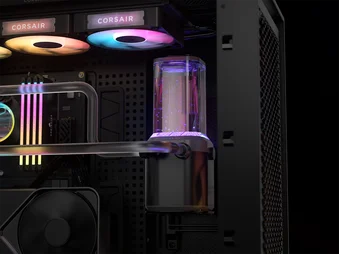
MANUAL | QUICK START GUIDE
HYDRO X SERIES iCUE LINK XH505i RX 360 RGB
CPU HARD TUBE WATER COOLING KIT
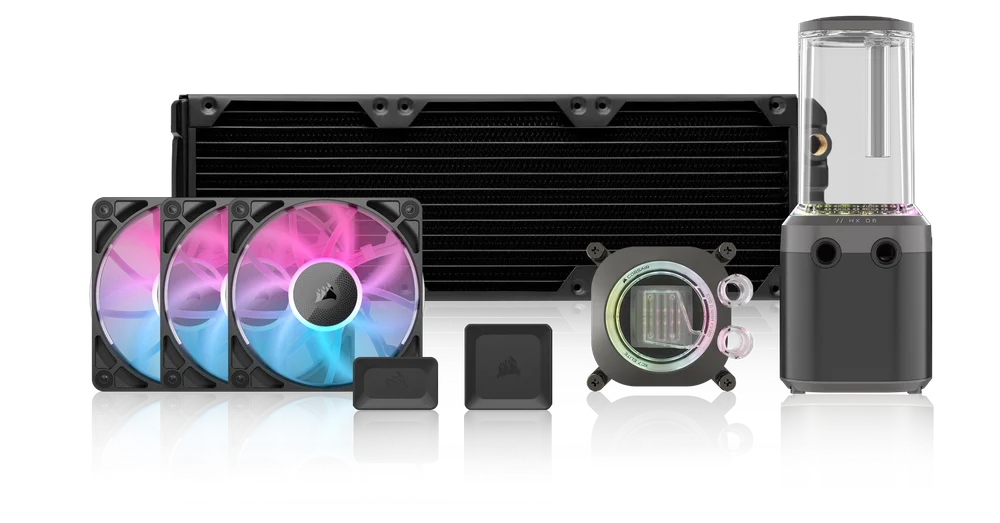


ABOUT YOUR KIT
Congratulations on your purchase of the HYDRO X SERIES iCUE LINK XH505i RX 360 RGB Custom Cooling Kit.
As you embark on your custom cooling journey, it's essential to understand the best practices that will ensure optimal performance and longevity for your system. This introduction aims to provide you with a foundational understanding of custom cooling and how to make the most of your new kit.
The XH505i RX 360 RGB is more than just a collection of parts; it's a comprehensive solution designed to take the hassle out of building. With the integrated iCUE LINK technology, installation becomes a breeze, reducing cable clutter and ensuring a streamlined setup. The vibrant RGB LEDs, combined with top-tier components like the XC7 RGB ELITE CPU Water Block and XD6 RGB ELITE Pump/Reservoir, promise both aesthetics and performance. And with the added convenience of the hardline bending/cutting kit, you have everything you need to achieve the breathtaking visuals that only hardline loops can deliver.
Remember, while this kit provides a solid foundation, the beauty of custom cooling lies in its flexibility. While a GPU block isn't part of this kit, extra fittings are provided should you wish to expand your loop to include one. Each component in this kit comes with its own Quick Start Guide to assist you with the installation process. Simply follow the links provided in the HOW-TOS & QUICK START GUIDES section to access the individual guides.
Thank you for choosing the XH505i RX 360 RGB Custom Cooling Kit.
BOX CONTENTS
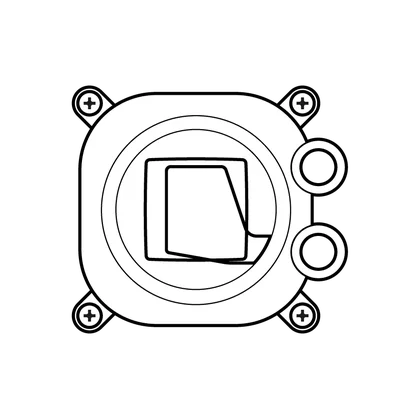
1x iCUE LINK XC7 RGB ELITE CPU Block
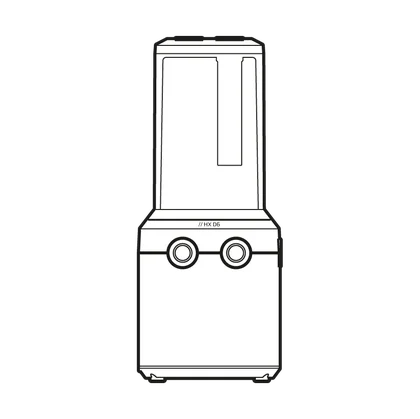
1x iCUE LINK XD6 RGB Pump Reservoir Combo
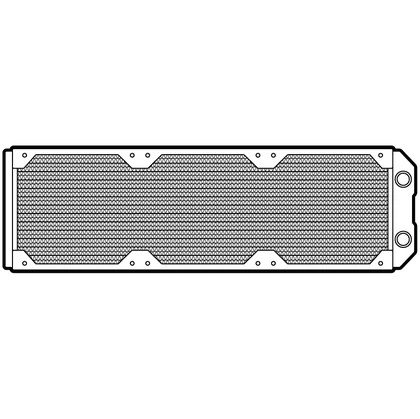
1x XR5 360mm Radiator
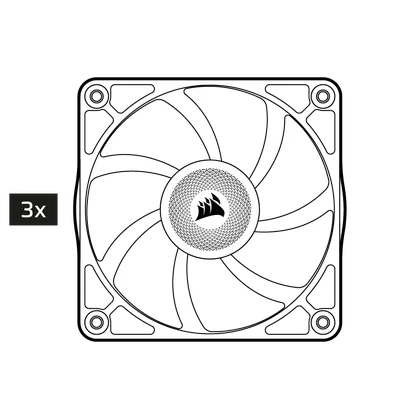
3x iCUE LINK RX120 RGB Fans

1x iCUE LINK System Hub
1x iCUE LINK 4-Way Splitter
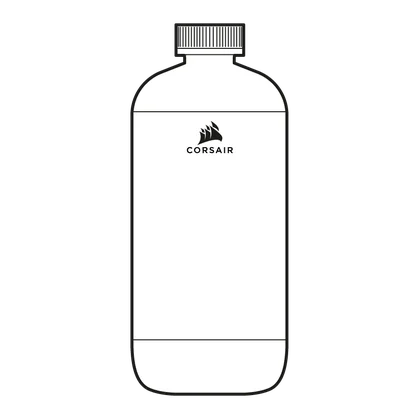
1x XL8 Clear Coolant

8x XF Hardline 14mm OD Fitting
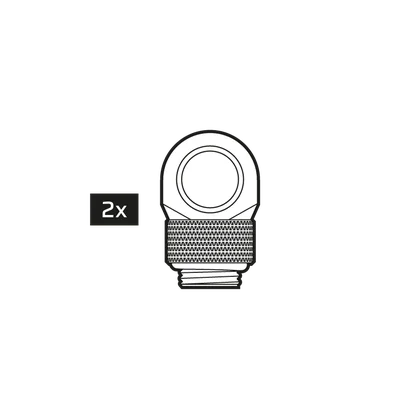
2x 90° Rotary Adapter
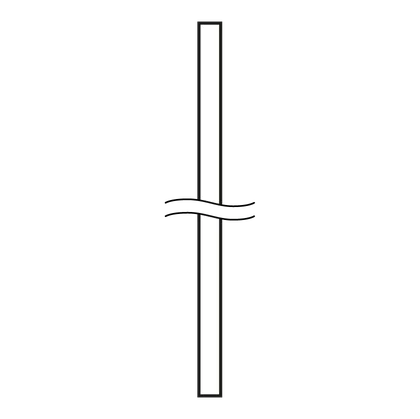
6x 0.5m XT Hardline 14/10mm OD/ID Tubing
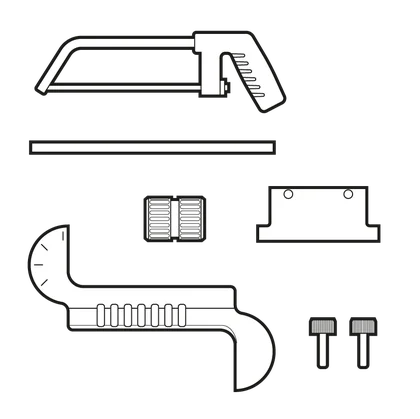
1x XT Hardline Bending Toolkit
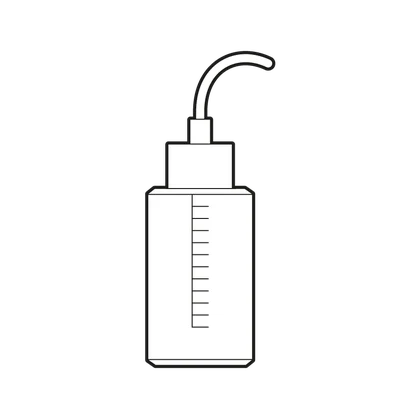
1x Filling Bottle
CUSTOM COOLING BEST PRACTICES
PLAN YOUR BUILD
Before starting, lay out all components and visualize the loop. This will help you identify the best path for tubing and ensure efficient flow.
CLEAN THE RADIATOR
Before installation, please make sure to clean the radiator.
Please follow these guidelines for proper cleaning:
- Internals: Flush the radiator using distilled water only. If especially dirty, add a small amount of dishwashing soap to help remove the grease or residue. A thorough rinse with distilled water is required.
- Externals: Use compressed air and a soft brush to clean the outside. Keep at least 10 cm (4") between the nozzle and the radiator surface.
PERFORM A LEAK TEST
After setting up your loop, always perform a leak test for at least 24 hours. This ensures that all connections are secure, and your components safe. CORSAIR warranty does not cover any hardware damage resulting from poorly executed, improper, or otherwise hasty assembly of your custom water-cooling system.
BLEED THE SYSTEM
After filling the loop, run the pump to circulate the coolant and release any trapped air bubbles. More details about this process are described in the XD6 ELITE quick start guide.
OPTIMIZE THE FLOW RATE
Ensure that your pump's flow rate is suitable for your loop size. A flow rate that's too high or too low can affect cooling efficiency. There is no need to run pump at 100%, as the added value of extra flow is minimal while it is reducing the pump longevity. Running your pump at 40–70% PWM typically provides a good balance between performance, noise, and pump longevity.
MAINTENANCE
Custom cooling loops require regular maintenance. It's recommended to check the coolant level and inspect for any blockages or algae growth every few months. A full system flush should be done annually for optimal performance.
VIDEO TUTORIAL
HOW-TOS & QUICK START GUIDES
Follow the links provided below for Hydro X Series cooler how-tos:
How to custom water-cool your pc
How to cut and bend hardline tubing
Follow the links provided below to access the individual quick start guides:
CORSAIR iCUE LINK XC7 RGB ELITE CPU Water Block
CORSAIR ICUE LINK XD6 RGB ELITE Pump/Reservoir Combo
CORSAIR XR5 360 Radiator (PDF)
CORSAIR iCUE LINK RX120 RGB Performance Fans
WARRANTY

The CORSAIR Hydro X Series iCUE LINK XH505i custom cooling kit has a general 2-year warranty, while specific items included in the kit may have a longer warranty period. For individual product warranty information, please refer to the quick start guides listed above.
LEGAL
©2025 CORSAIR MEMORY, Inc. All rights reserved. CORSAIR, the sails logo, and HYDRO X SERIES are registered trademarks of CORSAIR in the United States and/or other countries. All other trademarks are the property of their respective owners. Product may vary slightly from those pictured.
RELATED CONTENT