For 3D artists, designers, and creators, time is everything. Whether you’re working in Blender, Maya, Cinema 4D, Unreal Engine, or Adobe After Effects, rendering speed can make or break your workflow. The difference between waiting hours versus minutes can mean meeting a deadline or missing it.
The best PC for 3D rendering isn’t just about raw power, it’s about being designed for the way creators work. The right system balances CPU strength, GPU acceleration, memory bandwidth, and thermal stability so you can focus on creating, not waiting.
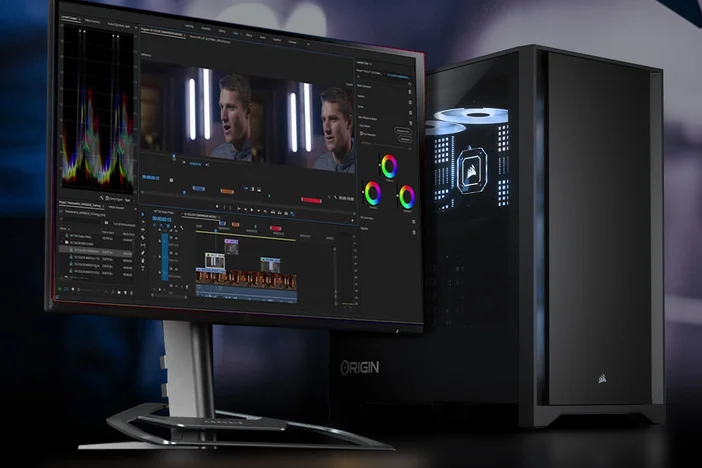
Rendering Essentials: CPU vs GPU Workloads
Every creative workflow is different. Some rely on CPU power, while others benefit from GPU acceleration. Here’s what you need to know:
- CPU Rendering: Great for software that scales with multiple cores (like V-Ray or Arnold). More cores = faster final frame rendering.
- GPU Rendering: Ideal for tools like Blender’s Cycles or OctaneRender, which can take full advantage of modern GPUs.
- VRAM (GPU Memory): The more detailed your scenes and textures, the more VRAM you need. Large 3D assets demand 24GB+ GPUs.
- System RAM: 64GB or more ensures you won’t bottleneck complex projects.
Spec Checklist: What Creators Should Look For
When building or buying the ultimate rendering PC, look for:
|
Component |
Recommended Spec |
Why It Matters |
|
CPU |
AMD Threadripper / Intel Xeon |
High core counts speed up CPU-based rendering |
|
GPU |
NVIDIA GeForce RTX 4090 or multiple RTX 6000 Ada |
Essential for GPU rendering and handling complex scenes |
|
RAM |
64GB minimum, 128GB+ preferred |
Prevents bottlenecks in large projects |
|
Storage |
NVMe SSD + HDD |
Fast loading for projects and long-term archiving |
|
Cooling |
Workstation-grade Liquid cooling |
Keeps performance stable under heavy workloads |
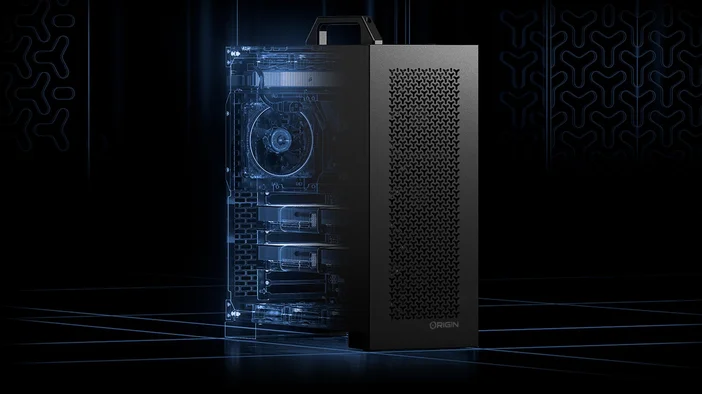
Build Spotlights: ORIGIN PC Workstations for Rendering
At ORIGIN PC, we design creator-grade workstations that slash render times and supercharge workflows:
- S-CLASS Workstation: Compact, professional-grade build for creators balancing performance and budget.
- M-CLASS v2 Workstation: The sweet spot for 3D artists, with high-core CPUs and powerful GPUs for modeling and rendering.
- L-CLASS v2 Workstation: A multi-GPU powerhouse for VFX studios, animation teams, and large-scale 3D workflows.
Example: Rendering Times Transformed
|
System |
Approx. Render Time (4K Animation in Blender) |
|
Standard Gaming PC |
~3 hours |
|
M-CLASS v2 Workstation |
~45 minutes |
|
L-CLASS v2 (dual GPUs) |
~20 minutes |
That’s the difference between overnight rendering and same-day delivery.
FAQ: Rendering PCs for Creators
What’s the best PC for Blender or Maya rendering?
For Blender, a GPU-focused build like the M-CLASS v2 Workstation is ideal. For CPU-heavy rendering in Maya/Arnold, the L-CLASS v2 Workstation with high-core CPUs excels.
Do I need multiple GPUs for rendering?
Not always, but for studios or artists working on complex, high-resolution projects, multi-GPU systems dramatically cut render times.
How much RAM do I need for 3D rendering?
64GB is the starting point, but 128GB+ is recommended for professional workloads with heavy assets.
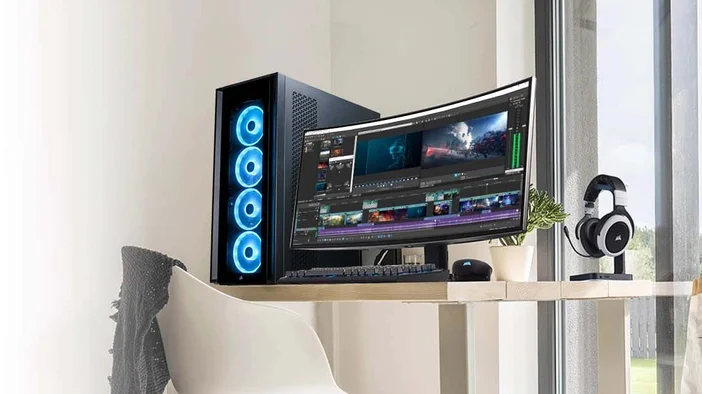
Create Without Limits
Your creativity shouldn’t be held back by your hardware. With ORIGIN PC’s S-CLASS, M-CLASS v2, and L-CLASS v2 workstations, you’ll spend less time waiting and more time creating.
Explore our full workstation lineup and see how we can build the ultimate rendering PC for your workflow.
JOIN OUR OFFICIAL CORSAIR COMMUNITIES
Join our official CORSAIR Communities! Whether you're new or old to PC Building, have questions about our products, or want to chat about the latest PC, tech, and gaming trends, our community is the place for you.