BLOG
RapidRoute 2.0 Cable Management Guide
For many PC builders, especially experienced ones, showing what’s in front of the PC isn’t the end all be all; what really matters is what’s behind the back panel – cable management. You want your cable management to be as show-worthy as the front of the PC.
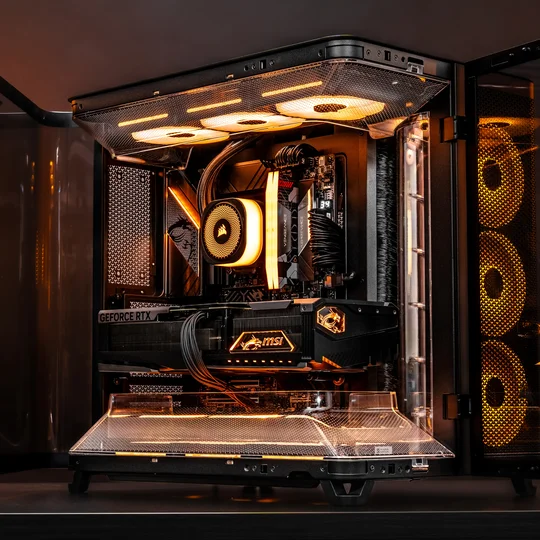
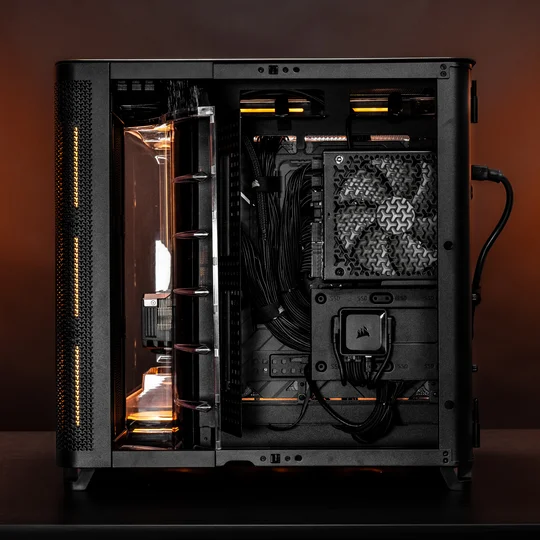
But managing the cables in your PC can be tedious and time-consuming, especially if you are very meticulous about organizing all your cables in your build. So, to help PC builders make cable management enjoyable and not a daunting task, CORSAIR developed a cable management system, called RapidRoute Cable Management System 2.0, which not only drastically helps to speed up the process of PC building but also makes the back panel of your PC look aesthetically pleasing, with little to no effort.

Note that the CORSAIR RapidRoute Cable Management System 2.0 is an advanced and redesigned version of its previous 1.0. The second iteration of RapidRoute enhances cable management further, adding more user-friendly features for even cleaner builds, such as improved cutouts and better grommet placements to facilitate easier cable routing and a neater interior appearance.
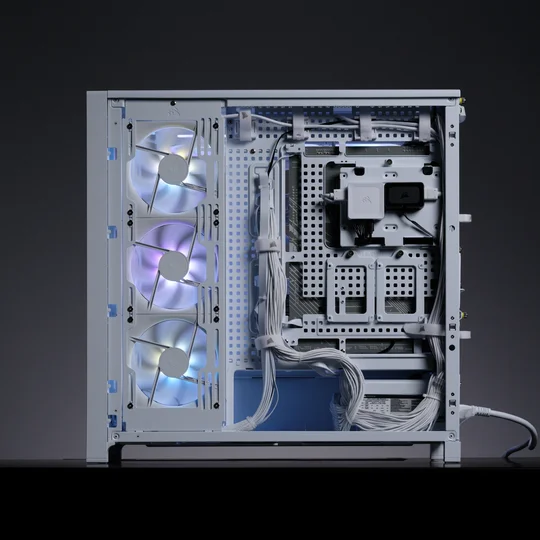
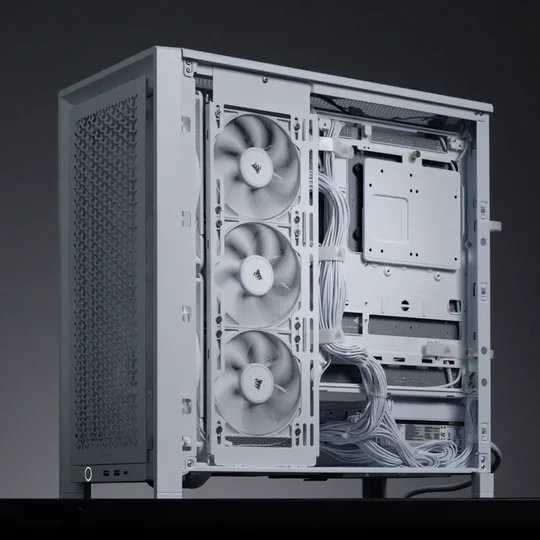
RapidRoute Cable Management 2.0
RapidRoute Cable Management 1.0
Managing the cables in your PC is usually the final step when building a system. At this stage, all hardware is already installed, so the wires coming from the components need to connect to the motherboard and power supply. It's important to organize and arrange them neatly, not only to keep the case tidy but also to create space and ensure airflow isn't obstructed, which can improve cooling and overall performance.
RAPIDROUTE CABLE MANAGEMENT 2.0 KEY UPDATES
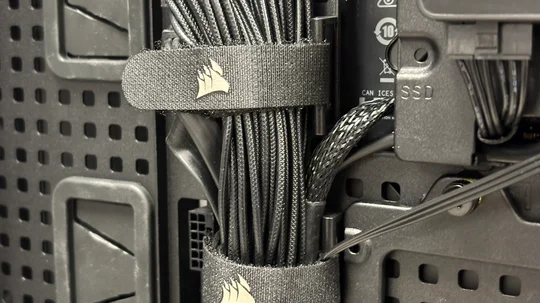
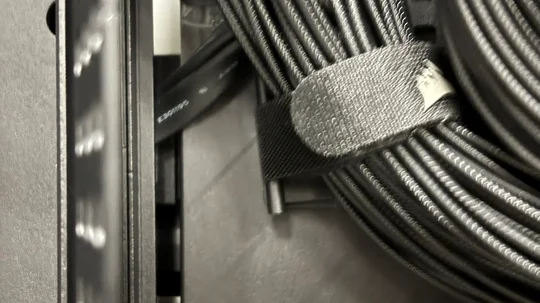
DETACHABLE & ROTATABLE TIE-DOWN BUCKLES
You can easily relocate the rotatable tie-down buckles wherever you want, thanks to the motherboard tray’s new pegboard design.
CABLE LOOM
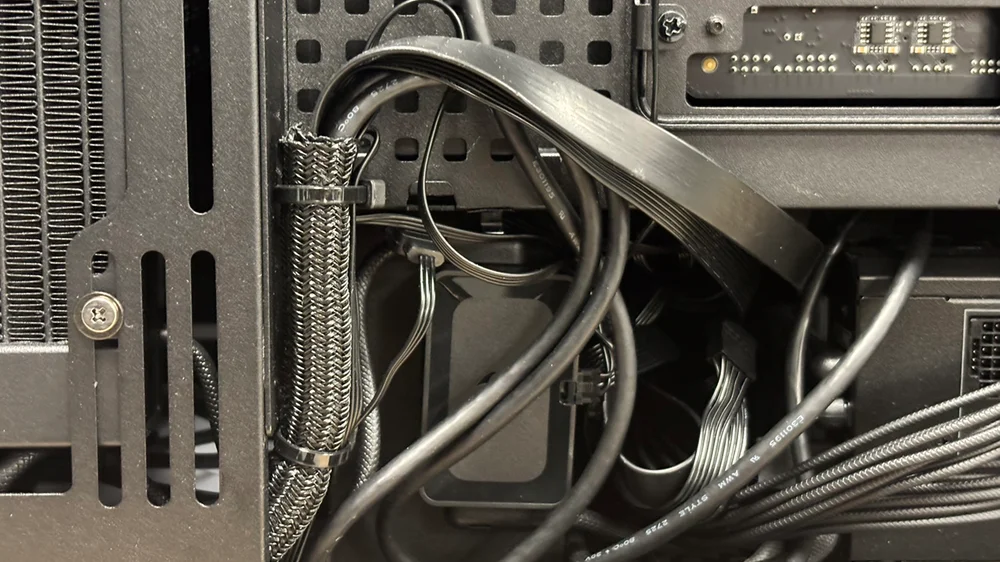
The front I/O cables now come with a cable loom for a cleaner appearance when managing cables from your case’s front I/O panel. Plus, it makes it easier to identify all the front I/O cables since they are now pre-bundled straight out of the box.
DIFFERENT TYPES OF CABLE CLIPS AND CINCHING STRAPS
For even easier cable management, CORSAIR cases featuring RapidRoute Cable Management 2.0 include different cable clips and six cinching straps that you can use on their own or with the tie-down buckles to manage bulkier cables in your build, such as the 24-pin and 12V-2x6 cables.
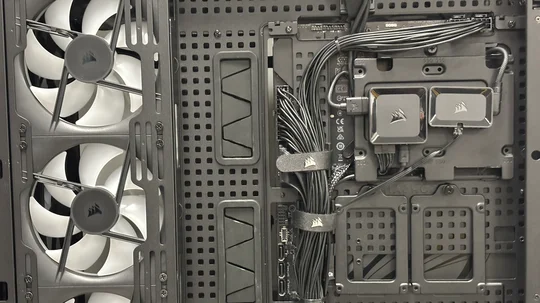
CABLE CHANNELS
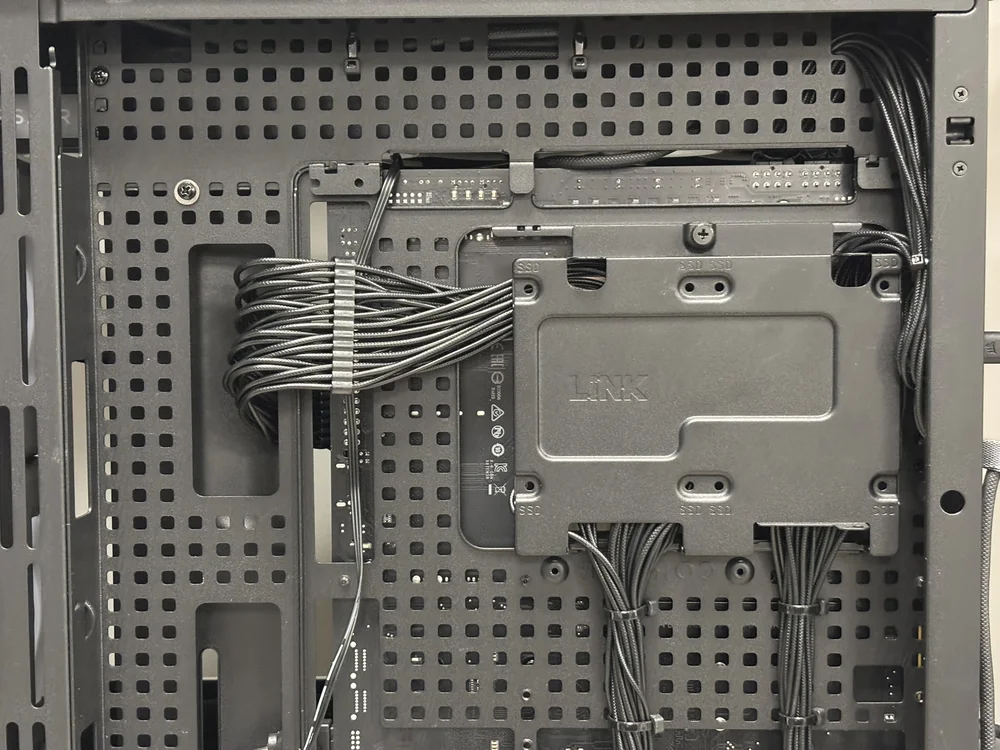
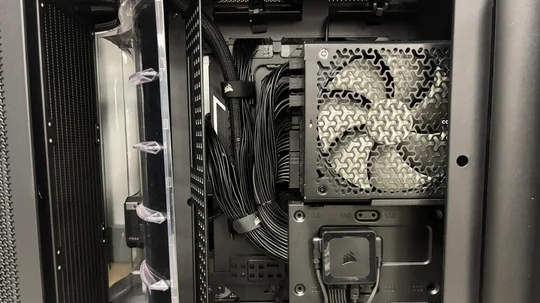
There are plenty of cable channels behind the MB tray that you can use to tuck and hide cables, making them disappear out of sight. You don’t have to be very creative with cable management, as obvious routing points make it easy to hide cables and give your PC a pro-builder look.
If you are new to PC building or have been in the game for a while, there is a consensus that effective cable management is just as important as the specs of your PC components for several reasons. Not only does it enhance your build’s appearance, but it also helps with your PC’s thermals by reducing cable clutter, improving cooling efficiency, and enhancing internal airflow.
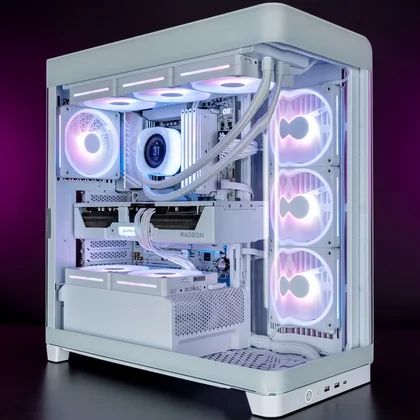
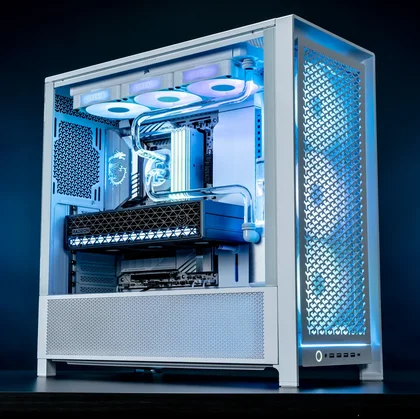
If you’re building a new PC or upgrading an existing one, choosing a CORSAIR case with RapidRoute 2.0 offers better flexibility and a more refined final look. As it stands, these are the CORSAIR cases that include the RapidRoute 2.0 Cable Management System.
JOIN OUR OFFICIAL CORSAIR COMMUNITIES
Join our official CORSAIR Communities! Whether you're new or old to PC Building, have questions about our products, or want to chat the latest PC, tech, and gaming trends, our community is the place for you.