BLOG
Do You Actually Need Antivirus Software?
Viruses can be some of the most harmful things that can attack your computer. They can corrupt files, steal personal information, slow down your system, or lock you out of your system entirely. That said, one of the first questions people ask after setting up a new device is: “Do I need to download antivirus software?” The short answer is: antivirus protection is always a resounding yes. But whether you need to download additional software to get that protection isn’t so straightforward.
If you’re running Windows 11 or macOS, here’s the lowdown.
Windows 11's Built-in Protection
With Windows 11, you technically do not need to download any additional antivirus software if you're a normal user. Every Windows 11 device, such as a laptop or PC, comes with Microsoft Defender Antivirus preinstalled, which is a part of Windows Security. This software includes real-time virus detection, a firewall, browser protection, and other security features to keep devices safe. It is automatic and always on, generally allowing for safe everyday browsing and usage.
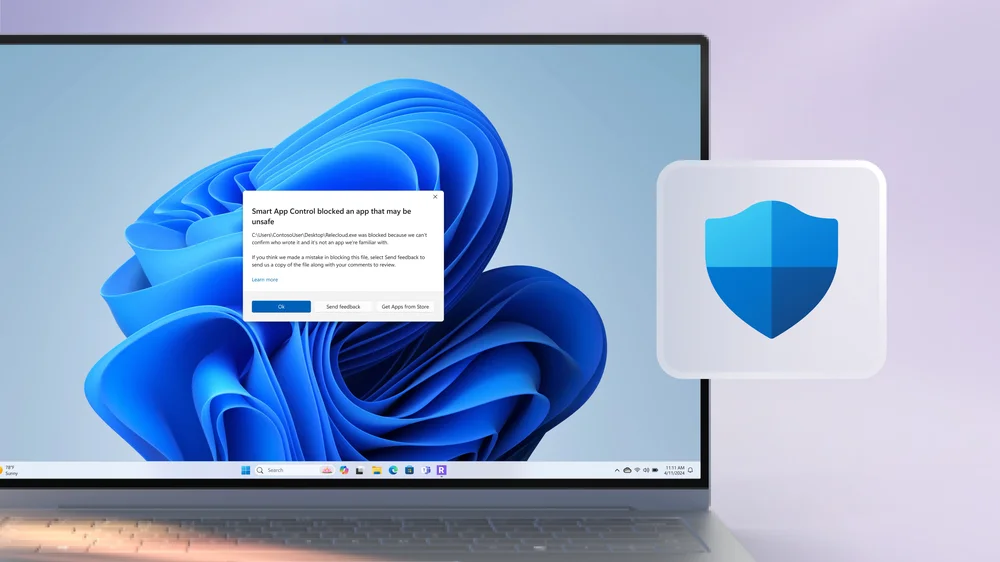
Check out Microsoft’s full breakdown on their integrated security features and how you can protect your device from harmful attacks.
macOS’s Built-in Protection
Just like Windows 11, Apple devices also feature built-in security features, offering layered protections for users alike, essentially eliminating the need for additional antivirus. XProtect is Apple’s signature antivirus scanner that automatically detects and removes viruses and malware. Additionally, Secure Enclave protects sensitive data, like passwords, with encryption keys and biometrics. Apple’s integrated security features are sufficient for the average user to be worry-free about attacks or malware.
Learn more about Apple’s security features and how they keep you safe.
Third-Party Antivirus
That being said, cybercriminals continuously develop new and sneaky ways to hack into people's personal data, so it's important to know that any operating system security is 100% foolproof.
Adding an additional layer of protection by downloading third-party antivirus software can provide peace of mind, especially when handling large amounts of sensitive data, downloading software from lesser-known sources, or plugging in unknown USB devices. Keep in mind that many antivirus programs require a paid subscription to access full protection and advanced features.
It's also good to recognize that many antivirus programs nowadays can be annoying or even slow down your computer, so be sure to do sufficient research and choose one from a reputable source.
JOIN OUR OFFICIAL CORSAIR COMMUNITIES
Join our official CORSAIR Communities! Whether you're new or old to PC Building, have questions about our products, or want to chat the latest PC, tech, and gaming trends, our community is the place for you.