SÕNASTIK
What is FPS?
FPS stands for frames per second and it’s basically a measure of how fast your PC can render what is being output to your screen.
To expand on that concept, we need to take a step back. There is no “true” movement when it comes to watching movies, TV shows, and playing games. It’s an illusion. What you’re actually seeing are many static images shown one after the other in quick enough succession that your persistence of vision makes it seem like it’s true movement. The more frequently these static images arrive, the smoother the apparent movement will seem.
As a baseline, films and TV are usually shown in 24 frames per second. This is about the minimum you need to perceive the content as smooth movement. When it comes to gaming, 30 FPS is considered to be the absolute bare minimum, although for PC gaming, 60 FPS is generally thought of as the minimum.
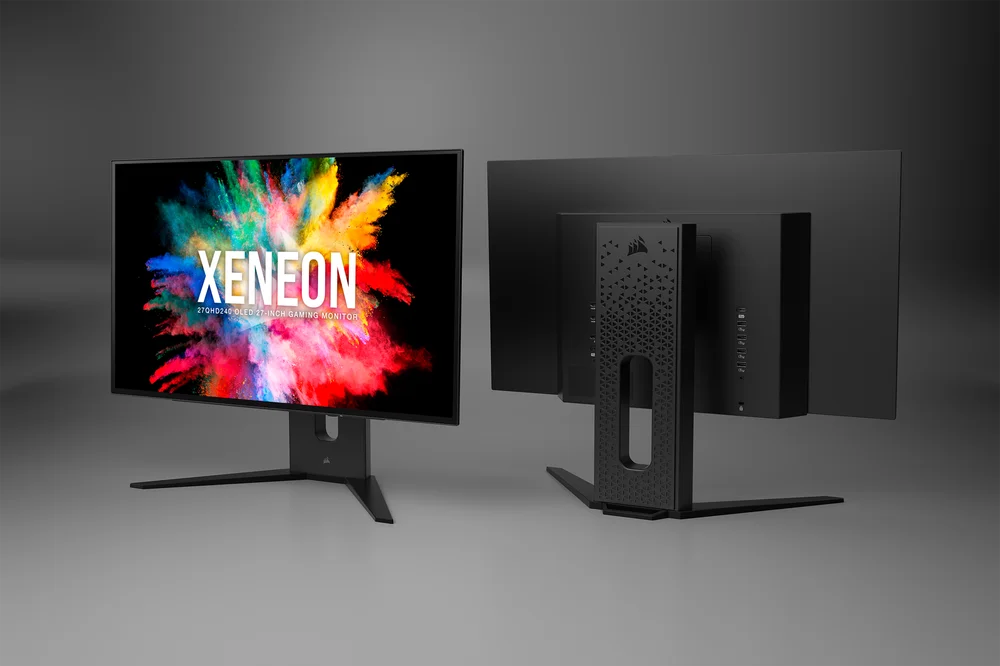
Why is FPS Important in Gaming?
In order to have an enjoyable gaming experience, you need a high, stable succession of frames, also known as “frame rate”. 24 FPS is ok for TV and Movies where you’re a passive observer, but for gaming, more is needed as your inputs as a player affect what is happening on screen. If the frame rate is too low, then you can begin to notice some latency between when you input via the controller or keyboard, and the resultant action on-screen.
There will always be some latency if you want to be pedantic about it, but generally speaking, most people are unlikely to notice much latency at 30 FPS, any latency at 60 FPS, and the higher you go after this, it progressively becomes more and more imperceptible.
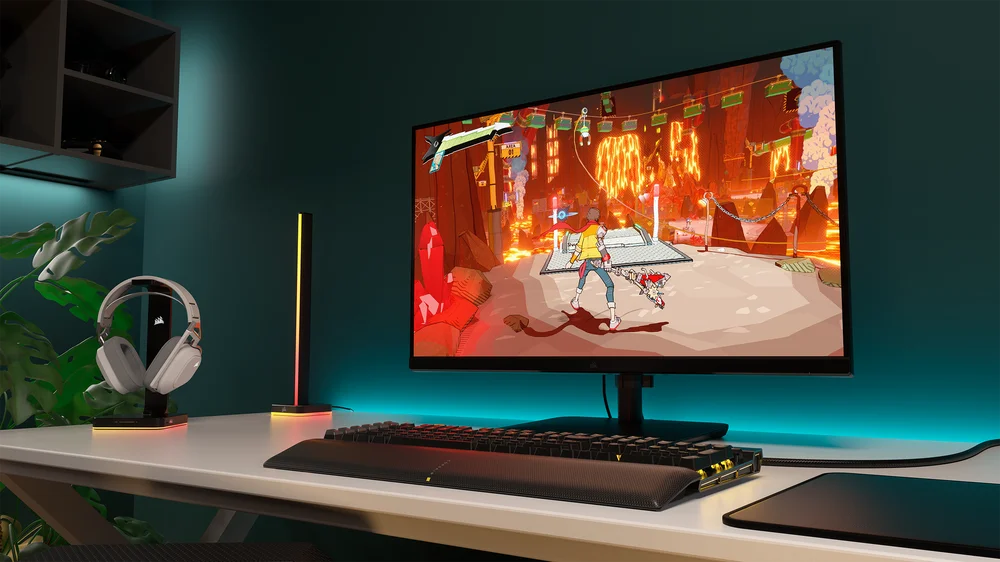
This is the reason that gaming monitors come with refresh rates much higher than 60Hz. PC gaming, particularly competitive gaming, yields huge potential performance benefits from having a higher frame rate. These benefits do come at a cost, though one far lower than it was just a few years ago. You can get a 144Hz monitor for just a few hundred bucks these days.
Speaking of which, you might have noticed that we swapped from using “FPS” to using “Hz” and “refresh rate” the moment we started talking about monitors, so let’s address that.
What’s the Difference Between FPS and Refresh Rate?
FPS is how many frames the game or software is rendering every second. Refresh Rate, measured in Hz (hertz) refers to how many times the monitor can update what it is displaying every second. You’re probably already starting to realise that having your games run at a higher FPS than your monitor’s refresh rate can handle means that you’re spending precious computing power on generating frames faster than your monitor can handle. An example might be handy here.
So, you heard that higher FPS is better, especially for competitive gaming. You’re an up-and-coming Counter-Strike 2 player, so you’ve spent big money on a sick gaming PC and in order to maximise performance, you’ve turned all the fancy graphics options down to minimum. You check your FPS and you’re running the game at a cool 300 FPS.
However, you’ve only got a 60Hz monitor. So, everything you’ve heard about how higher FPS will allow you to react faster, track enemy movement on screen more smoothly, and turn on fools like s1mple won’t be happening. Your PC is rendering frames faster than the monitor can display them.
This means you’re wasting performance, and there are two fixes for this. The first is to crank all the graphics settings back up, this will drop your FPS, but as long as it runs at 60 FPS or higher, you’re not losing any potential gaming performance, and everything will look a lot nicer.
The second, more costly option is to buy a gaming monitor with a refresh rate that can actually handle how many FPS you can get. This will allow you to utilise all the advantages you can get from high FPS, but it will require an investment as the higher the refresh rate, the more expensive the monitor will be.
How to Increase FPS
There are two options here. We already covered the first one: Turn down the graphical settings and your frame rate will increase at the cost of losing visual fidelity. Your game will look worse, but it will run smoother. This is actually a common tactic even for those with powerful PCs, because turning down graphics settings reduces some of the more fanciful effects which some people find distracting, therefore allowing them to more easily focus on the game.
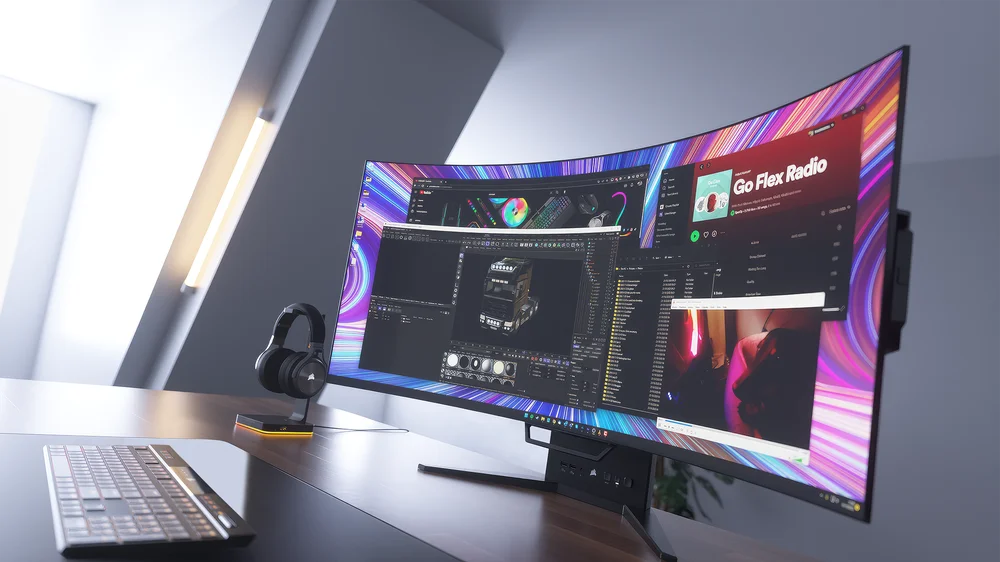
The second option is a sad one, because it requires spending more money. If your PC is old, then turning down all the settings will only get you so far. It will eventually come to the point where you have to upgrade the hardware to more modern, more powerful stuff.
This is not to say that you need the most recent CPUs, GPUs, and motherboards, you might have built your current system so long ago that huge gains can be had by upgrading to hardware that’s a couple years old compared to today, but still a few years newer than what you have right now.
TOOTED ARTIKLIS