After building a new PC using with products part of our iCUE LINK Ecosystem, you may see a warning about reduced brightness in iCUE. But why is it doing this? and more importantly, How noticeable is this brightness reduction?
iCUE "Brightness Reduced" Notification
Each iCUE LINK system hub can power seven devices or 238 LEDs at full brightness per channel. Once you go over this, the controller within the hub dynamically reduces the brightness in 10% increments to handle the additional power budget required for each additional device up to 12 total devices per channel.
It will also balance this across the hub, so if you have 12 devices on one channel, and one on the other, it will dim the less loaded channel to match the side with more devices. This power scaling is a physical limitation of the power management of the System Hub.
Visual Examples
An explanation is all well and good, but how does the reduction look? You can find two examples below.
In both instances, we're using our iCUE LINK QX Fans set to 100% speed, with the color set to white, and the brightness set to 100%.
Here we have the most extreme case, six fans vs 12. For this we are using our ICUE LINK QX Fans, set to white and the fan speed maxed out to emulate a max draw situation. Then we also have a six-fan setup, using the same settings.
12-fan Brightness Reduction

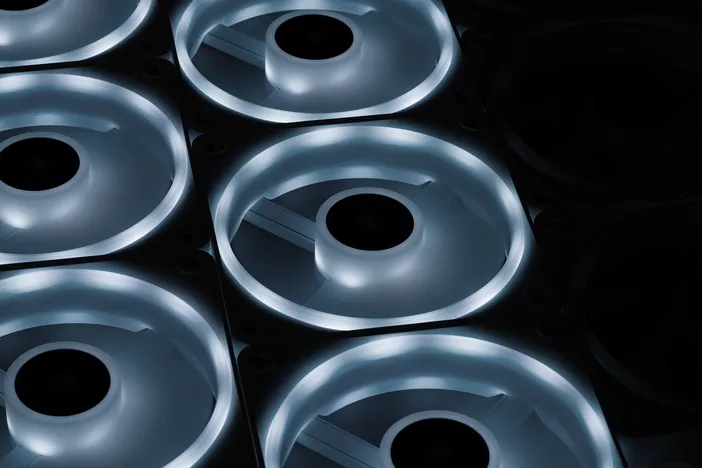
Now for a more realistic scenario: six fans compared to nine, which is typical for a regular gaming PC. As we can see there is a difference, but it’s nowhere near as marked as we saw in the 12-fan version.
9-fan Brightness Reduction

Is There a Workaround?
What if you cannot stand to lose any brightness? The vibes of your battlestation hang in the balance. Firstly, if you have 14 or fewer iCUE LINK devices, then re-arrange the layout so that you do not exceed 7 devices on each channel of the System Hub.
If however, you have a big system with more than 14 iCUE LINK devices, and you are dead set on not losing any LED brightness, then the solution here is to purchase an additional iCUE LINK System Hub and redistribute your devices, remembering the 7 device per channel limit.
A CIKKBEN SZEREPLŐ TERMÉKEK
Stay up to date with CORSAIR. Get our latest News, Guides, and Product Updates in your Google feeds.
Add CORSAIR as a preferred sourceWas this article helpful?
Feedback received
Thanks for helping us improve this article.
JOIN OUR OFFICIAL CORSAIR COMMUNITIES
Join our official CORSAIR Communities! Whether you're new or old to PC Building, have questions about our products, or want to chat about the latest PC, tech, and gaming trends, our community is the place for you.