With the increasing popularity of extraction shooters, players will want to accumulate every advantage possible. With our suggested Marathon settings in this article, you'll be able to access some quick and easy advantages, with graphics and audio settings being the most impactful.
We understand how a split-second frame drop or delay in reaction due to not effectively hearing your enemies can be the difference between a successful extraction and losing your entire haul. This page should help with that.
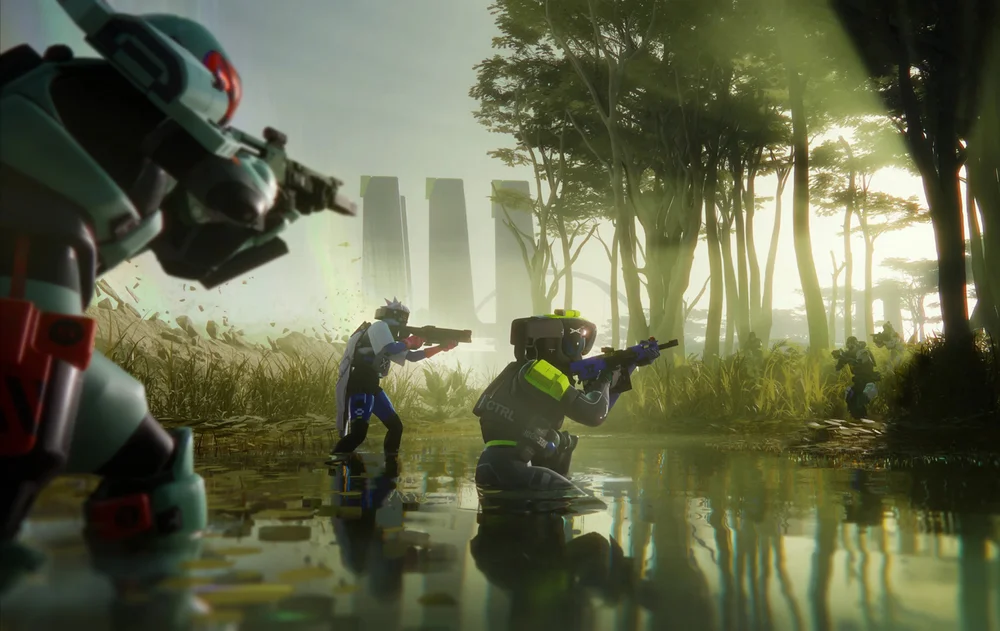
Marathon doesn't exactly have the most demanding system requirements, but if you're playing on a high refresh rate monitor or want to prevent FPS drops from affecting your gameplay experience, then we've got you.
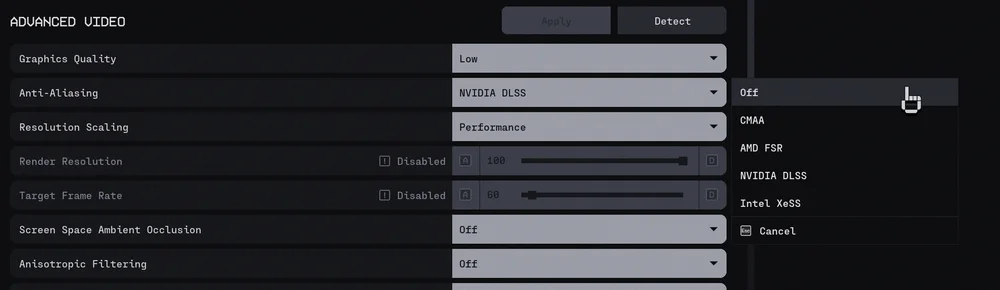
Customizing the a bulk of the settings is recommended for improving your game's performance - especially to strike a balance between optimal FPS count and great visuals. Here are some of our recommendations for the quality settings that will provide you the advantage:
Two of the largest impacts on your game's performance are frame generation and frame rate limit - both of which are easy settings to enable/adjust. Depending on which graphics card you have, you'll be able to enable NVIDIA DLSS, AMD FSR 3, or Intel XeSS.
Enabling frame generation can provide a significant FPS boost, though may not be in everyone's interest if they experience a noticeable latency delay. (It can also make small mistakes that are not accurate.) However, it would be recommended for users with 100+ base FPS (without frame generation), as any potential latency would be minimal.
Next, you'll want to customize is the Field of View. Increasing FOV basically makes your peripheral vision wider and makes it easier to spot enemies overhead, flanking, or ambushing, but it can decrease FPS. It is also worth mentioning that while a larger FOV gives more awareness, it does have the side effect of making anything directly ahead of you appear a bit smaller, so if you're finding it too difficult to adapt and land your critical shots, then find a middle ground between wide awareness and easy central visibility.
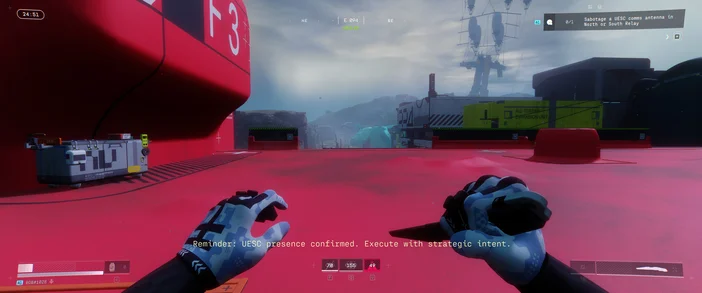
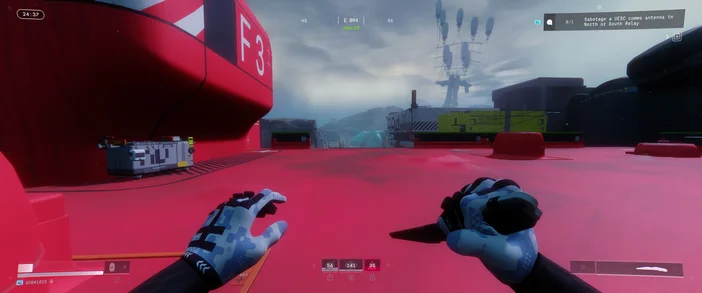
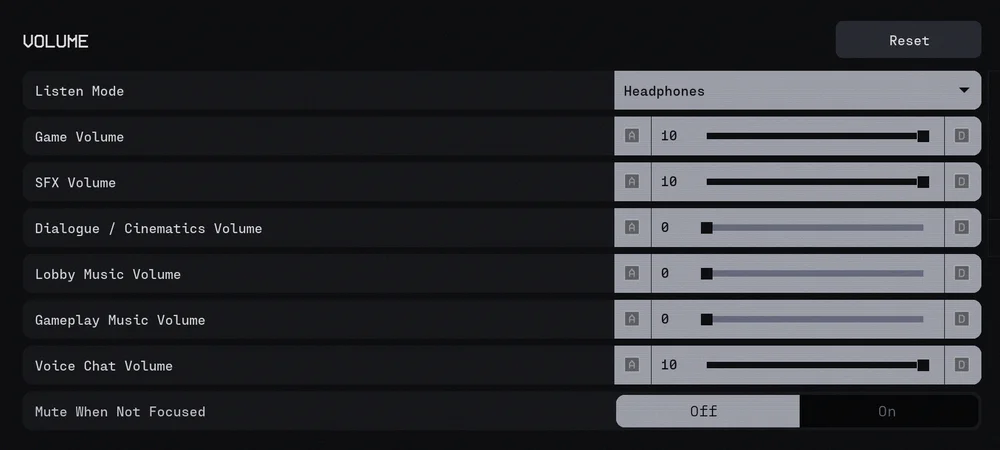
We know how important audio is in a game like this, as you'll want maximum environmental awareness and minimize any potential hostiles sneaking up on you. Our audio settings below will help minimize audio clutter.
Another option to consider is using Push to Talk so other players in your proximity don't accidentally hear your comms and get wise to your schemes.
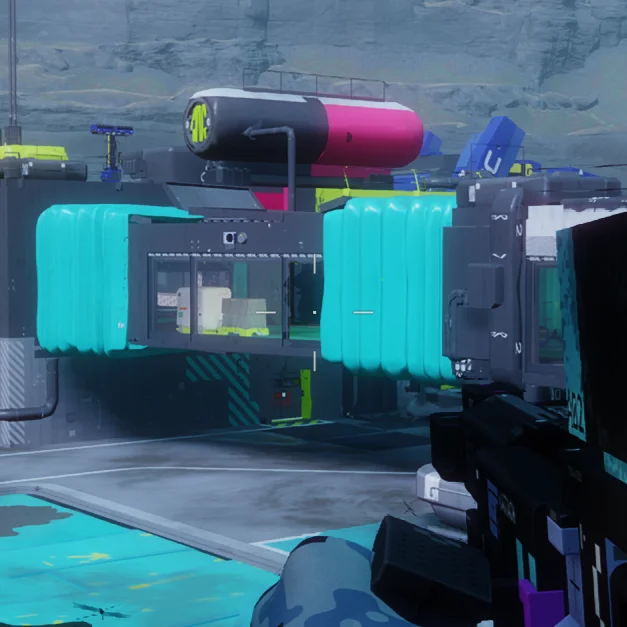
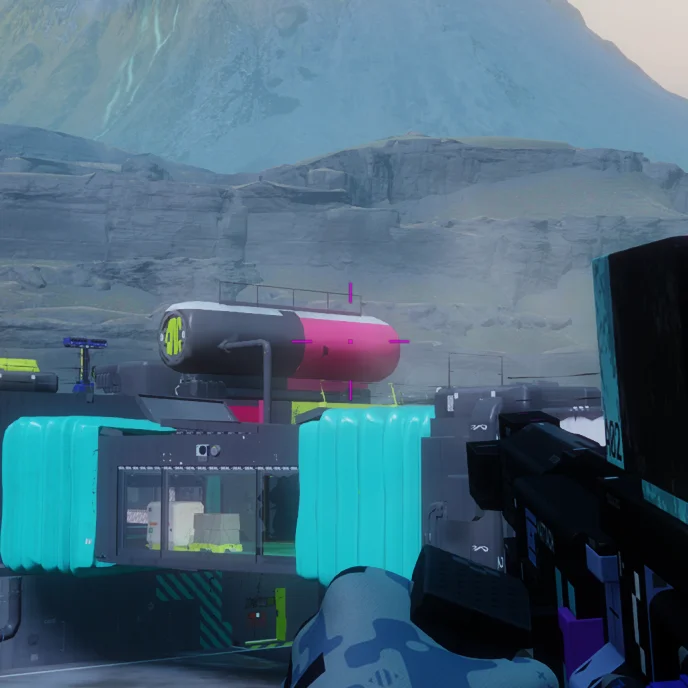
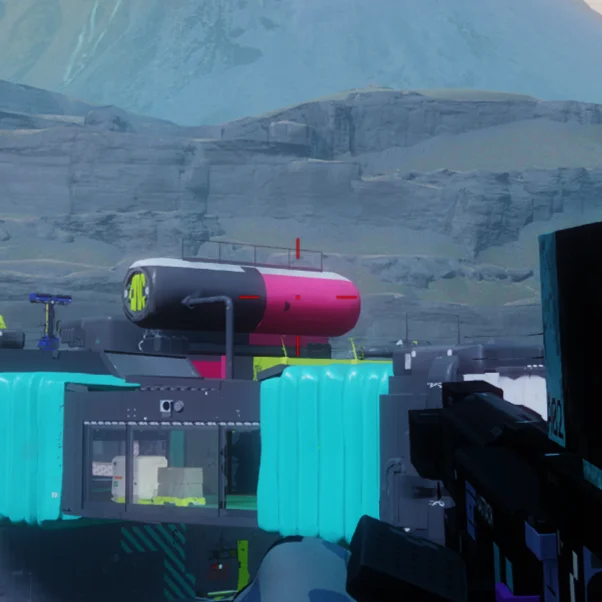
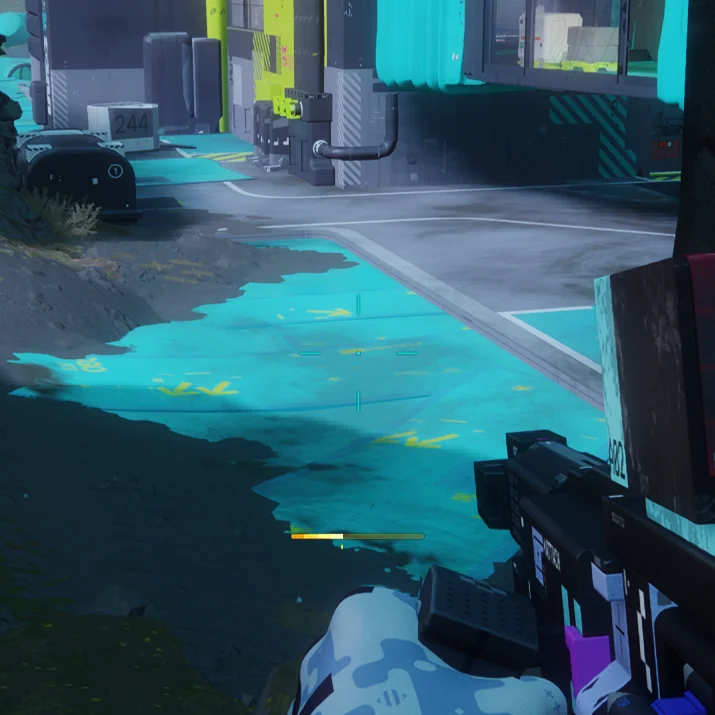
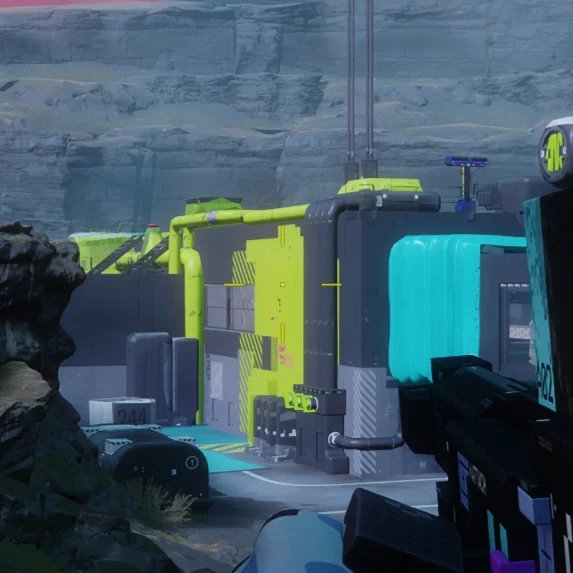
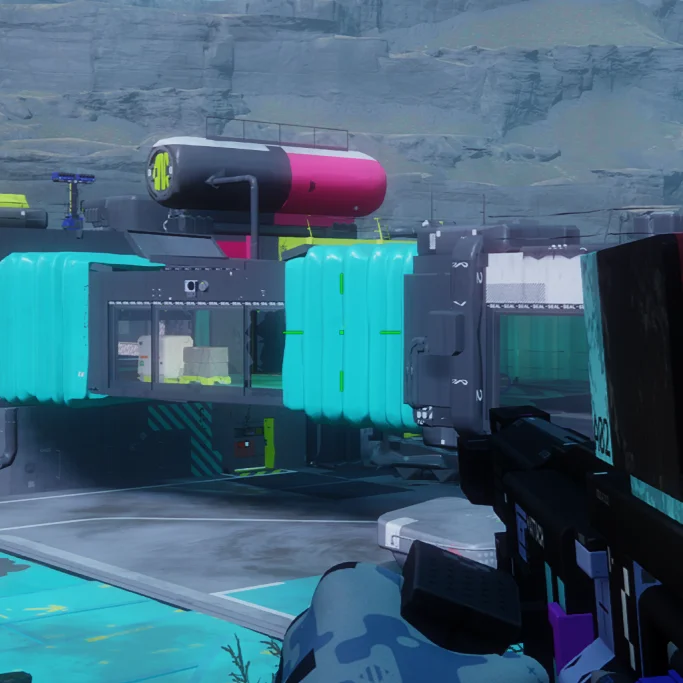
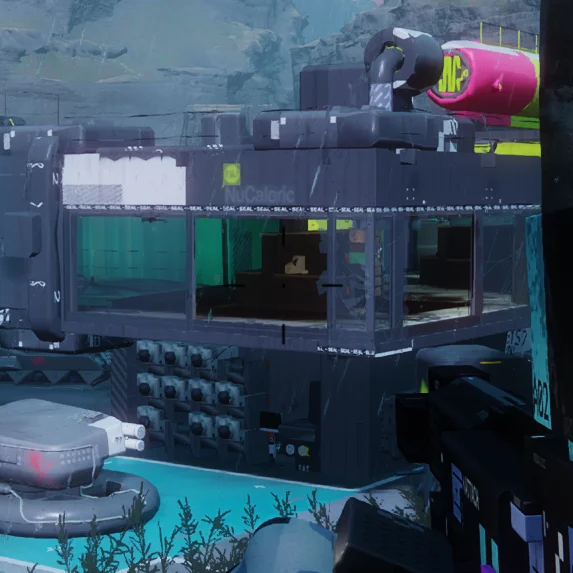
With its unique styling, Marathon integrates a vibrant color palette compared to many other games. While the visuals do make the game unique, it is a misfortune for the crosshair color selection. The color customization is limited to just 7 options - a majority of them proving a disadvantage due to the game's vibrant colors.
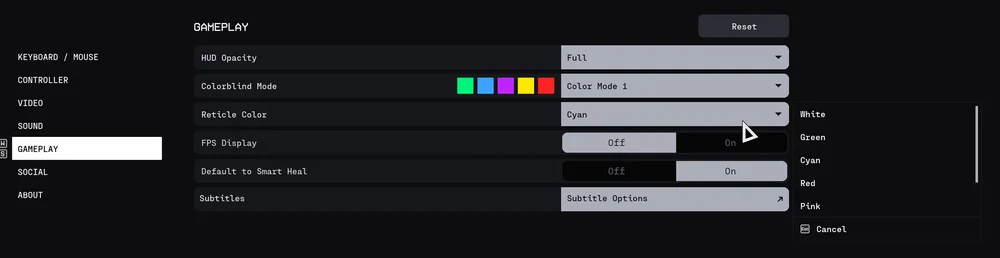
Based on our testing, we found white, pink, and red as the best choices in regard to visibility. Cyan, yellow, green, and black worked ok, but would clash with Marathon's color designs. Examples below.
JOIN OUR OFFICIAL CORSAIR COMMUNITIES
Join our official CORSAIR Communities! Whether you're new or old to PC Building, have questions about our products, or want to chat about the latest PC, tech, and gaming trends, our community is the place for you.