BLOG
What Is Anisotropic Filtering in Games?
Textures bring our games to life, but without the right filtering they can look blurry and lose detail, especially when viewed at an angle. Anisotropic filtering is the technique that keeps surfaces sharp and clear, even when viewed from a distance or at oblique angles. It’s an evolution of older isotropic filtering methods such as bilinear and trilinear filtering, which sampled textures evenly in all directions. Those older techniques often blurred textures uniformly, leading to obvious artifacts.
Why is Anisotropic Filtering Used?
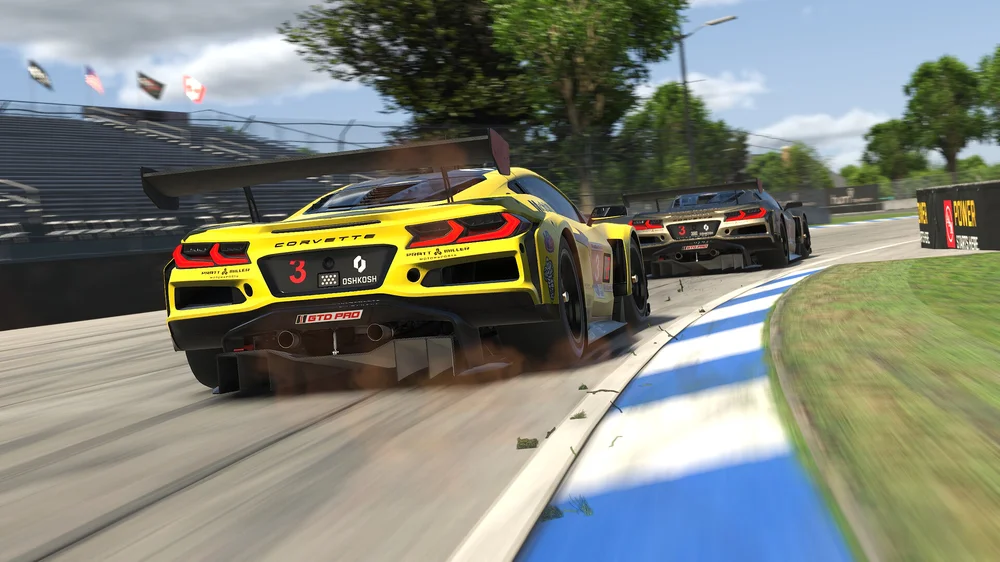
When you look down a road in a game or across a tiled floor, textures stretch into the distance. Without filtering, these textures can appear muddy or smeared, breaking immersion. Anisotropic filtering solves this by sampling texture data more intelligently. Instead of using a single sample like older methods, it takes multiple samples along the axis of the texture that recedes into the distance. This preserves detail and clarity, making surfaces look crisp no matter how you view them.
The result is subtle but important. It does not change lighting or add new effects, but it makes textures look consistent and realistic across the entire scene. For environments with lots of angled surfaces such as roads, walls, and terrain, anisotropic filtering is a big improvement over simpler techniques like bilinear or trilinear filtering.
Graphics Settings You’ll See
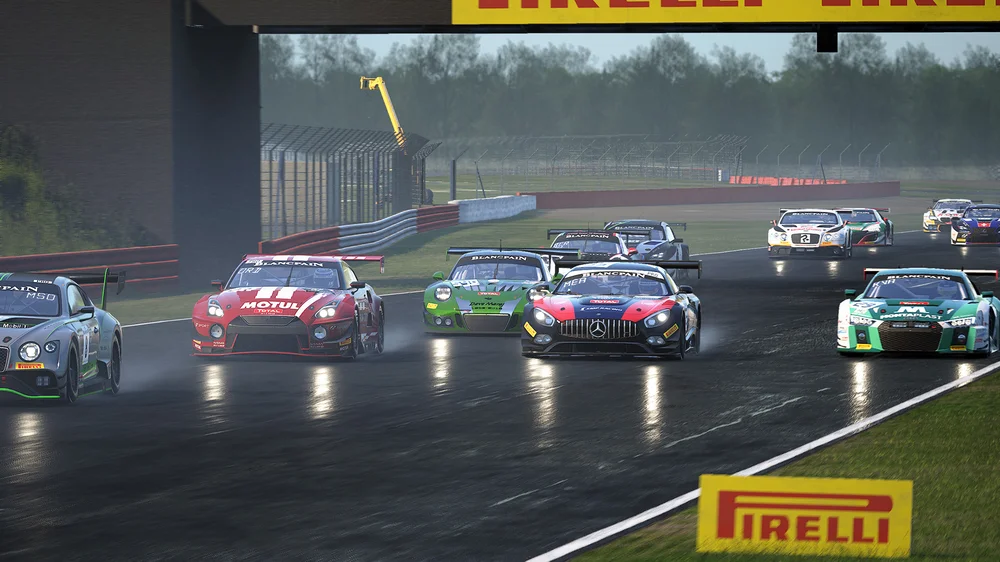
Most games let you adjust anisotropic filtering in the graphics options. Common settings include:
- AF Level (2x, 4x, 8x, 16x): This determines how many texture samples are taken. Higher levels mean sharper textures at extreme angles but require more GPU power.
- Texture Quality: Often tied to anisotropic filtering. Higher texture quality usually enables higher AF levels.
- Performance Presets: Some games bundle AF into presets like Low, Medium, High, or Ultra. The underlying AF levels are essential the same as above though.
You will often see anisotropic filtering listed alongside anti-aliasing options such as CSAA (Coverage Sampling Anti-Aliasing), MLAA (Morphological Anti-Aliasing), TXAA (Temporal Anti-Aliasing), and SMAA (Subpixel Morphological Anti-Aliasing). These techniques focus on smoothing jagged edges rather than improving texture clarity, but they work together with AF to enhance overall image quality. Anti-aliasing reduces shimmering and edge artifacts, while anisotropic filtering ensures textures remain sharp at oblique angles.

Should You Use Anistropic Filtering?
Yes. Anisotropic filtering has a relatively small performance cost compared to other settings like shadows or ray tracing. Even at 16x, modern GPUs handle it easily. If you are on older hardware, dropping from 16x to 8x or 4x can save a few frames without a big hit to image quality.
The main thing to watch out for is VRAM usage. Higher AF levels increase texture sampling, which can matter if you are running at high resolutions with large texture packs. For most players, anisotropic filtering is one of the easiest ways to improve image clarity without sacrificing performance.
JOIN OUR OFFICIAL CORSAIR COMMUNITIES
Join our official CORSAIR Communities! Whether you're new or old to PC Building, have questions about our products, or want to chat about the latest PC, tech, and gaming trends, our community is the place for you.