BLOG
What is a KVM switch? Are they Useful for Gaming?
KVM switches are a niche technology that not many gamers talk about. Let’s look into what a KVM switch is, how convenient it can be, and if it’s ideal for gaming.
What is a KVM Switch?
Short for "Keyboard Video Mouse," the box-shaped device features several USB-A ports for connecting devices to several computers, allowing users to route their inputs through the KVM switch to the computer they want to control. KVM switches are used to control different computers without requiring separate sets of keyboards and mouses to control each computer.
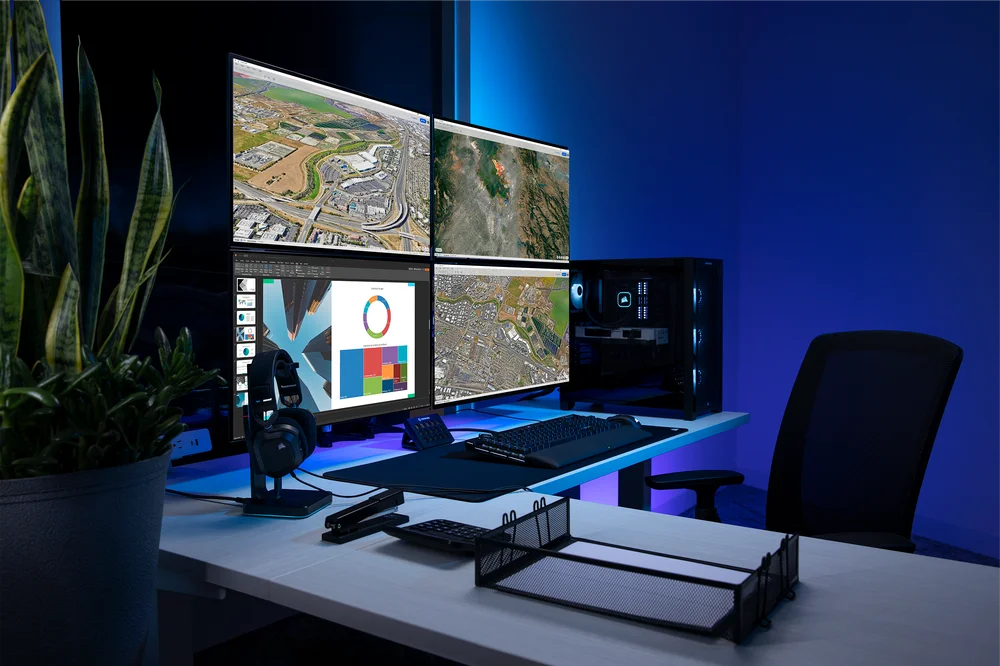
How Do They Work?
All KVM switches host USB-A ports that use USB-A to USB-A wires, from the switch to a computer, to simulate keyboard usage; in doing so, KVM switches make your computers believe there is always a keyboard connected to them, allowing you to control your computer as if you were directly plugged into it.
When Would I Use It?
KVM switches are used for convenience when it comes to controlling multiple devices, such as consoles and laptops. It is especially useful for users who switch between work and personal computers, eliminating the hassle of taking USB ports from one computer and plugging it into the other.
They're also helpful for streamers who need to switch between a streaming and gaming PC to manage streams effortlessly and not spend quality time on repositioning USB ports while streaming.
Different Types of KVMs Compared
KVM switches typically come standalone as a product that you can purchase off sites like Amazon. Depending on what features they offer (e.g., more HDMI ports), they can increase in price depending on your needs.
Alternatively, KVM switches are integrated with gaming monitors where you would connect your peripherals to the monitor to control different devices; these monitors tend to be approximately the same price as monitors without them.
| Standalone KVM | Monitor KVM | |
| USB Ports for Peripherals | ✓ | ✓ |
| Monitor Inputs to View Computers | Depends | ✓ |
| Feature-Rich with Available Ports | ✓ | |
| Takes Less Space on Desk | ✓ | |
| Requires External Power | ✓ | |
| Affordable | Depends | ✓ |
Are KVMs Useful for Gaming?
Depending on the quality of a KVM switch, it can add system latency to your setup, making your clicks register after a longer period than usual. If money is no object, getting a KVM switch depends on whether you need to use multiple computers and want to avoid switching peripherals each time.
Otherwise, going with an affordable KVM switch is not recommended as your input delay will increase, making it hard to click heads, especially for competitive gaming. Your mileage may vary based on your budget and what KVM switch you choose to buy, whether it is standalone or integrated with a monitor.
JOIN OUR OFFICIAL CORSAIR COMMUNITIES
Join our official CORSAIR Communities! Whether you're new or old to PC Building, have questions about our products, or want to chat the latest PC, tech, and gaming trends, our community is the place for you.