BLOG
RAM Speed or RAM Capacity? Which is More Important For Gaming?
In PC gaming, your CPU and GPU handle most of the work when running a game, ensuring smooth graphics and steady high frame rates. However, achieving an optimal gaming experience also depends on supporting parts like RAM.
If you’re deciding whether to prioritize faster RAM or larger capacity RAM, remember that both serve important roles. So, which of these specs should you focus on more for gaming?
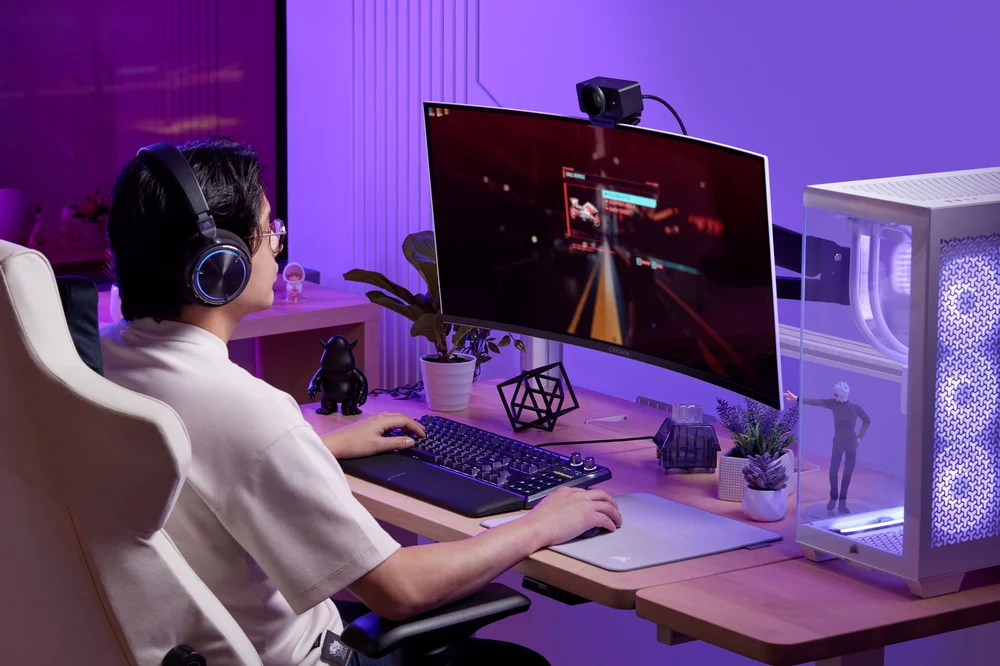
What Does RAM Have to do With Gaming again?
Random Access Memory, or RAM, is your PC’s short-term storage for game data that the CPU and GPU need to access quickly. When you start playing a game, important elements like textures, maps, character models, and game logic are loaded into RAM. This helps your system access everything quickly without having to fetch it all from slower storage devices like SSDs or HDDs.
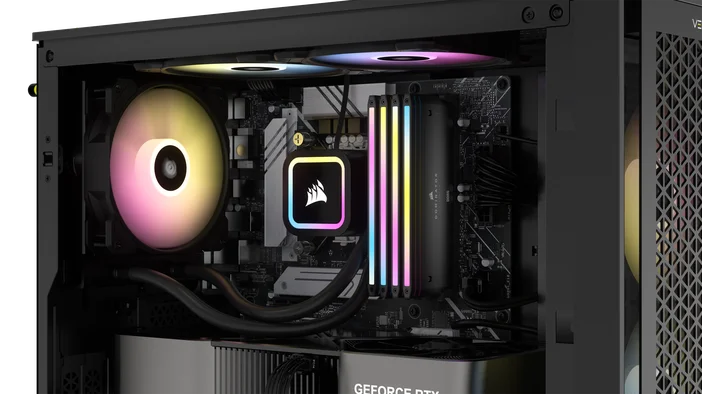
RAM Speed
RAM frequency affects how quickly the CPU and GPU access game data and process it to execute game commands or load maps, especially in games with large maps. This essentially allows for faster data transfer rates, which ultimately lead to higher frame rates and smoother gameplay.
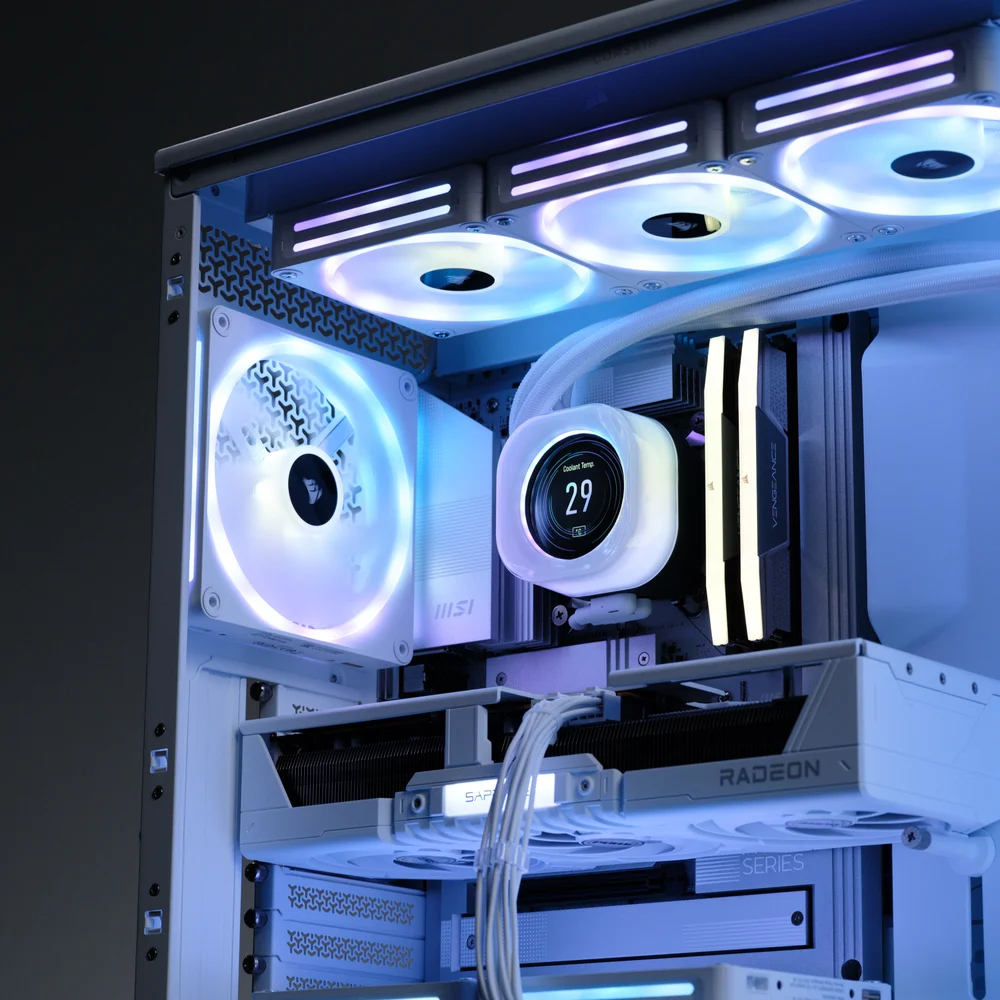
PC systems with RAM like our CORSAIR DDR5 Titanium kits, which run at higher frequencies, benefit most in CPU-bound games, where performance relies more on the CPU than the GPU. High-speed RAM decreases latency and improves the overall gaming experience. This is especially crucial in fast-paced FPS shooter games, where every millisecond matters.
In CPU-bound gaming scenarios at lower resolutions like 1080p, where the GPU has less work to do, faster RAM can significantly improve game performance. For example, in an FPS game like CS2 running at 1080p resolution with DDR5-6000 (6,000 MHz), upgrading to DDR5-6600 (6,600 MHz) could increase FPS by 10-15 frames per second. This is because the RAM enables the CPU to prepare frames more quickly, leading to higher frame rates when the GPU is not the bottleneck.
For PCs using DDR5 RAM kits, 6,000 MHz is a good starting point for most games, offering balanced performance with improved stability and lower latency without breaking the bank. Keep in mind that to achieve this optimal RAM speed, be sure to enable extended memory profiles like XMP (Intel eXtreme Memory Profile) or EXPO (AMD Extended Profiles for Overclocking) in the BIOS. Without enabling XMP or EXPO, DDR5 memory defaults to JEDEC standard specifications, missing out on the full potential the modules are capable of delivering
RAM Capacity
RAM speed matters, of course, but without significant capacity alongside, your system won't be able to store enough data for that speed to be useful.
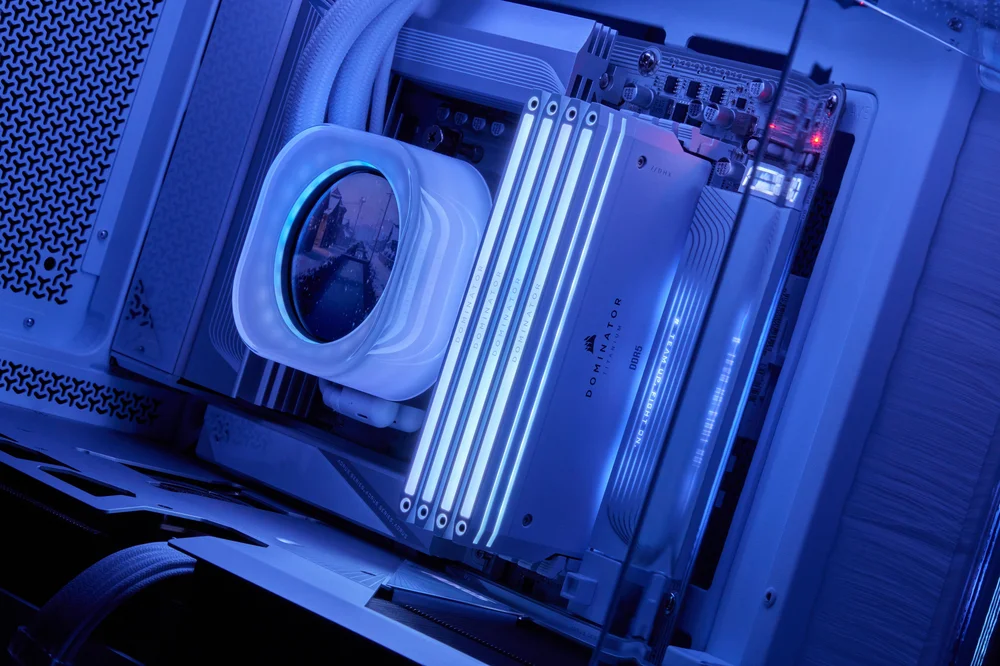
Think of capacity like the size of your backpack on a long hike - more room means you can carry everything you need without unpacking mid-trail to complete the hike. It can directly influence how a game performs by processing complex graphics, multi-layer in-game commands, and extensive game worlds that demand significant resources simultaneously, which is a key factor when playing modern AAA titles, which are very resource-intensive because they’re constantly accessing game files at an extremely fast pace.
In today's PC gaming, it is recommended to have at least 32GB of RAM to run most AAA games without experiencing lag or stuttering. While 16GB of RAM can still work, it might not provide the best experience for today's AAA games, which generally require more to ensure smooth gameplay and experience the game's full potential.
Speed vs Capacity
So, which of the two can really make a big difference in gaming? While both are important for overall functionality and performance in general computing, in gaming specifically, capacity takes precedence. Think of capacity and speed as two teammates: one carries the load, the other provides quick transfers. A system with plenty of RAM but slightly slower modules usually outperforms a small-capacity system with very fast RAM, making capacity more critical. That being said, keep in mind that speed remains an important factor; it’s just that RAM capacity is what elevates your PC gaming experience to the next level.
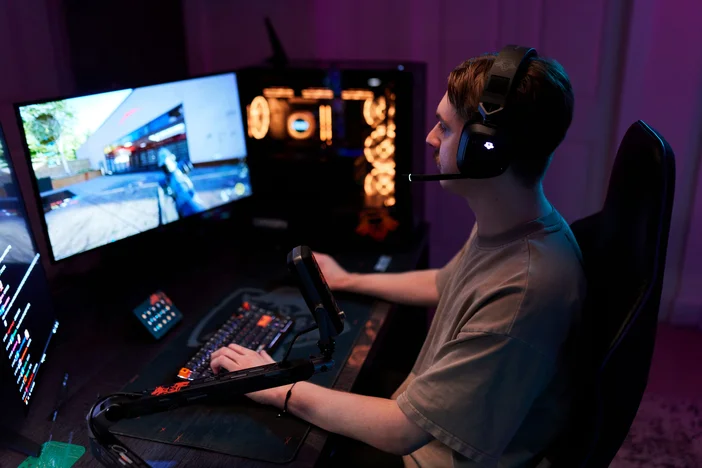
The notion that RAM capacity can impact the performance of a PC in gaming is not just theoretical. For example, a PC running a game like Cyberpunk 2077 at 1080p with 16GB of RAM installed can technically run the game fine, but a noticeable drop in performance, such as FPS dips and graphics stuttering, is quite evident, especially during intensive in-game scenes.
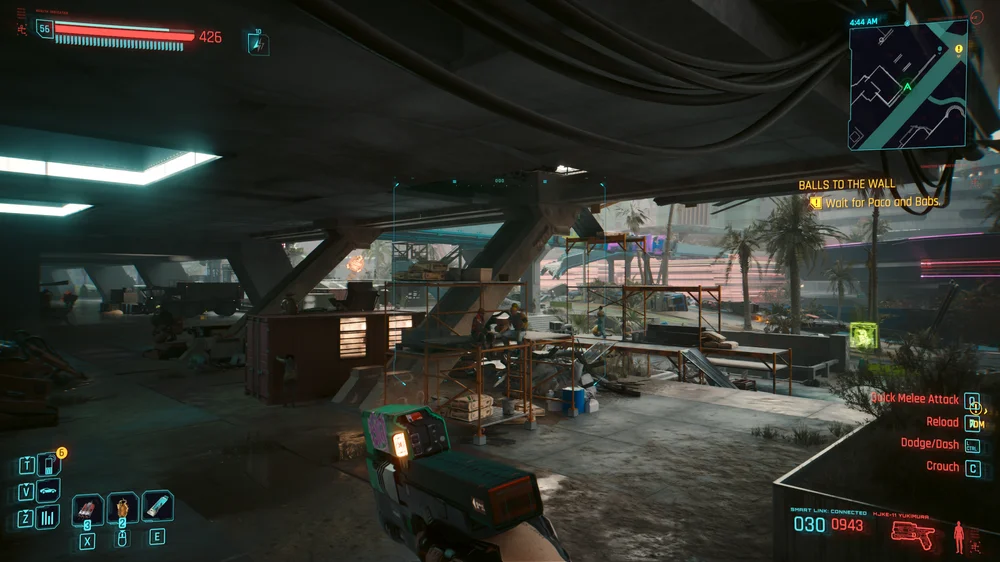
On the other hand, playing the same game on a PC with 32GB of RAM went smoothly without any problems - no lag, no dips in frame timing, and seamless transitions between gameplay and cut scenes. The difference is truly night and day. The bump from 16GB to 32GB often yields more noticeable improvements in gameplay smoothness than simply moving to faster RAM speeds with the same capacity.
While capacity provides the foundation, RAM speed offers measurable performance benefits, especially in CPU-bound gaming scenarios. The effect of RAM speed on gaming performance heavily depends on the game being played. whereas the benefits of having a PC with high-capacity RAM is are more widespread. So, make sure you have enough RAM first, then think about the speed second.
PRODUKTAI STRAIPSNYJE
JOIN OUR OFFICIAL CORSAIR COMMUNITIES
Join our official CORSAIR Communities! Whether you're new or old to PC Building, have questions about our products, or want to chat about the latest PC, tech, and gaming trends, our community is the place for you.