MANUEL | GUIDE DE DÉMARRAGE RAPIDE
CORSAIR WS3000
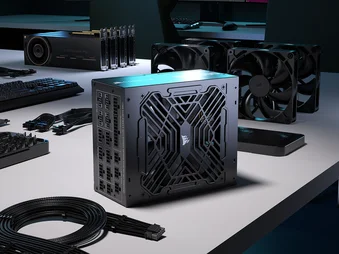
ALIMENTATION ÉLECTRIQUE POUR STATION DE TRAVAIL ENTIÈREMENT MODULAIRE ATX 3.1
La version anglaise est disponible ici - English
Si vous rencontrez d'autres problèmes, veuillez contacter support client
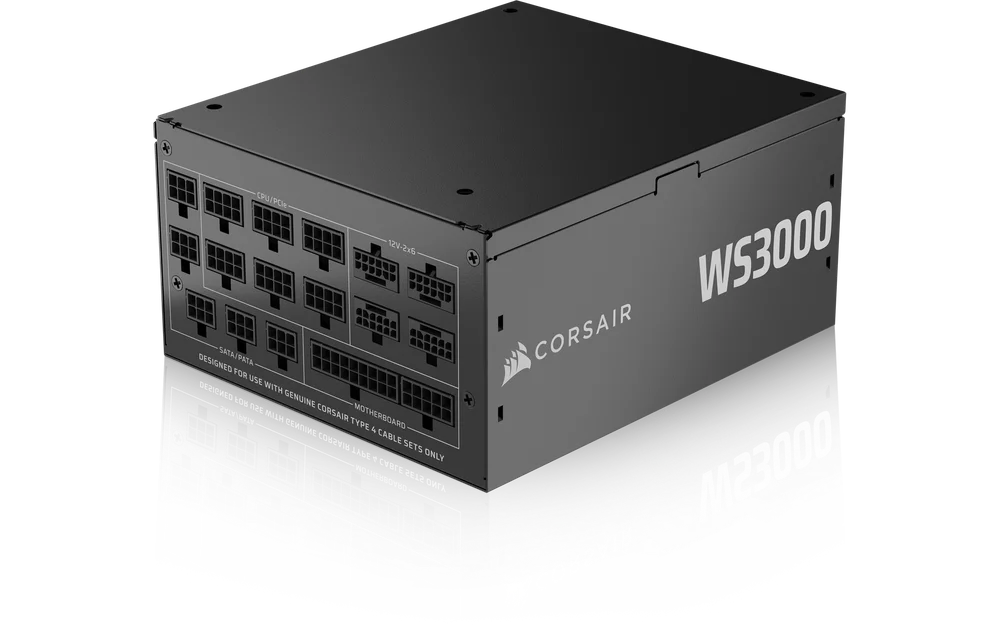
Félicitations pour l'achat de votre alimentation pour station de travail entièrement modulaire CORSAIR WS3000 ATX 3.1 !
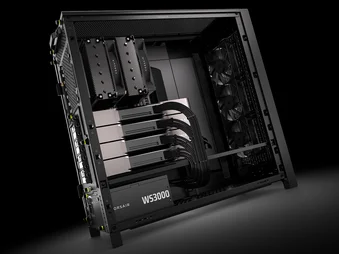
Le WS3000 est l'alimentation ATX ultime pour les stations de travail fiables et puissantes, avec une puissance totale de 3000 W et quatre connecteurs 12 V-2x6 pour alimenter facilement plusieurs GPU actuels et de nouvelle génération.
SÉCURITÉ ET PROTECTION
PROTECTION CONTRE LES SURTENSIONS (OVP)
Une protection contre les surtensions pour les sorties 12 V, 5 V et 3,3 V CC est nécessaire pour être conforme à la spécification ATX. La protection OVP coupe l'alimentation électrique lorsque les sorties CC dépassent un niveau défini par le fabricant de l'alimentation électrique.
PROTECTION CONTRE LES SURINTENSITÉS (OCP)
La protection OCP est disponible sur les rails 3,3 V, 5 V et 12 V. La protection OCP garantit que la sortie des rails de tension CC reste dans les limites de fonctionnement sécurisées.
PROTECTION CONTRE LA SURCHAUFFE (OTP)
L'OTP garantit que l'unité d'alimentation électrique (PSU) s'éteindra lorsque la température interne atteindra un point de consigne. Cela est généralement dû à une surcharge interne du courant ou à une panne du ventilateur.
PROTECTION CONTRE LES COURTS-CIRCUITS (SCP)
Un court-circuit est défini comme toute impédance de sortie inférieure à 0,1 ohm. Entre autres, le SCP garantit que le bloc d'alimentation s'éteint si les rails 3,3 V, 5 V et 12 V sont court-circuités vers un autre rail ou vers la terre. Il garantit également qu'aucun dommage ne sera causé à l'appareil ou aux composants de votre PC en cas de court-circuit.
PROTECTION CONTRE LES SURCHARGES (OPP)
La protection contre les surintensités coupe l'alimentation lorsque la puissance absorbée est comprise entre 115 % et 135 % de la puissance nominale.
CÂBLES INCLUS
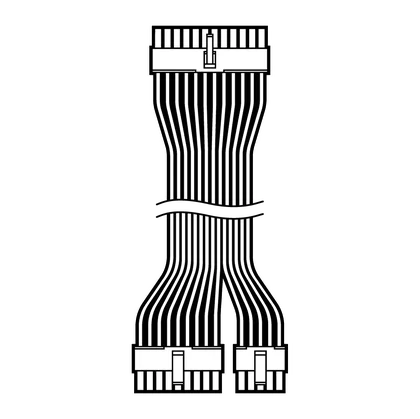
1 carte mère ATX 24 broches
610 mm (± 10 mm)
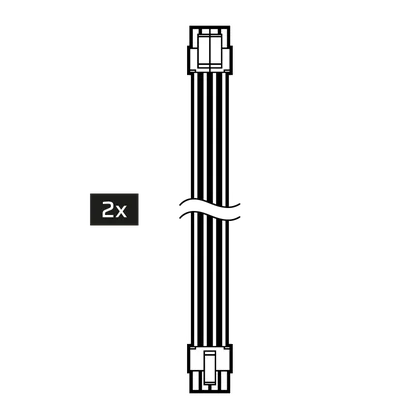
2x ATX12V / EPS12V (4+4 broches)
650 mm (± 10 mm)
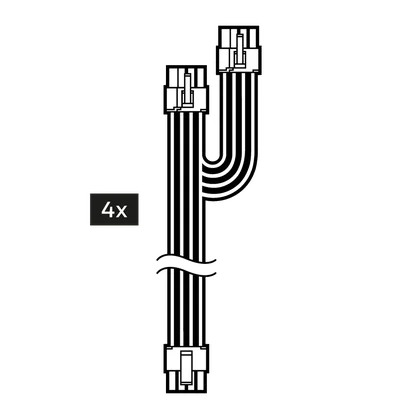
4x double PCIe 8 broches (6+2 broches)
750 mm (± 10 mm)
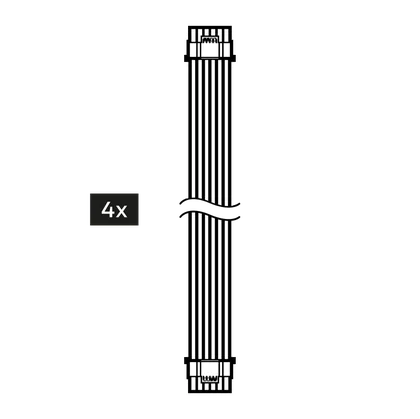
4 x 600 W 12 V-2x6 (12+4 broches)
675 mm (± 10 mm)
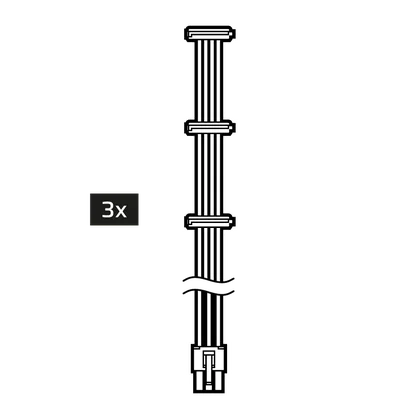
3x SATA (3 SATA)
700 mm (± 10 mm)
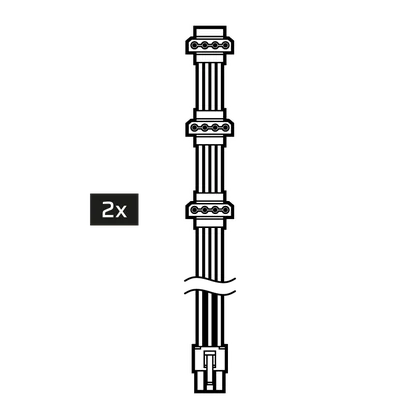
2x PATA (3 PATA)
700 mm (± 10 mm)
SPÉCIFICATIONS ET TABLEAU DE PUISSANCE
|
Hauteur |
86 mm |
|
Largeur |
150 mm |
|
Longueur |
175 mm |
| TABLE D'ALIMENTATION CORSAIR WS3000 | CHARGE MAXIMALE | PUISSANCE MAXIMALE | |||
| MODÈLE | RPS0237 | +3,3 V | 25A | 130 W | |
| RÉFÉRENCE | 75-006861 | +5 V | 25A | ||
| PUISSANCE D'ENTRÉE CA |
220 V - 240 V c.a. |
+12 V | 250 A | 3000 W | |
| COURANT D'ENTRÉE |
16A |
-12 V | 0,8 A | 9,6 W | |
| FRÉQUENCE | 47 Hz - 63 Hz | +5 Vsb | 3A | 15 W | |
| PUISSANCE TOTALE : 3000 W | |||||
TABLEAU DE PERFORMANCE DU WS3000

INSTALLATION DE L'ALIMENTATION ÉLECTRIQUE WS3000
ÉTAPE 1 : RETRAIT DE L'ALIMENTATION ÉLECTRIQUE EXISTANTE
Si vous construisez un nouveau système, passez à l'étape 2.
- Débranchez le cordon d'alimentation CA de la prise murale ou de l'onduleur et de l'alimentation électrique existante.
- Débranchez tous les câbles d'alimentation de votre carte graphique, de votre carte mère et de tous les autres périphériques.
- Suivez les instructions du manuel de votre châssis et désinstallez votre bloc d'alimentation existant.
- Passez à l'étape 2.
ÉTAPE 2 : INSTALLATION DE LA NOUVELLE ALIMENTATION ÉLECTRIQUE
- Assurez-vous que le câble d'alimentation CA du bloc d'alimentation n'est pas branché.
- Suivez les instructions du manuel de votre châssis et installez l'alimentation électrique à l'aide des vis fournies.
- Connectez le câble ATX 24 broches de la carte mère et le câble ATX12V / EPS12V (4+4 broches) à la carte mère.
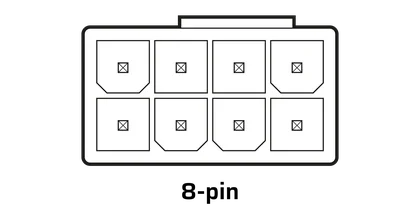
Si votre carte mère dispose d'une prise 8 broches +12 V, connectez le câble ATX12V / EPS12V (4+4 broches) directement à votre carte mère.
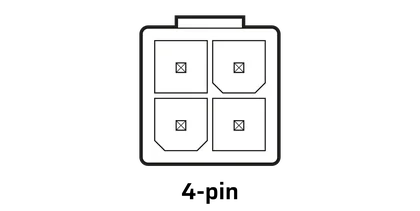
Si votre carte mère dispose d'une prise +12 V à quatre broches, déconnectez les quatre broches du câble ATX12V / EPS12V (4+4 broches), puis branchez le câble directement sur votre carte mère.
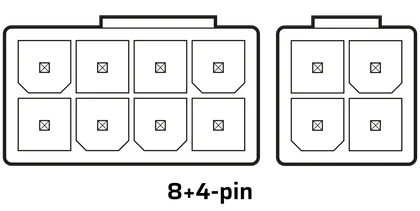
Certaines cartes mères nécessitent une combinaison de connecteurs à 8 broches et à 4 broches. Utilisez autant de câbles ATX12V / EPS12V (4+4 broches) que nécessaire et ne les confondez pas avec les câbles PCIe.
Connectez les câbles périphériques, les câbles PCI-Express et les câbles SATA.
- Connectez chaque câble au port approprié du bloc d'alimentation, en vous assurant qu'il correspond à l'emplacement indiqué.
- Branchez le cordon d'alimentation CA à la source d'alimentation et mettez l'appareil sous tension en poussant l'interrupteur en position ON (marquée « I »).
Si vous souhaitez commander des câbles ou des kits de câbles supplémentaires, ceux-ci sont disponibles sur la boutique en ligne CORSAIR.
GARANTIE

Les blocs d'alimentation CORSAIR WS3000 bénéficient d'une garantie de 10 ans.
JURIDIQUE
© 2025 CORSAIR MEMORY, Inc. Tous droits réservés. CORSAIR et le logo représentant des voiles sont des marques déposées de CORSAIR aux États-Unis et/ou dans d'autres pays. Toutes les autres marques commerciales appartiennent à leurs propriétaires respectifs. Le produit peut légèrement différer de celui illustré.
CONTENU CONNEXE