PC monitors are essential components of modern computing, serving as the primary interface between users and their digital environments.
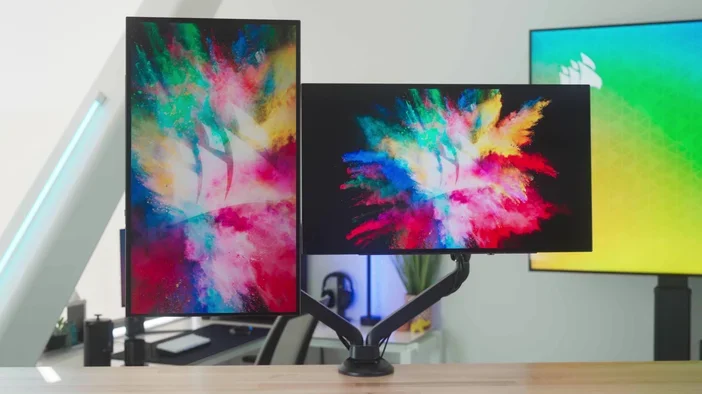
The introduction of LCD (liquid crystal display) technology has truly transformed the monitor world. Although initially a bit pricey, LCD monitors quickly gained popularity due to their sleek design, lighter weight, and lower power consumption. They now offer flexibility, allowing users to choose how to position their screens for the best gaming experience, whether in landscape (horizontal) or portrait (vertical) mode.
Horizontal vs. Vertical
PC monitors can be oriented in two primary ways: landscape and portrait. The landscape orientation, where the width of the screen is greater than its height, is the most common setup.
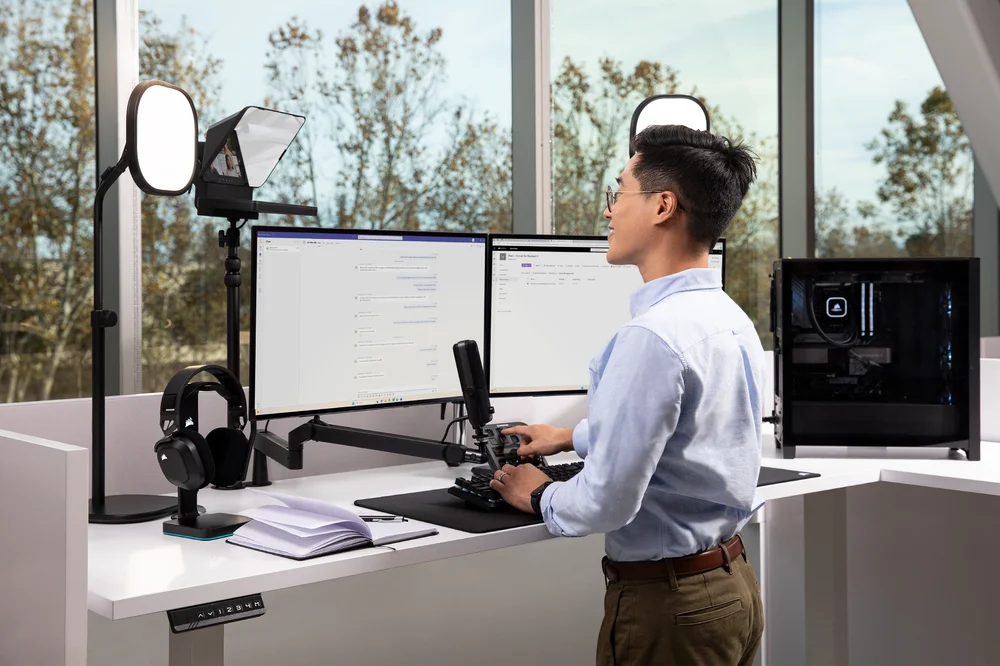
This orientation is ideal for tasks that require a wider view, such as gaming, video editing, and multitasking with multiple windows open side by side. It allows users to take full advantage of horizontal space, making it easier to view spreadsheets, presentations, and web pages without excessive scrolling.
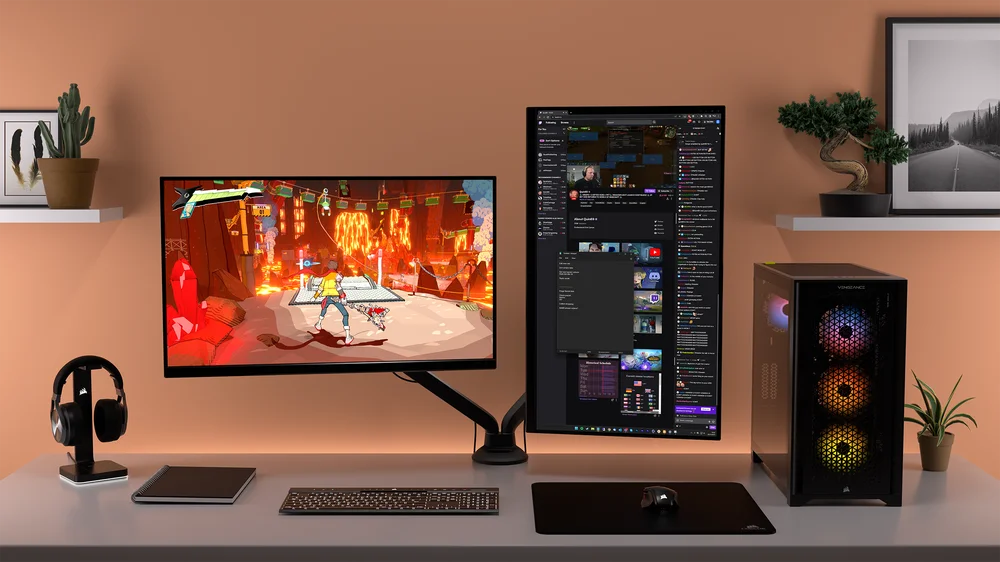
On the other hand, portrait orientation, where the height of the screen exceeds its width, is increasingly popular among streamers who play games while interacting with their audience, providing them with better visibility to view chat windows, alerts, and other important information in a more accessible format.
Professionals involved with text-intensive tasks like coding, writing, or reviewing lengthy documents often favor portrait monitor orientations. Vertical setups offer a more intuitive reading experience, minimizing scrolling and enabling users to view more lines of text simultaneously. Additionally, portrait orientation is advantageous in graphic design and photo editing, especially now that, for better or worse, a lot of video and photo content is portrait.
Why Use a Vertical Monitor?
The short answer is that it depends on your application's needs. A vertical or portrait setup is useful for tasks that involve a lot of scrolling, like coding, reading lengthy documents, or browsing social media feeds. Prosumer users, such as graphic designers and photographers working with vertical images, may find a taller display beneficial because it allows them to see their work in its intended orientation without manually rotating the screen.
For streamers and content creators, setting up a vertical monitor makes multitasking much easier, especially for gamers and streamers who often juggle playing games and chatting with their audience through multiple applications. This setup lets them move smoothly between gaming, streaming software, and communication tools without any disruptions. Plus, it looks more appealing and matches the viewing habits of their audience, helping them keep better eye contact and connect more effectively.
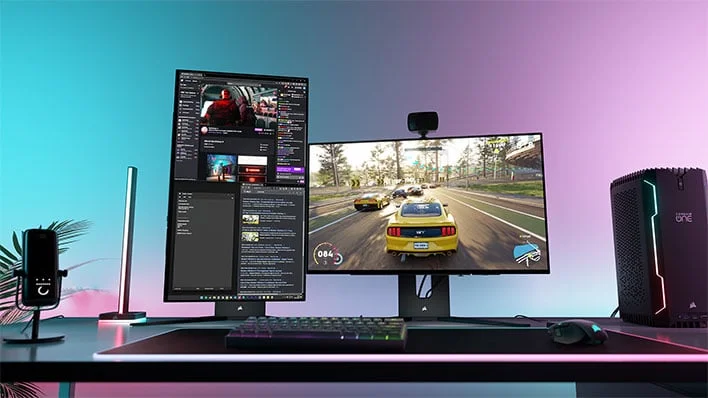
This level of engagement fosters a sense of community and encourages viewer interaction, enhancing the overall streaming experience. For content creators, specifically, as content creation evolves, having a portrait monitor setup enables them to adapt quickly to different formats. Whether creating tutorials, walkthroughs, or vertical videos, portrait setup ensures that they can produce high-quality content that resonates with their audience.
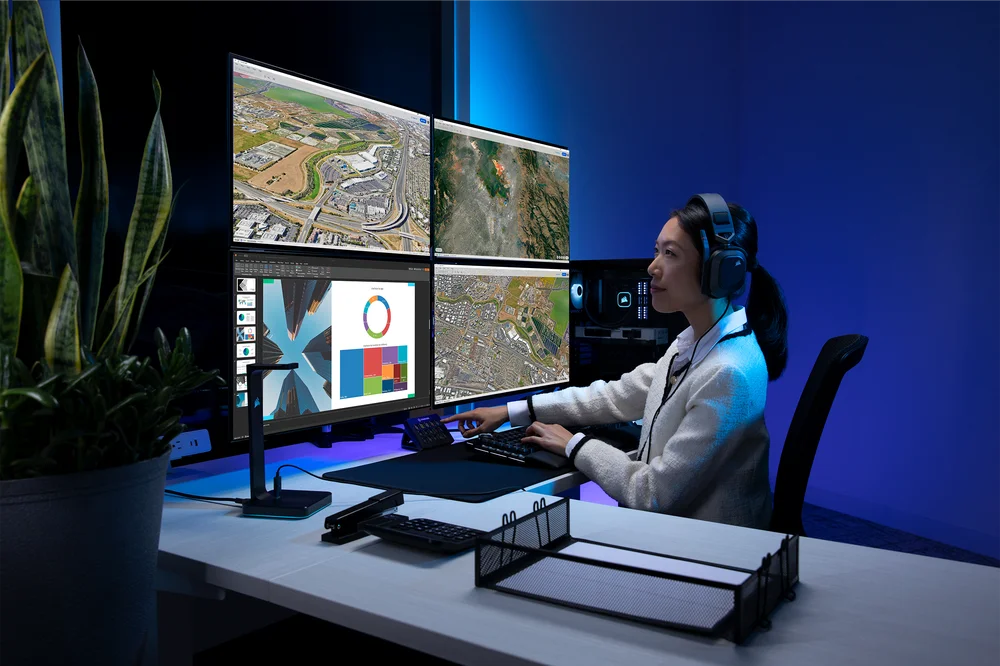
Also, combining portrait and landscape orientations with multiple monitors can create a more modern and dynamic workspace. In this setup, a vertical monitor complements a traditional horizontal one, creating a versatile and efficient space that's perfect for various tasks and activities.
PRODUCTS IN ARTICLE
JOIN OUR OFFICIAL CORSAIR COMMUNITIES
Join our official CORSAIR Communities! Whether you're new or old to PC Building, have questions about our products, or want to chat the latest PC, tech, and gaming trends, our community is the place for you.