BLOG
Quel est le meilleur PC pour l'IA, l'apprentissage automatique et la science des données en 2026 ?
Dernière mise à jour :
L'intelligence artificielle, l'apprentissage automatique et la science des données exigent plus que des PC standard. La formation de modèles volumineux, l'exécution de simulations complexes et le traitement d'ensembles de données massifs nécessitent une combinaison d'accélération GPU, de mémoire vive système et de bande passante de stockage. Le PC IA adapté va au-delà de l'amélioration des performances et contribue à ouvrir de nouvelles possibilités.
Besoins fondamentaux pour un PC IA
Lorsque vous choisissez le meilleur PC pour l'IA, tenez compte des éléments suivants :
- Puissance GPU : GPU dédiés avec un nombre élevé de cœurs CUDA et une mémoire VRAM suffisante pour les charges de travail de formation et d'inférence.
- Mémoire vive (RAM) du système : au moins 128 Go pour les tâches professionnelles d'IA et d'apprentissage automatique.
- Stockage : SSD NVMe haute vitesse pour prendre en charge les grands ensembles de données, les points de contrôle des modèles et les itérations rapides.
- Performances du processeur : performances multicœurs élevées pour éviter les goulots d'étranglement au niveau du prétraitement des données et du pipeline.
Types de charges de travail IA en 2026 et leurs exigences en matière de PC
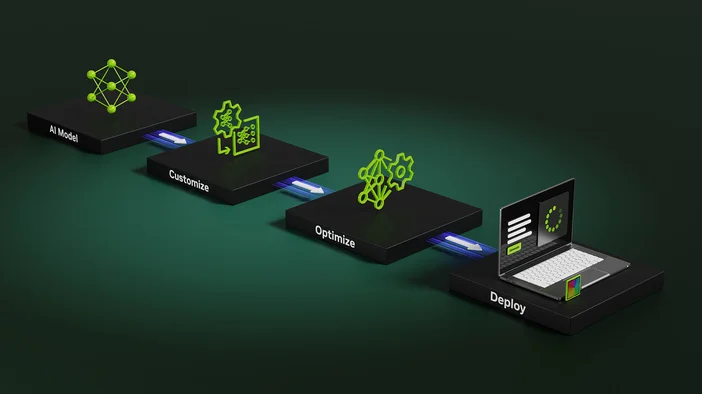
Toutes les tâches d'IA n'imposent pas les mêmes exigences à un PC. En 2026, les meilleurs systèmes d'IA sont choisis en fonction du type de charge de travail, de la taille du modèle et de la fréquence à laquelle les modèles sont formés ou déployés.
Formation des modèles d'IA
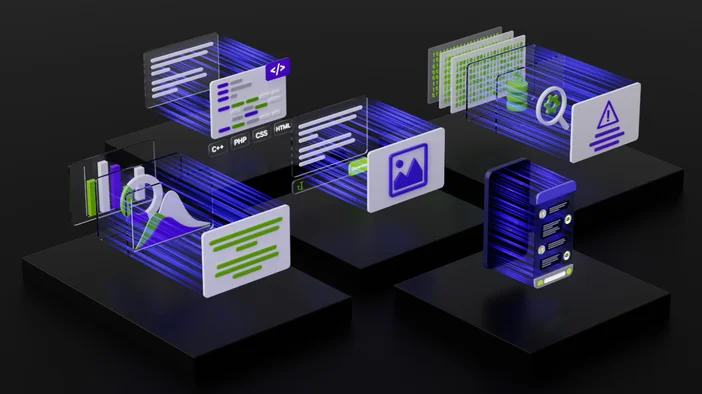
L'entraînement des réseaux neuronaux est la tâche IA la plus gourmande en ressources matérielles. Il nécessite des performances GPU soutenues, de grandes quantités de mémoire et un accès rapide au stockage.
Matériel recommandé :
- GPU avec un nombre élevé de cœurs CUDA et 24 Go ou plus de VRAM pour les modèles de taille moyenne à grande
- 128 Go de mémoire vive (RAM) comme base de référence pour les charges de travail liées à la formation professionnelle
- Stockage SSD NVMe, 2 To ou plus, pour prendre en charge les ensembles de données, les points de contrôle et les itérations rapides
- Processeur à nombre élevé de cœurs pour éviter les goulots d'étranglement lors du chargement et du prétraitement des données
Ce type de charge de travail tire le meilleur parti des systèmes de classe station de travail conçus pour des charges de calcul continues.
Inférence IA et LLM locaux
Les charges de travail d'inférence se concentrent sur l'exécution efficace de modèles entraînés. Cela inclut les modèles linguistiques locaux de grande taille, la génération d'images et les applications d'IA en temps réel.
Matériel recommandé :
- GPU avec une mémoire VRAM suffisante pour stocker le modèle en mémoire, généralement entre 16 Go et 24 Go.
- 64 Go à 128 Go de mémoire vive (RAM) selon la taille du modèle
- Stockage SSD rapide pour un chargement et une itération rapides des modèles
L'inférence sollicite moins les processeurs que l'entraînement, mais bénéficie tout de même des GPU modernes et d'une mémoire suffisante.
Science des données et prétraitement
La préparation, l'analyse et la visualisation des données sont des étapes cruciales dans les workflows d'IA. Ces tâches sollicitent souvent davantage le CPU et la mémoire que le GPU.
Matériel recommandé :
- Processeur à nombre élevé de cœurs pour le traitement parallèle des données
- 64 Go à 128 Go de mémoire vive (RAM) pour les grands ensembles de données
- Stockage SSD NVMe pour accélérer l'accès aux données et leur transformation
- Accélération GPU pour la visualisation et la modélisation exploratoire
Les systèmes équilibrés offrent les meilleures performances dans ce domaine, en particulier pour les flux de travail mixtes d'IA et d'analyse.
Expérimentation et prototypage
De nombreux professionnels de l'IA consacrent beaucoup de temps à tester des modèles, à ajuster des paramètres et à valider des idées avant de passer à l'échelle supérieure.
Matériel recommandé :
- Configurations flexibles du GPU et de la mémoire pouvant s'adapter à l'évolution des charges de travail
- Au moins 64 Go de RAM pour prendre en charge le multitâche et plusieurs environnements
- Refroidissement et alimentation fiables pour de longues sessions de développement
Les systèmes qui s'adaptent bien et restent stables sous des charges variées sont idéaux pour cette étape.
Pourquoi l'adéquation entre la charge de travail et les compétences est importante
Le choix du meilleur PC pour l'IA en 2026 dépend de l'adéquation entre le matériel et l'utilisation réelle du système. Les workflows axés sur la formation bénéficient d'une capacité maximale en matière de GPU et de mémoire, tandis que les charges de travail liées à l'inférence et à la science des données privilégient l'équilibre et l'efficacité.
Comprendre votre charge de travail principale en matière d'IA garantit de meilleures performances, moins de goulots d'étranglement et une pertinence accrue du système.
Postes de travail recommandés pour les charges de travail liées à l'IA
Station de travail CORSAIR AI 300
La mémoire iGPU flexible le rend particulièrement adapté à l'expérimentation de l'IA et aux workflows de développement en constante évolution.
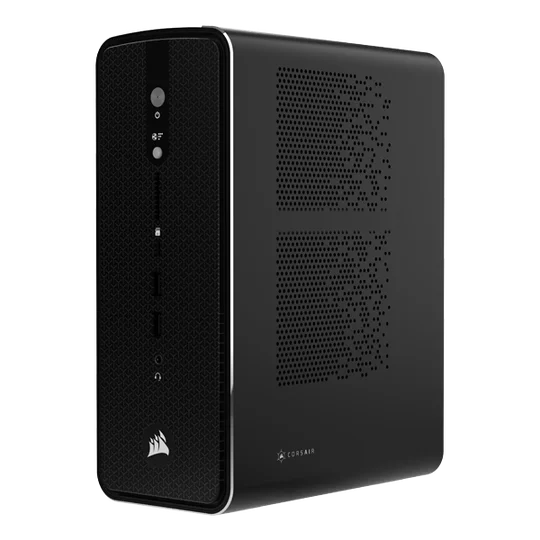
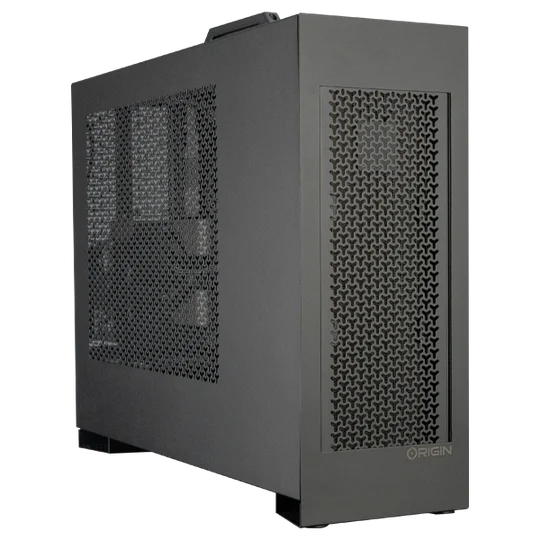
Une puissance équilibrée pour les flux de travail professionnels d'apprentissage automatique, combinant les performances élevées d'un processeur central (CPU) et l'accélération d'un processeur graphique (GPU).
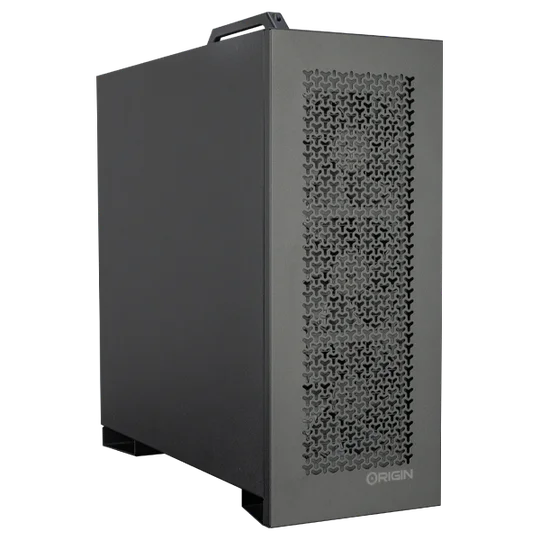
Optimisé pour la formation à grande échelle avec des configurations multi-GPU et des solutions thermiques avancées.
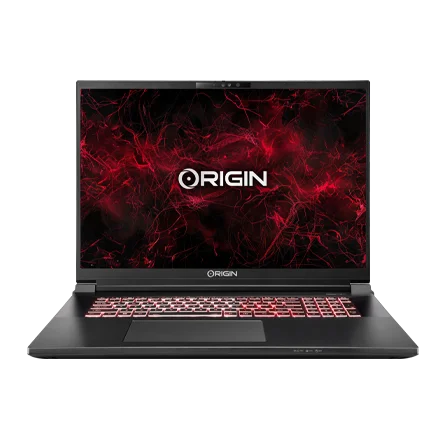
Ordinateur portable NS-18 Workstation
Une puissance d'IA portable pour les chercheurs et les scientifiques des données qui ont besoin de performances mobiles.
Pourquoi la mémoire iGPU flexible est-elle importante ?
Contrairement à la mémoire GPU fixe, la mémoire iGPU flexible offre une allocation dynamique, aidant ainsi les professionnels de l'IA à gérer des charges de travail variées. Cette adaptabilité permet d'accélérer les expérimentations, de réduire les goulots d'étranglement et d'améliorer l'efficacité globale des projets de science des données.
FAQ : PC équipés d'IA
Quel est le meilleur PC pour TensorFlow ou PyTorch ?
Pour les frameworks tels que TensorFlow ou PyTorch, les modèles M-CLASS v2 ou L-CLASS v2 fournissent l'accélération GPU et la mémoire système nécessaires pour les tâches de niveau professionnel.
De combien de RAM ai-je besoin pour un PC dédié au machine learning ?
128 Go est le point de départ pour un travail professionnel en IA, mais des ensembles de données plus volumineux peuvent nécessiter 256 Go ou plus.
Pourquoi choisir une station de travail plutôt qu'un PC gaming pour l'IA ?
Alors que les PC gaming peuvent gérer l'IA d'entrée de gamme, les stations de travail telles que la CORSAIR AI Workstation 300 sont spécialement conçues pour offrir évolutivité, fiabilité et efficacité dans les flux de travail IA réels.
Construisez plus intelligemment avec ORIGIN PC
L'IA et l'apprentissage automatique façonnent l'avenir, et votre matériel doit être prêt à y faire face. Les stations de travail CORSAIR AI Workstation 300, M-CLASS v2, L-CLASS v2 et EON18-X d'ORIGIN sont conçues pour alimenter la prochaine génération d'innovations en matière d'IA et de science des données.
Découvrez dès aujourd'hui la gamme ORIGIN PC AI et trouvez le PC le mieux adapté à vos besoins en matière d'IA, d'apprentissage automatique ou de science des données.
PRODUITS DANS L'ARTICLE
JOIN OUR OFFICIAL CORSAIR COMMUNITIES
Join our official CORSAIR Communities! Whether you're new or old to PC Building, have questions about our products, or want to chat about the latest PC, tech, and gaming trends, our community is the place for you.