BLOG
CORSAIR 2800X vs 3500X: What's the Difference?
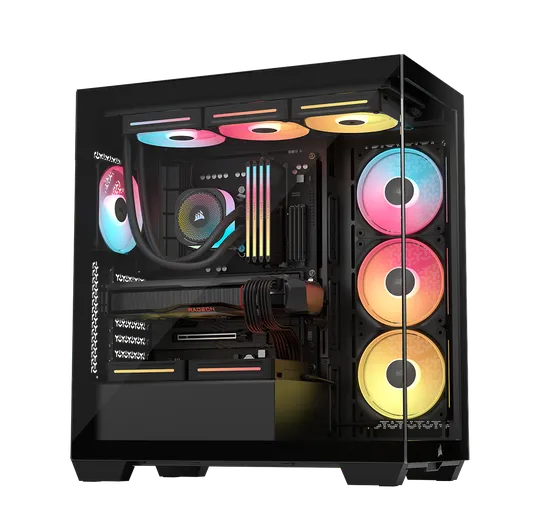
With the 3500X being such a hit among PC builders for its awesome mix of functionality and style, we figured it was time to roll out a more compact version. The 3500X has that sleek, modern vibe with tempered glass panels that show off your internal hardware and customizable RGB lighting, perfect for anyone who loves performance and looks in their builds. So, we launched the 2800X, the little brother of the 3500X. It's got all the good stuff in a smaller package!
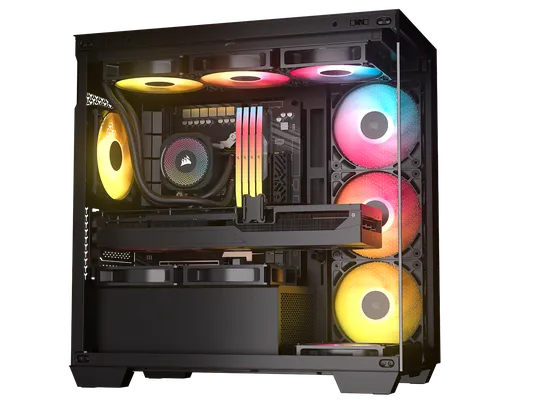
2800X
3500X
But What’s the Difference?
Let’s look at the different aspects of both cases to identify their distinct differences. This will help those looking for a case with a fishbowl design make informed decisions about which option best suits their needs.
2800X vs 3500X Specs Compared
|
|
2800X |
3500X |
|
Dimensions |
436 x 232 x 447 mm (L x W x H) |
506 x 240 x 460 mm (L x W x H) |
|
Reverse Motherboard Compatibility |
Yes |
Yes |
|
Motherboard Compatibility |
Mini-ITX, Micro-ATX |
Mini-ITX, Micro-ATX, ATX, EATX, BTF/PZ |
|
GPU Anti-sag Stabilization Arm |
Yes |
Yes |
|
Maximum GPU Length |
410mm |
425mm |
|
Expansion Slots |
4 Horizontal |
7 Horizontal (4 Vertical) |
|
Front I/O |
1x USB 3.2 Gen1 Type-A, 1x USB 3.2 Gen2 Type-C, 1x Audio in/out |
1x USB 3.2 Gen 2 Type C, 2x USB 3.2 Gen 1 Type-A,1x Audio in/out |
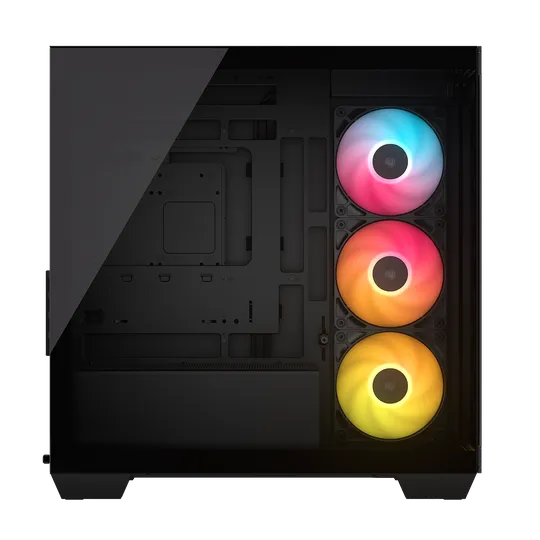
2800X
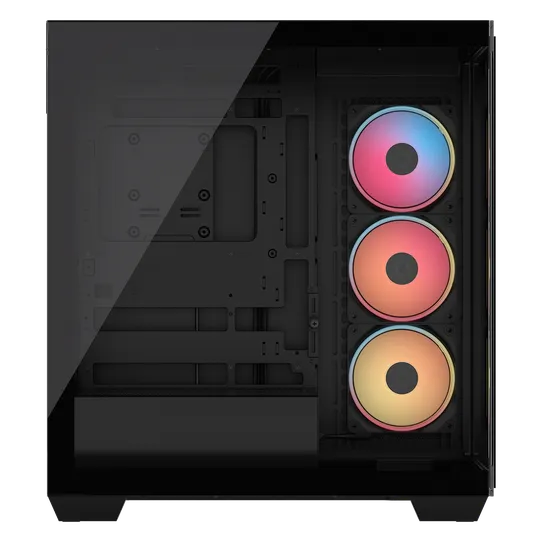
3500X
As you can see from the comparison table above, it clearly shows that the 2800X is smaller than the 3500X. But don't be fooled, despite its compact size, it accommodates bulky, high-performance GPUs up to 410mm in length. Plus, it is designed to support next-gen GPUs, which are larger and heavier than ever. This is made possible by the adjustable built-in GPU Anti-sag Stabilization Arm, ensuring wide compatibility with modern graphics cards, which the 3500X also have.
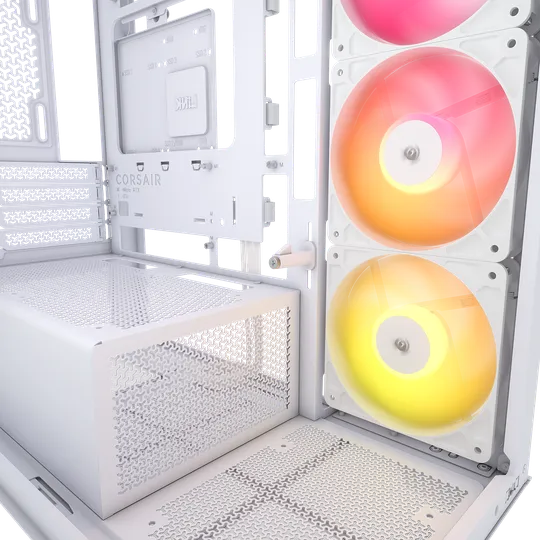
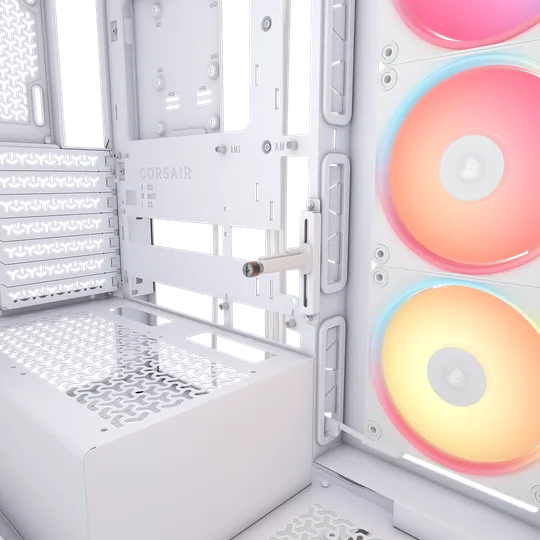
2800X
3500X
2800X vs 3500X: Fan Compatibility
|
|
2800X |
3500X |
|
Front |
None |
None |
|
Top |
3x 120mm, 2x 140mm |
3x 120mm, 2x 140mm |
|
Side |
3x 120mm |
3x 120mm, 2x 140mm |
|
Bottom |
1x 120mm |
1x 140mm |
|
PSU |
2x 120mm |
2x 120mm |
|
Rear |
1x 120mm |
1x 120mm |
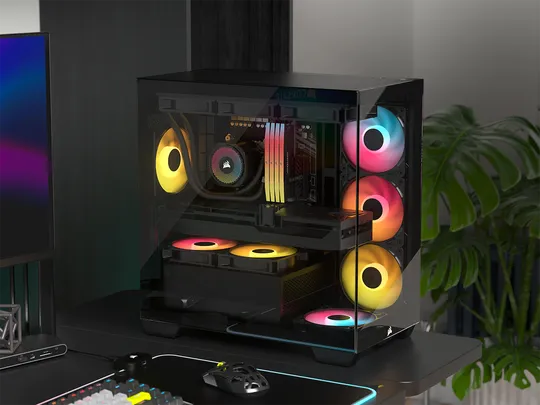
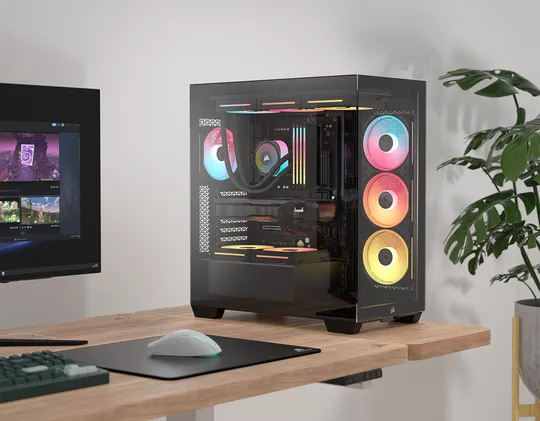
2800X
3500X
Considering the 2800X falls under a compact case category, specifically designed for Mini-ITX and Micro-ATX builds, yet it can support up to 10x 120mm simultaneously, that’s pretty impressive if you ask me, given its size. The only advantage the 3500X has over the 2800X when it comes to fan support, is when you run a GPU that takes 4 PCIe slots in the 2800X, you won’t be able to utilize the 2x 120mm fan mounts on top of the PSU shroud due to clearance. Otherwise, both cases can be loaded with a good number of fans, ensuring your components run cool.
If you are running a GPU that only takes 3 PCIe slots in a 2800X, then you’re golden - feel free to pack the case with all 10x 120mm fans.
2800X vs 3500X: Radiator Compatibility
| 2800X | 3500X | |
| Front | None | None |
| Top | 360mm, 280mm, 240mm, 120mm | 360mm, 280mm, 240mm. 120mm |
| Side | 240mm, 120mm | 360mm, 280mm, 240mm |
| Rear | 120mm | 120mm |
| Bottom | None | None |
| PSU Shroud | None | None |
When comparing these two cases, they are dead even on the number of radiators they can support. For those who are big on AIO liquid CPU coolers, or even for people who like to go all out with full custom water-cooling setup. You will find both cases are capable of supporting multiple radiators and a space to install a pump/res combo. But of course, the 3500X case will be a bit more forgiving in terms of size restriction because of its total height compared to 2800X.
2800X vs 3500X: Storage Expansion
|
|
2800X |
3500X |
|
2.5” SSD |
2 |
2 |
|
3.5” HDD |
1 |
2 |
Sure, while the 3500X gives you more room for storage (not by much) because it's bigger, the 2800X is a great pick if you're after a compact PC build. Plus, If you're thinking about using a traditional spinning drive for storage, the 2800X might just be the way to go.
2800X vs 3500X: Aesthetics and Functionality
The 2800X and 3500X share a cohesive design language, with the former being the more compact option. While the 3500X is classified as a mid-tower PC case, the 2800X is categorized as a compact mid-tower case, making it a more budget-friendly choice for mainstream PC builders. Essentially, the 2800X retains all the excellent features of the 3500X, including its design, but in a smaller footprint and at a lower cost.
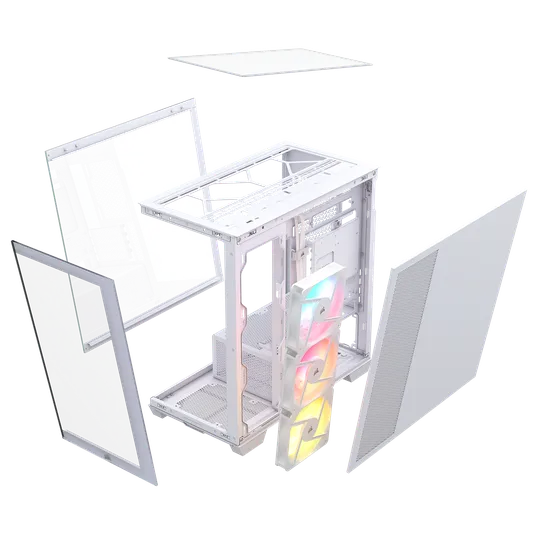
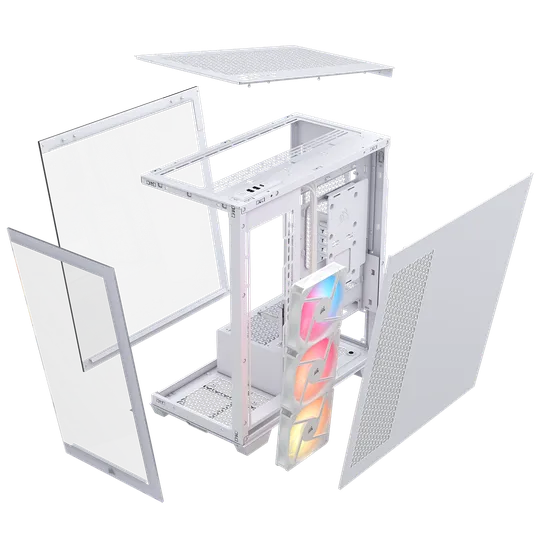
The 2800X shares a notable feature with the 3500X: both models include easily removable glass panels on the front and sides, enhancing accessibility and maintenance.
2800X
3500X
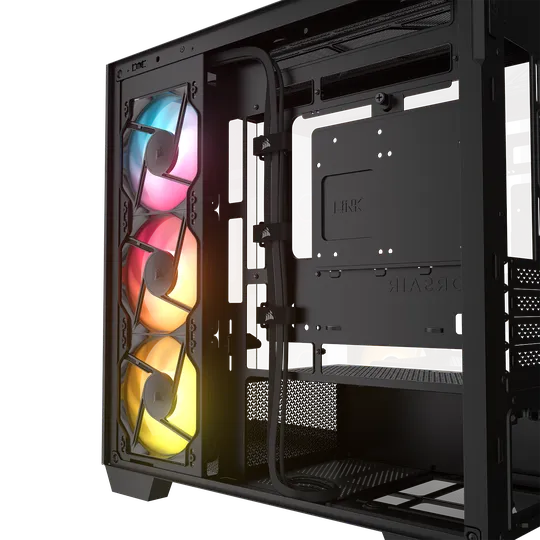
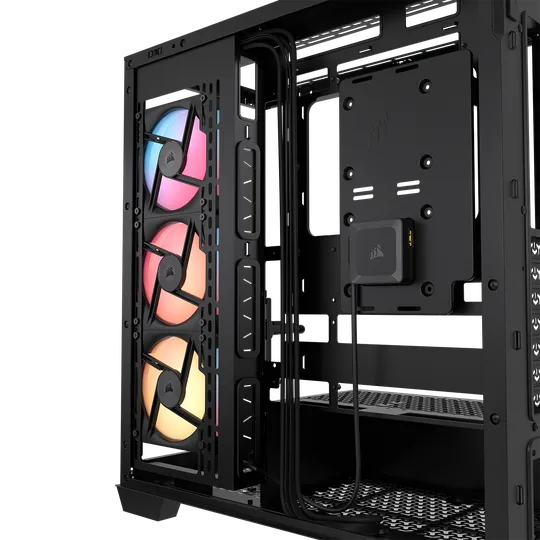
The cable management system on the back of both cases is also identical in terms of the cable channel design and tie wraps to easily manage all your cables coming from the different components.
2800X
3500X
Both cases feature a square indent located behind the motherboard tray, specifically designed to house the iCUE LINK System Hub. This hub serves as the central component of an iCUE LINK Ecosystem within your PC system.
We know both cases can support chunky, heavy next-gen GPUs, but with the 3500X, you will have the option to mount a GPU vertically, thanks to its rotatable PCIe slot, as opposed to 2800X’s fixed PCIe slot, which can only support horizontal GPU mounting.
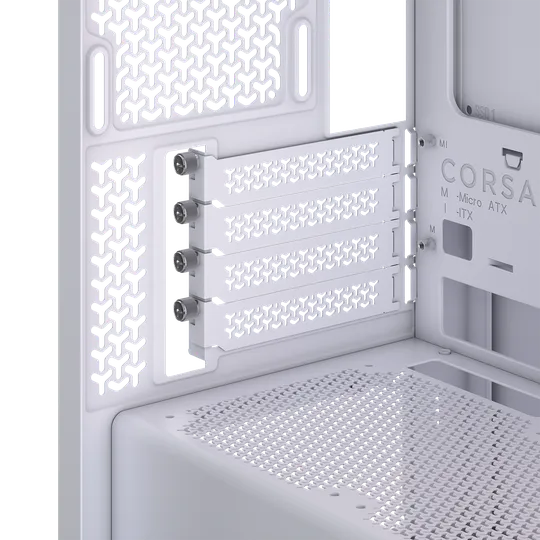
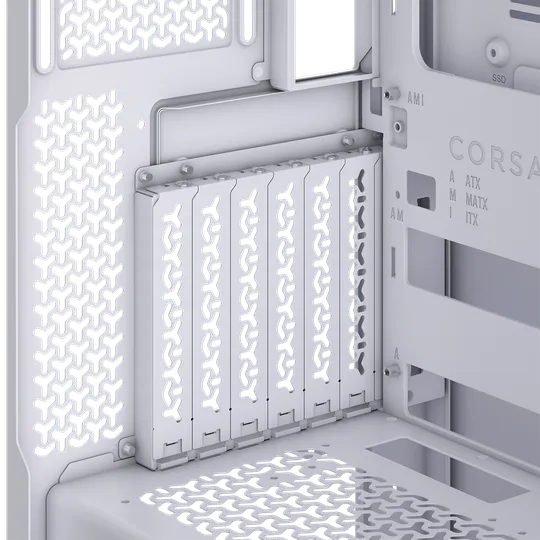
2800X
3500X
РЕГИСТРАЦИЯ ПРОДУКЦИИ
Stay up to date with CORSAIR. Get our latest News, Guides, and Product Updates in your Google feeds.
Add CORSAIR as a preferred sourceWas this article helpful?
Feedback received
Thanks for helping us improve this article.
JOIN OUR OFFICIAL CORSAIR COMMUNITIES
Join our official CORSAIR Communities! Whether you're new or old to PC Building, have questions about our products, or want to chat about the latest PC, tech, and gaming trends, our community is the place for you.