GLOSSARY
What is SDRAM?
SDRAM stands for Synchronous Dynamic Random‑Access Memory. It’s a type of DRAM that runs in lockstep with a clock signal, so the memory controller and the chip agree exactly when commands happen. That coordination enables features like command pipelining and bank interleaving to boost effective throughput compared to older “asynchronous” DRAM.
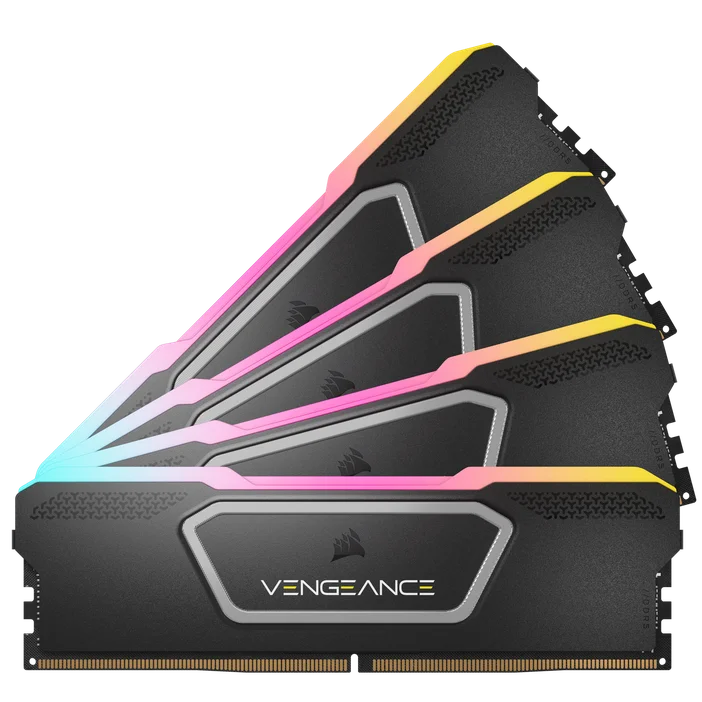
How does SDRAM actually work?
At a high level: the controller activates a row, reads or writes a burst of data, then precharges (closes) the row. Because SDRAM is synchronous, those steps advance on clock edges, and the device can queue new commands while previous ones finish (pipelining). The silicon is split into “banks”, so one bank can work while another gets ready helpful for hiding wait times. Like all DRAM, SDRAM must refresh itself periodically to retain data; modern parts support automatic refresh modes
SDR vs. DDR: what’s the difference?
You’ll see two related terms:
- SDR (single data rate) SDRAM: transfers one piece of data per clock tick (older PC66/PC100/PC133 era).
- DDR (double data rate) SDRAM: transfers on both the rising and falling clock edges, effectively doubling bandwidth without doubling frequency. All the DDR generations (DDR, DDR2, DDR3, DDR4, DDR5) are still SDRAM under the hood.
Quick sanity check: in everyday conversation, people often say “SDRAM” to mean any modern system RAM. Historically, “SDR SDRAM” referred specifically to the pre‑DDR modules (PC66/100/133). Intel’s PC100 spec popularized those labels.
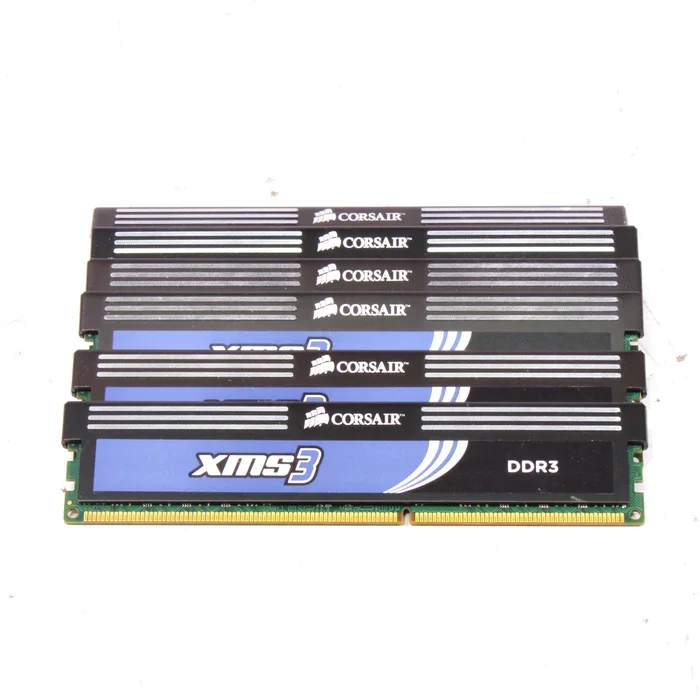
Is SDRAM still relevant in 2025?
Absolutely! Your desktop or laptop almost certainly uses DDR4 or DDR5 SDRAM. If you’re upgrading, you choose the DDR generation your motherboard supports; you can’t mix DDR4 with DDR5. Servers often pair DDR with ECC/registered modules for reliability and capacity.
Where you’ll see SDRAM today
PCs & laptops: DDR4 / DDR5 SDRAM as DIMMs or SO‑DIMMs.
- Phones & thin devices: LPDDR (low‑power DDR) SDRAM, soldered on the board to save space and energy.
- GPUs & consoles: GDDR (graphics DDR) SDRAM tuned for very high bandwidth
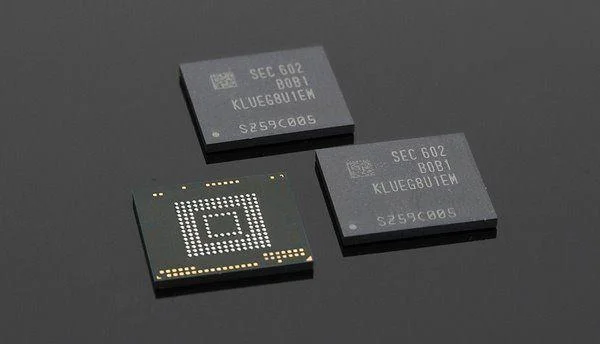
Common SDRAM terms (quick explains)
Frequency / data rate: How fast data moves. In DDR, the effective data rate counts both clock edges.
- Capacity: Total gigabytes (GB) per module.
- CAS latency (CL): Clock cycles between a read command and the first data word.
- Channels / ranks: Parallel paths or internal groupings that can affect throughput.
- Form factor: DIMM (desktops/servers) vs. SO‑DIMM (laptops).
- ECC / Registered (RDIMM): Error‑correcting and buffered designs used mainly in servers/workstations
FAQ
Is SDRAM the same as “regular DRAM”?
SDRAM is DRAM it just adds a synchronous, clocked interface. Older “FPM/EDO” DRAM was asynchronous.
Do I need ECC SDRAM?
For gaming and general desktop use, usually no. For servers, workstations, or data‑critical tasks, ECC is common because it detects/corrects many memory errors (when the platform supports it).
What were PC66/PC100/PC133?
Those were the pre‑DDR SDR SDRAM module standards tied to 66/100/133 MHz buses the stepping stones before DDR arrived.
Does SDRAM refresh itself?
Yes. SDRAM includes auto/self‑refresh modes so controllers can keep data intact without micromanaging every row.
Is SDRAM faster than SRAM?
No. SRAM (used for CPU caches) is lower latency but far less dense and more expensive. SDRAM wins on capacity/cost for main memory. Different tools for different jobs.
PRODUCTS IN ARTICLE