전체적으로 모든 PC 부품은 어느 정도 시스템 성능에 영향을 미칩니다. 그러나 CPU와 GPU는 게임 성능에 가장 큰 영향을 주는 요소입니다. 그렇다면 최고의 게임 경험을 제공하는 데 어느 쪽이 더 중요할까요? 간단히 말해, 해상도, 프레임 속도, 게임 내 설정, 게임 자체 등 여러 다른 요소들도 역할을 하기 때문에 상황에 따라 다릅니다.
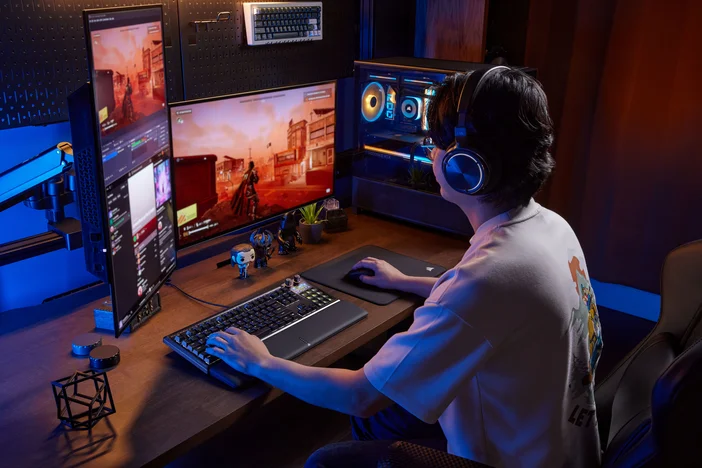
모든 게임이 동일하게 만들어진 것은 아니라는 점을 명심하세요. 일부 게임은 CPU를 집중적으로 사용하는 반면, 다른 게임은 GPU에 더 의존합니다. 플레이하는 게임을 이해하는 것은 더 나은 CPU와 GPU 중 어느 쪽이 더 큰 차이를 만들지 판단하는 데 도움이 됩니다.

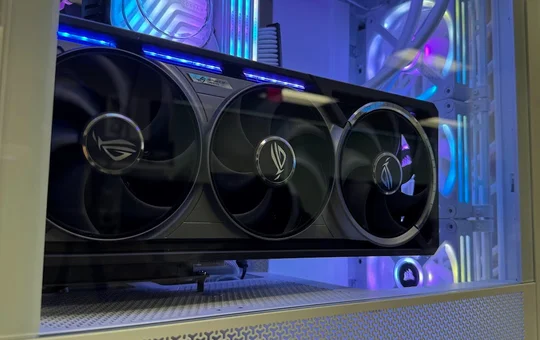
GPU와 CPU 중 어떤 것을 업그레이드해야 할까?
논의를 위해, 그리고 실용적인 논리를 고려할 때, 대부분의 경우 더 나은 시각 효과와 더 높은 해상도를 원한다면 GPU가 CPU를 능가합니다. 왜냐하면 GPU는 시각 효과 렌더링, 텍스처 처리, 그림자나 레이 트레이싱 같은 효과 처리 등 대부분의 집약적인 작업을 담당하여 모니터에 가능한 한 가장 사실적인 이미지를 생성하기 때문입니다. 그러나 이 목표는 GPU만으로 달성될 수 없습니다. CPU 역시 중요합니다.
그 주된 기능은 GPU에 명령을 전송하여 매 프레임마다 무엇을 렌더링해야 하는지 지시하는 것입니다. 본질적으로 게임 로직을 관리하는데, 이는 게임의 핵심 프로그래밍을 통제하고 PC 게임의 작동 방식을 결정하기 때문에 매우 중요합니다. 물리 계산, 복잡한 AI, 플레이어 입력을 처리함으로써 비디오 게임은 단순한 게임에서 벗어나 더욱 몰입감 있고 현실적인 경험으로 발전합니다.
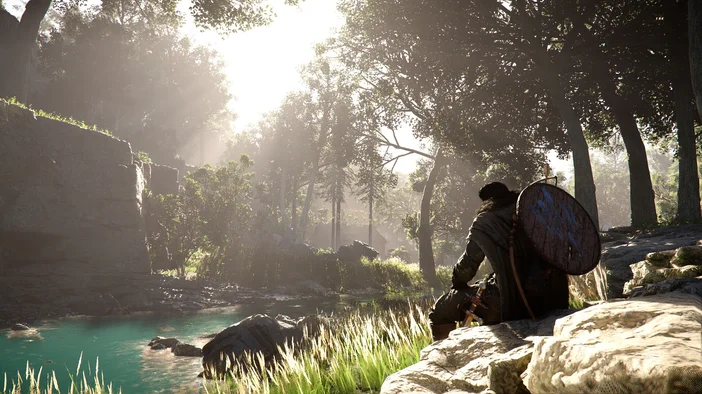
간단히 말해: 뛰어난 화질의 게임을 즐기고 싶다면, 즉 실제 실사 영화나 고해상도 실제 이미지와 구분할 수 없을 정도의 디테일을 원한다면 GPU가 핵심입니다. 하지만 1080p 해상도에서 높은 재생률 (144Hz 이상) 의 게임플레이와 함께 게임 내 설정을 균형 있게 조정해 더 나은 게임 경험을 원한다면 CPU가 주목받습니다.
게임이 하드웨어에 미치는 영향
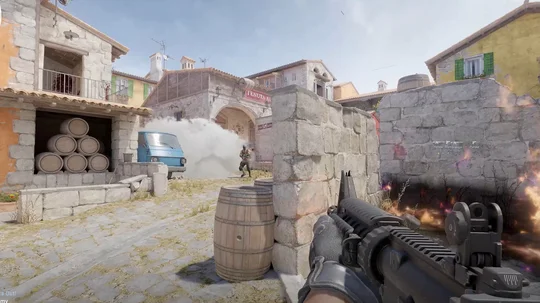
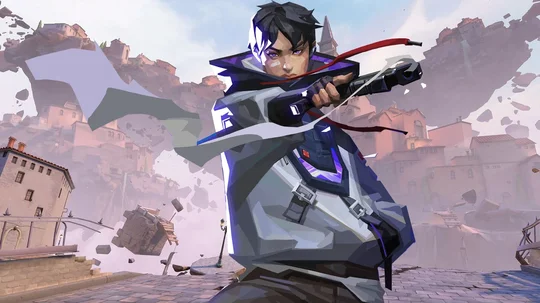
"CPU 집약적"과 "GPU 집약적" 게임이라는 용어를 접한다면, 이는 CPU나 GPU 중 하나에 큰 부하를 주는 장르를 의미합니다. 발로란트나 CS2 같은 경쟁형 슈팅 게임은 높은 프레임 속도가 핵심이므로 CPU에 상당한 성능을 요구합니다. MS 플라이트 시뮬레이터 같은 시뮬레이션 게임도 마찬가지입니다. 최적의 게임 플레이를 위해 복잡한 계산과 실시간 처리가 필요하기 때문입니다.
오픈 월드 액션 RPG 역시 이 범주에 속합니다. 특히 대규모 환경에서 플레이어와 NPC 간의 상호작용을 포함한 캐릭터들의 행동 논리를 처리하는 데 CPU에 크게 의존하기 때문입니다. 이러한 모든 프로세스가 동시에 발생하여 CPU에 상당한 부담을 줍니다.
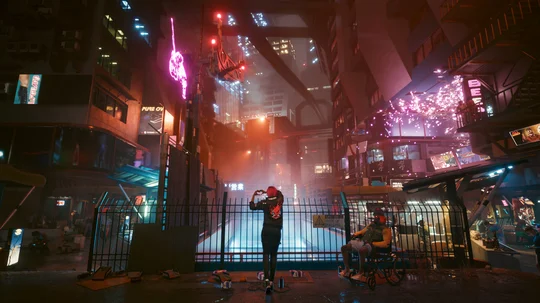
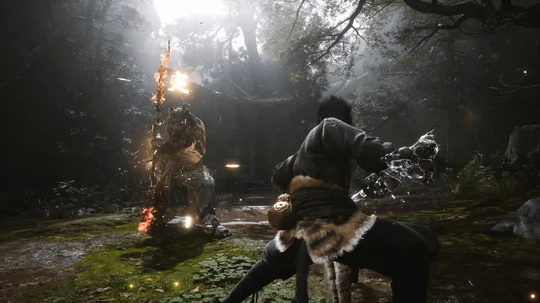
GPU 측면에서는 사이버펑크 2077이나 블랙 미스: 우콩과 같이 고해상도에서 플레이할 때 최적의 성능을 발휘하는 게임들이 레이 트레이싱을 지속적으로 활용하여 게임 내 조명, 물체 반사, 그림자를 향상시킵니다. 이로 인해 처리되는 픽셀 수가 증가하여 풍부한 디테일의 게임 환경과 더욱 생생한 시각적 경험을 구현합니다.
레드 데드 리뎀션 2와 앨런 웨이크 2는 차세대 GPU의 최첨단 그래픽 성능을 보여주는 또 다른 게임 사례로, 초고화질 텍스처 품질과 복잡한 렌더링 기술이 게임의 시각적 잠재력을 최대한 발휘하는 데 필수적입니다.
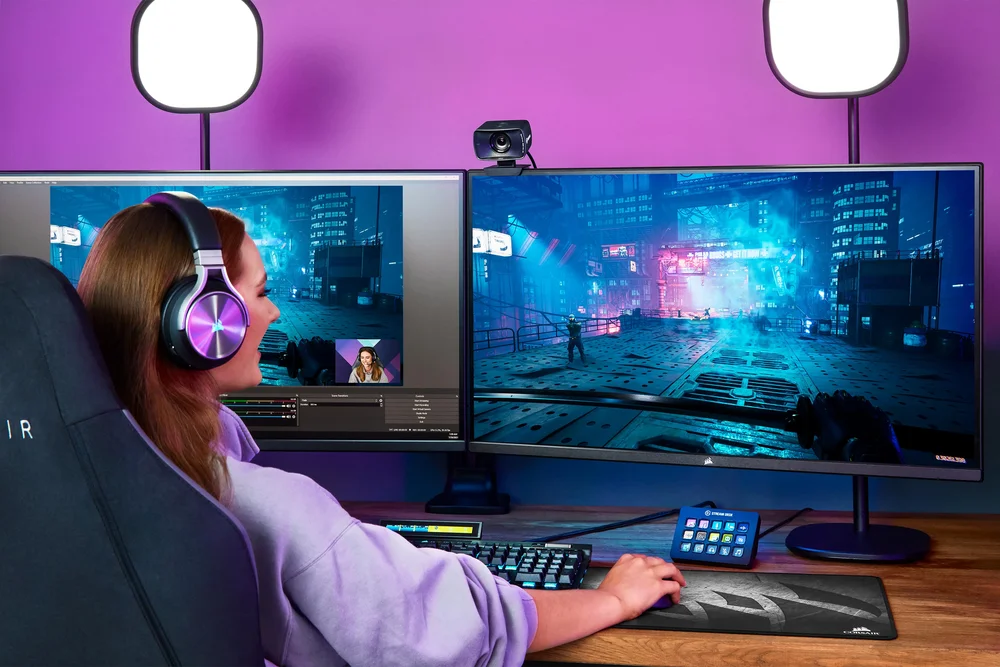
모니터는 CPU와 GPU 중 어느 쪽이 더 많은 처리를 담당할지 결정합니다. 예를 들어, 1080p 해상도에 240Hz로 게임을 실행하면 높은 FPS가 요구되어 CPU에 더 큰 부하가 걸립니다. 반대로 CORSAIR XENEON 32UHD144와 같은 4K 모니터에서 초고사양 설정으로 실행할 경우 GPU가 대부분의 작업을 수행합니다. 부품과 디스플레이 사양이 맞지 않으면 활용할 수 없는 성능에 비용을 지불하게 되어 불필요한 지출로 이어질 수 있습니다.
어떤 PC 구성에서도 병목 현상은 피할 수 없습니다. 항상 성능을 제한하는 요소가 존재하기 때문입니다. 따라서 목표는 명백한 CPU/GPU 불일치를 방지하는 것입니다. 예를 들어, 강력한 GPU를 보급형 CPU와 조합하면 높은 설정에서 인상적으로 보일 수 있지만, CPU 집약적인 게임에서는 FPS 하락이나 끊김 현상을 유발할 수 있습니다. 반대로 고성능 CPU에 주류 GPU를 사용하면 입력 지연이 줄어들고 FPS가 높아지는 경우가 많지만, 최대 화면 해상도와 게임 설정이 제한됩니다. 이는 일부 게임에서 그래픽 옵션을 최대로 설정하지 못할 수도 있음을 의미합니다.
모든 정보를 종합해 볼 때, CPU와 GPU 모두 게이밍 PC 성능에 핵심적이라는 점이 분명합니다. 고품질 그래픽 구현에는 일반적으로 GPU가 주요 요소로 여겨지지만, 특히 복잡한 연산 처리에서는 CPU의 역할도 동등하게 중요합니다. 어떤 부품을 우선적으로 선택할지 결정할 때는 자신의 게임 습관과 선호도를 고려하여 시스템이 균형을 이루고 최신 게임의 요구 사항을 충족할 수 있도록 해야 합니다.
JOIN OUR OFFICIAL CORSAIR COMMUNITIES
Join our official CORSAIR Communities! Whether you're new or old to PC Building, have questions about our products, or want to chat about the latest PC, tech, and gaming trends, our community is the place for you.