Building a PC is a far simpler process than it used to be. There are fewer incompatibilities, more places from which to buy, and limitless resources for help online.
However, some PC parts still remain delicate, with the motherboard being one of the most fragile components. Here's a quick page to help you hold and move the motherboard safely.
Which Part of the Motherboard is Safe to Hold?
The safest way to hold a motherboard is to grab it by the VRM heatsink. The heatsink on this area is large enough to hold easily, and is attached so securely to the motherboard that it won't come off.
It was once wise to avoid handling a motherboard in such a way that your fingers don't wrap around the back, but motherboards are stronger these days, and many have metal shielding, too. So don't worry about this too much.
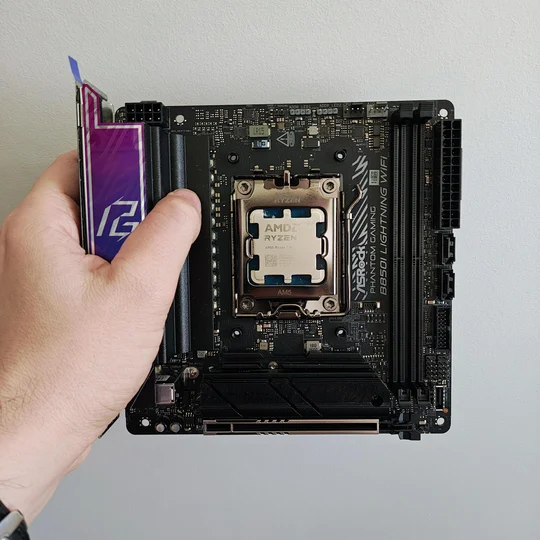
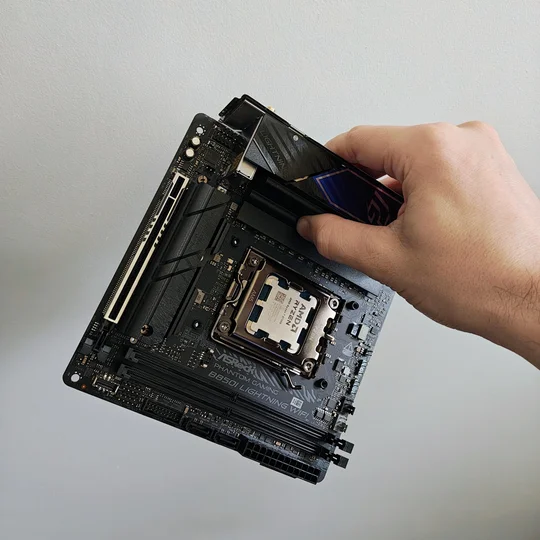
How to Handle a Motherboard Safely
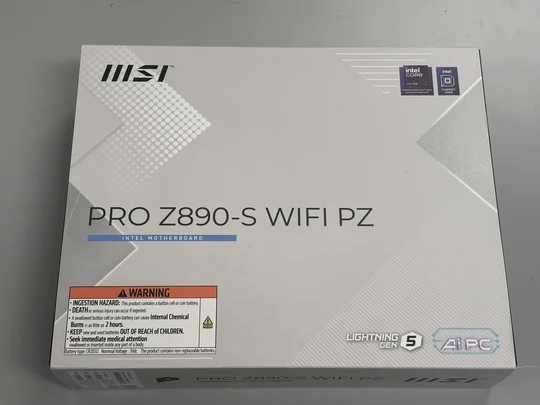
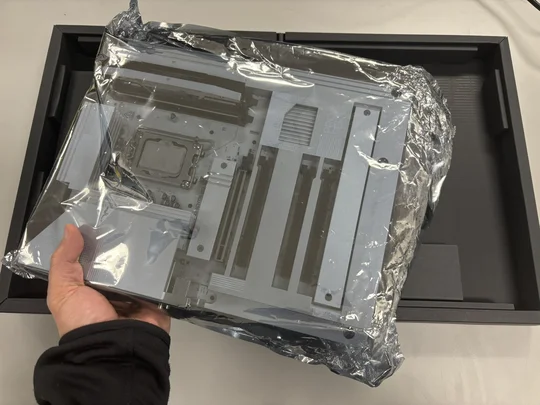
When you're removing the motherboard from the box, be sure to keep it inside the anti-static bag until you actually need to use it. Once it’s out of the box, place it on top of its own retail box. If you don’t have the motherboard’s retail box, any cardboard will work as well.
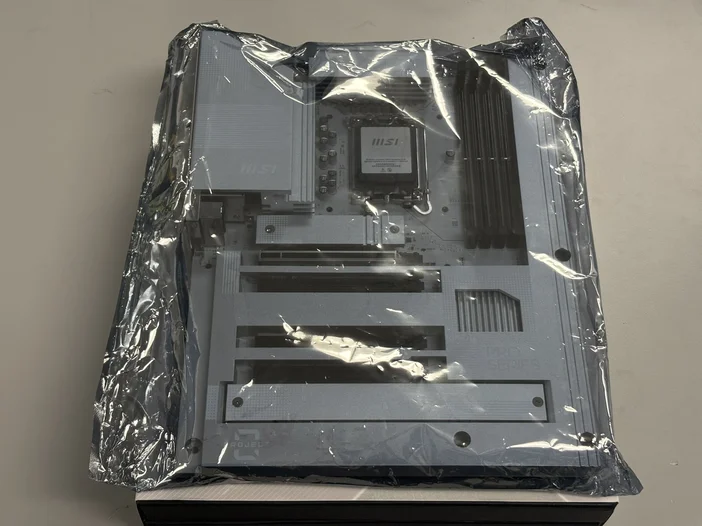
The only time you should take the motherboard out of the anti-static bag is when you are ready to install it inside the PC case. Slowly remove the motherboard by sliding it out of the bag while holding the top/bottom or side of the motherboard’s PCB. Once it’s out of the anti-static plastic bag, place the bag on top of the box, then place the motherboard on top of the bag.
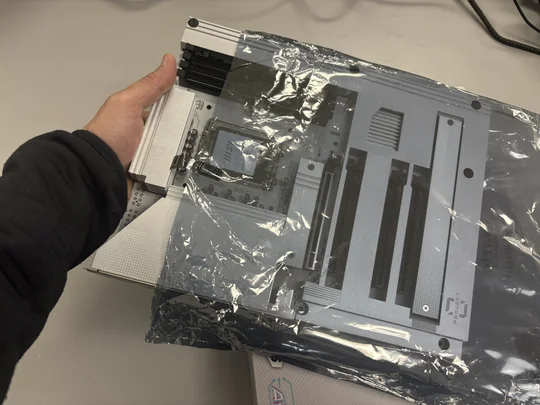
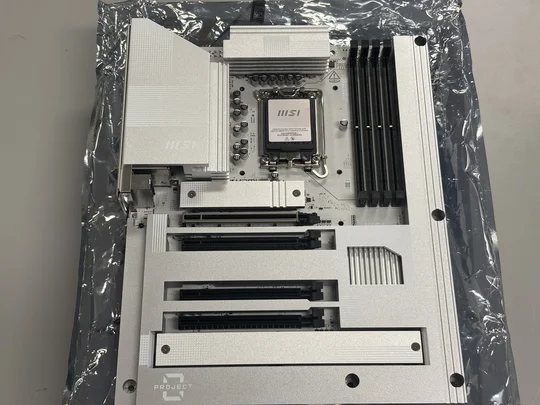
Before installing the motherboard into the PC case, it’s best to install the CPU, DRAM, and SSD into their respective slots first. This approach makes the entire PC-building process much easier than installing these components after the motherboard is already mounted in the case.
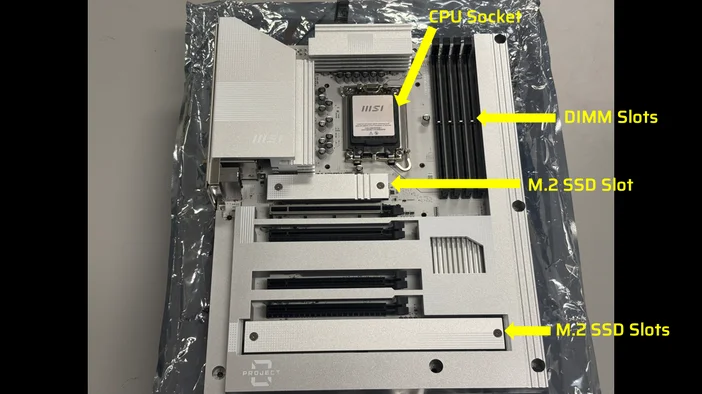
CPU SOCKET
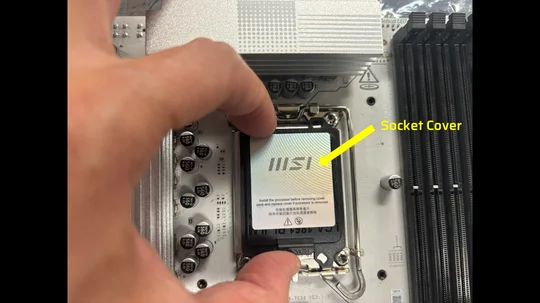
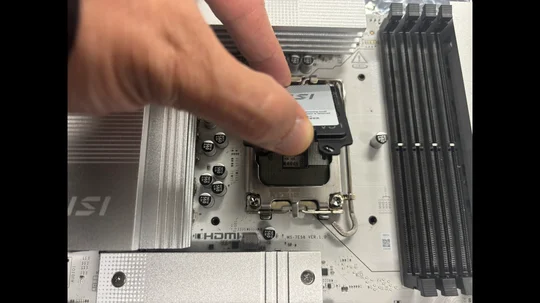
The CPU socket on the motherboard is one of the most, if not the most, susceptible to damage. Once the pins are bent or damaged, your motherboard is likely considered faulty, so be very careful when removing the CPU socket cover.
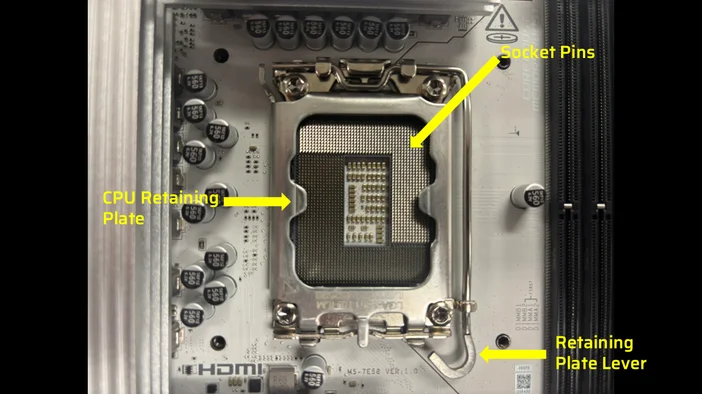
Gently lift the cover to remove the CPU socket cover.
DIMM SLOT
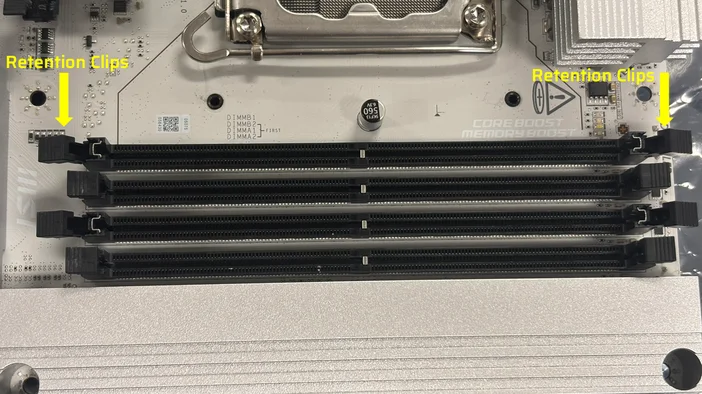
PC memory is installed into the DIMM slots on the motherboard. While these slots are not as fragile as the CPU socket, it's important to handle them carefully, especially the retention clips at each end. These clips secure the DRAM sticks, and if they break, it can lead to stability problems because the memory modules may not be properly seated without the locking mechanism.
M.2 SSD SLOT
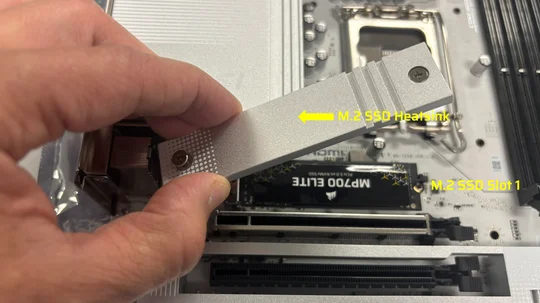
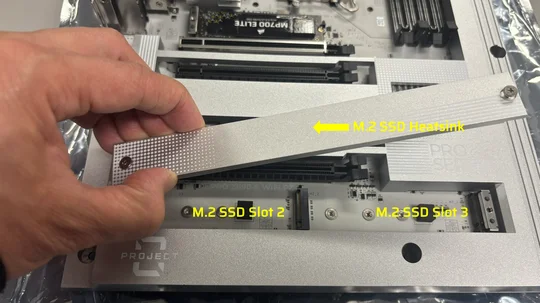
As for the SSD slot on the motherboard, they’re typically covered with a heatsink, which is usually located either above the first PCIe slot or below the last PCIe slot.
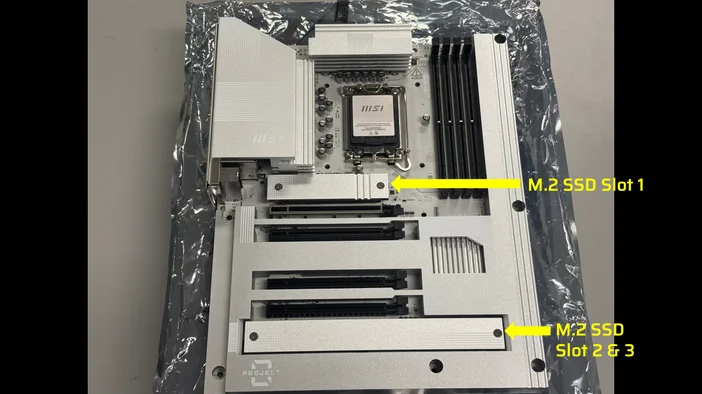
You will just need to remove the heatsink by removing the screws to install your M.2 SSD.
By following these tips above, you can confidently handle a motherboard with care, reducing the chance of damage and making your installation or maintenance smoother. Taking these simple precautions not only keeps the motherboard safe but also helps you stay safe while working with your PC components.
JOIN OUR OFFICIAL CORSAIR COMMUNITIES
Join our official CORSAIR Communities! Whether you're new or old to PC Building, have questions about our products, or want to chat the latest PC, tech, and gaming trends, our community is the place for you.