Short answer: Yes, you absolutely can.
Whether you’re a streamer juggling overlays, a sim racer chasing telemetry perfection, or a creator craving more workspace, the XENEON EDGE scales with you.
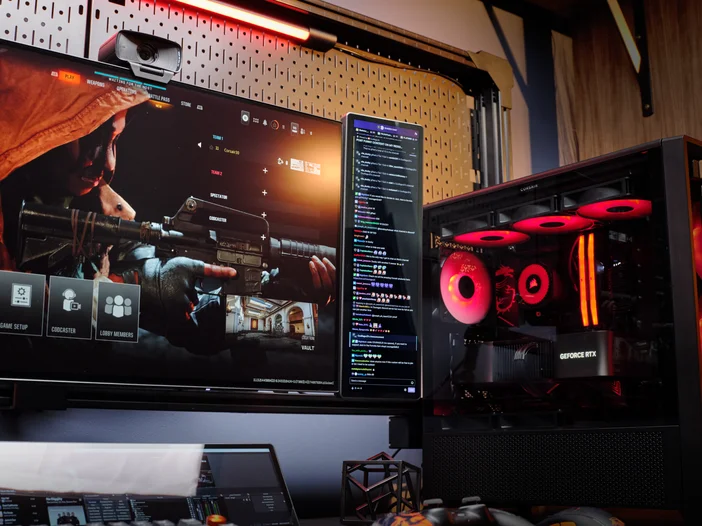
Why Use More Than One?
The XENEON EDGE is a 14.5” ultrawide touchscreen (2560 × 720) that fits neatly under your main monitor but stacking multiple together unlocks even more potential:
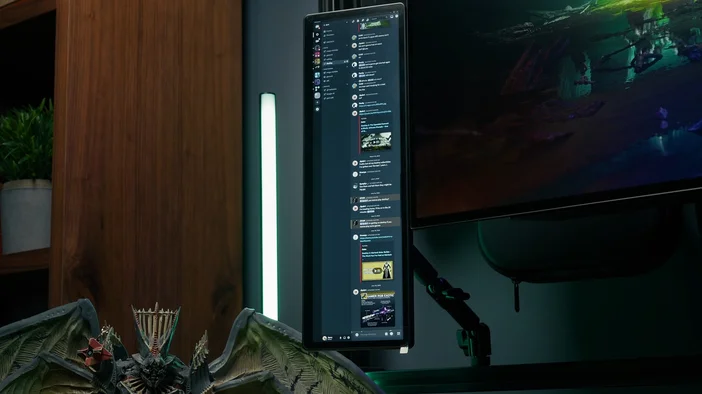
- Streamlined multitasking: Assign each screen to a specific purpose, system stats, OBS controls, Discord, timers, chat, and more.
- Clean, modular mounting: Mount using the magnetic stand, ¼-20” nut (compatible with Elgato Multi Mount and sim rigs), magnetic back, or a 360mm fan mount.
- Independent connectivity: Each unit supports HDMI or USB-C (with DP Alt Mode) for video and draws power via USB-C. No splitter required.
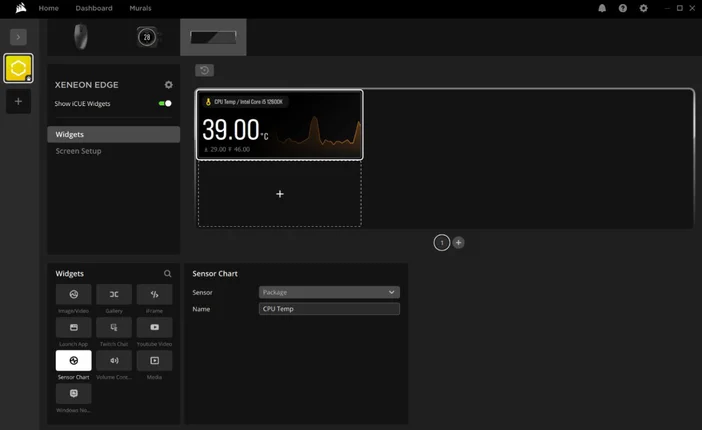
iCUE Integration? Seamless.
The XENEON EDGE connects to iCUE and supports full widget layout customization. With multiple displays, each can be uniquely configured perfect for maximizing visibility without clutter. For more detailed information check out our page that covers the possibilities of EDGE once combined with iCUE.
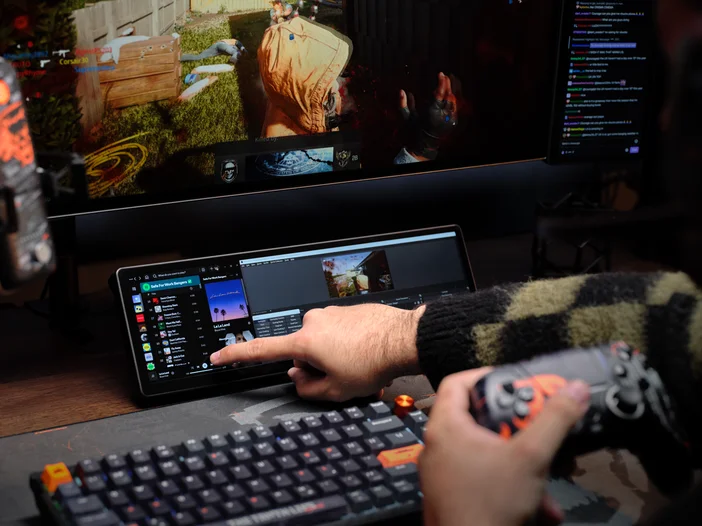
Bottom Line
Multiple XENEON EDGE displays transform how you work and play. Create your ideal setup and immediately feel the difference as your creative possibilities or competitive advantage multiply.
РЕГИСТРАЦИЯ ПРОДУКЦИИ
JOIN OUR OFFICIAL CORSAIR COMMUNITIES
Join our official CORSAIR Communities! Whether you're new or old to PC Building, have questions about our products, or want to chat about the latest PC, tech, and gaming trends, our community is the place for you.