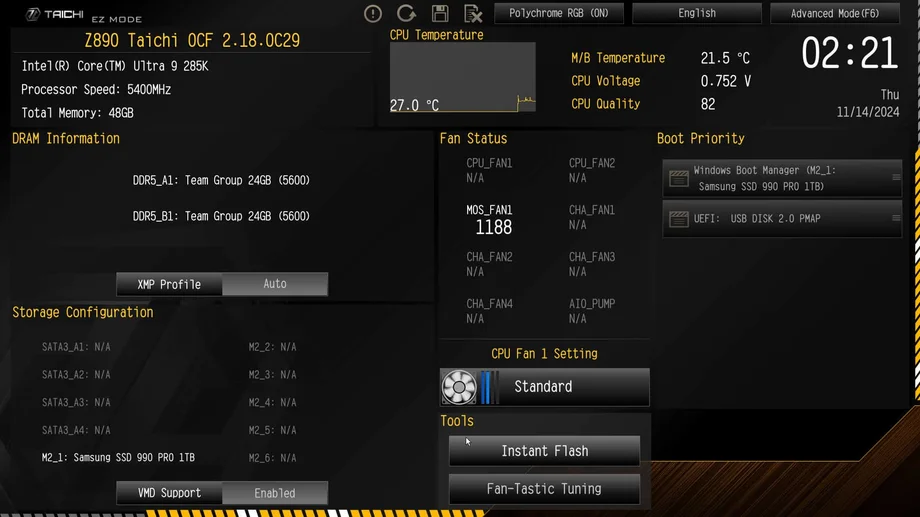
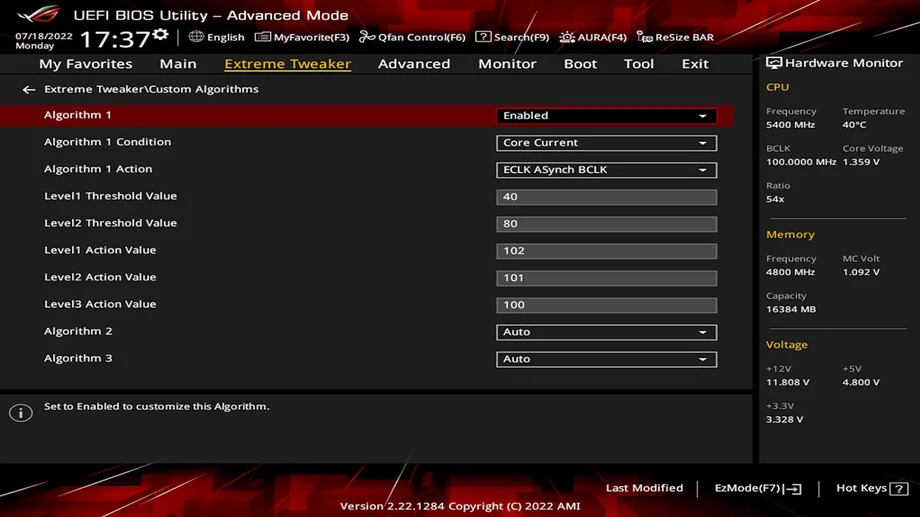
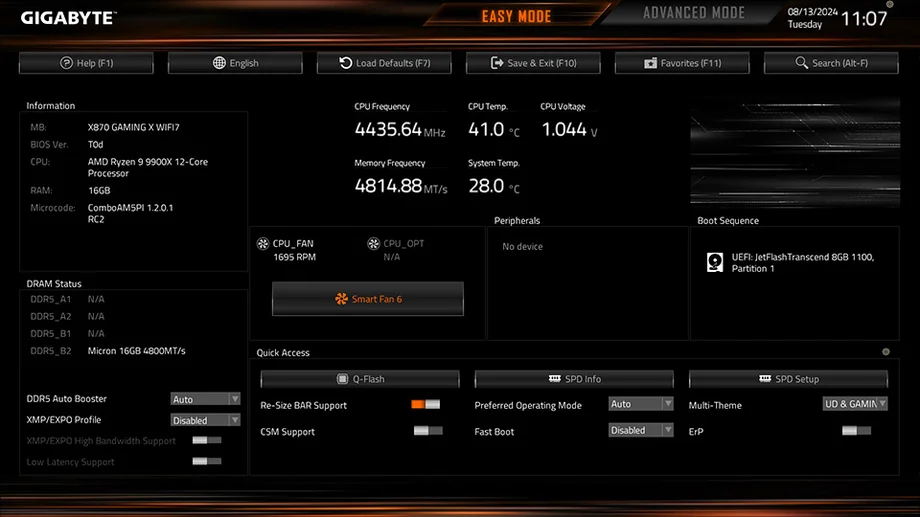
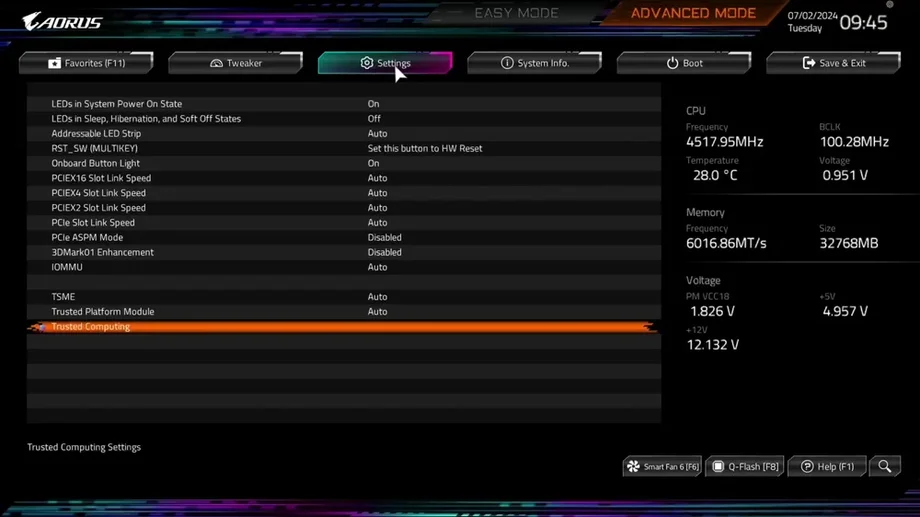
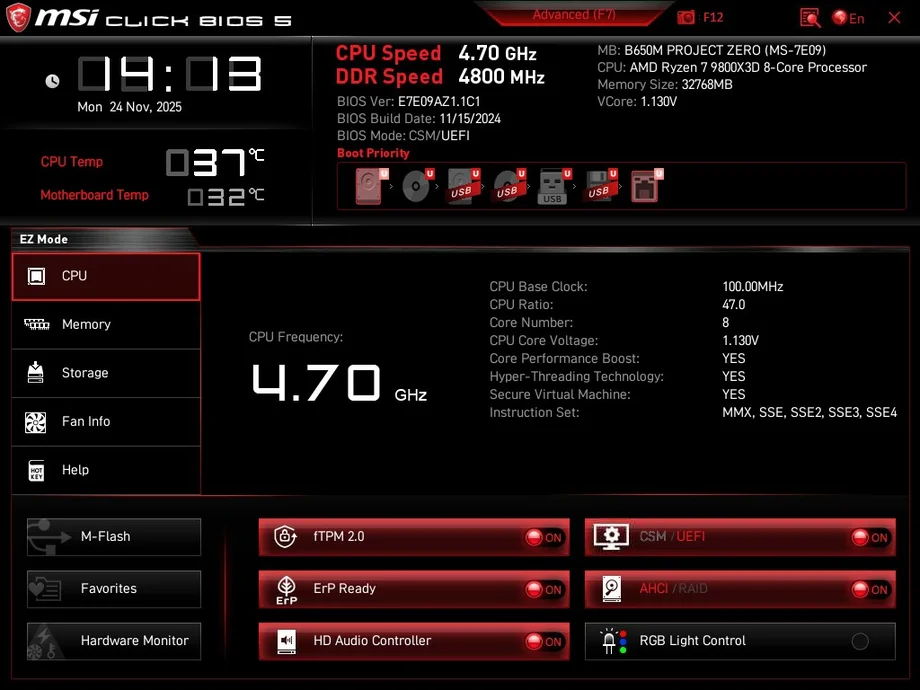
The BIOS or “basic input/output system,” is where many vital PC functions are located. If you need to enable EXPO or XMP, turn on Secure Boot, or change the boot order, you will need to get into the BIOS. Luckily, it’s very simple and the process is identical regardless of your motherboard brand. Here’s how to access the BIOS.
After this, do whatever action, fix, or change you need BIOS access for. Each motherboard brand has its own BIOS design, but they work largely identically, the main differences are the location and name of certain settings. Each brand has plenty of guidance available for their specific BIOS, so there is no shortage of help on the internet.
One thing to note is that after you’ve done whatever you needed to do, make sure to Save before you exit the BIOS, otherwise, your changes will revert immediately. Happily, this also means that it’s quite hard to enable, disable, or change something by accident. You will always be prompted to save when you try to exit the BIOS.
No, you cannot. Even though the BIOS is essentially the firmware of the motherboard, it still needs the CPU to run that firmware. Generally, this isn’t an issue, however, you may run into a scenario where you need to update the BIOS but you do not have a CPU.
Luckily, many modern motherboards have a functionality known as “BIOS Flashback.” This allows you to update the BIOS without a CPU by loading the update onto a USB drive, plugging it into a specific USB port on the motherboard, and pressing a physical button.
JOIN OUR OFFICIAL CORSAIR COMMUNITIES
Join our official CORSAIR Communities! Whether you're new or old to PC Building, have questions about our products, or want to chat about the latest PC, tech, and gaming trends, our community is the place for you.