Hard drives (HDDs) and Solid State Drives (SSDs) may be tiny, compact technological wonders packed with all manner of cutting-edge advancements, but for all their smarts, they are incredibly dumb. Lose power at just the wrong time, suffer a drive failure, or experience a power surge, and your operating system, applications, and even your precious data could be wiped off the face of the planet. Luckily, there are ways of managing your hard drives such that these data-killing moments are not quite as catastrophic. Let’s talk about RAID.

What is RAID?
RAID stands for one of two things, depending on how you’re feeling: either it’s Redundant Array of Independent Disks or Redundant Array of Inexpensive Disks. A subtle difference, but you can use whichever you want, depending on how much you’ve paid for the drives in question. And drives, plural, is the giveaway here, as you can’t do anything useful with RAID if you’ve only got one drive. You need multiple drives.
Essentially, RAID allows you to set your drives up in such a way as to either improve the speed or reliability of your drives, using three techniques: striping, mirroring, and parity. Provided you have enough drives, these different techniques can be combined so that you have a speedy array of drives that also offer some level of protection against errors and defects. It’s worth stating at this point that if your data is important, then RAID isn’t a sufficient form of protection on its own, and you should have a backup plan in place as well.
Now that’s out of the way, let’s talk about the different levels of RAID available.
What is RAID 0?
RAID 0 had a brief moment in the spotlight as offering a great way of almost doubling the performance of hard drives at a time when the promise of SSDs was near but the costs were too high. It essentially uses two identical drives in parallel and splits (stripes) data across both drives for a notable boost in performance. Some operations have seen performance almost double in a best-case scenario, which has been enough to cement RAID 0 as the go-to option for performance junkies.
The problem with RAID 0 is that from a fault tolerance point of view, it’s far worse than just running a single drive on its own. In a RAID 0 setup, if one drive fails, then the whole array fails because the data is striped across all the disks. For this reason alone, it isn’t a viable option for mission-critical systems, despite the promise of high performance.
The main reason that RAID 0 systems have been largely left behind these days, at least for most consumer setups, is that modern SSDs provide more than enough raw throughput that such configurations aren’t needed. When you consider that the latest PCIe 5.0 SSDs, such as the MP700 PRO SE, can achieve reads of up to 14,000MB/s and writes of up to 12,000MB/s, you can see that speed isn’t the problem.

What is RAID 1?
RAID 1 setups are much more concerned with reliability than performance and involve mirroring the data across one or more disks so that if a drive fails, the array is still usable. Typically, you’re looking at just two disks, as it isn’t a particularly efficient use of the drives to go beyond that. Adding more drives to a mirrored array doesn’t increase the overall capacity, just the amount of redundancy.
There are some performance benefits to using a RAID 1 setup, though, specifically when it comes to read performance. Different drives in the mirrored set can access different areas at the same time, for a boost in read speed. There’s no improvement for write performance, though.
What is RAID 10?
It’s worth noting that RAID 0 and RAID 1 can be combined so you can have RAID 10 (striping of mirrors) as well as RAID 01 (mirroring stripe sets). RAID 10 is typically preferred over RAID 01 due to its superior fault tolerance, because in a RAID 01 setup if a mirrored set fails, the entire array fails. Such RAID setups are rare in consumer PCs and NAS setups, though, as they’re not very efficient when it comes to how many drives are needed. Which segues nicely into the next RAID type…
What is RAID 5?
As well as RAID 0 and RAID 1, other RAID levels are well defined but are largely unused in the real world. RAID 5 is the exception, as it offers reasonable performance improvements and reliability in a drive-efficient way. RAID 5 uses block-level striping with distributed parity, so it can survive a single disk failure and can rebuild the data when that drive is replaced. RAID 5 requires at least three disks to work.
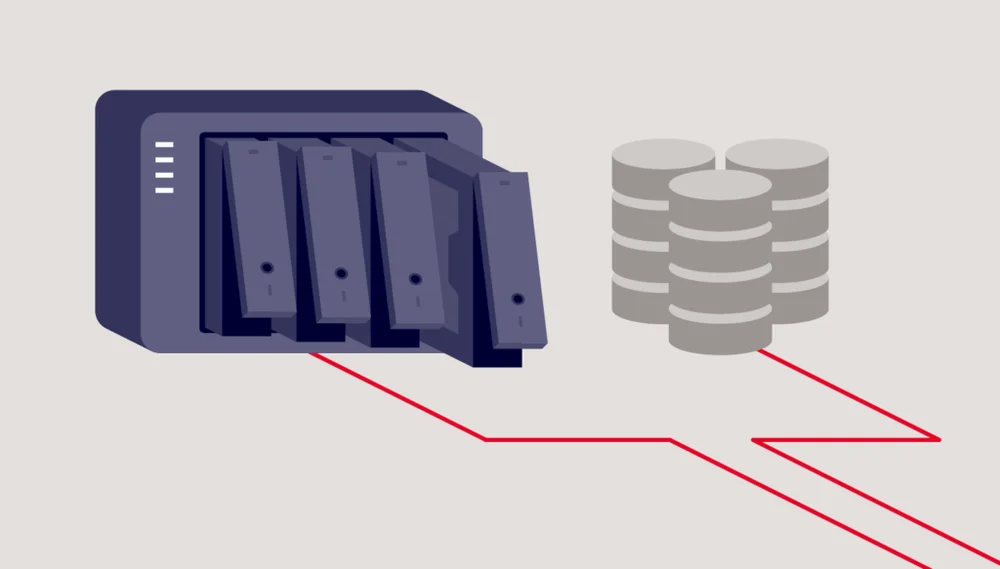
RAID 5 is particularly useful in NAS devices, where its reliability, performance, and capacity benefits pay off. If a drive fails, the faulty unit can be swapped out and rebuilt without taking the entire array offline. RAID 5 is supported by many modern motherboards and operating systems through software RAID, which makes it accessible without a dedicated controller. For more demanding setups, hardware RAID is managed by a dedicated RAID card and can offer better performance, advanced features, and improved reliability. This flexibility has helped make RAID 5 a popular choice for consumers and prosumers who need more than just a single drive.
Conclusion
There you have it. A quick overview of the current state of RAID for consumers. Note that for most of us, RAID isn’t necessary in our laptops or desktops for normal operations. If you do need some additional redundancy, though, then RAID 5 is the option to look at, as it offers a performance uplift as well as some protection against individual drive failure.
PRODUCTS IN ARTICLE
JOIN OUR OFFICIAL CORSAIR COMMUNITIES
Join our official CORSAIR Communities! Whether you're new or old to PC Building, have questions about our products, or want to chat about the latest PC, tech, and gaming trends, our community is the place for you.