CORSAIR has a wide variety of keyboard switches to choose from when you’re shopping for a new keyboard. The sheer variety can seem daunting, but the upside for keyboard connoisseurs is you have ample options to choose from these days and they span a wide variety of technologies, typing feels, noise level, and adjustability.
There are several different types of switches including some with new technologies that go beyond the older "mechanical" mechanisms, so let’s cover the different types first. If you’re interested in learning how mechanical switches work this article is very informative. If you already know what you like to look for check the table below. After that we get a bit more descriptive.
| MGX | OPX | MLX Plasma | MLX Fusion | MLX Quantum | MLX Pulse | MLX Red | |
| Actuation Distance | Variable | 1.0mm | 2.0mm | 2.0mm | 1.2mm | 2.0mm | 2.0mm |
| Total Travel | 4.0mm | 3.2mm | 4.0mm | 3.4mm | 3.4mm | 3.6mm | 4.0mm |
| Actuation Force | 30g - 55g | 45g | 45g | 40g | 40g | 45g | 45g |
| Lifespan (Keystrokes) | 150m | 150m | 70m | 70m | 70m | 80m | 80m |
CORSAIR MGX Magnetic Switches
These switches are also called Hall Effect switches and use magnets to control key actuation instead of a physical mechanism like a traditional mechanical keyboard. The benefit of this design is there is no physical contact between components during a key press so these switches can feel very smooth, and this design also allows for an unprecedented level of customization that is not possible with a physical switch. The lack of physical contact also gives these switches terrific durability.
What is the Hall Effect?
In a Hall Effect switch, there is a magnet on the bottom of the key stem, and pressing the key moves it towards a sensor stationed below it sitting on a printed circuit board (PCB). The sensor can tell how far away the magnet is with a high level of precision. This allows the user to determine where the actuation point is, which is a registered key press. This affords not only a whole new level of customization for gamers, but it also allows there to be two different actuation points depending on how far down the key is pressed, which can be very beneficial for a lot of different gaming scenarios.
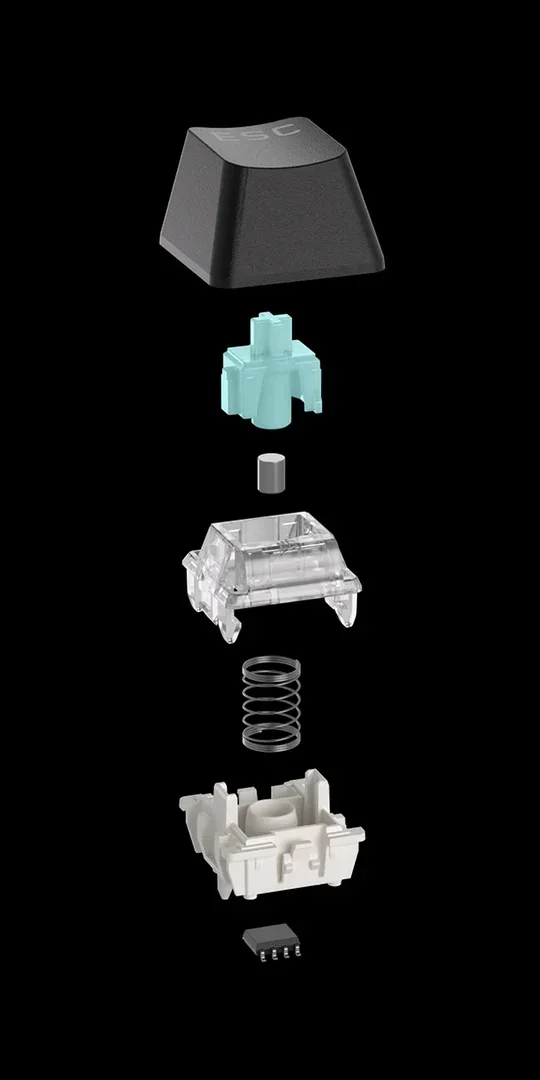
As an aside, if you were wondering why these are called Hall Effect switches, it’s because they use a phenomenon discovered in 1879 by physicist Edwin Hall. This phenomenon is the production of a voltage differential across a magnetic field, which is what happens when the key with the magnet on it is depressed towards the sensor below it.
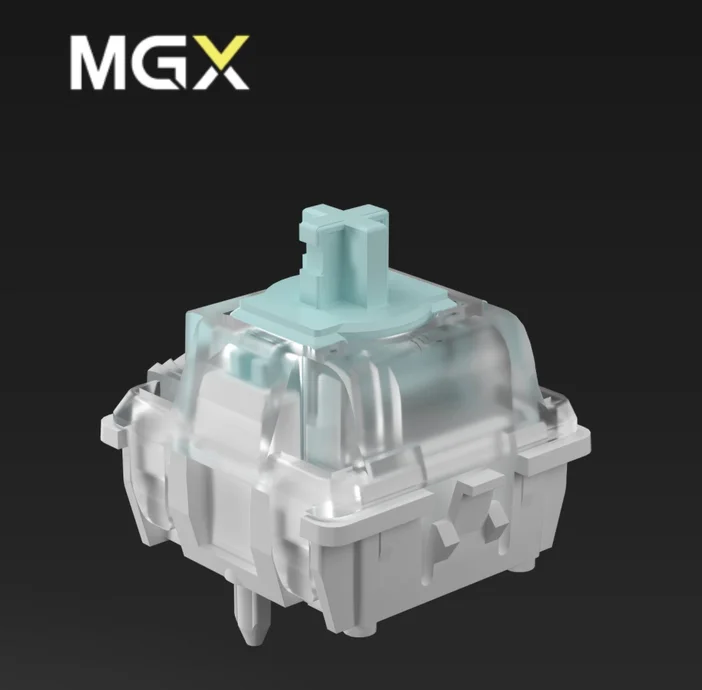
We make just one magnetic switch, the MGX Hyperdrive. We only need to make one because it’s customizable on a per-user basis, as you can select two different actuation points for each key press, giving you a lot of freedom when choosing the behavior of your keyboard switch. These switches are both adjustable and linear, providing a smooth keystroke where you choose where the actuation points are along each key’s path of travel.
- Actuation distance: Customizable 0.1mm to 4mm
- Total Key Travel: 4mm
- Actuation Force: 30g – 55g (varies according to actuation distance)
- Durability: 150 million keystrokes
- Found in: Vanguard Series, K70 Series
CORSAIR OPX Optical Switch
These switches use a beam of light to trigger key actuation, so when the beam of light is interrupted by the key moving downwards, an actuation occurs. These types of switches have great endurance since they are like magnetic switches in that there is no physical contact between components, so they can offer a very smooth feeling and last an extremely long time.
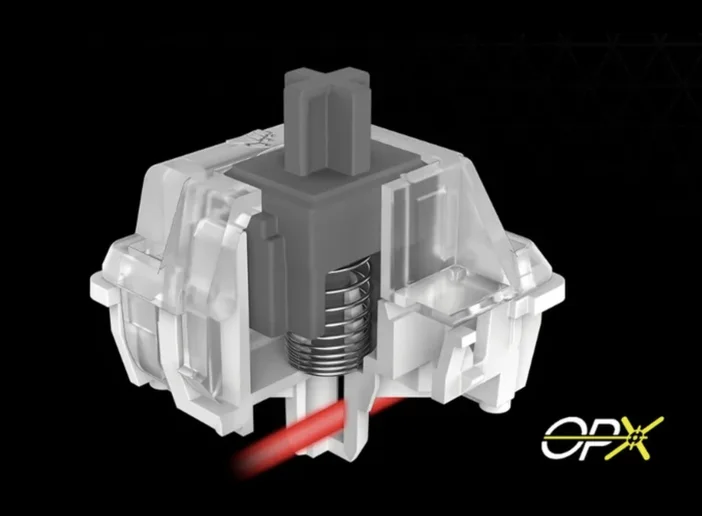
We also make just one optical switch, the OPX. The most notable aspect of the OPX switches is the travel distance is just 3.2mm, which is 20% shorter than a typical switch, allowing for faster keystrokes. A person typically presses a key all the way to the bottom on each keystroke, so with a shorter distance to travel is makes it easier for tap a key repeatedly with less strain. The actuation distance of 1mm is also half that of a typical switch, which is usually around 2mm.
These two aspects of the OPX switch make it ideal for fast-paced gaming, and make keyboards using these switches very responsive and ideally suited for frenetic FPS games.
- Actuation distance: 1mm
- Total Key Travel: 3.2mm
- Actuation Force: 45g
- Durability: 150 million keystrokes
- Found in: Vanguard Air 99 Wireless, K65 Series, K70 Series
CORSAIR MLX Mechanical Switches
These are more traditional mechanical switches in that a metal contact is attached to the bottom of the key stem and when it makes contact with a metal plate beneath it an actuation is registered. CORSAIR offers a wide variety of MLX switches with differing actuation points, travel distance, fingertip feel, clicky nature, bump-or-no-bump, and so forth. You have a lot of options if you choose an MLX switch instead of magnetic or optical, so we’ll cover those below.
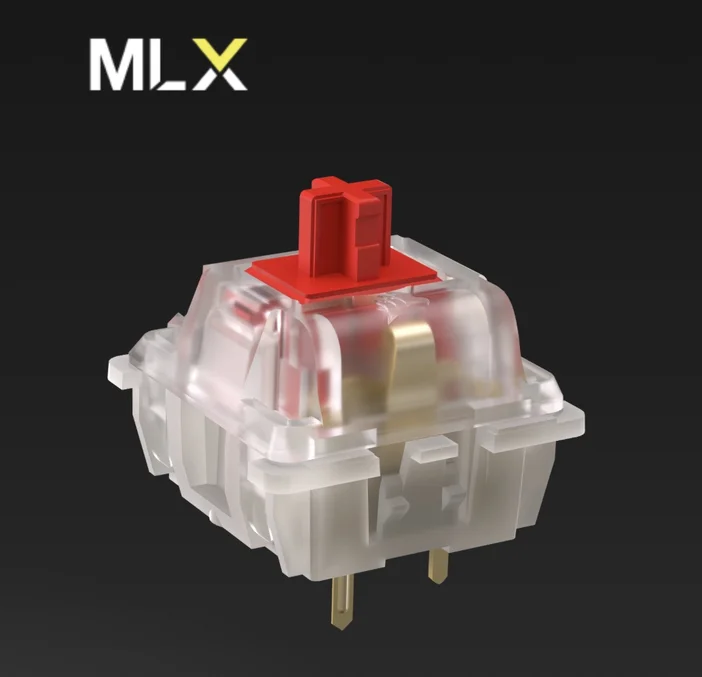
MLX Red
These mechanical switches are characterized as “smooth and responsive.” They’re considered to be a good all-around linear switch for any purpose.
- Actuation distance: 2mm
- Total Key Travel: 4mm
- Actuation Force: 45g
- Durability: 80 million keystrokes
- Found in: K65 Plus, K70 Series
MLX Plasma
These are “smooth and linear” and are generally a bit quieter than other mechanical switches.
- Actuation distance: 2mm
- Total Key Travel: 4mm
- Actuation Force: 45g
- Durability: 70 million keystrokes
- Found in: Makr75
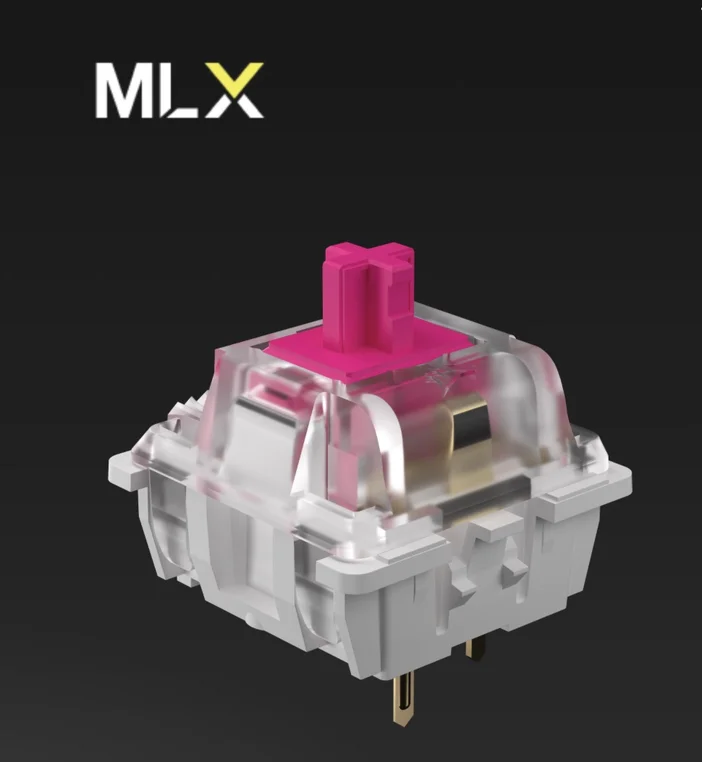
MLX Fusion
Described as “thocky” and tactile, these switches give your fingers satisfying feedback on every key press. They require a bit less force to actuate and have a shorter key travel at 3.4mm compared to a standard keyboard with 4mm of travel, so they are good for people who like a lighter typing experience with great feedback.
- Actuation distance: 2mm
- Total Key Travel: 3.4mm
- Actuation Force: 40g
- Durability: 70 million keystrokes
- Found in: K65 Plus
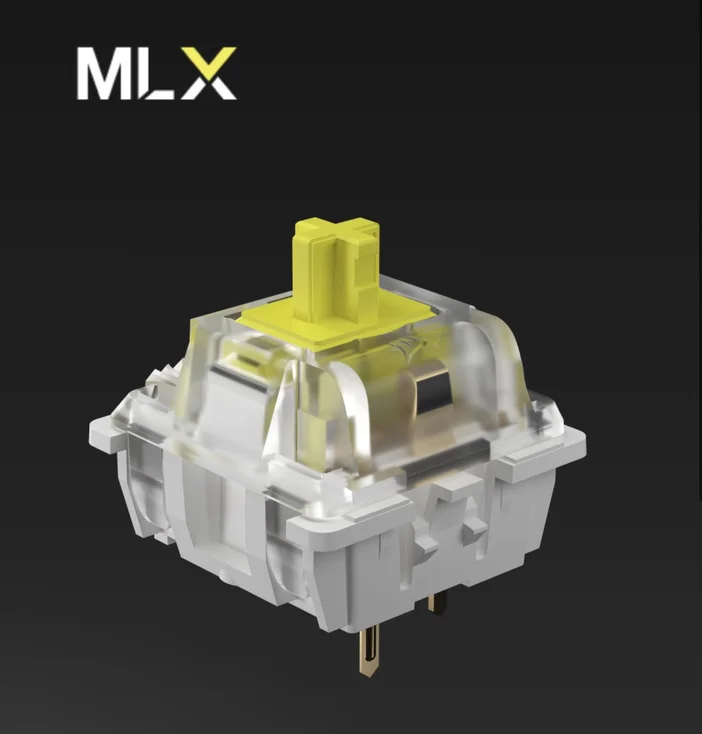
MLX Quantum
These “fast and linear” switches are known for their quiet operation and short actuation and key travel distances, making them super-fast and very responsive.
- Actuation distance: 1.2mm
- Total Key Travel: 3.4mm
- Actuation Force: 45g
- Durability: 80 million keystrokes
- Found in: Makr75
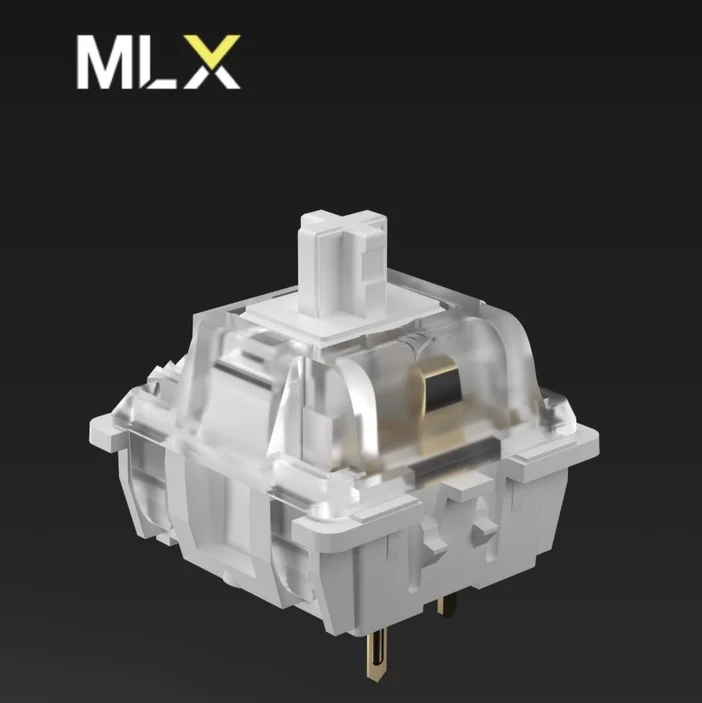
MLX Pulse
These “thocky and linear” switches are for gamers and typists who want satisfying audible feedback with every key stroke. They have a short travel distance for a more responsive typing experience.
- Actuation distance: 2mm
- Total Key Travel: 3.6mm
- Actuation Force: 45g
- Durability: 80 million keystrokes
- Found in: Vanguard 96
JOIN OUR OFFICIAL CORSAIR COMMUNITIES
Join our official CORSAIR Communities! Whether you're new or old to PC Building, have questions about our products, or want to chat about the latest PC, tech, and gaming trends, our community is the place for you.