If you've bought a CORSAIR LCD AIO in black, you might have noticed that the lighting of the cap (that is, the lights under the cap, not the LCD screen itself), is noticeably dim as compared to the fans, RAM, and other RGB components.
Don't worry, it's not an error or the LEDs underneath failing, it's simply because of the black colorway. The plastic of the pump cap is tinted to make it more cohesive with the rest of the color scheme.
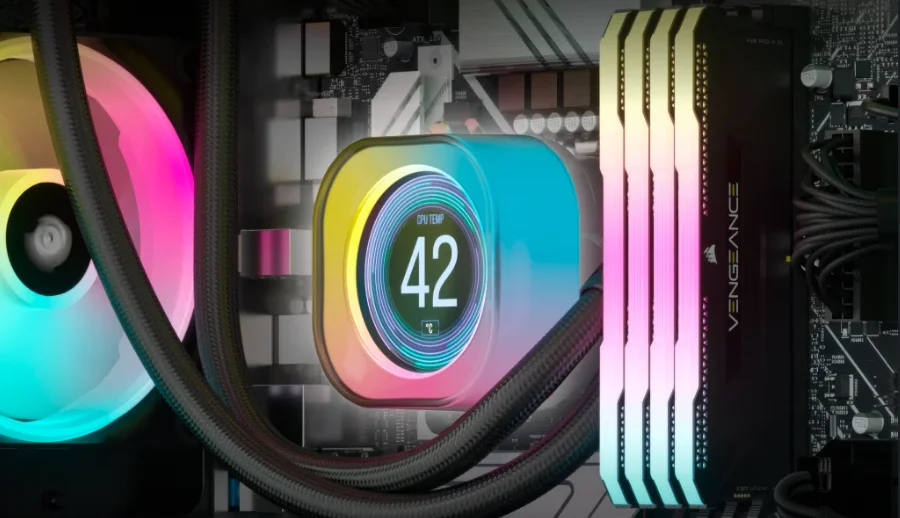
Can I Make the Pump Cap Brighter?
Not as it stands. You cannot make the LEDs underneath the cap become brighter past 100%, so there's no way to brute force it. If the pump cap LEDs not matching up to the rest of the lighting in your system is annoying to you, there are two solutions.
- Reduce the brightness of the rest of the lighting to bring it in line with the pump cap.
- Swap out the black LCD pump cap with the white version. (Available only on CapSwap-compatible coolers.)
We do realise that both of these options are not ideal, and will try our best to make our black products light up just as well as the white versions in the future.
You can see below how much darker the black version of the pump cap is compared to the white.
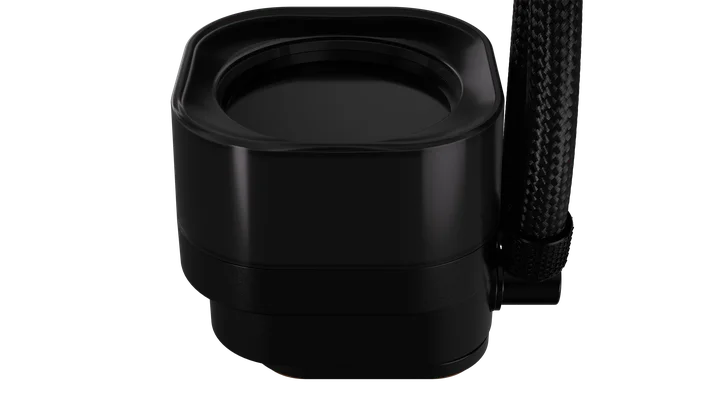
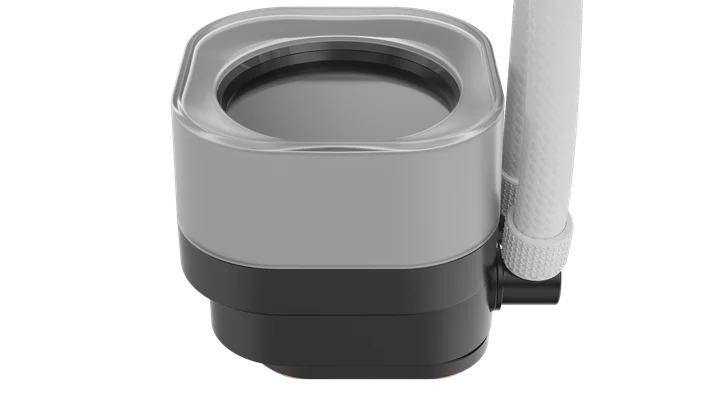
Also, if you're worried that using a white pump cap on an otherwise black AIO will result in a two-tone mess, have no fear. The "white" pump cap is not really white, it's more like colorless, translucent plastic, so once the LEDs inside are going, it will be whatever color you want it to be.
ENREGISTREMENT DU PRODUIT
JOIN OUR OFFICIAL CORSAIR COMMUNITIES
Join our official CORSAIR Communities! Whether you're new or old to PC Building, have questions about our products, or want to chat about the latest PC, tech, and gaming trends, our community is the place for you.