BLOG
What is Dual-channel RAM?
RAM channels are the pathways that transfer data between the RAM (Random Access Memory) and the memory controller on the motherboard. Modern motherboards usually support multiple-channel configurations, such as single, dual, triple, or quad-channel configurations. Each channel enables simultaneous data transfer, which can greatly improve a computer system's performance. To make it easier, and for context, let’s compare the first two RAM configurations: single-channel and dual-channel.

Single-channel vs Dual-channel
When you look at the layout of the motherboard, you will see that there are multiple DIMM slots, or Dual In-line Memory slots. These slots are where you insert the memory modules, allowing your RAM to communicate with the motherboard and then with the CPU.
Single-channel RAM
First-generation motherboards in the early years of PC computing had a single DIMM slot. But, as PC technology advanced over the years, the number of DIMM slots has increased from a single slot to four slots, and even eight on some motherboards. For modern mainstream motherboards, you’ll typically see four DIMM slots.

The way single-channel works is that a single stick of memory is installed in the motherboard, which means the memory controller has only one module to access and utilize. It was a viable configuration back in the early days of PC computing because the programs and applications of that time weren’t as demanding as modern-day applications, especially in gaming. This setup limits the data transfer rate, as the memory bandwidth is constrained to the speed of a single channel.
In systems utilizing single-channel memory, the performance may not be optimal, especially in memory-intensive applications such as gaming or video editing. The architecture is typically more straightforward and budget-friendly, which makes it a popular choice for basic systems or everyday tasks. If you're mainly doing things like browsing the internet, editing documents, or streaming media, the performance from single-channel memory might be just right for your needs.
Dual-channel RAM
The concept behind dual-channel RAM is similar to that of single-channel RAM, but, instead of utilizing a single RAM, the CPU and memory controller can access two memory modules that work simultaneously, resulting in a dual-channel configuration. This setup doubles the speed of a single-channel RAM, effectively doubling the data rate transfer from the memory to the memory controller, then to the CPU, improving performance by allowing more data to be processed in a single instance.
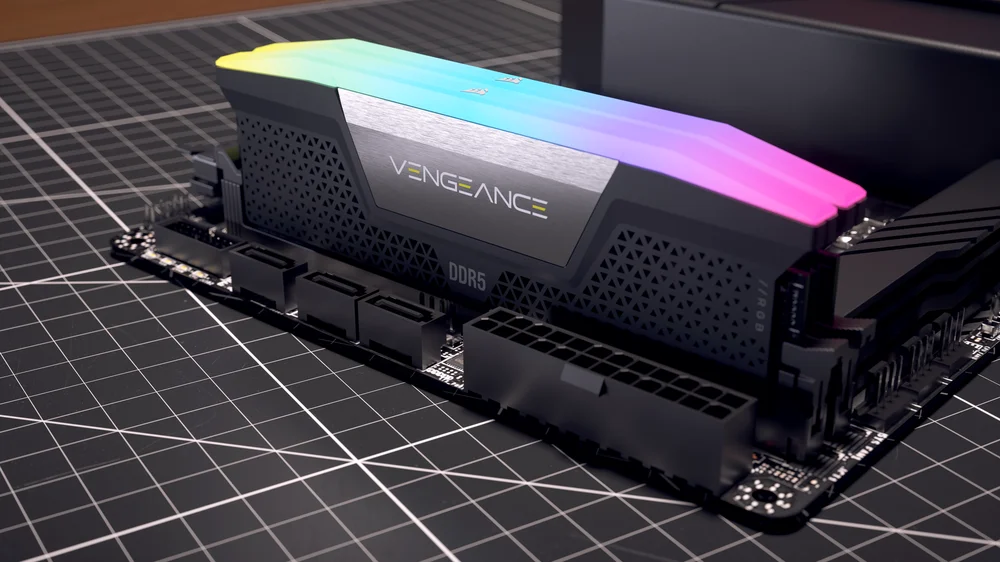
As a rule of thumb, if you want to take full advantage of dual configurations, it is recommended to use matched pairs of RAM modules, like the CORSAIR DOMINATOR TITANUM or the CORSAIR VENGEANCE dual channel memory kits, which means they should have the same specifications, such as size, speed, and timings. This ensures optimal performance and stability, as mismatched modules can lead to suboptimal operation and potential system instability.
ENREGISTREMENT DU PRODUIT
JOIN OUR OFFICIAL CORSAIR COMMUNITIES
Join our official CORSAIR Communities! Whether you're new or old to PC Building, have questions about our products, or want to chat about the latest PC, tech, and gaming trends, our community is the place for you.