One of the more nerve-wracking parts of building a PC is installing the CPU into the motherboard. If you've done this a few times, you might have noticed that the sockets look different sometimes. This is because there are two types: LGA and PGA.
There are a few differences between the two, so let's take a look.
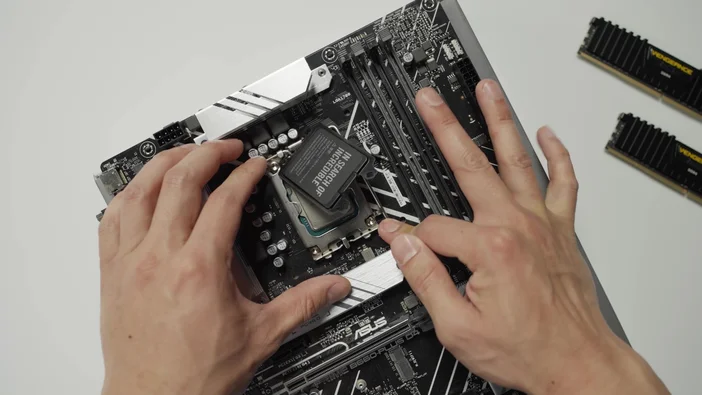
What does LGA and PGA mean?
LGA stands for Land Grid Array, while PGA stands for Pin Grid Array. These two CPU socket types have distinct designs and physical characteristics that strongly determine the motherboard’s compatibility with the CPU. Therefore, having the right CPU is crucial, as it determines whether the CPU and motherboard are compatible.
LGA
The way to tell the difference between the two sockets is to look at how the CPU interfaces with the motherboard’s socket. For LGA sockets, if you look closely at the CPU socket, you will see a grid of pins on the motherboard, as opposed to on the processor – a clear indication that the socket is LGA.
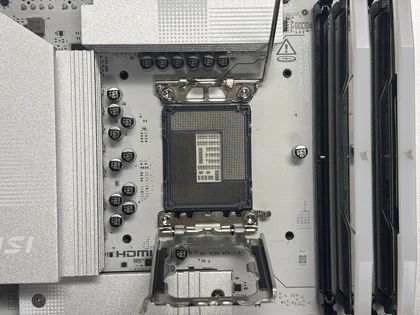
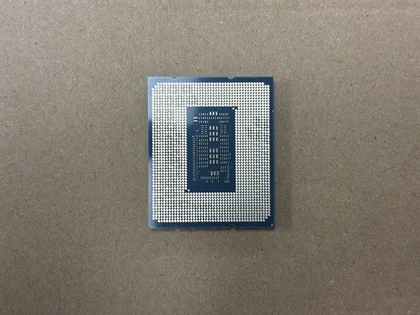
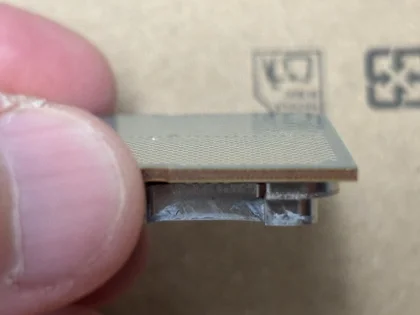
In terms of the CPU/socket interface, the CPU’s pads contact the motherboard’s socket pins, locking the CPU in place for a tight, secure connection.
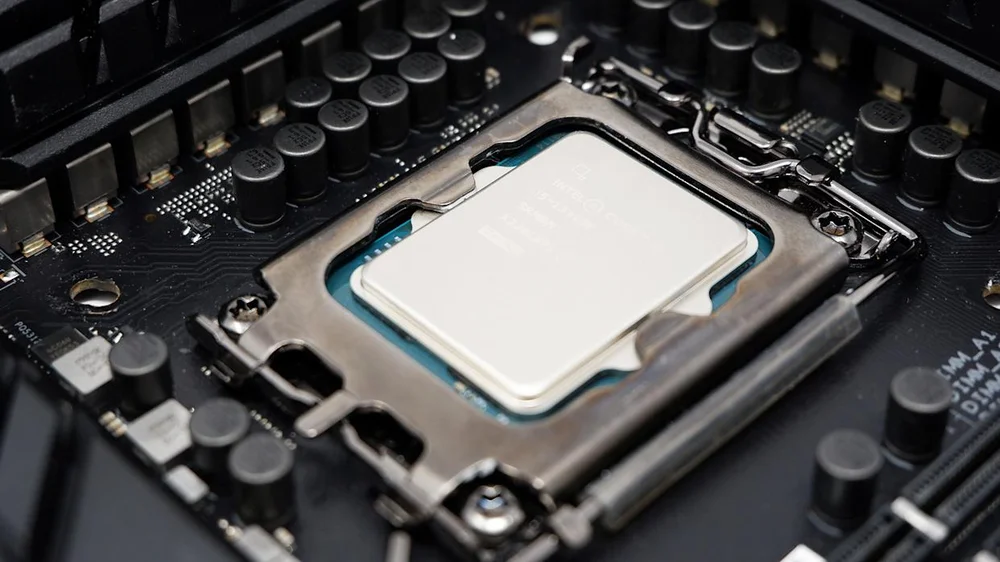
Intel CPUs have been known to use socket LGA from their legacy platforms all the way up to their next-gen platforms, a clear testament that Intel leans towards socket LGA because the LGA design fits their CPU business model, which focuses on complex and high-performance processors that require a higher pin count to enable CPUs to have greater efficiency in terms of data transfer and power delivery.
That said, LGA has its own challenges, installation being one of them. Because the pins are on the socket rather than the CPU, installing a CPU into the socket requires extra care. Not to say that LGA motherboards are meant only for PC experts and the like, but if one of the pins is accidentally damaged during CPU installation, it can permanently damage the motherboard, rendering it unusable.
PGA
On the PGA side, unlike the socket LGA, the pins are on the processor itself rather than on the motherboard’s socket. As you can see in the image below, the concept is the exact opposite of that socket LGA.
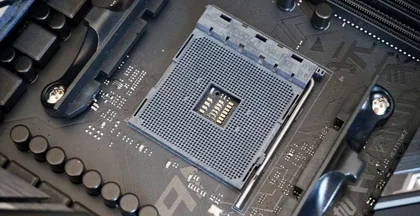
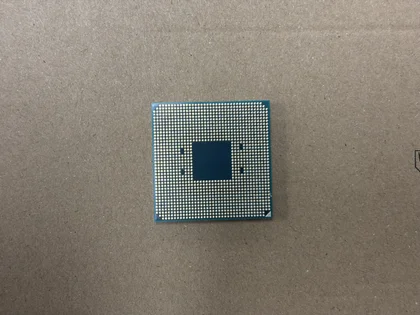
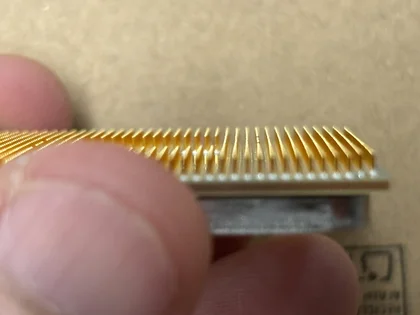
The pins are located on the CPU, protruding and arranged in a grid. For installation, align the CPU pins with the corresponding socket holes to secure the CPU in place.
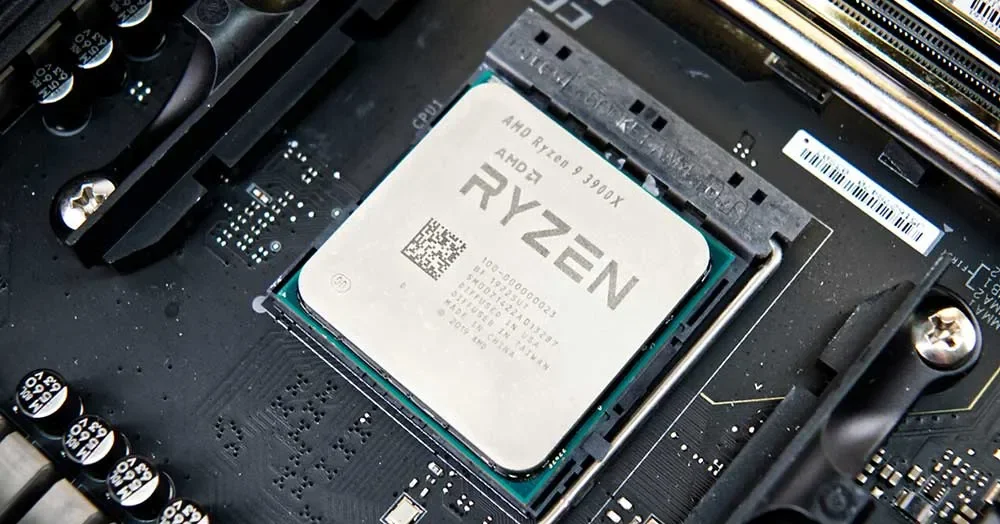
While Intel has been using LGA sockets ever since, AMD, on the other hand, has been known for using PGA sockets with most of its mainstream and gaming processors until recently. Many PC experts and hobbyists find installing a processor on a PGA socket much more intuitive than on an LGA socket because the pins are more visible, making it easier to align them with the holes on the socket and reducing the risk of connection failure. This design aims to create a strong electrical link between the CPU and motherboard, playing a crucial role in high-performance computing where reliable power and signal quality are vital for smooth and efficient operation.
Plus, AMD has been known for its wide range of budget-friendly CPU offerings, so the PGA design makes perfect sense because it allows mass production of processors at a very reasonable cost.
Like LGA, PGA has its own drawbacks. Because the pins are on the CPU, they’re more susceptible to damage, since you handle the CPU more than the motherboard. To prevent the pins from bending, you’ll need to be very careful when removing it from the packaging and when securing it to the socket.
Times have changed
For years, Intel has consistently used the socket LGA design, starting with LGA 775 in 2004, and has largely stuck to this approach across different platforms. Meanwhile, AMD's transition to new socket designs began later, with their Ryzen 7000 series launching in 2022.
Although AMD had already used an LGA design with their Threadripper 1950X and 1920X in 2017, which were intended for the higher-end market, such as software developers, creative professionals, and prosumers, rather than the consumer-level market. Not until 2022, when they released the Ryzen 7000 series, transitioning from socket AM4 to AM5 and using LGA 1718, a platform designed to meet general PC consumer demand.
Final thoughts
So, is one socket better than the other? While both socket types have their own pros and cons, LGA sockets are often found in modern Intel processors, and AMD has fully embraced LGA with its latest processors, such as the Ryzen 9000 series. You might say that LGA is the more popular choice of the two. Plus, with AMD moving to LGA, it could be a strong hint that PGA sockets might become less common in the years ahead, limiting your options in the PC market.
JOIN OUR OFFICIAL CORSAIR COMMUNITIES
Join our official CORSAIR Communities! Whether you're new or old to PC Building, have questions about our products, or want to chat about the latest PC, tech, and gaming trends, our community is the place for you.