The CORSAIR 3500X Series Mid-Tower case is a standout of our line-up where aesthetics are concerned. The three 3500X variants, including the 3500X ARGB, 3500X, and the iCUE LINK 3500X RGB, offer an uninterrupted view of all your fancy components.

When we released this case many fans wished that we had had included fans with reverse fans right out of the box. So, we listened are happy to announce two new variations of the 3500X - the 3500X RS-R ARGB and the 3500X LX-R RGB.
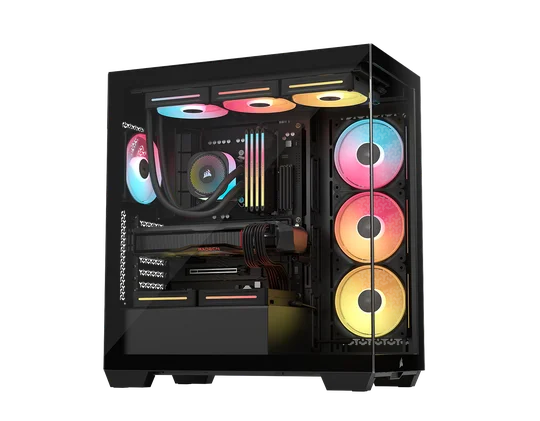
3500X LX-R Black
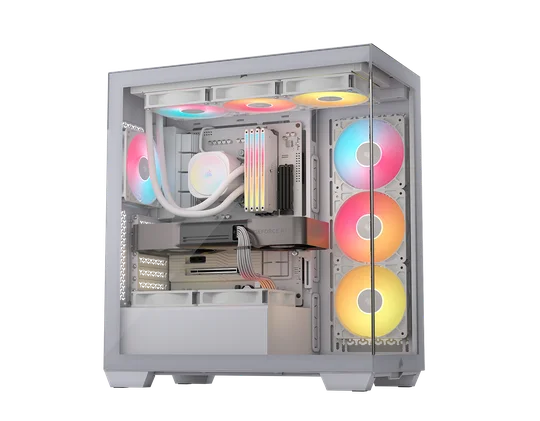
3500X RS-R White
Why Include Reverse Fans?
Paying close attention to the first three 3500X variants, especially the two RGB models, reveals that the side fans are set up as exhausts, which is the right way to effectively vent warm air from the case. However, from an aesthetic perspective, it might not be desirable to see the fans’ stator vanes facing inward, which can distract from the visual appeal of displaying the case's components in a panoramic view.

The solution is to replace the standard 120mm fans with those that have a reverse rotor, allowing you to mount the fans in the same way, with the stator vanes facing outward from the case. This maintains the same exhaust orientation for effective cooling while enhancing the build’s overall aesthetic.
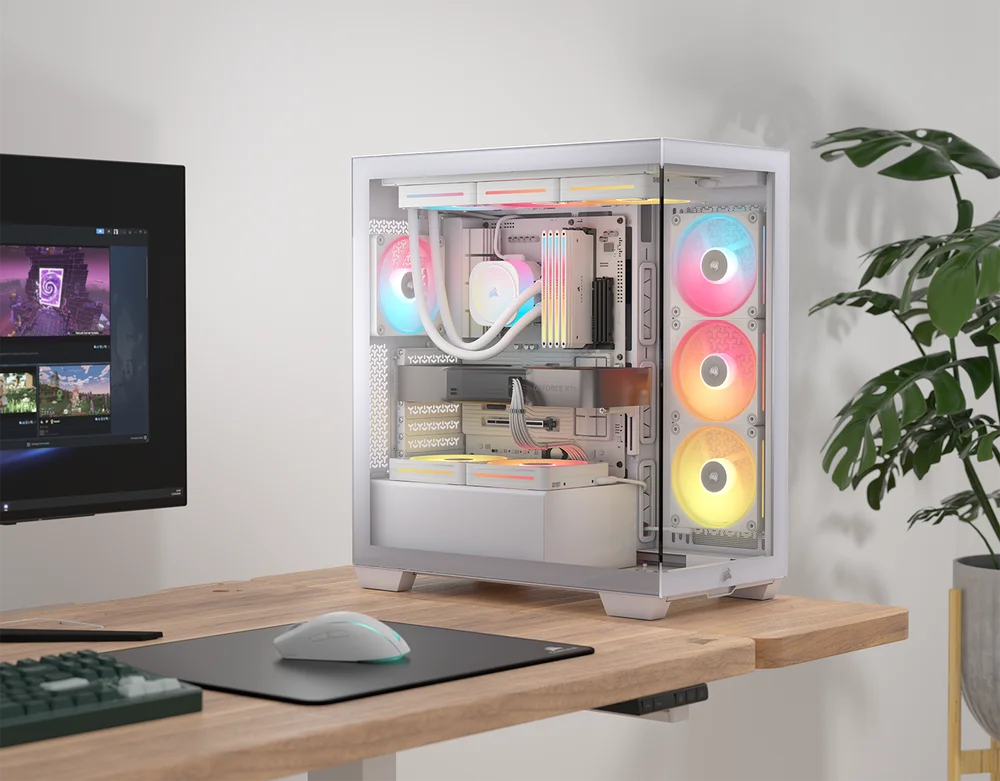
That is what the two new 3500X variants will bring to the table: a more appealing look for your PC build. The core design language of the 3500X case remains the same, including all its builder-friendly features, such as reverse connection motherboard support, a spacious internal layout to fit the most power-hungry GPUs and CPU coolers, and its high cooling capacity, which allows mounting up to 10x 120mm fans. This ensures you don’t have to sacrifice cooling for the stunning look of a glass panel.
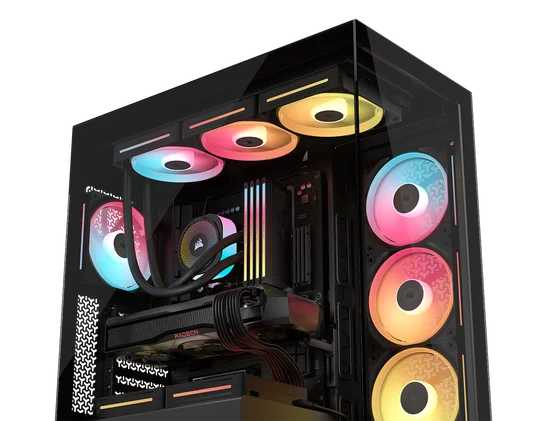
3500X RS-R ARGB
Reverse rotor fans feature inverted fan blades, meaning the airflow is in reverse. When the blades face inward in the PC build, you still get the mesmerizing appearance of the RGB lighting effect, which is best displayed from the front of the fans when configured as an intake inside a PC. The RS-R ARGB 120mm fans included with the 3500X RS-R ARGB case do exactly that.
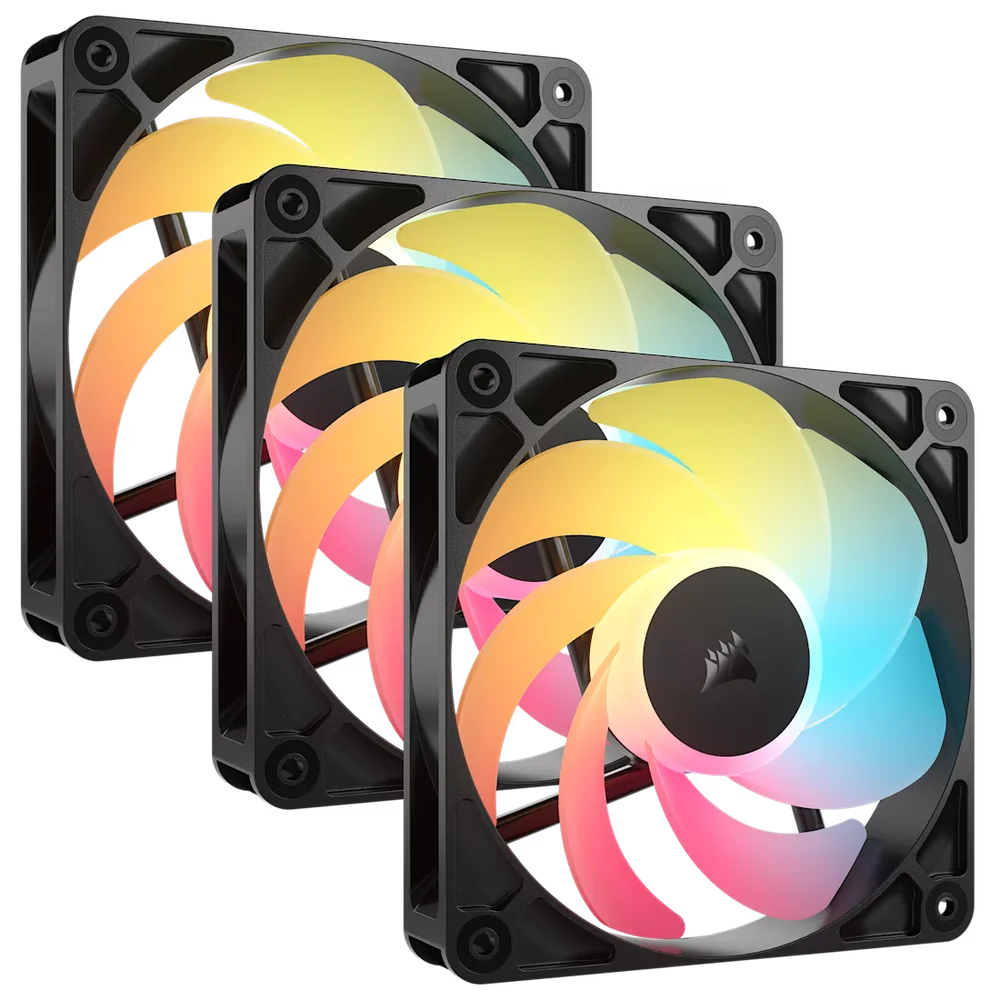
Besides its reverse rotor design, the RS-R ARGB fans are also very easy to control because they don’t rely on a single software to manage their RGB lighting and performance. You can simply daisy chain them in sequence, then connect them to a single 4-pin PWM connector and one +5V ARGB connector on your motherboard to customize their RGB lighting and RPM.
The RS-R ARGB fans are fully compatible with most motherboard ARGB software suites, including ASUS AURA Sync, MSI Mystic Light, ASRock Polychrome RGB, and Gigabyte RGB Fusion.
3500X LX-R RGB
The 3500X LX-R RGB case comes with iCUE LINK LX-R RGB 120mm fans. And like the RS-R ARGB fans, they do too, come with a reverse rotor design. The main difference is that LX-R RGB fans are iCUE LINK compatible, CORSAIR’s proprietary ecosystem, designed to simplify the connection of different PC components into a single cable system.
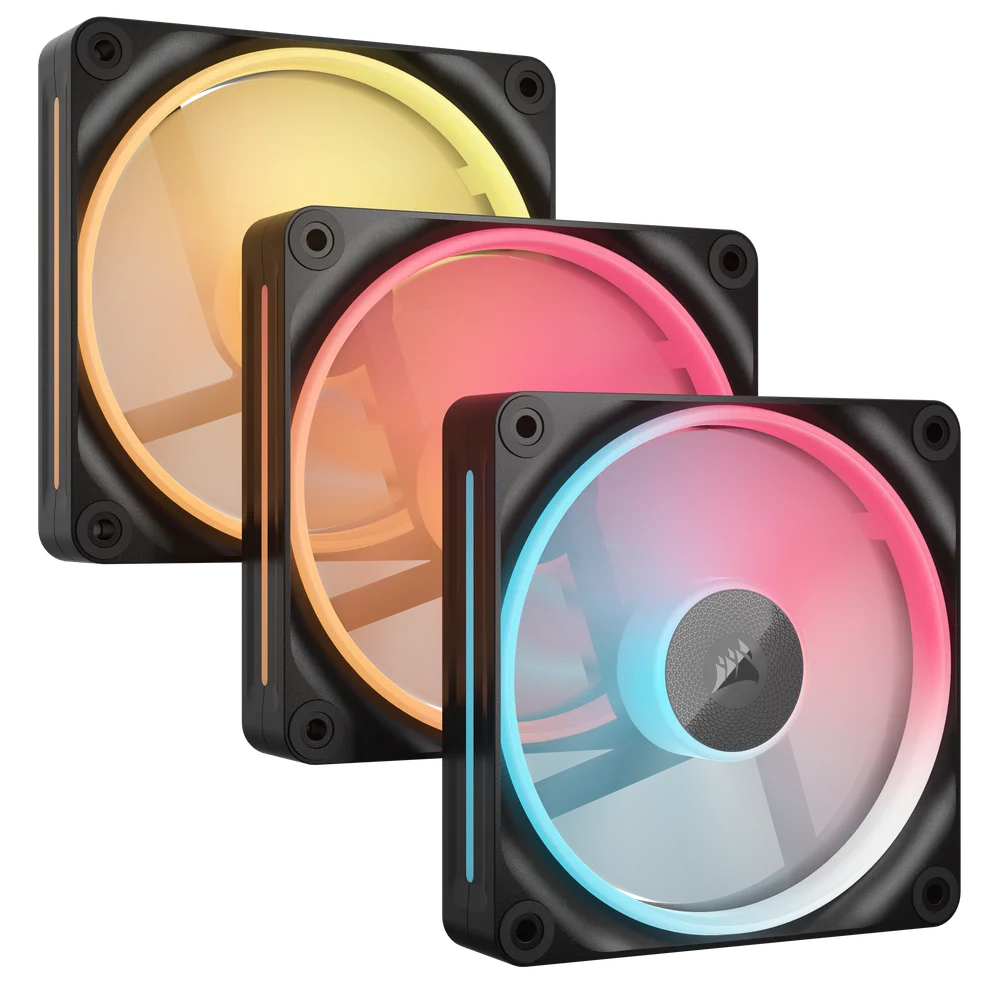
Because the LX-R RGB fans are iCUE Link compatible, the 3500X LX-RGB case variant also includes the iCUE LINK System Hub, making it much easier to set up your PC build since it reduces all the cable clutter you would normally have to manage with standard RGB fans and AIO coolers.
Double-shot Cable Grommets
There is one more update that these two 3500X case variants received. They are now fitted with double-shot grommets along the motherboard tray. These grommets have soft rubber inners that allow you to route cables more easily, with firm rubber outers that hold them securely in each cutout, keeping the grommets in place.
PRODUCTS IN ARTICLE
JOIN OUR OFFICIAL CORSAIR COMMUNITIES
Join our official CORSAIR Communities! Whether you're new or old to PC Building, have questions about our products, or want to chat about the latest PC, tech, and gaming trends, our community is the place for you.