Before we get into what these motherboards do and talk about their differences, we outlined some of the most important specifications of the boards for the more tech savvy people.
| TRX50 | WRX90 | |
| Gen 5 PCIe Lanes | 3 slots, 48 lanes (80 w/ 9000 series) | 7 slots, 128 lanes |
| Other PCIe Lanes | 32 Gen 4 lanes | 8 Gen 3 lanes |
| Gen 4 PCIe Lanes (chipset) | 8 | 8 |
| RAM Channels | 4 | 8 |
| Max Supported RAM | 1 TB | 2 TB |
TRX50
These motherboards are sTR5 platforms with chipsets specific to AMD’s Threadripper series. The TRX50 boards specialize in being able to modulate the power flow with optimized VRM, even when overclocking, meaning that power is less of a problem. It is also an interesting board as it makes it much easier to create a build utilizing multiple power supplies with its dual PSU support.
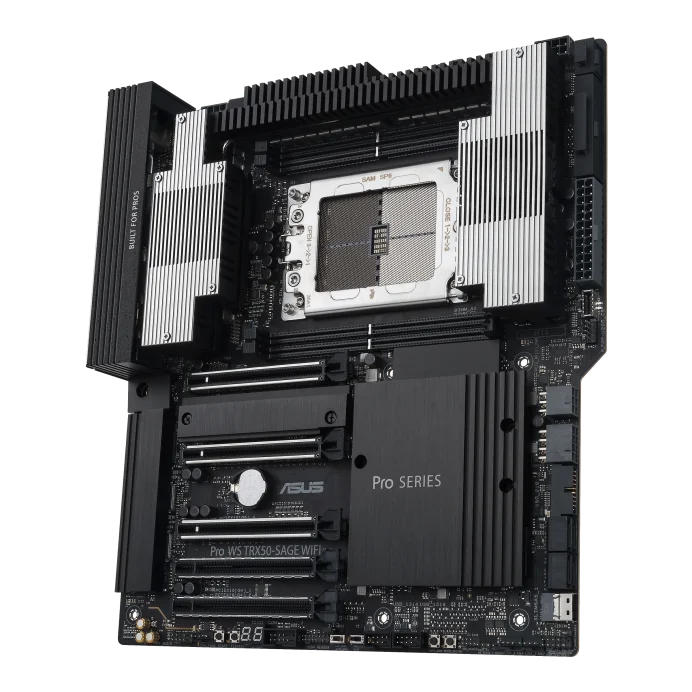
ASUS PRO WS TRX50-SAGE WIFI
There are also four DRAM slots in the motherboards so you should make sure to get high GB DDR5 RAM for as much memory as possible.
The TRX50 boards are made for high-performance computing mostly for high-end desktops. They can allow multiple GPUs to work at speed with high bandwidth and are ideal for the up-and-coming AI/ML field along with multitasking.
WRX90
In basic terms, the WRX90 does what the TRX50 does, but better. With more PCIe lanes, RAM slots, and more, the WRX90 is much more powerful for scientific computations, multitasking, and medical modeling.
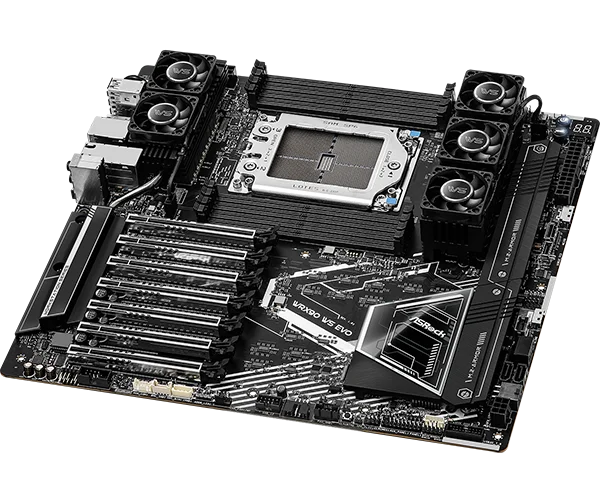
ASRock WRX90 WS EVO
The WRX90s have 8 slots of DDR5 RDIMM and 7 PCIe 5th Gen slots for even more GPUs than the TRX50 boards should you want copious amounts of them for a super workstation (They won’t all run at the same speed, however).
The WRX90 has even better bandwidth and more potential to be an insanely powerful workstation, with tons of memory and PCIe lanes for anything you can put your PC to.
Price
These motherboards are quite pricy and are more for PC enthusiasts or people wanting workstation PCs rather than the everyday Joe.
TRX50 boards are in the realm of hundreds of dollars, which is daunting for many when they realize that the recommended amount to spend on your motherboard is about 10% of the total cost for your PC. If a Gigabyte TRX50 Aero D goes for $620.49 on Newegg, then imagine how expensive your whole PC will be if you follow the 10% trend.
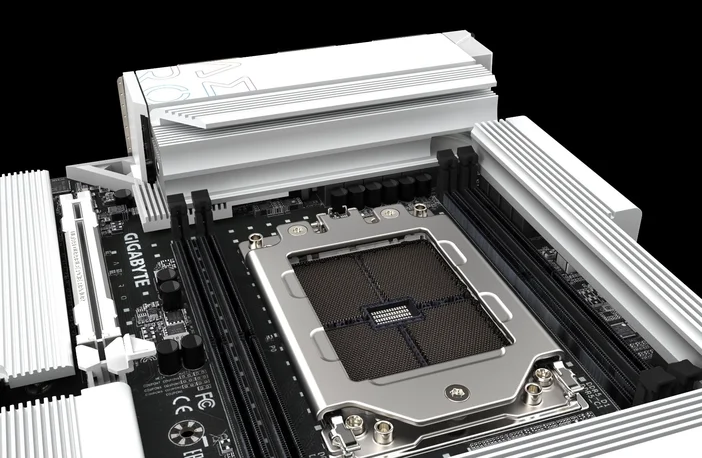
Gigabyte TRX50 Aero D
The WRX90 is even more expensive than the TRX50, with a price in the thousands, and keep in mind that this is just for a MOTHERBOARD to hold your even more expensive CPU with a potential price of $11,699 for a Ryzen Threadripper PRO 9995WX.
Since the affordability to performance ratio of motherboards are different for each person, it is important to look at their differences and see which is right for you.
Notable Differences
First, it is important to know that the WRX90 motherboards DO NOT support any non-pro CPUs, even those in the 9000 series like the 9980X.
The TRX50 motherboard, however, can use pro CPUs, though you will be limited to quad-channel memory and fewer PCIe lanes. You will also not have access to special PRO features like AMD’s Shadow Stack. This is still good for users who don’t need as many PCIe lanes and memory bandwidth but still desire impressive power from a CPU like the 96-core Threadripper PRO 9995WX.
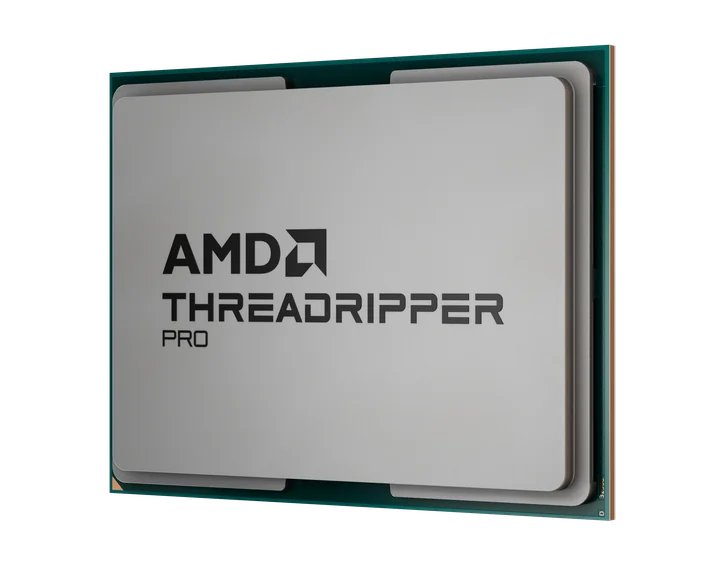
The TRX50 overall has half the memory channels, total memory capacity, and bandwidth of the WRX90. Also, as it has fewer PCIe lanes, so the amount of GPU's you can connect will be smaller compared to its more advanced sibling. Bandwidth would only be an issue in memory-intensive processes like 3D rendering or medical modeling, so it is important to think about what you really need done.
This set of motherboards are meant for serious scientific computation and for high-end workstation use, not something to use with your everyday gaming parts. With these boards, you don't have to worry about lag when multitasking at all, it is smooth sailing all the way and whether you want one, four, or any army of seven GPUs is up to you.
JOIN OUR OFFICIAL CORSAIR COMMUNITIES
Join our official CORSAIR Communities! Whether you're new or old to PC Building, have questions about our products, or want to chat about the latest PC, tech, and gaming trends, our community is the place for you.