If you’ve ever browsed your system’s C:\ drive, you've likely noticed the odd presence of two similarly named folders: Program Files (x86) and Program Files. You might figure both of these folders contain files related to installed programs, but why are there two of them? The TL;DR is that Windows 11 is a 64-bit operating system, so the Program Files (x86) folder stores files for older 32-bit programs to maintain backward compatibility. On a side note, x86 refers to Intel’s 8086 processor from 1978, which was a 16-bit processor.
The Transition From 32-bit to 64-bit
In the world of operating systems, there has been a transition in the modern era from 32-bit operating systems to 64-bit versions. The primary driver for this switch was to support more memory, as 32-bit Windows was limited to just 4GB of memory. As demand for memory increased, Windows has transitioned over the past two decades to a 64-bit operating system, which has an almost infinite limit for memory at 16 exabytes. In layman’s terms, that is 16 million terabytes, so it should be sufficient until Half Life 3 comes out.
It’s All About Backwards Compatibility
One of the reasons for Microsoft Windows’ dominance throughout the world is Microsoft has always maintained backward compatibility with older hardware and software. If you were to find a soundcard from 10 years ago in a drawer, there’s a good chance you could plug it into your PC and have it function without major issues. If you tried that on a Mac, you'd find it an impossible task, as Apple tends to deprecate older software and hardware and move on. For example, if you were to find an old Firewire card, you likely couldn't use it on your 2025 Mac because the software wouldn't be supported (more on that below), and good luck finding drivers.
This ethos to keep things compatible is true for older software, as it can run on 64-bit Windows thanks to the Program Files (x86) folder. When you install 32-bit software on 64-bit Windows, the files are stored in this folder to keep them separate from 64-bit applications. The programs are then run with an emulator built into 64-bit Windows called WoW64, and it’s seamless, so you won’t even know anything different is happening.
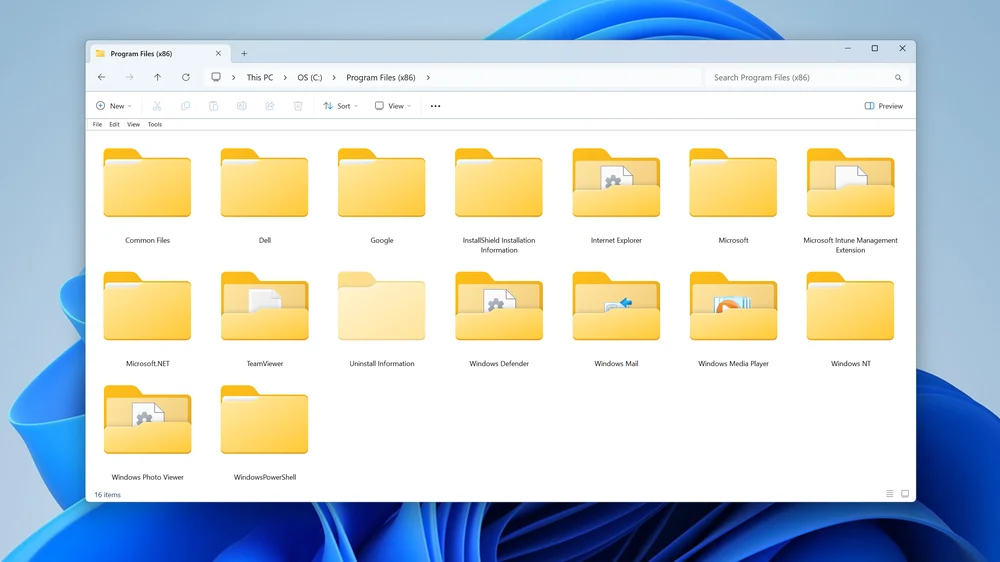
The Program Files (x86) folder is the default location for 32-bit software on Windows.
The End of 32-bit Software
Microsoft will likely continue to support 32-bit software for a long time due to its insistence on backward compatibility, but the writing is on the wall for the demise of this type of software. This process began way back in 2006 when Microsoft released Windows Vista 64-bit, which was the first OS from Microsoft to end support for 16-bit software and also began the process of deprecating 32-bit software. Microsoft took 14 years to make its next move, halting distribution of 32-bit versions of Windows 10 for OEMs in 2020. Windows 10 still shipped with both 32-bit and 64-bit versions, but when Windows 11 was released in 2021, it became the company’s first fully 64-bit operating system.
On a related note, in 2017 Apple announced upcoming versions of its macOS would no longer support 32-bit software. Unlike Microsoft, Apple drew a line in the sand and told developers and users they have to transition to 64-bit, period. Apple is taking a much more rigid stance here, but then again Apple can do that since it holds just a sliver of global market share compared to Windows, which is roughly 75% to 8% according to some estimates.
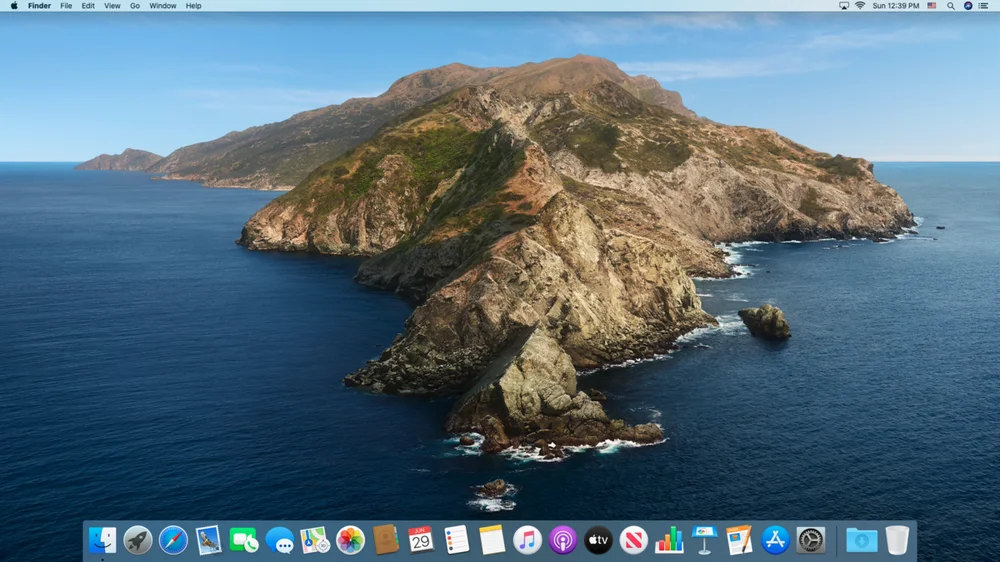
Apple stopped supporting 32-bit software with the release of macOS Catalina 10.15.
32-Bit Software is Getting Hard to Find
The emulation experience will likely go away eventually as the entire market transitions to 64-bit. Even though this kind of software will be rare, we imagine Windows will still offer backwards compatibility for many years, as that is a major feature of every feature of Windows. It goes without saying that all new software, including games, has been 64-bit for a long time now.
JOIN OUR OFFICIAL CORSAIR COMMUNITIES
Join our official CORSAIR Communities! Whether you're new or old to PC Building, have questions about our products, or want to chat about the latest PC, tech, and gaming trends, our community is the place for you.