GLOSSARY
What Does USB Mean?
USB is short for Universal Serial Bus and describes a standard for connecting and transferring data and power between devices. The standard is maintained by the USB Implementers Forum (USB-IF), which oversees the architecture, physical interfaces, and communication protocols.
Introduced in 1996, USB was originally created to simplify the connection of peripherals to computers. Since then, it has evolved into the universal port of choice for everything from TVs to Smartphones.
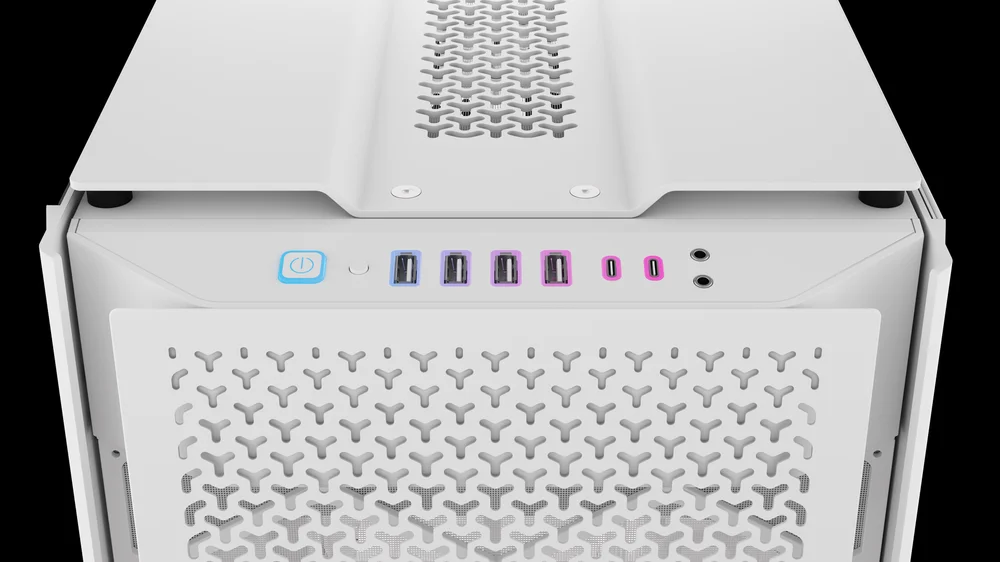
What is USB used for?
At its core, USB remains a great solution for connecting peripherals to your computer. Whether you’re talking about a keyboard, mouse, headset, or a game controller, it’s still the best way of physically attaching something. While wireless technologies like Bluetooth and Wi-Fi offer alternatives, USB still excels when you want a hassle-free, always-powered connection.
Charging is another major use case. USB has become the go-to standard for charging everything from mobile phones to wireless peripherals. Thanks to USB Power Delivery (USB-PD) now supports fast, efficient charging across a wide range of devices. The adoption of USB Type-C has further streamlined this experience, offering a single, reversible connector for both data and power.
The other fundamental use for USB is for transferring data. USB flash drives, external SSDs, and portable hard drives all connect using USB, and with newer generations of USB the data transfer rates mean you aren’t left waiting for your data to be copied across. The original USB may have been very limited in its throughput, topping out at just 12 Mbps at full speed, the most recent iteration has seen this leap to 80 Gbps, making it an ideal interface for high-performance storage.
What USB Versions are there?
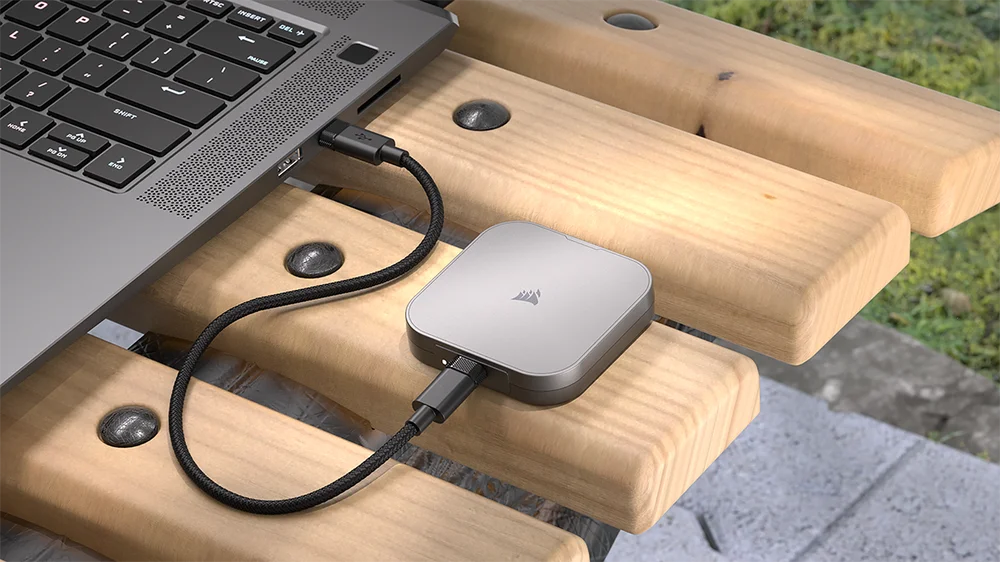
Each major revision of USB has seen the underlying throughput jump considerably, to the point that the latest versions are now capable of near-SSD throughput. The likes of the CORSAIR EX400U feels as fast as an internal SSD rather than an external drive.
| Generation | Year | Speed | Label |
| USB 1.0 / 1.1 | 1996 | 1.5–12 Mbps | Full-Speed |
| USB 2.0 | 2000 | 480 Mbps | High-Speed |
| USB 3.0 | 2008 | 5 Gbps | USB 3.2 Gen 1x1 |
| USB 3.1 | 2013 | 10 Gbps | USB 3.2 Gen 2x1 |
| USB 3.2 | 2017 | 20 Gbps | USB 3.2 Gen 2x2 |
| USB4 | 2019 | 40 Gbps | USB4 Gen 3x2 |
| USB4 2.0 | 2022 | 80 Gbps | USB4 Gen 4x2 |
The naming conventions for USB haven’t always been straightforward, with the likes of USB 3.2 Gen 2x2 being downright confusing. There was hope that USB4 would simplify things, but the recent release of USB4 2.0 shows that there is still need for naming clarity.
What is USB Power Delivery?
When first introduced, USB’s power capabilities were limited. The original specifications for USB 1.0 and 2.0 allowed for just 2.5 watts of power (5 volts at 500 milliamps), which was enough to support low-power peripherals like keyboards, mice, and small external devices. As the number and complexity of USB-powered devices grew though, a more robust power delivery system was needed. This led to the development of USB Battery Charging specifications, which eventually gave way to a more comprehensive solution.
USB Power Delivery, or USB-PD, was created to meet this demand. It allows devices to negotiate power requirements dynamically and supports higher power levels than earlier USB standards. The latest version of USB-PD can deliver up to 240 watts (48 volts at 5 amps), making it suitable for charging laptops, monitors, and of course smartphones. It also supports bidirectional power, meaning a device can either supply or receive power depending on the situation. This flexibility has helped reduce the number of proprietary chargers and cables, making USB Type-C with Power Delivery a universal solution for both data and power.