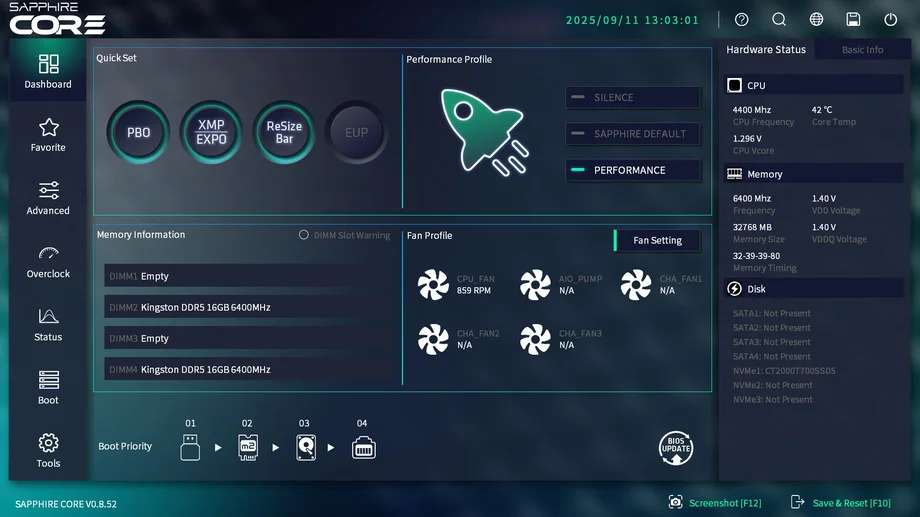
BIOS, short for Basic Input/Output System, is the firmware that kicks your PC into gear the moment you press the power button. Think of it as the system’s starting line - checking your components, getting them talking to each other, then handing things off to Windows so you can jump into your games or work. While you may not spend much time thinking about BIOS, it’s one of the most important tools for PC users, especially enthusiasts and gamers.
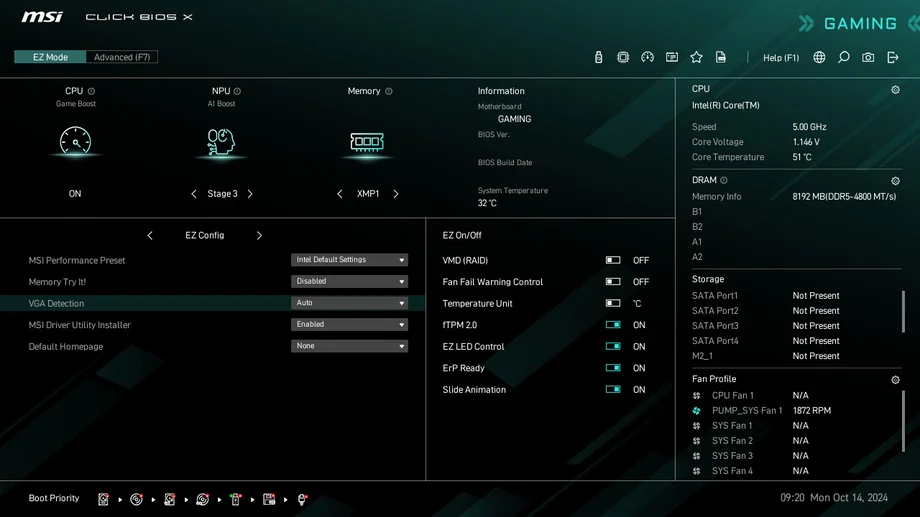
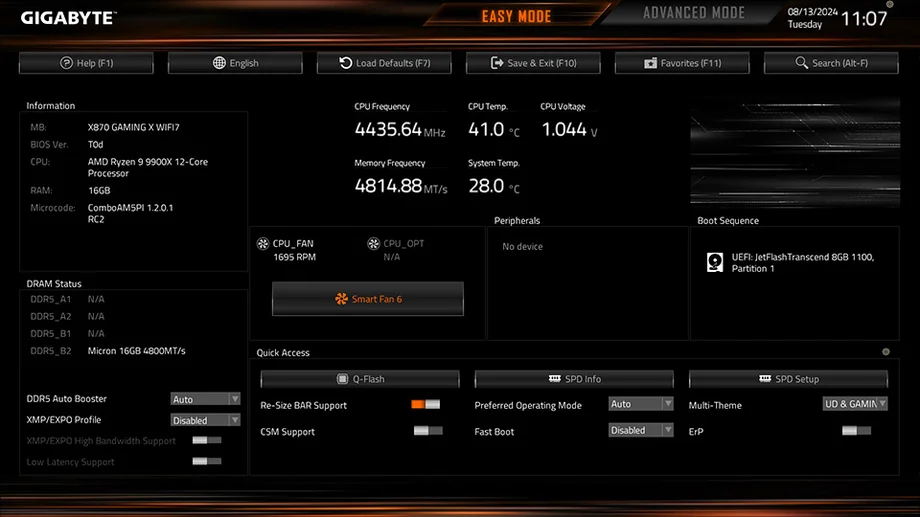
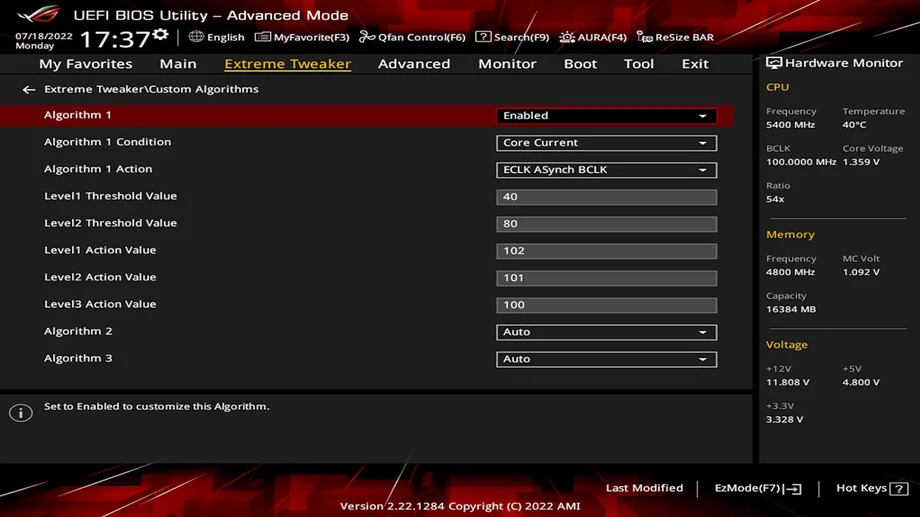
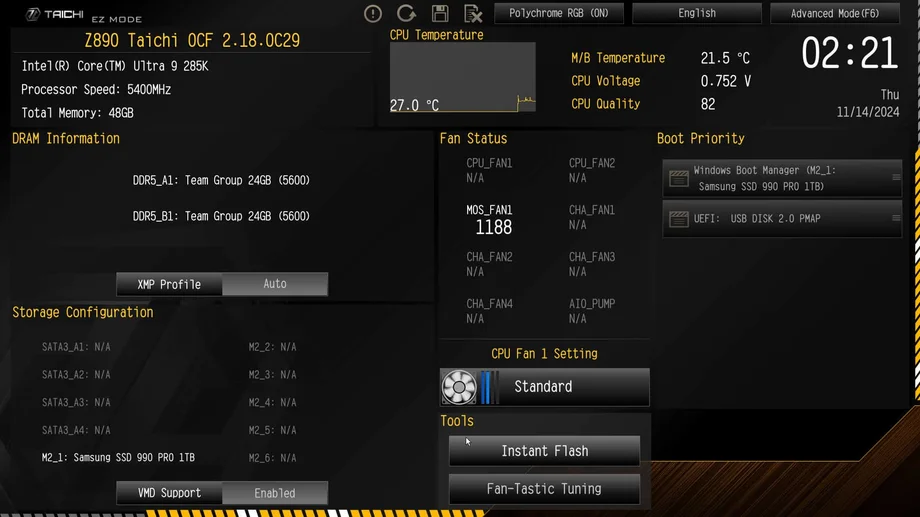
The BIOS will also appear differently amongst different motherboard vendors - some examples below.
When you press the power button on a PC, the BIOS is the first software that runs. Here’s what it does:
- Hardware Checkup (POST) – makes sure your PC's bare essentials are functional, such as the CPU, memory, and motherboard itself are all functional
- Initialization – BIOS gets your hardware running at the correct speeds and voltages
- Boot Selection – decides which drive or device to start the operating system from
Once that’s done, your PC will boot into the installed OS (ex. Windows, Linux).
Why BIOS Matters for PC Gamers & Enthusiasts
Here’s where BIOS becomes more than “just startup software”:
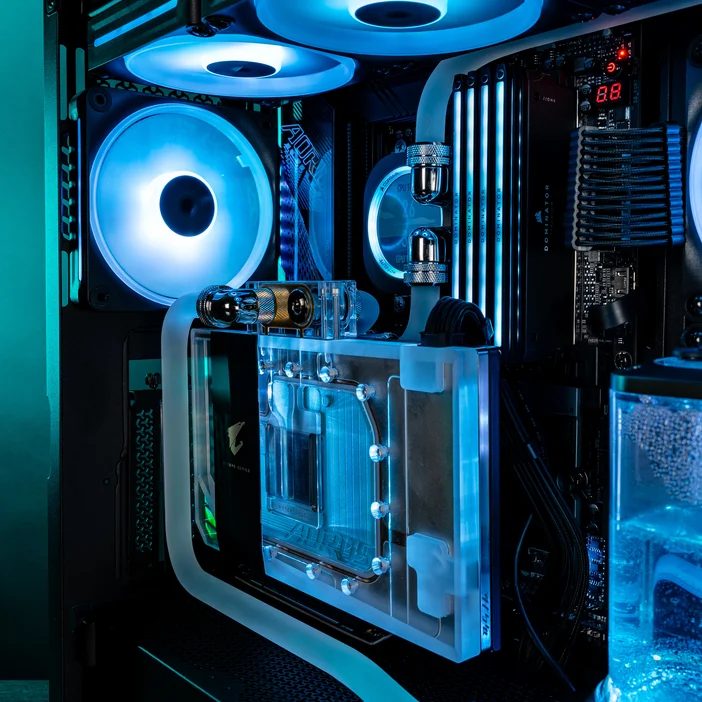
- Overclocking & Performance Tuning - BIOS is the gateway to squeezing extra performance out of your hardware. You can manually or automatically overclock your RAM and CPU. There is access to all the fine-tuning such as CPU multipliers, memory timings, and voltages - all critical for overclockers who want to push the boundaries of their hardware for higher level
- Enabling XMP / EXPO Profiles - if you have a high-speed memory kit installed (4800+ MT/s if DDR5) , you’ll need to enable its performance profile in BIOS. Without it, your memory may run below its rated speed. While theoretically fine, you'll be missing out on the performance that you paid for.
- Compatibility & Upgrades - swapping in a new CPU or GPU? Sometimes a quick BIOS update is required to make sure your system recognizes and runs it properly. An example would be upgrading from a 12700K to a 14700K - there's a two-year gap between the two, so a BIOS update would be necessary.
- Game Requirements - certain modern games rely on BIOS settings. For example, enabling UEFI Secure Boot and TPM 2.0 is necessary to play titles with stricter anti-cheat systems, like Battlefield 6 and Valorant. Without Secure Boot enabled, you won’t even be able to launch the game.
Should You Tweak Your BIOS?
If you’re just starting out, you might never need to touch BIOS beyond setting the correct boot drive. But for enthusiasts and gamers, it’s worth exploring:
- Turn on XMP/EXPO for faster RAM speeds
- Overclock your CPU for better performance (carefully)
- Adjust fan curves for quieter or cooler operation
- Enable Secure Boot for games that require it
BIOS gives you control at a level no software in Windows can match. Just do your research and be considerable with your settings, as wrongfully tampering can cause issues such as crashing or prevent your system from booting.
BIOS may run behind the scenes, but it has a big impact on how your PC performs. From enabling RAM profiles to unlocking CPU overclocks to meeting requirements for modern anti-cheat systems, it’s the foundation of every gaming rig.
For PC gamers and enthusiasts, learning your way around BIOS isn’t just useful—it’s part of getting the most out of your hardware.