GLOSSARY
What is a NAS?
Network Attached Storage (NAS) is a dedicated file storage system that lets multiple users and devices access data over a local network. While not essential, a NAS can make everyday tasks far easier, particularly when it comes to backups and file sharing. With a NAS on your network, you can schedule automatic backups, centralize your files so they’re accessible from any device, and stream media using apps like Plex. It can also act as a local web server for photos, ideas, and other content.
NAS devices are versatile and can handle many tasks depending on your needs.
Physically, a NAS is a compact system that typically includes two or more hard drives, a small amount of RAM, and a low-power processor. These machines are designed to run continuously, so efficiency matters more than raw performance. Heavy processing is rarely required except for certain scenarios, like video transcoding.
Ways to Get a NAS
You have three main options:
1. Repurpose an Old PC
Turning an old system into a NAS is cost-effective. If it boots, you’re halfway there—just add a couple of hard drives. It won’t be the most compact or energy-efficient, but it’s a great way to test if NAS fits your workflow.
2. Build a DIY NAS
Similar to repurposing, but with hardware chosen specifically for NAS duties. Focus on:
- Low-power components
- Features you need (extra RAM, faster CPU, SSD for speed)
- Even Raspberry Pi kits can get you started for very little.
3. Buy an off-the-Shelf NAS
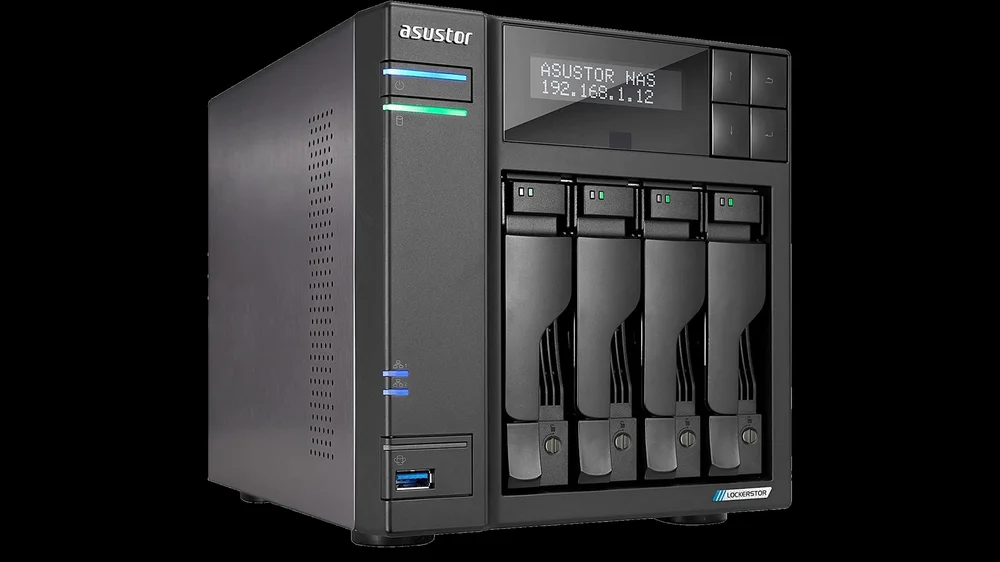
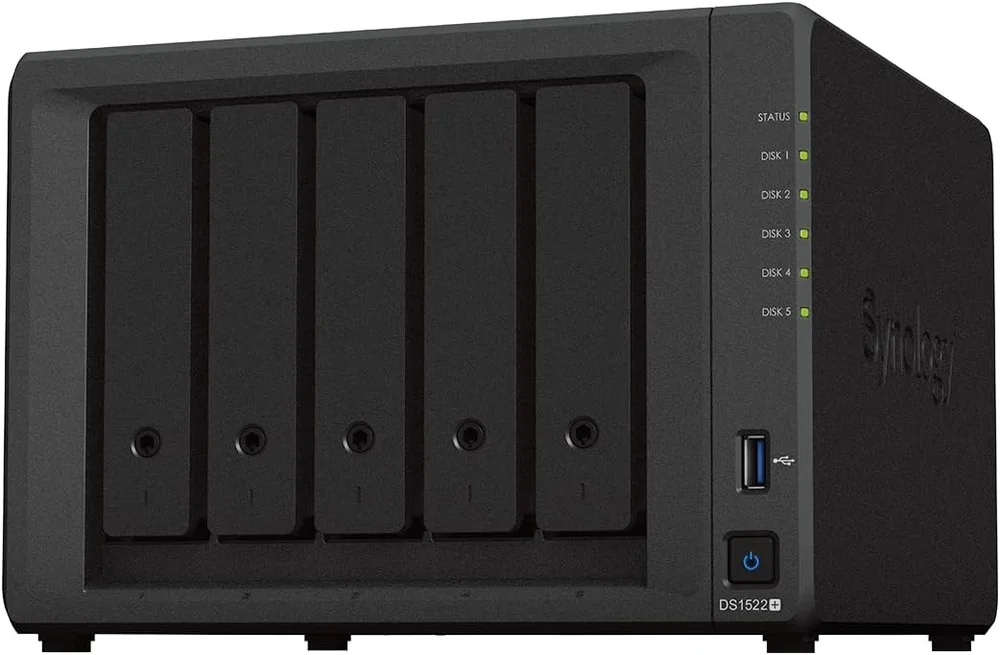
This is the easiest route. Brands like Synology, QNAP, Asustor, and TerraMaster dominate this space. Support is key, so research which models are widely used and well-reviewed. Synology is a safe bet, though often pricier.
NAS OSes and Storage
NAS Operating Systems - If you’re reusing or building, you’ll need NAS-specific software such as TrueNAS (free) or Unraid (from $49, with a free trial). These Linux-based systems offer web interfaces for easy management, though advanced features may require some tinkering. If you want a quick, hassle-free setup, stick with a pre-built NAS.
NAS Storage - Check whether the NAS comes with drives installed or if you need to add your own. Most NAS setups use RAID for redundancy, which means two 4TB drives in RAID 1 will give you 4TB of usable storage because data is mirrored. Systems that support more drives can use RAID 5 or 6 for better capacity and fault tolerance.
While NAS devices usually prioritize capacity over speed, SSDs can improve performance. Many modern NAS units support SSD caching, combining the benefits of hard drives and SSDs. We offer a wide range of SSDs that work well for this purpose.

In Summary
A NAS can simplify backups, media streaming, and file sharing. Whether you repurpose old hardware, build your own, or buy a ready-made solution, there’s an option for every budget and skill level.