GLOSSARY
What is an External GPU?
Silky, smooth gameplay isn’t just about the controller or game story; the visuals are a big part of what makes it fun and immersive. Realistic lighting and shading in racing games, fast-paced battle royales, story-driven games, and other types of games make the overall experience much better. To generate these visuals, computers need a GPU, or graphics processing unit.

There are two main types of GPUs: integrated graphics and dedicated GPUs, each with its own pros and cons. Integrated Graphics Processors are built into the CPU and share its memory with it, making them a practical choice if you don’t run graphics-intensive applications like triple-A games or video editing programs. To be more specific, IGPs (integrated graphics) are limited to web browsing and video playback, and maybe some light gaming. The moment you start running games that require significant graphics processing, they often struggle, leading to a subpar gaming experience. That’s when a dedicated GPU becomes very important.
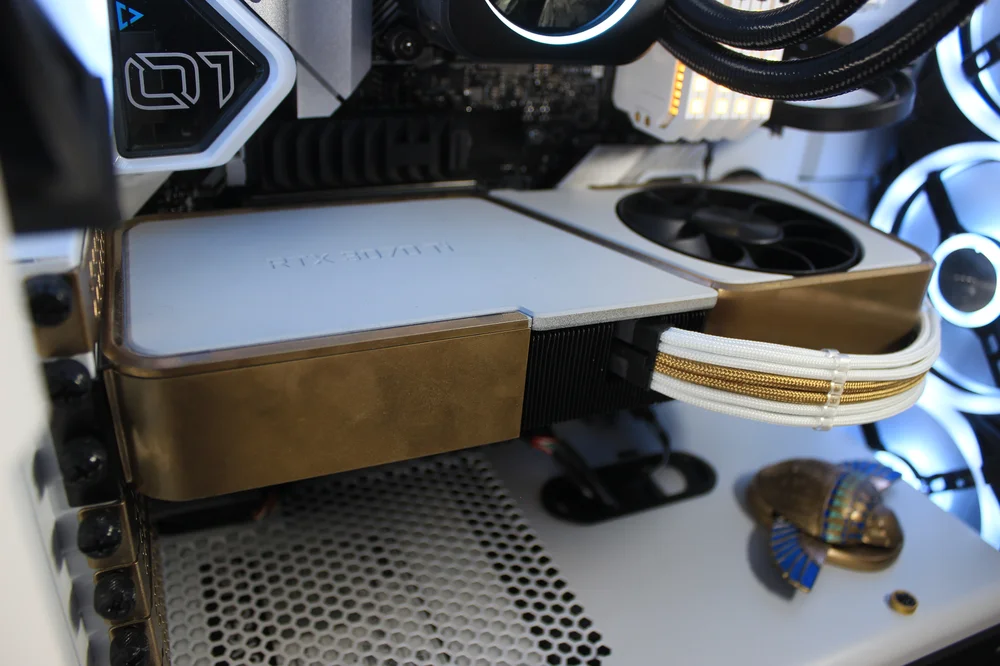
Dedicated GPUs are separate components designed solely for graphics in any build. They have their own hardware to operate independently, relying only on power and connection. However, they are typically found in complete gaming PC desktops or bulky gaming laptops. This might not be ideal if you need a lightweight laptop or one for everyday use rather than a gaming setup.
And then there’s a third GPU solution, called an External GPU or eGPU), which might be the least common of the three. That said, External GPUs do hold their own value to many use cases.
An external GPU is a video graphics solution that connects a standard graphics card housed in an enclosure to a laptop or a small-form-factor PC. This allows the user to use the power of dedicated graphics cards on their laptop, without having to buy a whole new computer. With an eGPU, your compact school laptop could suddenly run games like Call of Duty, Cyberpunk 2077, or Fortnite on high settings without overheating or lag. All this is thanks to the eGPU’s own power supply and cooling system, which prevents overheating.
It functions like a standard graphics card, depending entirely on the host PC's operating system, such as Windows or MacOS, and the drivers installed on it to operate, be recognized, and handle graphical data.
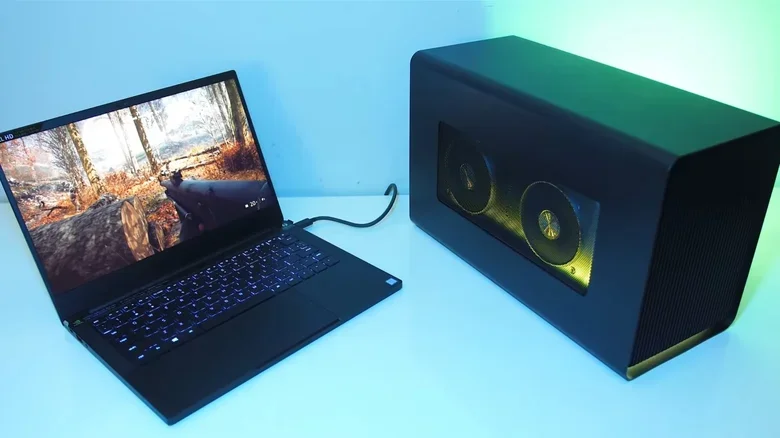
Image credit to slashgear
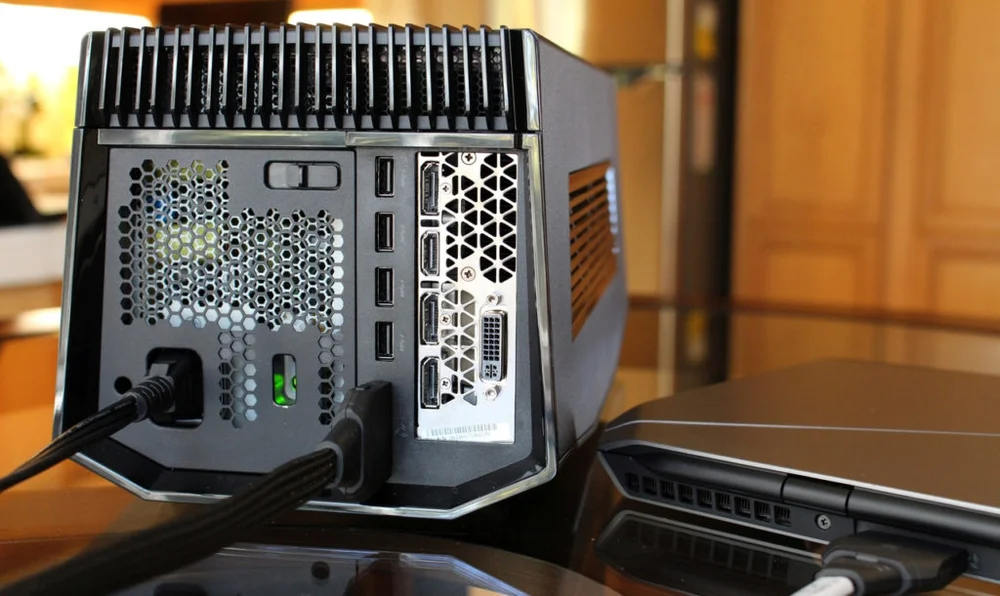
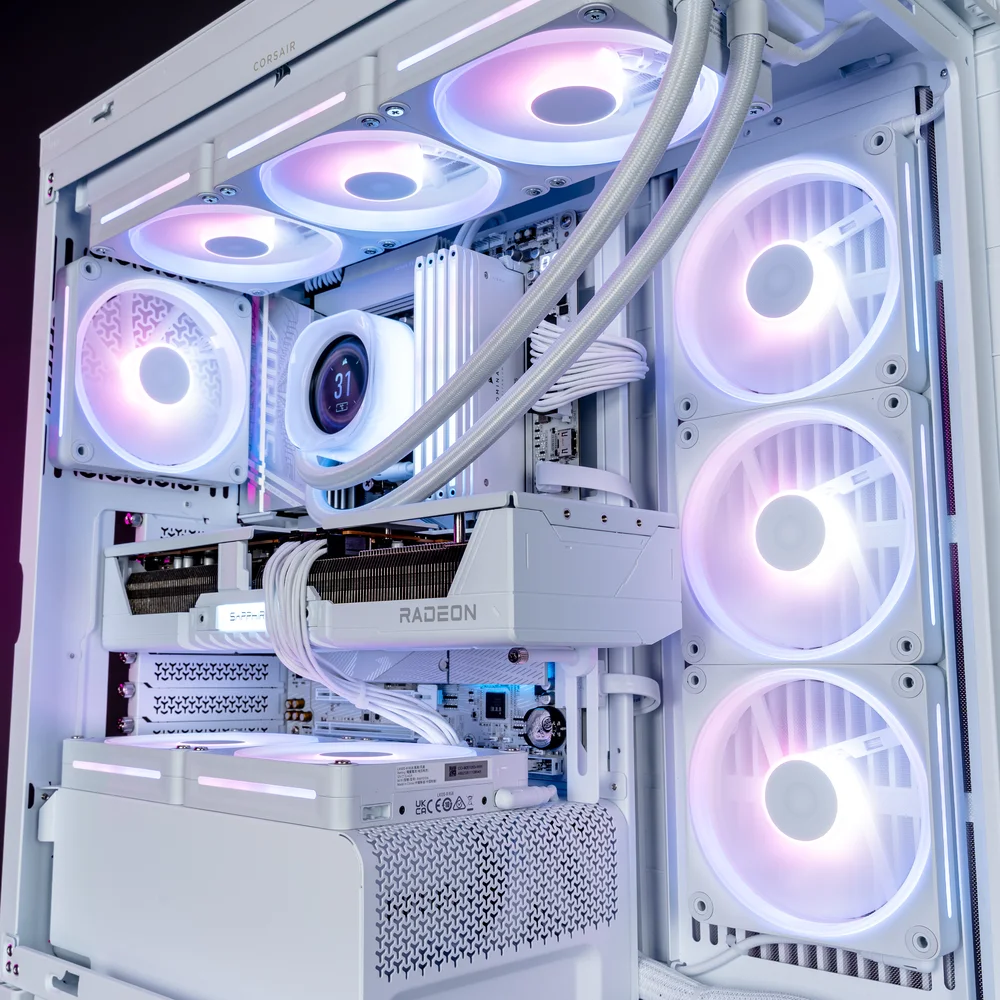
Most eGPU setups connect via Thunderbolt or USB-C. Thunderbolt 3 supports up to 40 Gbps to keep your GPU at optimal performance. It may not be comparable to a top-of-the-line GPU with a PCIe x16 interface found in a desktop PC, but it is a great solution that lets users enjoy desktop-level performance without having to put together a full-blown gaming desktop PC setup, providing flexibility and portability for professionals and gamers alike. Think of it as an extension of the PC’s graphics capability, not a separate, self-contained computing device.
Image on the left credit to diginited.com,
Different Components of an eGPU
- Graphics Card - This is the main component - the GPU itself. It can be any standard graphics card available on the market from either of the two leading companies in the industry, NVIDIA or AMD. The choice is yours.
- Enclosure - This is the housing the graphics card requires for power and cooling to prevent overheating. It usually includes its own cooling system and power supply unit.
- Interface - The connection to your laptop or small PC, typically Thunderbolt 3, that enables high-speed data transfer.
Now we understand why people opt for an external GPU. With that said, it's important to recognize that, while convenient and beneficial for improving gaming or graphical performance on laptops or small PCs with an eGPU, it also has limitations that are worth noting.

Your eGPU might include a high-performance graphics card, but if your system’s CPU lacks the processing power needed for CPU-intensive applications, increasing graphics capability alone may not suffice. For example, if a game requires a certain number of processing cores, your graphics performance could hamstring your processor’s ability to keep up, leading to a CPU bottleneck and a performance drop.
Another limitation of eGPUs is their reliance on the connection interface, usually Thunderbolt 3 or 4. While these interfaces offer high bandwidth, they still can’t match the direct connection speeds of GPUs installed in the motherboard’s PCIe slot. This can cause the system to struggle to achieve optimal performance, especially in demanding tasks like gaming or 3D rendering, where every bit of performance matters, leaving them likely to leave some performance on the table compared with a desktop GPU implementation.
It’s also worth noting that not all eGPUs are compatible with every laptop or system. You need to have a Thunderbolt 3 or USB Type-C port that supports external graphics. Your system's OS also plays a role. It must have driver support for eGPUs if you plan to connect one, so it's best to check your system’s specs before pulling the trigger.
Cost is another factor that some people might find off-putting when considering an eGPU. Remember, in addition to the standard video card you need to purchase, you also need to get the eGPU enclosure to house your video card, which increases the overall cost of the setup.
Is it Worth Having an eGPU?
The answer is that it all depends on your use case. If you want a good balance of portability and power, an eGPU would be the smart choice for you. It allows gamers to enjoy their games as they were meant to be played, all while running these games on a minimalistic and portable setup without sacrificing the convenience of a laptop.
Whether you’re a student, traveler, or anyone who wants to game comfortably without a full PC and the hassle that comes with it, an eGPU offers the best of both worlds. However, if your laptop or PC is already meeting your needs, whether for work or gaming, then an eGPU would just be an unnecessary expense.