GLOSSARY
What is NVMe?
NVMe stands for Non-Volatile Memory Express, and it describes a high-speed storage protocol that’s predominantly used to access solid state drives (SSDs) in PCs. NVMe is a more efficient way of accessing these speedy devices than its predecessor, the SATA interface, ever could be.
This isn’t a fault of SATA. It was simply built to solve a problem, and it solved that very well. Things have just moved on, which tends to happen in this industry. SATA was introduced to offer a better interface for hard drives over the even older PATA interface, which was struggling to keep up with the faster speeds drives were achieving. And yes, if you’re wondering, SATA stands for Serial ATA, while PATA was Parallel. ATA itself stands for the seemingly meaningless Advanced Technology Attachment.
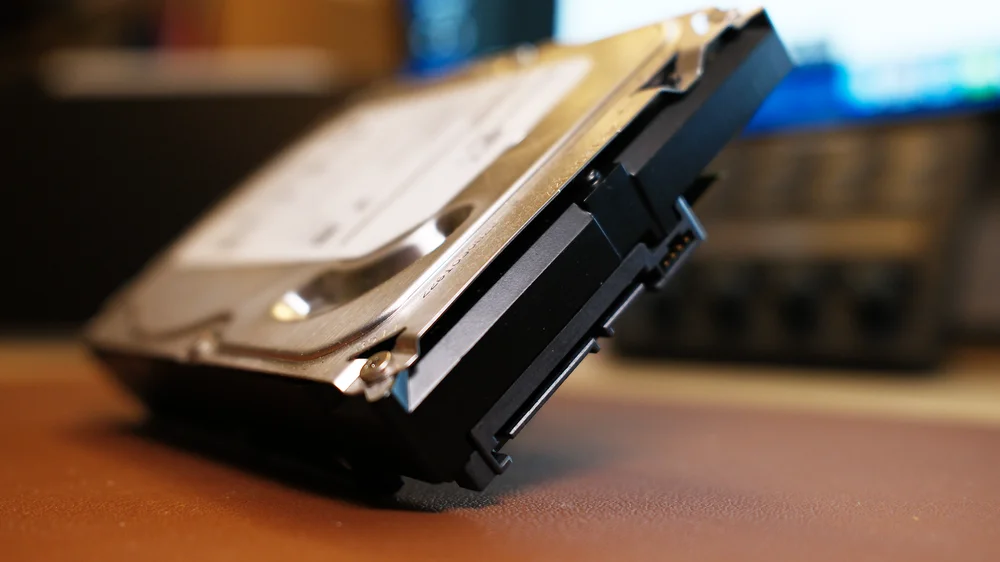
NVMe vs SATA
You can’t really talk about NVMe without mentioning SATA, so don’t be surprised when we come back to that again in a moment. SATA is important and still around today, but NVMe is where it’s at. There’s another interface you need to get your head around to understand what’s happening with NVMe, and that’s PCI Express (PCIe). NVMe uses the PCI Express interface to produce the incredibly high throughput offered by the latest SSDs.
PCI Express is significantly faster than the SATA III interface it replaces. That’s not the only trick up its sleeve though. It also supports parallel data transfers to really hit the big throughput numbers. Here it’s worth putting down some hard numbers to get across just how big a jump NVMe and PCIe represent over the older SATA standard, and this is just in terms of throughput.
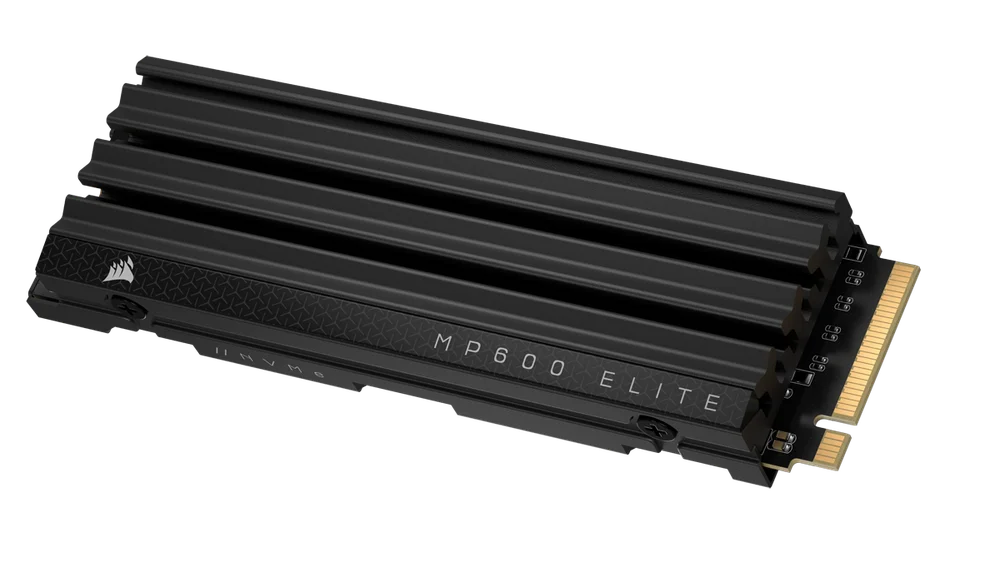
NVMe Performance
From a straight interface perspective, NVMe issues commands twice as fast as the Advanced Host Controller Interface (AHCI) drivers that SATA uses. It can handle over a million input/output operations per second (IOPs), compared to the 100K for SATA. It operates faster when it comes to the fundamentals, basically.
This translates into some big numbers when actually using the drives, with the most obvious improvements coming when looking at the maximum throughput. When PCIe 3.0 was introduced, SATA was limited to roughly 600MB/s, while PCIe 3.0 NVMe drives could hit 1,000MB/s on just one lane. Most SSDs support four lanes, so you’re looking at around 4,000MB/s.
That throughput has essentially doubled with each generation of PCIe, so we’re now looking at drives running on PCIe 5.0 that have a potential throughput of up to 16GB/s. Even allowing for protocol overheads and error correction, you’re still looking at around 14,000MB/s for the likes of the MP700 PRO SE SSD. That’s more than 23 times faster than SATA.
NVMe and M.2
The final thing worth mentioning with NVMe drives is the form factor of the drives that support it. Drives come in a variety of shapes and sizes, although for consumer SSDs these are largely limited to M.2 drives, which are 22mm wide and for most part are 80mm long. Physically smaller drives, such as those measuring 60mm or just 30mm in length, are common in handheld devices.
The width and the length are combined to define the form factor. So, if you look at a drive such as the MP700 ELITE, you’ll notice it’s described as an M.2 2280, letting you know it’s 22mm wide and 80mm long. The MP600 MINI, meanwhile, is an M.2 2230 drive, meaning it’s just 30mm long. Given this is aimed at the diminutive Valve Steam Deck, that small form factor makes sense.

PRODUCTS IN ARTICLE