Order today for estimated delivery by 07/31/2026-08/03/2026
60-days risk free returns
SKU: CH-9311110-WW
Current price: $69.99$69.99
Order today for estimated delivery by 07/31/2026-08/03/2026
60-days risk free returns
Overview
Tech Specs
Guides
FAQ
MORE FREEDOM. MORE WINS.
ERGONOMIC
ASYMMETRIC SHAPE
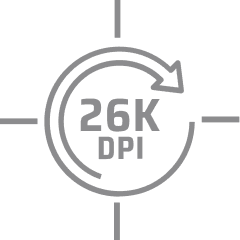
26k
DPI SENSOR
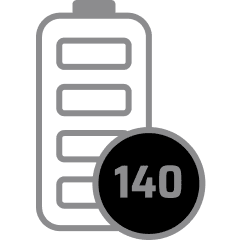
140HRS
BATTERY LIFE
BUILT FOR YOUR HAND
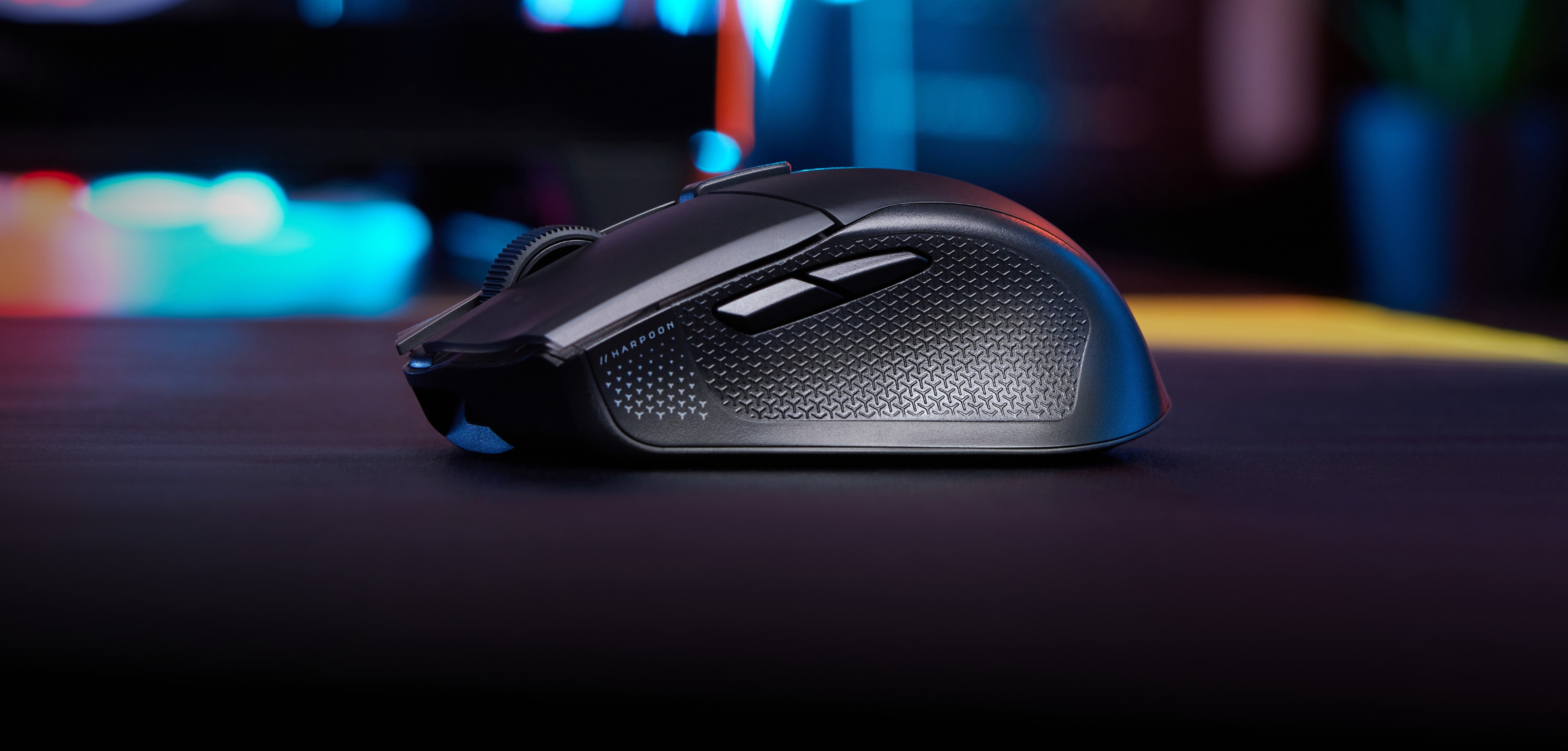
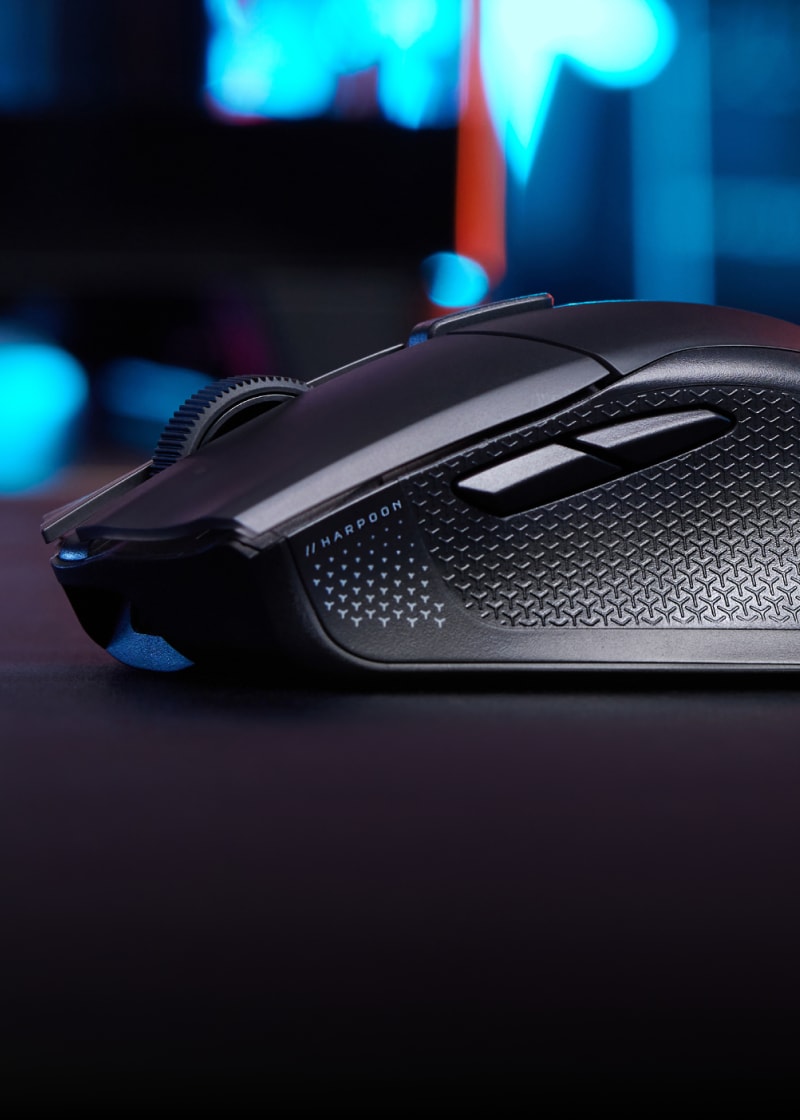
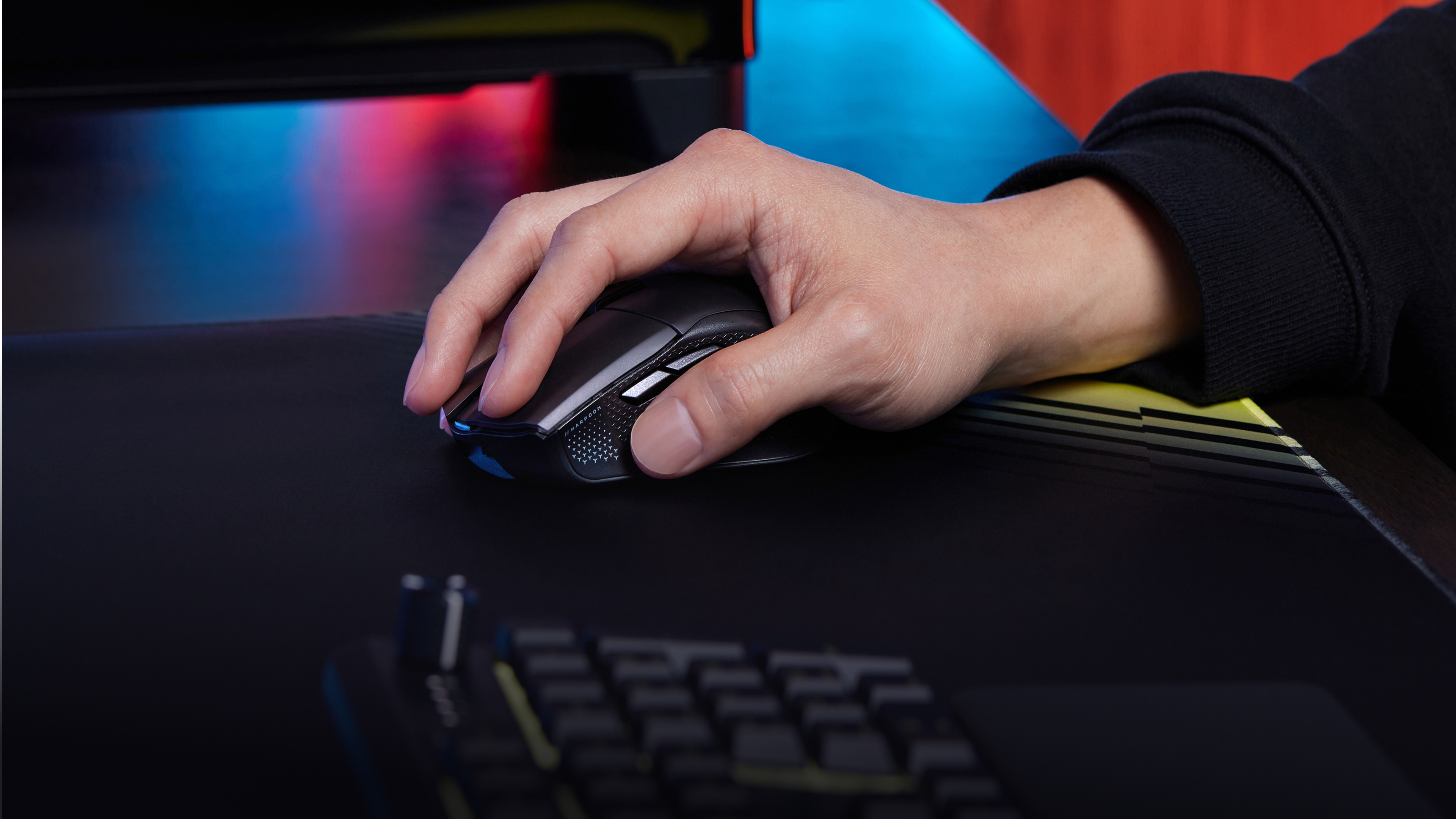
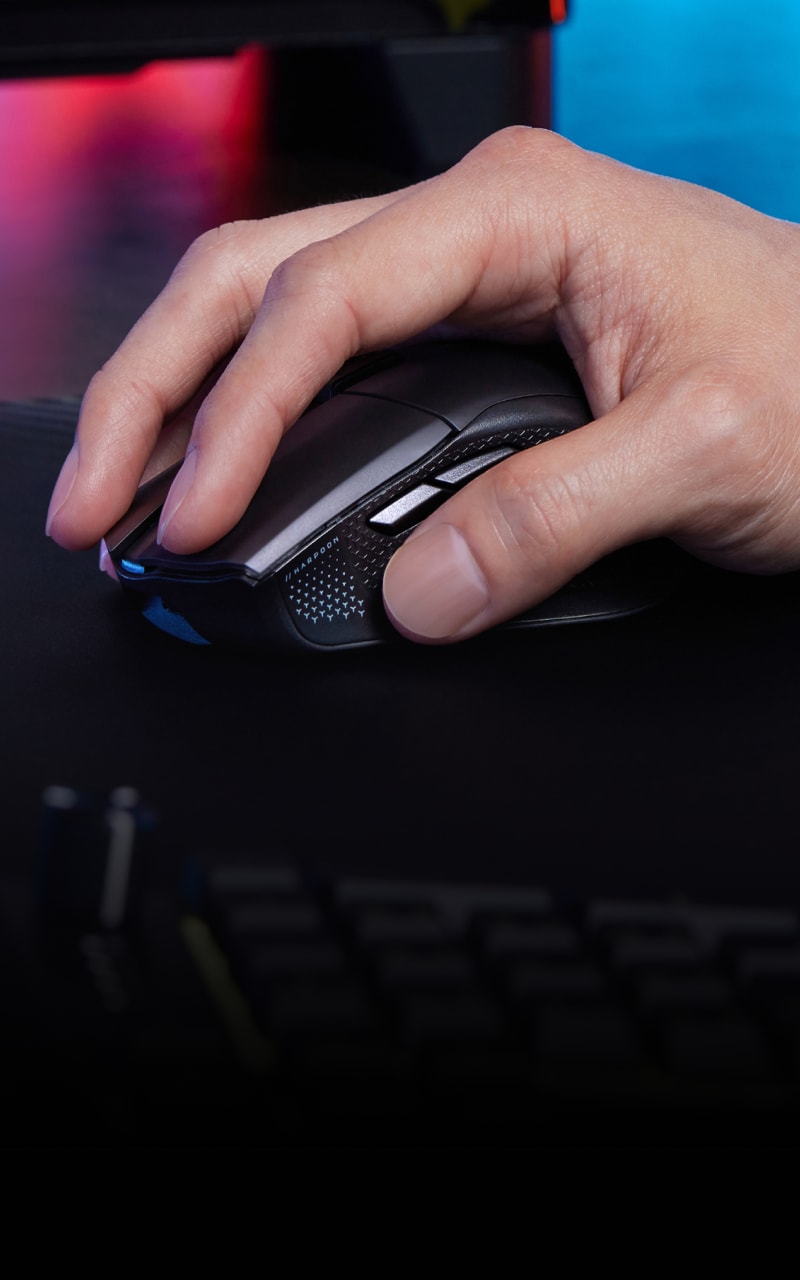
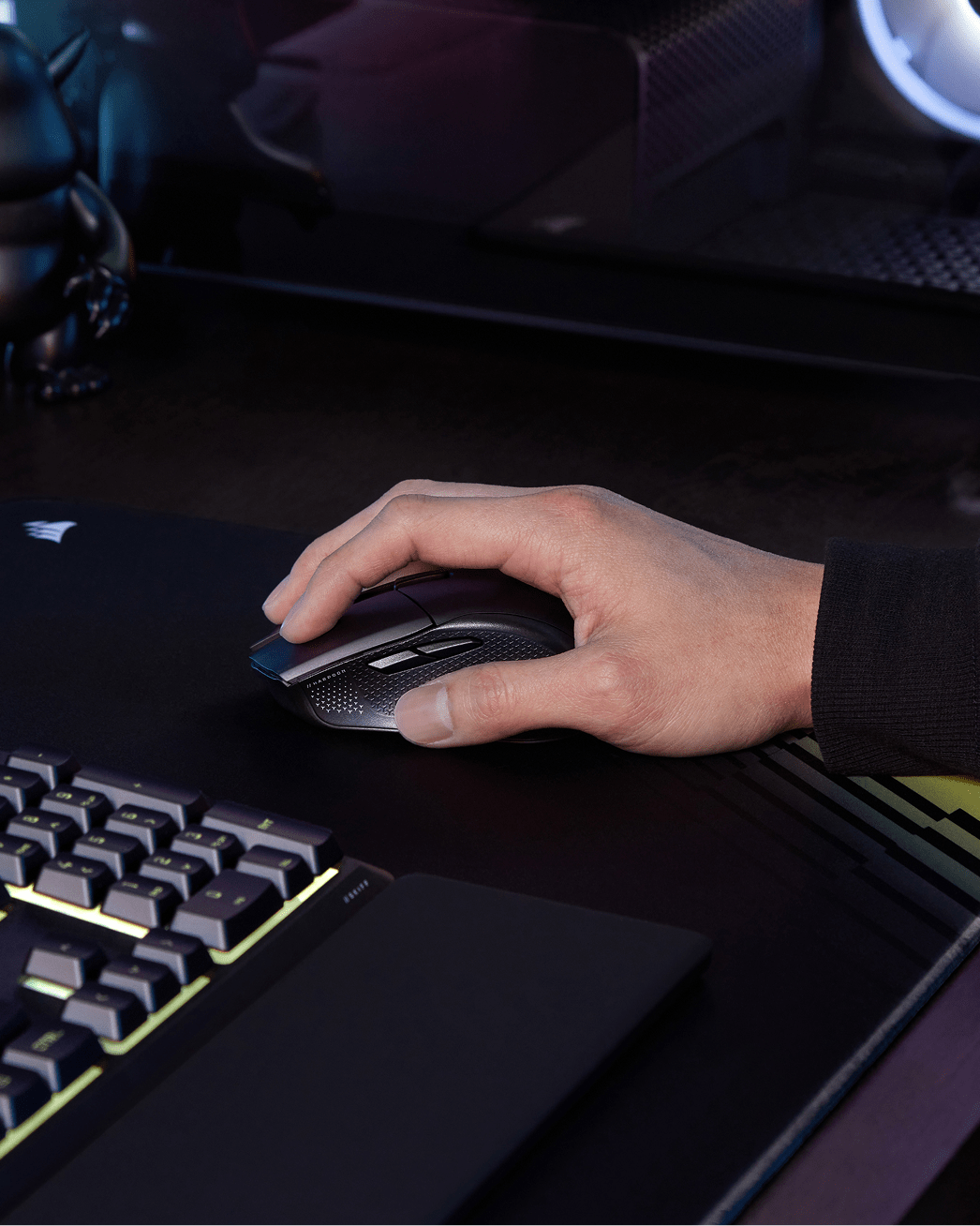
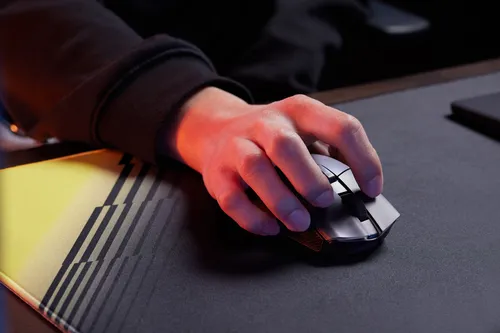
CORSAIR's iconic asymmetric ergonomic shape keeps your hand comfortable and supported. Leave symmetric mice behind with a built-in thumb rest and textured side grips that reduce fatigue and grip strain all session long.
PLAY SHARPER. PLAY LONGER.
MEET HARPOON v2 WIRELESS
TRI-MODE CONNECTIVITY
Up to 140 hours via 2.4GHz with RGB off, up to 210 hours via Bluetooth® with RGB off.
ICONIC ERGONOMIC SHAPE
Right-handed shape with thumb rest and side grips.
6 PROGRAMMABLE BUTTONS
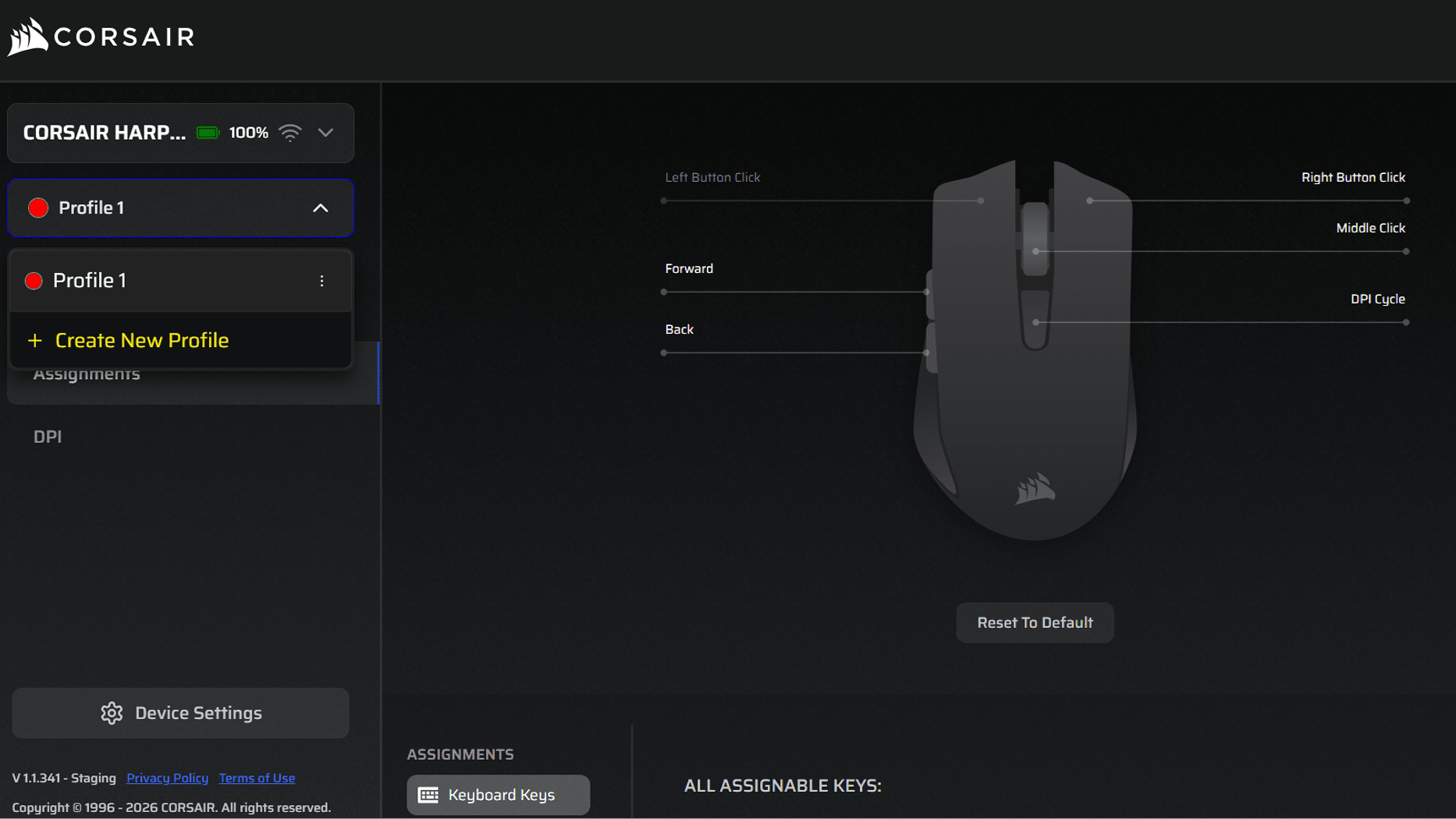
Customizable via web-based CORSAIR WEB HUB.
LONG-LASTING BATTERY LIFE
Up to 140 hours via 2.4GHz with RGB off, up to 210 hours via Bluetooth® with RGB off.
TRI-MODE CONNECTIVITY
Up to 140 hours via 2.4GHz with RGB off, up to 210 hours via Bluetooth® with RGB off.
ICONIC ERGONOMIC SHAPE
Right-handed shape with thumb rest and side grips.
6 PROGRAMMABLE BUTTONS
Customizable via web-based CORSAIR WEB HUB.
LONG-LASTING BATTERY LIFE
Up to 140 hours via 2.4GHz with RGB off, up to 210 hours via Bluetooth® with RGB off.
TRI-MODE CONNECTIVITY
Up to 140 hours via 2.4GHz with RGB off, up to 210 hours via Bluetooth® with RGB off.
TRI-MODE CONNECTIVITY
Up to 140 hours via 2.4GHz with RGB off, up to 210 hours via Bluetooth® with RGB off.
ICONIC ERGONOMIC SHAPE
Right-handed shape with thumb rest and side grips.
6 PROGRAMMABLE BUTTONS
Customizable via web-based CORSAIR WEB HUB.
LONG-LASTING BATTERY LIFE
Up to 140 hours via 2.4GHz with RGB off, up to 210 hours via Bluetooth® with RGB off.
TRI-MODE CONNECTIVITY
Up to 140 hours via 2.4GHz with RGB off, up to 210 hours via Bluetooth® with RGB off.
ICONIC ERGONOMIC SHAPE
Right-handed shape with thumb rest and side grips.
6 PROGRAMMABLE BUTTONS
Customizable via web-based CORSAIR WEB HUB.
LONG-LASTING BATTERY LIFE
Up to 140 hours via 2.4GHz with RGB off, up to 210 hours via Bluetooth® with RGB off.
TRI-MODE CONNECTIVITY
Up to 140 hours via 2.4GHz with RGB off, up to 210 hours via Bluetooth® with RGB off.
CORSAIR WEB HUB
Fine tune your logo lighting, button assignments, DPI, and more in your browser. Fast, lightweight, zero installation required.
The HARPOON v2 WIRELESS is designed for right-handed users. Its asymmetric ergonomic shape with a thumb rest and side grips is optimized for right-hand use.
The HARPOON v2 WIRELESS is best suited for palm and claw grip styles. The asymmetric ergonomic shape with a raised back and textured side grips provides natural support across these grip types.
The HARPOON v2 WIRELESS supports three connection modes: 2.4GHz wireless, Bluetooth, and detachable wired USB-C cable.
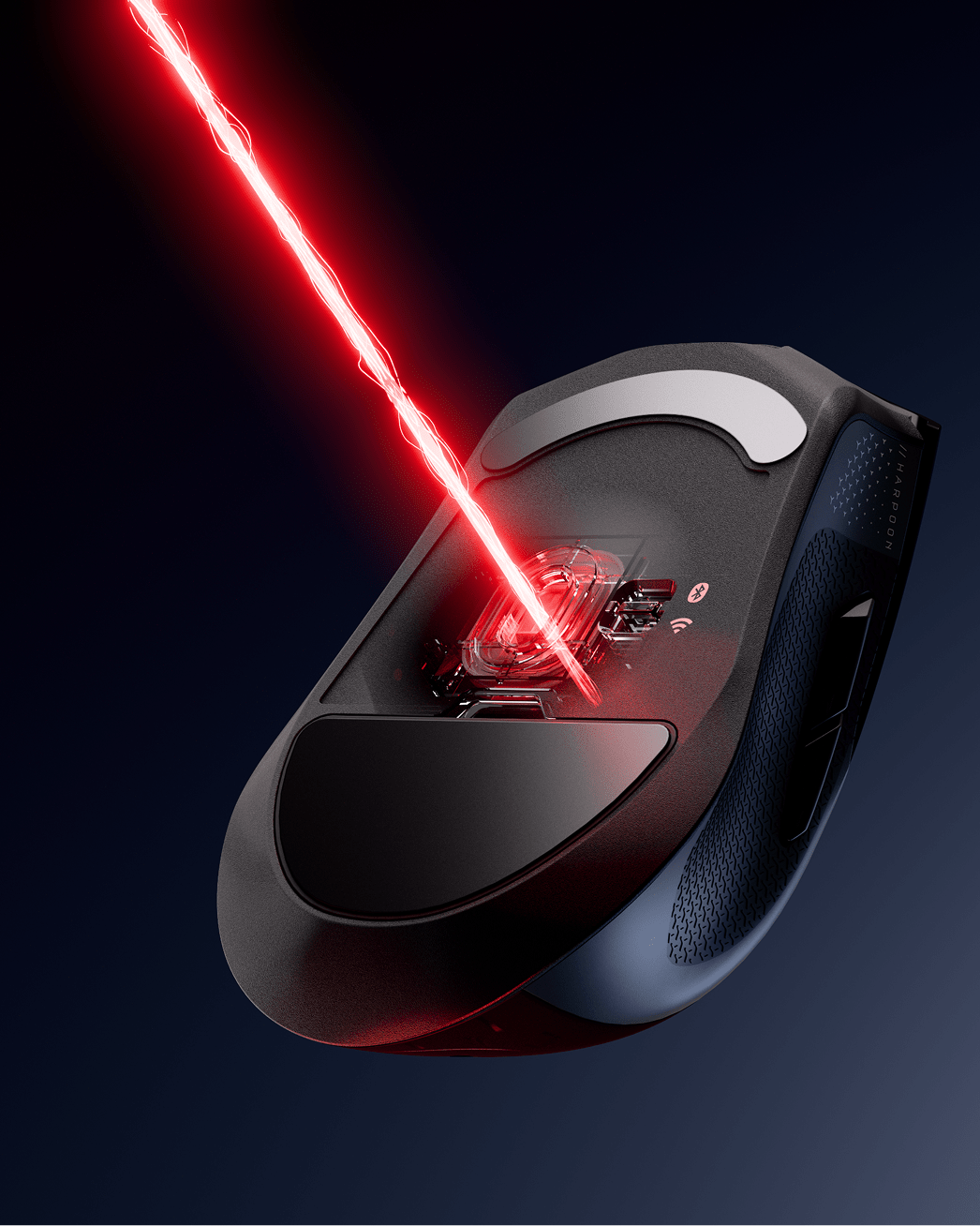
The CORSAIR MARKSMAN 26K sensor supports a maximum DPI of 26,000, with up to 650 IPS tracking speed and 50G acceleration.
Press the DPI button to cycle through up to 5 DPI stages. The Multi-Purpose Indicator LED will display the corresponding DPI stage color for 3 seconds when switching. Default DPI stages are: 400 (red), 800 (orange), 1200 (yellow), 1600 (green), and 3200 (blue). Advanced DPI configuration is available via CORSAIR Web Hub.
The HARPOON v2 WIRELESS uses CORSAIR Web Hub for all mouse configurations.
The HARPOON v2 WIRELESS supports a polling rate of up to 1,000Hz in both wired and wireless modes.
The HARPOON v2 WIRELESS delivers up to 140 hours of battery life via 2.4GHz wireless with RGB off, and up to 210 hours via Bluetooth with RGB off. Battery status is communicated through the lighting indicator on the mouse.
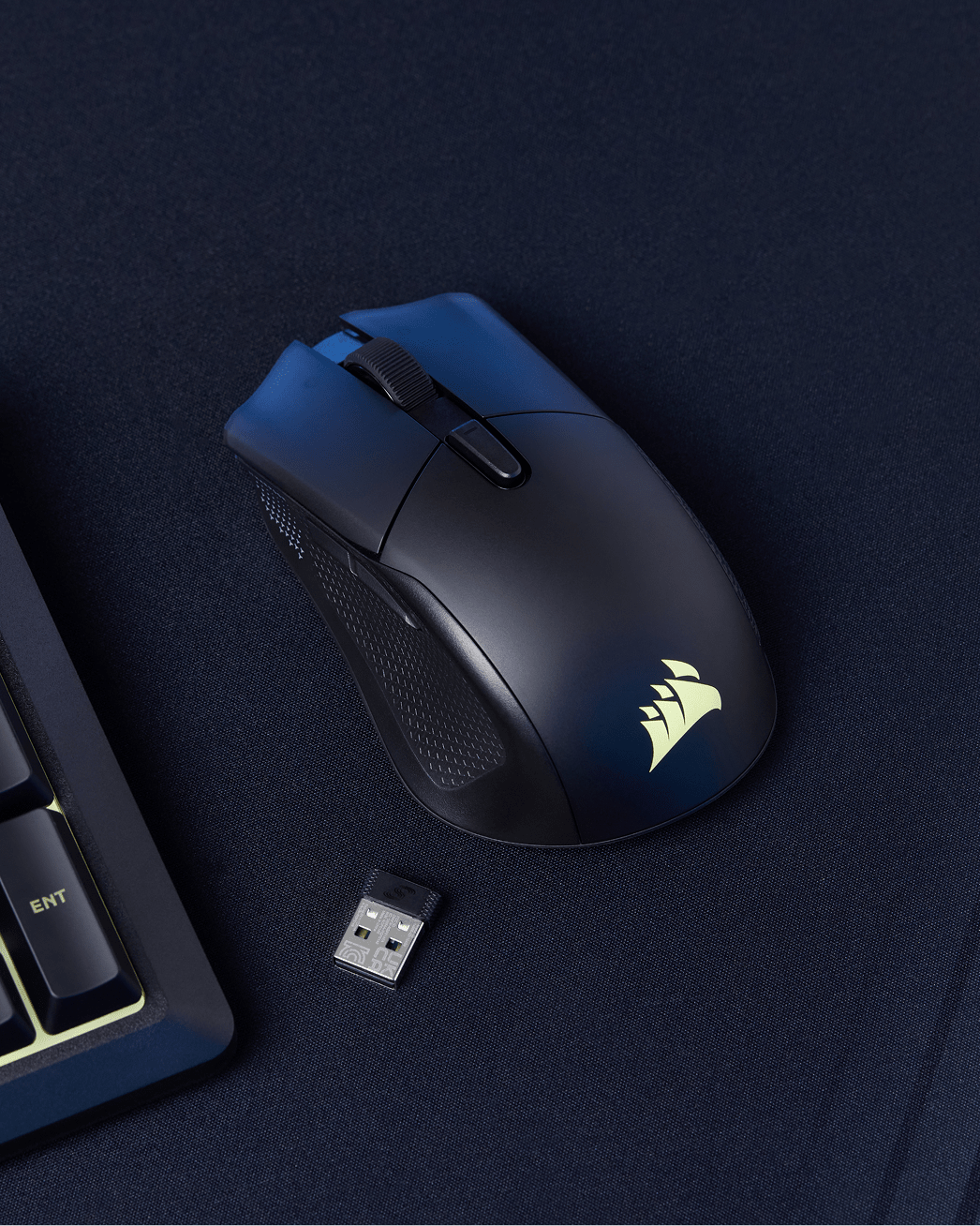
Yes. The USB wireless receiver can be stored in a compartment under the mouse feet. Press to tilt the feet open and access the dongle storage.
To update firmware, connect the mouse to a PC via USB-C cable and open CORSAIR Web Hub at corsair.com/web-hub. Authorize access and select the mouse. If a firmware update is available, the "Update Firmware" button will illuminate — press it and select "Proceed" to begin. Do not unplug the mouse or close the browser during the update process. It is recommended to update firmware before first use for the best experience.
The HARPOON v2 WIRELESS weighs 80g (±1g) and measures 115.5±0.5 mm (L) × 68.3±0.5 mm (W) × 40.4±0.5 mm (H).
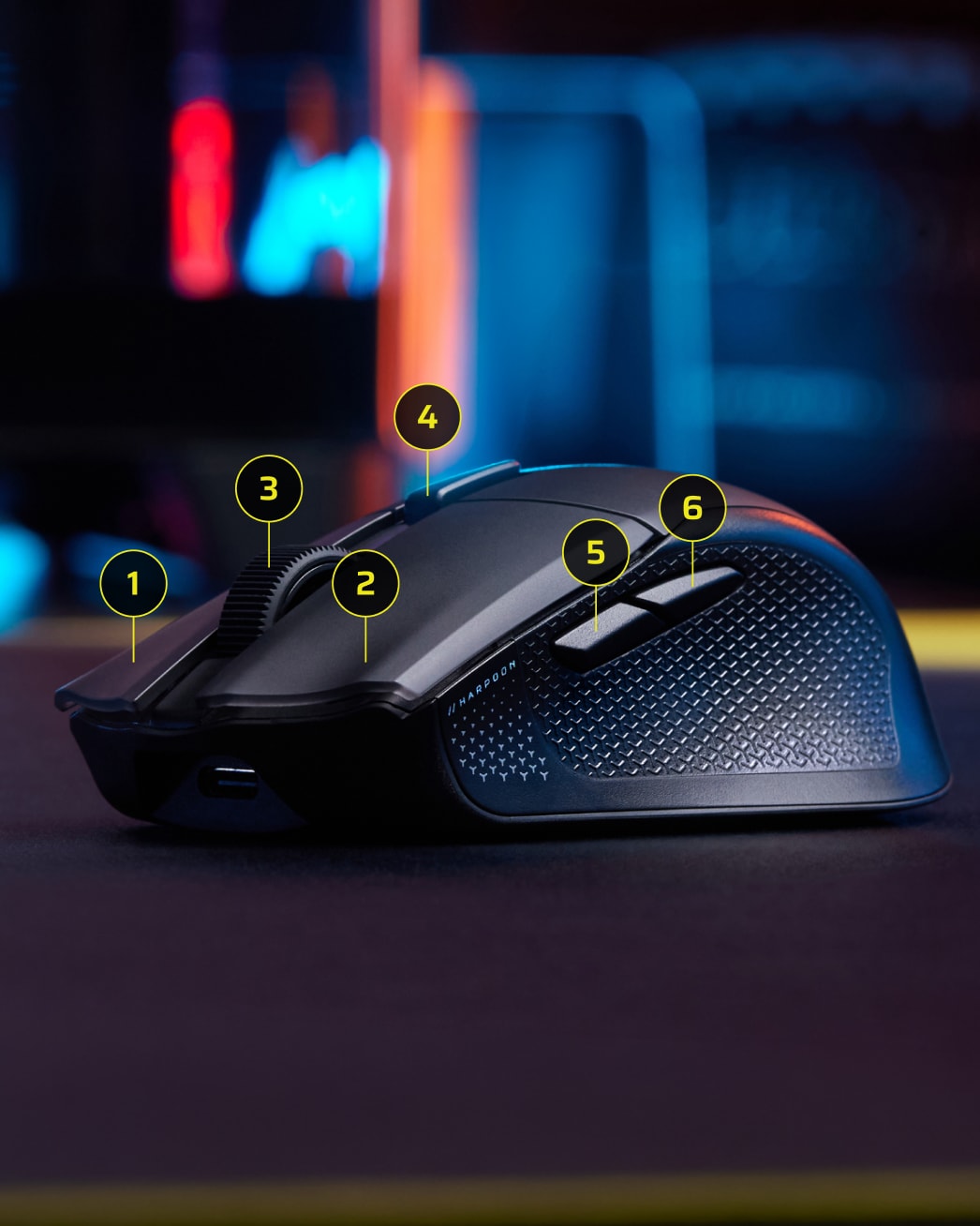
The HARPOON v2 WIRELESS features 6 programmable buttons: left mouse button, right mouse button, middle click/scroll wheel, forward button, back button, and DPI button. Button assignments and macros can be configured via CORSAIR Web Hub.
The HARPOON v2 WIRELESS features mechanical switches rated for up to 100 million clicks, delivering long-lasting reliability for extended gaming sessions.
Yes. The HARPOON v2 WIRELESS features a customizable RGB logo zone. Lighting effects can be adjusted via CORSAIR Web Hub.
Yes. The HARPOON v2 WIRELESS includes onboard memory supporting 1 saved profile.
The HARPOON v2 WIRELESS comes with a 2-year warranty.