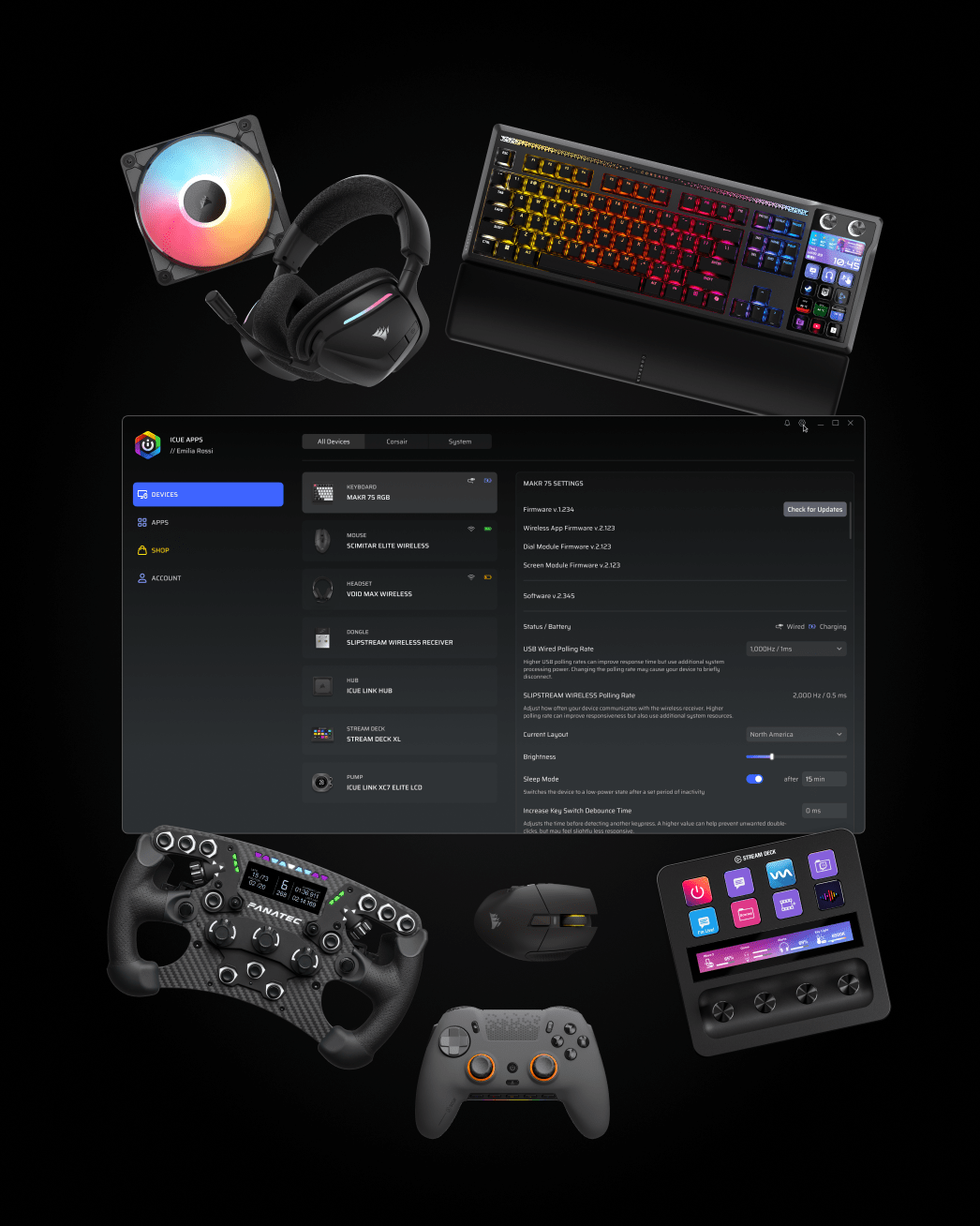
Install the features you want and use them when you need them. iCUE Apps is a new platform designed to deliver a simpler, more personalized experience.
DOWNLOAD iCUE APPS (BETA)
Not sure about your device compatibility? Check here if your device is compatible.
YOUR SETUP, YOUR WAY
ONE ACCOUNT. ONE ECOSYSTEM.
With our unified account, you can access software, services, stores, get updates, and support resources across entire CORSAIR family of brands, including CORSAIR, Elgato, SCUF Gaming, and Fanatec.
The platform will provide:
Personalized home experience
Relevant news and updates
Centralized software management
Access to applications and services
Enhanced support experiences
BACKWARDS COMPATIBLE
The new platform is designed to support innovation and broader integrations while maintaining a consistent user experience.
All iCUE supported devices are on the market will soon be supported in iCUE Apps. Meanwhile, compatibility between iCUE and iCUE Apps will be maintained, so you can use one that you prefer.
PRODUCT COMPATIBILITY
Check if your gear is currently supported in iCUE Apps (Beta).
Search results
Loading products…Product data is currently unavailable. Please try again later.No supported products found.SupportedPartially SupportedNo Longer SupportedSupport coming {date}Search results
JOIN US ON THE JOURNEY.
THIS IS ONLY THE BEGINNING.
Over the upcoming months, we'll share more details, early previews, community
opportunities, and ways for you to help shape the future of the platform.
Supports: {devices}LEARN MORELEARN MORE - {name}
By Corsair
Description
FAQ
No, iCUE Apps is not an iCUE update. It is a new platform built on a completely new architecture, with a lightweight core application, a Device Manager to control all CORSAIR devices, and an à la carte selection of purpose-built apps that you can install to your preferences.
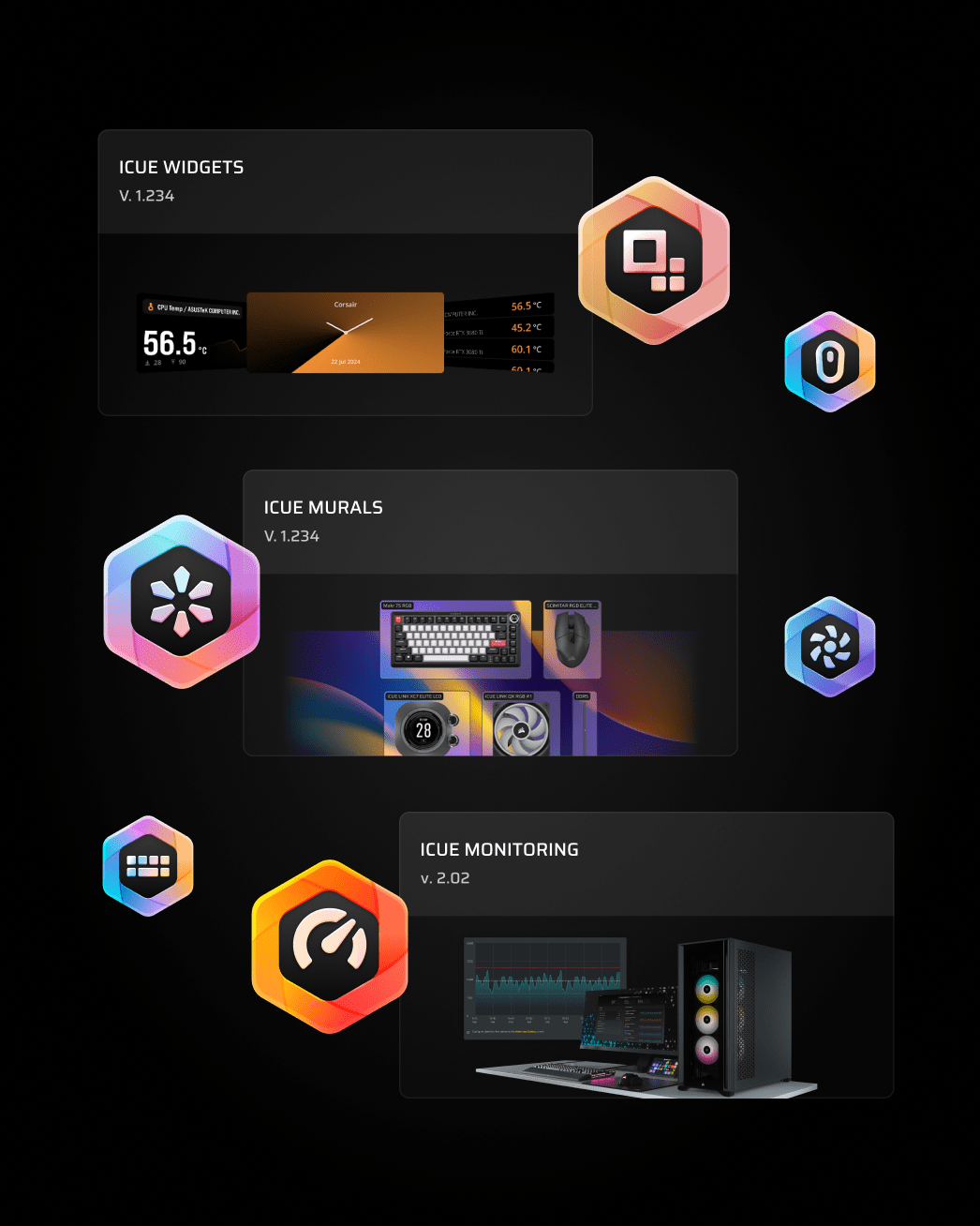
iCUE 5 packages all device configurations, lighting tools, and system services into a single application. iCUE Apps decouples these components into a lightweight core Device Management layer and independent apps such as iCUE Murals and iCUE Monitoring. It also serves as a host and launcher for Elgato and other applications. These applications run on their own update cycles and utilize significantly fewer system resources.
All new CORSAIR devices will be supported by iCUE Apps but not by iCUE 5. We will continue to maintain iCUE 5 to support existing devices.
This is a new platform, and we are actively developing new apps and features. Some devices, like VOXARA, are fully supported, while others may not yet support all functionality. Although the software is thoroughly tested internally and safe to use, we are keeping it in Beta while we collect user feedback and add additional functionality. Each app will exit Beta individually as it matures.
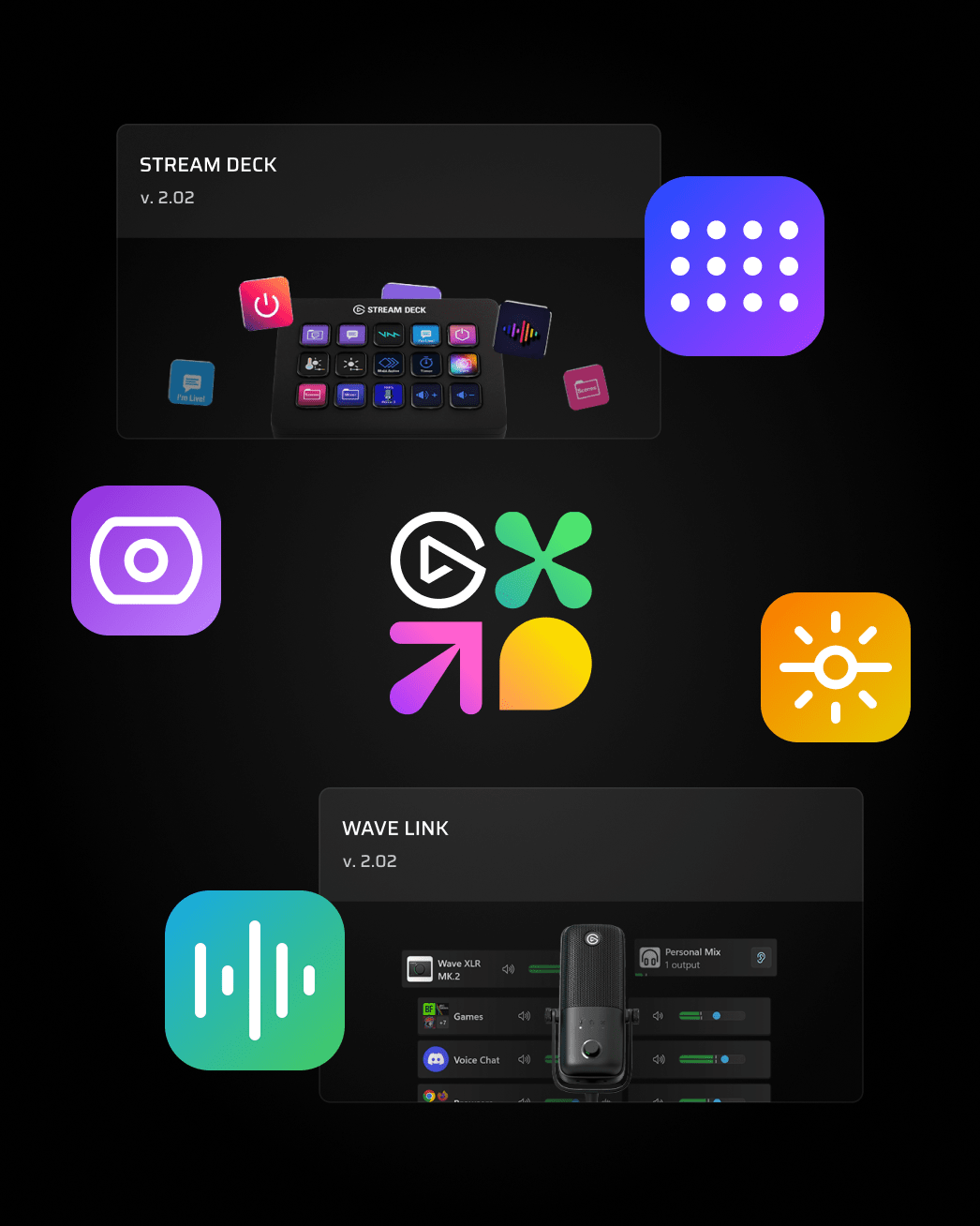
No, Elgato apps are not in Beta. They are available in iCUE Apps for user convenience and a more unified setup experience. Elgato apps maintain their proven quality and independence, as they are installed separately.
Our goal is to support all devices currently supported by iCUE in iCUE Apps. We are continually testing and expanding hardware support. Use the device compatibility checker above to view the support status and timeline for your devices.
Operating System: Windows 11 or Windows 10 (64-bit, latest service packs).
Hardware: Compatible CORSAIR peripherals, internal components, or Elgato hardware.
Internet Connection: Required for initial setup, account synchronization, and app downloads.
Yes, iCUE Apps can be installed on the same PC as iCUE 5 (version 5.48 or newer). However, they cannot run simultaneously. To prevent device hook conflicts and USB driver contention, ensure iCUE 5 is completely closed from your Windows system tray before launching iCUE Apps, and vice versa.
Profiles saved to onboard device memory will remain untouched. Due to major architectural changes in the new platform, software-based profiles from iCUE will not be supported directly.
Each app will have its own release cadence. We plan to release updates every few months. You will receive in-app notifications whenever app updates, core patches, or new applications become available.
An account is optional for core local device configuration. However, creating an account or logging in enables Elgato Marketplace integration (in apps that support it).
You can uninstall iCUE Apps at any time using the standard Windows Installed Apps / Add or Remove Programs menu. After uninstallation, you can continue using iCUE 5 as usual.