BLOG
How to Choose the Right Gaming PC: CPU vs GPU vs RAM Explained
Choosing the right gaming PC starts with understanding three core components: the CPU, GPU, and RAM. Each one affects performance differently, and the best choice depends on how you play.
For most gamers, the GPU has the biggest impact on gaming performance, especially at 1440p and 4K. The CPU matters more for high frame rates, competitive games, and streaming, while RAM helps your system run games and apps smoothly at the same time.
The right gaming PC is not always the one with the most expensive individual part. It is the one with the right balance of CPU, GPU, and RAM for your games, monitor, and performance goals.
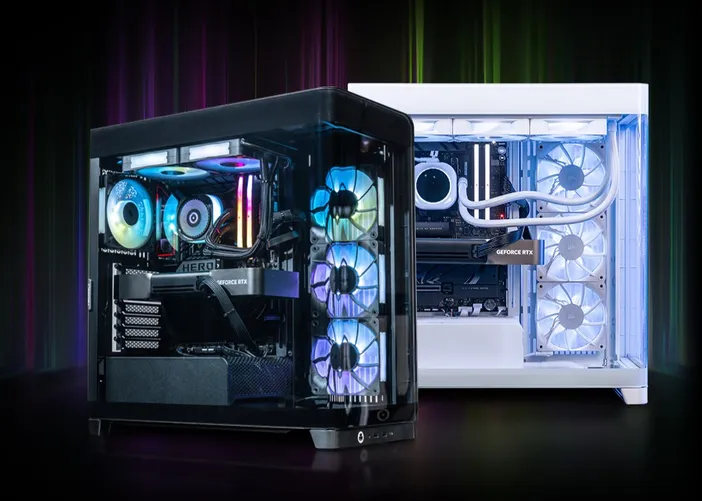
Quick Answer: CPU vs GPU vs RAM for Gaming
| Component | Purpose | Importance |
| CPU | Handles game logic, physics, AI, and background tasks | Competitive gaming, high FPS, streaming |
| GPU | Renders graphics, lighting, textures, effects, and resolution | 1440p, 4K, ray tracing, AAA games |
| RAM | Helps games and apps run smoothly at the same time | Multitasking, streaming, open-world games |
In general, choose a stronger CPU for high-FPS competitive gaming, a stronger GPU for higher resolution gaming, and at least 16GB to 32GB of RAM for smooth modern performance.
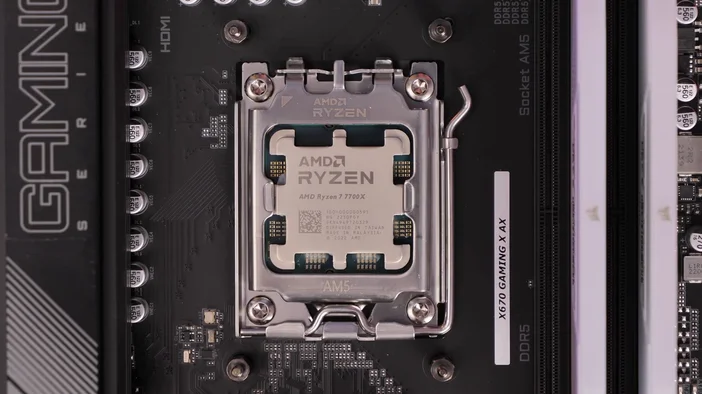
What Does the CPU Do in a Gaming PC?
The CPU, or central processing unit, helps your PC process instructions. In games, it handles things like physics, AI behavior, player input, background tasks, and overall system responsiveness.
A powerful CPU is especially important when you want high frame rates. This is why CPU performance can matter more in competitive games, especially at 1080p with a high refresh rate monitor.
CPU performance matters most for:
- Competitive esports games
- High refresh rate gaming
- 1080p performance
- Strategy and simulation games
- Gaming while streaming
- Multitasking while gaming
If you play games like Counter-Strike 2, Valorant, Fortnite, League of Legends, or Apex Legends, a strong CPU can help your system stay responsive and push higher frame rates.
What Does the GPU Do in a Gaming PC?
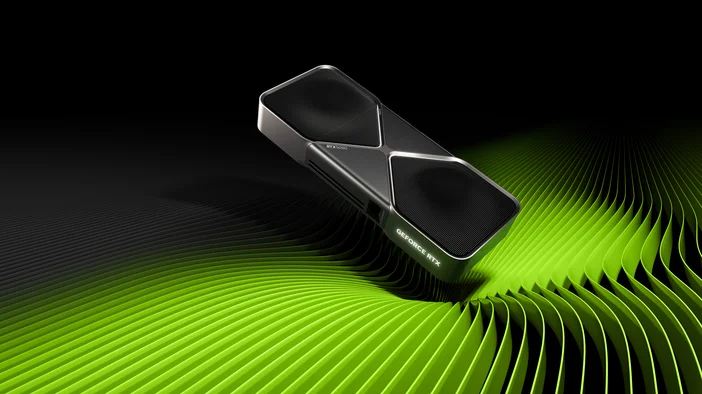
The GPU, or graphics processing unit, is the component that drives visual performance. It renders the game world, including textures, lighting, shadows, reflections, effects, and resolution.
For most modern games, the GPU is the most important part of a gaming PC. The higher your resolution and graphics settings, the more your system depends on the GPU.
GPU performance matters most for:
- 1440p gaming
- 4K gaming
- AAA games
- Ray tracing
- Ultra graphics settings
- High-resolution textures
- Large or ultrawide monitors
If you want to play visually demanding games at higher settings, prioritize the graphics card. A stronger GPU gives your gaming PC more room to handle detailed environments, advanced lighting, and smoother frame rates at higher resolutions.
What Does RAM Do in a Gaming PC?
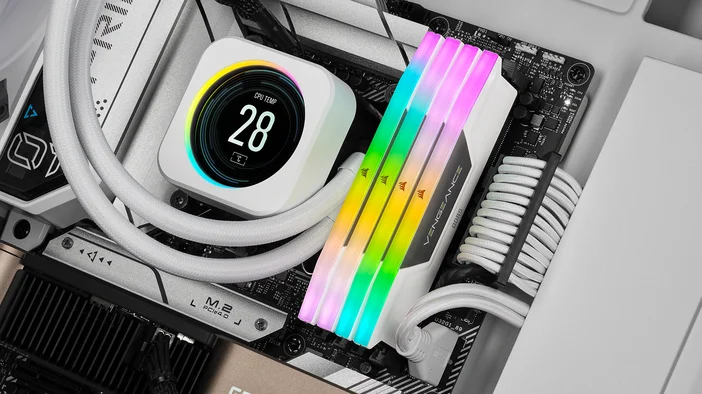
RAM, or random access memory, helps your PC quickly access the data it is actively using. For gaming, RAM helps your system keep the game, operating system, voice chat, browser tabs, launchers, and streaming software running smoothly.
RAM usually does not increase frame rates the same way a GPU upgrade can. Instead, having enough RAM helps prevent slowdowns, stuttering, and poor multitasking performance.
RAM matters most for:
- Gaming with Discord open
- Streaming with OBS
- Keeping browser tabs open while gaming
- Large open-world games
- Modded games
- Content creation
- Heavy multitasking
For most modern gaming PCs, 16GB of RAM is a practical starting point. For gaming while streaming, playing large open-world games, or multitasking heavily, 32GB is a better target. Power users who also edit videos, create content, or run demanding applications may want even more.
| Use Case | Recommended RAM |
| Casual gaming | 16GB |
| Competitive gaming | 16GB to 32GB |
| 1440p gaming | 32GB |
| 4K gaming | 32GB |
| Gaming and streaming | 32GB |
| Heavy mulitasking or content creation | 32GB+ |
What Should You Prioritize in a Gaming PC?
The best gaming PC specs depend on what you want to do. A competitive gamer playing at 1080p has different needs than someone playing cinematic single-player games at 4K.
| Gaming goal | What to prioritize |
| 1080p competitive gaming | Strong CPU, capable GPU, 16GB to 32GB RAM |
| 1440p gaming | Strong GPU, modern CPU, 32GB RAM |
| 4K gaming | High-end GPU, strong CPU, 32GB RAM or more |
| Gaming and streaming | Strong CPU, strong GPU, 32GB RAM or more |
| Ready-built performance | Balanced CPU, GPU, memory, and storage |
Best Gaming PC for 1080p
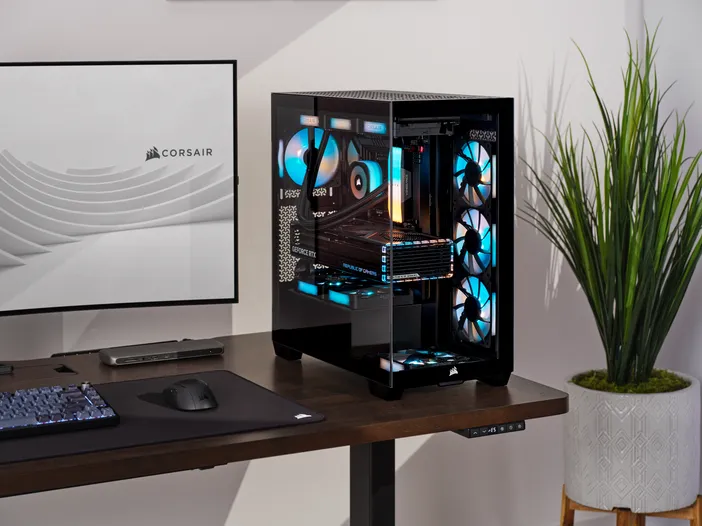
For a ready-built desktop suited for 1080p gaming, explore the CORSAIR VENGEANCE i7600 Gaming PC, configured with an Intel Core Ultra 5 processor, GeForce RTX 5060 Ti graphics, 16GB DDR5 memory, and a 1TB SSD.
Best Gaming PC for 1440p
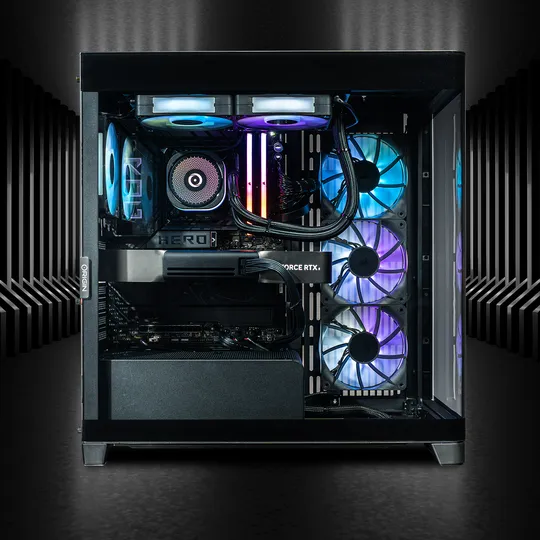
For many PC gamers, 1440p is the sweet spot. It offers sharper visuals than 1080p without being as demanding as 4K. At this resolution, the GPU becomes more important, but the system still needs a strong CPU and enough RAM to stay balanced.
For a balanced custom gaming desktop built for high-end 1440p performance, explore the ORIGIN PC NEURON.
Best Gaming PC for 4K
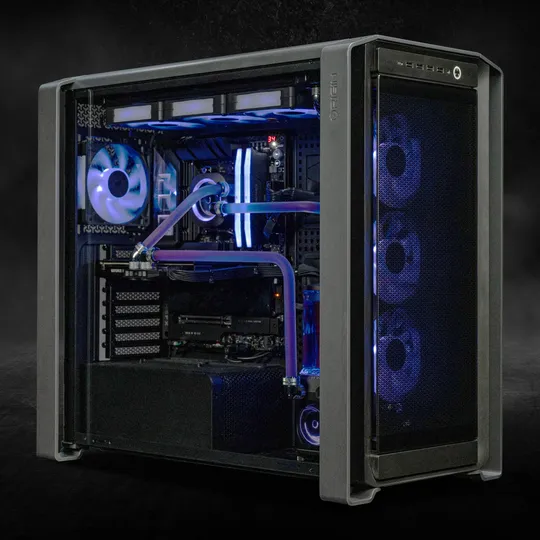
For 4K gaming, prioritize the GPU. A 4K display requires your graphics card to render more detail, so a powerful GPU is essential for smooth gameplay at high settings.
For high-end 4K gaming, explore the ORIGIN PC GENESIS, configurable with liquid-cooled GeForce RTX 5080 or RTX 5090 graphics and up to 128GB of memory.
Best Gaming PC for Streaming
For gaming and streaming, balance matters. Your system needs enough CPU power for game performance and background tasks, enough GPU power for smooth visuals, and enough RAM to run streaming software, chat, alerts, browser tabs, and other apps at the same time.
Streaming can also place extra demand on cooling, especially during longer sessions. That makes a premium desktop a strong choice for players who want to game, stream, edit clips, and multitask from the same system.
For a custom desktop built with extra performance headroom for gaming and streaming, explore the ORIGIN PC MILLENNIUM.
Why a Balanced Gaming PC Matters
A great gaming PC is not defined by one component alone. The CPU, GPU, RAM, storage, cooling, and power supply all work together to shape real-world performance.
A high-end graphics card can be limited by an underpowered CPU in some games. A powerful CPU will not help much at 4K if the graphics card cannot keep up. And even a strong CPU and GPU can feel sluggish if the system does not have enough RAM for the game and background apps.
The best choice is the system that matches your resolution, games, and workload.
Choose the Right Gaming PC for the Way You Play
Once you know whether CPU, GPU, or RAM matters most for your setup, choosing a gaming PC becomes much easier. Start with your target resolution, then consider whether you need extra headroom for streaming, multitasking, or future upgrades.
FAQ
Is CPU or GPU more important for gaming?
The GPU is usually more important for gaming, especially at 1440p and 4K. The CPU becomes more important for competitive games, high frame rates, streaming, and multitasking.
How much RAM do I need for gaming?
Most gamers should start with 16GB of RAM, but 32GB is recommended for modern gaming, streaming, multitasking, and 1440p or 4K gaming.
What matters most for 4K gaming?
The GPU matters most for 4K gaming. A powerful graphics card helps your PC render higher resolutions, advanced lighting, high-resolution textures, and ray tracing more smoothly.
What is the best gaming PC for streaming?
The best gaming PC for streaming has a strong CPU, a powerful GPU, and at least 32GB of RAM. Streaming adds extra workload, so a balanced system is more important than focusing on one component.
PRODUKTAI STRAIPSNYJE
Stay up to date with CORSAIR. Get our latest News, Guides, and Product Updates in your Google feeds.
Add CORSAIR as a preferred source
JOIN OUR OFFICIAL CORSAIR COMMUNITIES
Join our official CORSAIR Communities! Whether you're new or old to PC Building, have questions about our products, or want to chat about the latest PC, tech, and gaming trends, our community is the place for you.