If you have not configured the ELITE LCD Display in iCUE, the LCD Display will show the following unanimated screen by default:
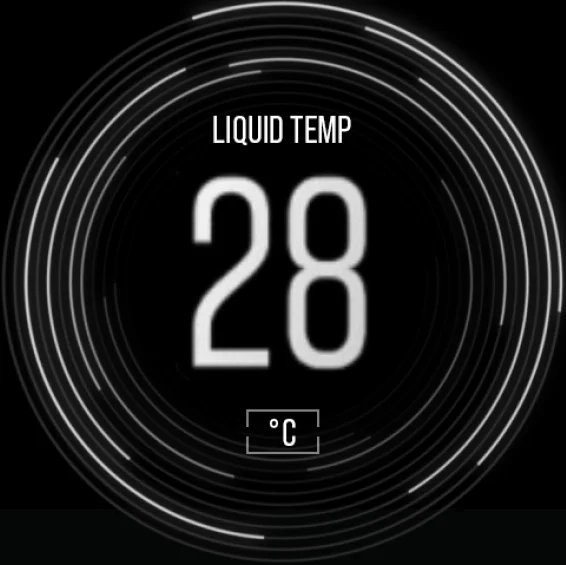
However, the hardware screen may appear on the LCD after configuration in iCUE if older iCUE system files prevent the LCD user interface from displaying properly.
If you see the hardware screen and are unable to control the LCD, first double-check that everything is plugged in correctly. If everything is plugged in, try performing a full reinstall of iCUE to see if clearing the older system files resolves the issue.
JOIN OUR OFFICIAL CORSAIR COMMUNITIES
Join our official CORSAIR Communities! Whether you're new or old to PC Building, have questions about our products, or want to chat about the latest PC, tech, and gaming trends, our community is the place for you.