Have you ever browsed through a game's graphics settings and seen "frame rate limit", "FPS limit," or "FPS cap"? It's easily ignored, but it can be useful. It essentially locks the performance of your game to a certain threshold. While locking your game's performance sounds odd, it actually can provide some unmentioned benefits for your gaming experience.
What a Frame Rate Limit Actually Does
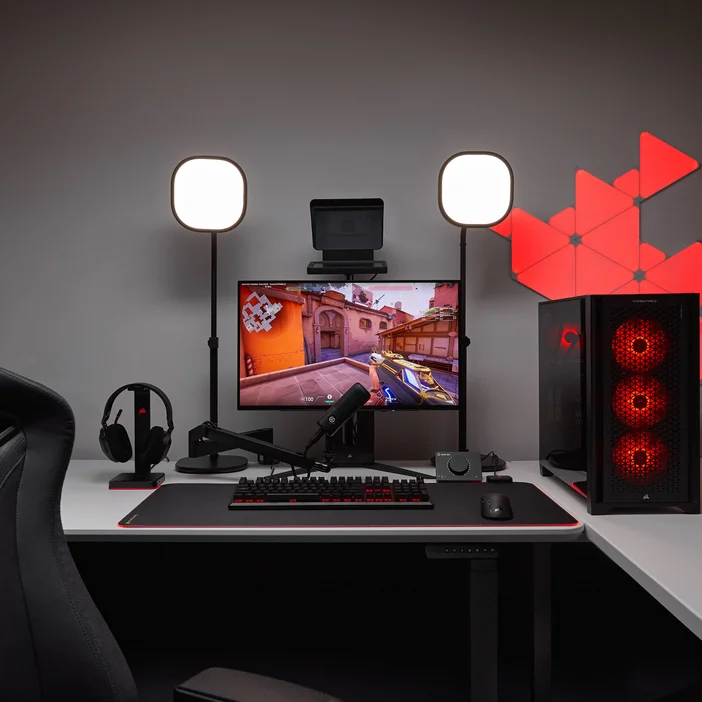
With the frames per second (FPS) limit/cap option enabled in your game's settings, you're essentially telling your PC to constrict its performance to a certain threshold. If you set your FPS limit to 60 FPS, then your computer will no longer render more than 60 FPS. In the cases of enabling the FPS limit, you'd typically assign your game's FPS limit to match your monitor's refresh rate, as making your PC render more frames per second than your monitor can display is a waste.
For example, if you are playing Valorant on a 144 Hz monitor while your PC can achieve ~200 FPS, the ~56 (200 - 144) additional frames aren't exactly necessary as your monitor's refresh rate can only output the performance of 144 FPS. So, rather than have your computer do the work of outputting 200 FPS for a display that can only support up to 144 FPS, you assign the FPS limit to spare your PC's hardware from unnecessarily working harder.

Benefits of Frame Rate Limit
Having a frame rate limit yields multiple benefits:
- Smoother Gameplay - Rather than having your game experience fluctuate (ex. one scene is ~100 FPS, meanwhile the next scene is ~60 FPS), you can gain a consistently smooth gameplay by enabling the frame rate limit.
- Screen Tearing Prevention - Screen tearing can ruin a game's visuals and negatively impact your gaming experience. With a frame rate limit, you're able to heavily reduce or eliminate screen tearing.
- Reduced System Strain - Since your game's performance is capped, your computer's hardware (notably GPU and CPU) won't have to work as hard to output the maximum amount of FPS. This leads to reductions in:
- Power consumption
- Temperatures
- Fan Noise
Drawbacks of Frame Rate Limit
While a frame rate limit does have benefits, there are some potential cons to be aware of:
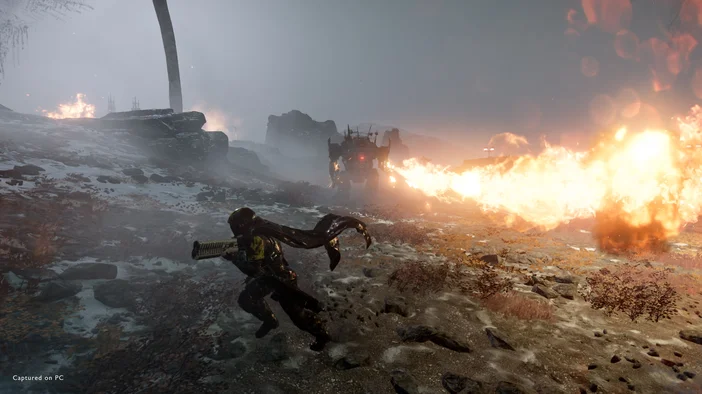
- Microstutter - microstutters can be introduced and provide quick but tedious pauses where they negatively impact your gaming experience - contradicting smoother gameplay. Frame rate limiter performance can vary between different games, but a poorly integrated frame rate limiter can lead to jittery motion.
- Input lag - Like VSync, frame rate limit can also introduce input lag. With a higher FPS count, you're typically able to see a faster response based on your mouse clicks and keyboard inputs. But with a lower FPS count, you may not be able to reap those benefits.
When to Enable Frame Rate Limit
Experiences with frame rate limiters can vary from game to game, depending on how well optimized the game is. However, here are a few scenarios where it's clear you should enable frame rate limit:
- Component stability - if your GPU, CPU, or any other component is overheating and leading to consequences such as your PC or game crashing, then it may be in your best interest to enable the frame rate limiter so your components can operate at a lower temperature/workload until you fix the root issue. If overheating is an issue, then it's worth investigating whether your PC has sufficient cooling.
- Sparing resources for other tasks - if you are doing any background tasks such as streaming and recording, then you might need to leave some spare performance for those tasks.
- Smooth gaming experience - if you'd rather have a smooth gaming experience and don't want to deal with the random fluctuations in FPS count, then the frame rate limiter is for you. Gaming isn't about the maximum FPS bragging rights.
PRODUCTS IN ARTICLE
JOIN OUR OFFICIAL CORSAIR COMMUNITIES
Join our official CORSAIR Communities! Whether you're new or old to PC Building, have questions about our products, or want to chat about the latest PC, tech, and gaming trends, our community is the place for you.