Artificial Intelligence, Machine Learning, and Data Science demand more than standard PCs. Training large models, running complex simulations, and processing massive datasets require a blend of GPU acceleration, system RAM, and storage bandwidth. The right AI PC goes beyond improving performance and helps unlock new possibilities.
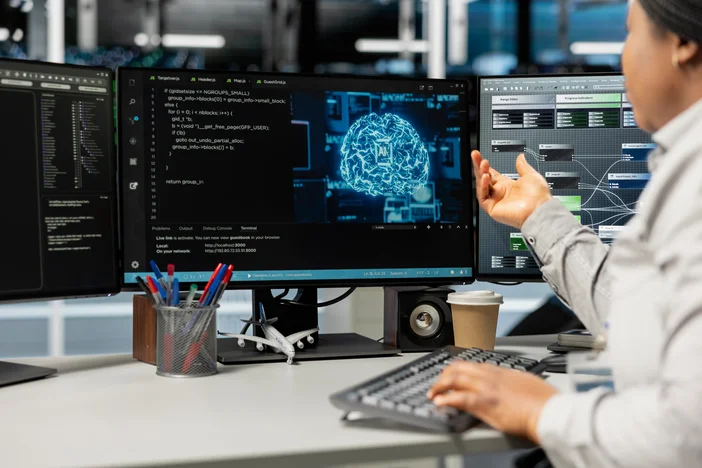
Core Needs for an AI PC
When choosing the best PC for AI, consider:
- GPU Power: Dedicated GPUs with high CUDA core counts and sufficient VRAM for training and inference workloads.
- System RAM: At least 128GB for professional AI and machine learning tasks.
- Storage: High-speed NVMe SSDs to support large datasets, model checkpoints, and rapid iteration.
- CPU Performance: Strong multi-core CPU performance to prevent data preprocessing and pipeline bottlenecks.
AI Workload Types in 2026 and Their PC Requirements
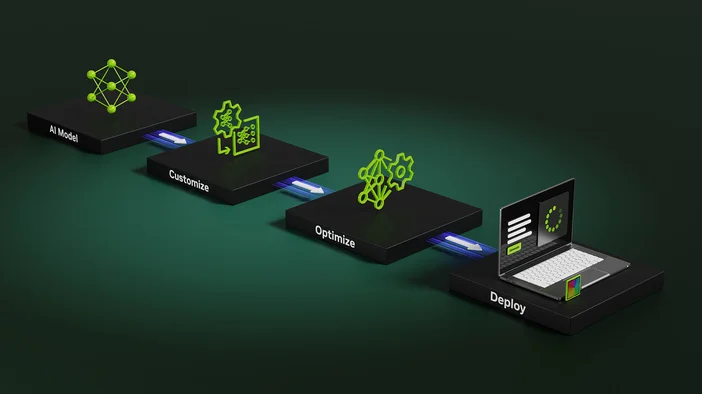
Not all AI tasks place the same demands on a PC. In 2026, the best AI systems are chosen based on workload type, model size, and how frequently models are trained or deployed.
AI Model Training
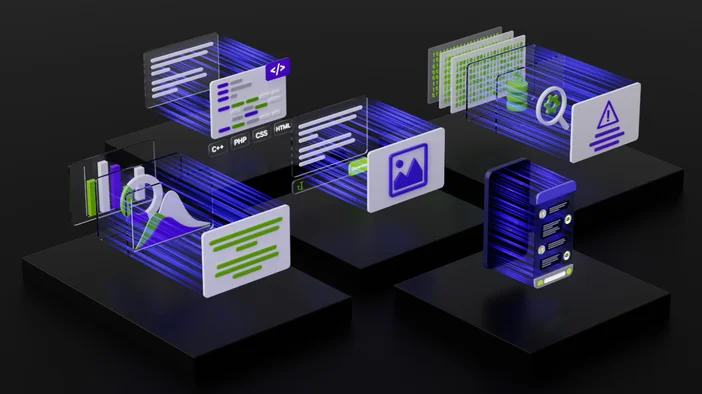
Training neural networks is the most hardware-intensive AI workload. It requires sustained GPU performance, large amounts of memory, and fast storage access.
Recommended hardware:
- GPU with high CUDA core counts and 24GB or more of VRAM for medium to large models
- 128GB of system RAM as a baseline for professional training workloads
- NVMe SSD storage, 2TB or more, to support datasets, checkpoints, and rapid iteration
- High-core-count CPU to prevent data loading and preprocessing bottlenecks
This type of workload benefits most from workstation-class systems designed for continuous compute loads.
AI Inference and Local LLMs
Inference workloads focus on running trained models efficiently. This includes local large language models, image generation, and real-time AI applications.
Recommended hardware:
- GPU with sufficient VRAM to hold the model in memory, typically 16GB to 24GB
- 64GB to 128GB of system RAM depending on model size
- Fast SSD storage for quick model loading and iteration
Inference places less strain on CPUs than training but still benefits from modern GPUs and ample memory.
Data Science and Preprocessing
Data preparation, analysis, and visualization are critical stages in AI workflows. These tasks are often CPU- and memory-heavy rather than GPU-bound.
Recommended hardware:
- High-core-count CPU for parallel data processing
- 64GB to 128GB of system RAM for large datasets
- NVMe SSD storage to accelerate data access and transformation
- GPU acceleration for visualization and exploratory modeling
Balanced systems perform best here, especially for mixed AI and analytics workflows.
Experimentation and Prototyping
Many AI professionals spend significant time experimenting with models, tuning parameters, and validating ideas before scaling up.
Recommended hardware:
- Flexible GPU and memory configurations that can adapt to changing workloads
- At least 64GB of RAM to support multitasking and multiple environments
- Reliable cooling and power delivery for long development sessions
Systems that scale well and remain stable under varied loads are ideal for this stage.
Why Workload Matching Matters
Choosing the best PC for AI in 2026 depends on matching hardware to how the system will actually be used. Training-focused workflows benefit from maximum GPU and memory capacity, while inference and data science workloads prioritize balance and efficiency.
Understanding your primary AI workload ensures better performance, fewer bottlenecks, and longer system relevance.
Recommended Workstations for AI Workloads
Flexible iGPU memory makes it well suited for AI experimentation and evolving development workflows.
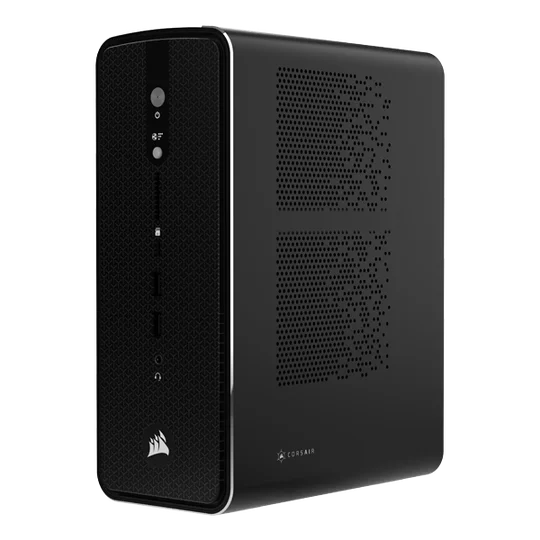
Balanced power for professional machine learning workflows, combining strong CPU performance with GPU acceleration.
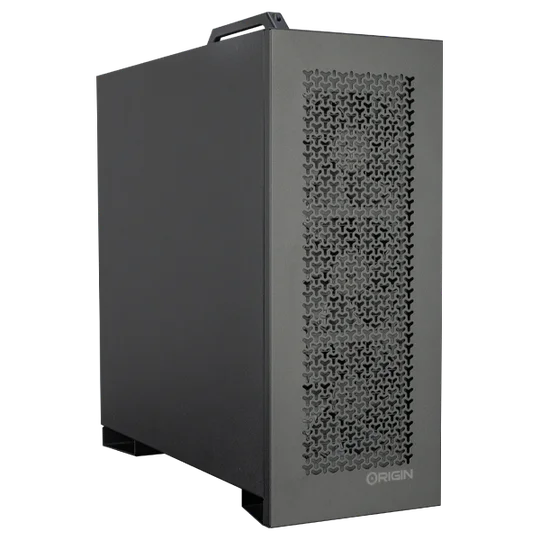
Optimized for large-scale training with multi-GPU configurations and advanced thermal solutions.
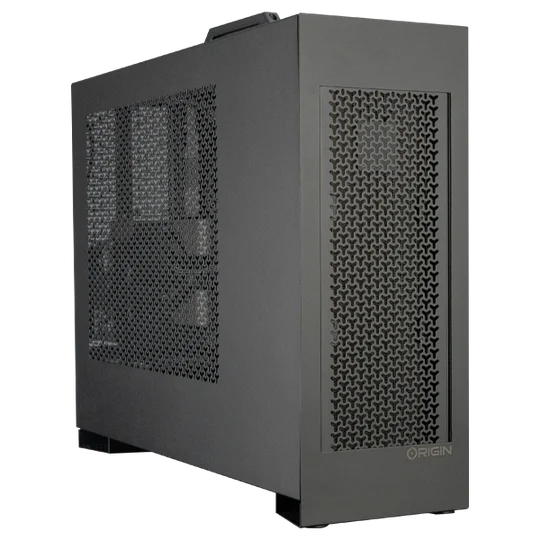
A portable AI powerhouse for researchers and data scientists who need mobile performance.
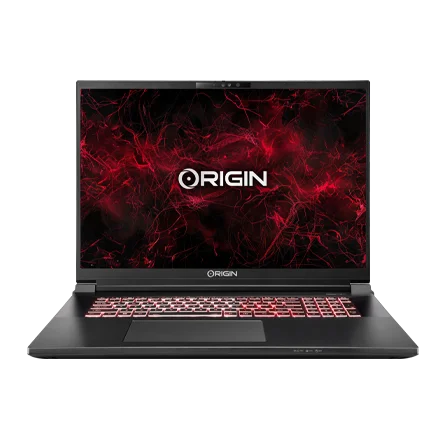
Why Flexible iGPU Memory Matters
Unlike fixed GPU memory, flexible iGPU memory provides dynamic allocation, helping AI professionals handle varied workloads. This adaptability supports faster experimentation, reduces bottlenecks, and improves overall efficiency in data science projects.
FAQ: AI PCs
What’s the best PC for TensorFlow or PyTorch?
For frameworks like TensorFlow or PyTorch, the M-CLASS v2 or L-CLASS v2 provide the GPU acceleration and system memory required for professional-grade tasks.
How much RAM do I need for a machine learning PC?
128GB is the starting point for professional AI work, though larger datasets may require 256GB or more.
Why choose a workstation over a gaming PC for AI?
While gaming PCs can handle entry-level AI, workstations like the CORSAIR AI Workstation 300 are purpose-built for scalability, reliability, and efficiency in real AI workflows.
Build Smarter with ORIGIN PC
AI and machine learning are shaping the future, and your hardware should be ready for it. ORIGIN’s CORSAIR AI Workstation 300, M-CLASS v2, L-CLASS v2, and EON18-X are designed to power the next generation of AI and data science innovation.
Explore the ORIGIN PC AI lineup today and find the best PC for your AI, machine learning, or data science workflow.
PRODUCTS IN ARTICLE
JOIN OUR OFFICIAL CORSAIR COMMUNITIES
Join our official CORSAIR Communities! Whether you're new or old to PC Building, have questions about our products, or want to chat about the latest PC, tech, and gaming trends, our community is the place for you.